

Pine Cove Production Map v 2.0


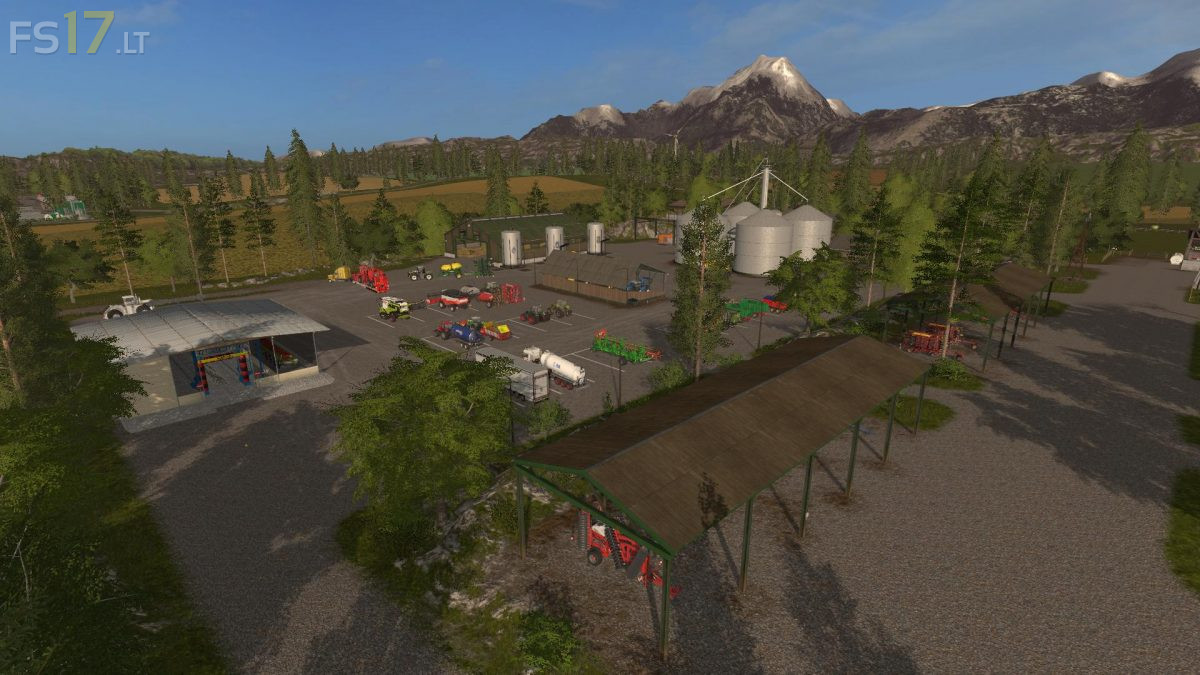
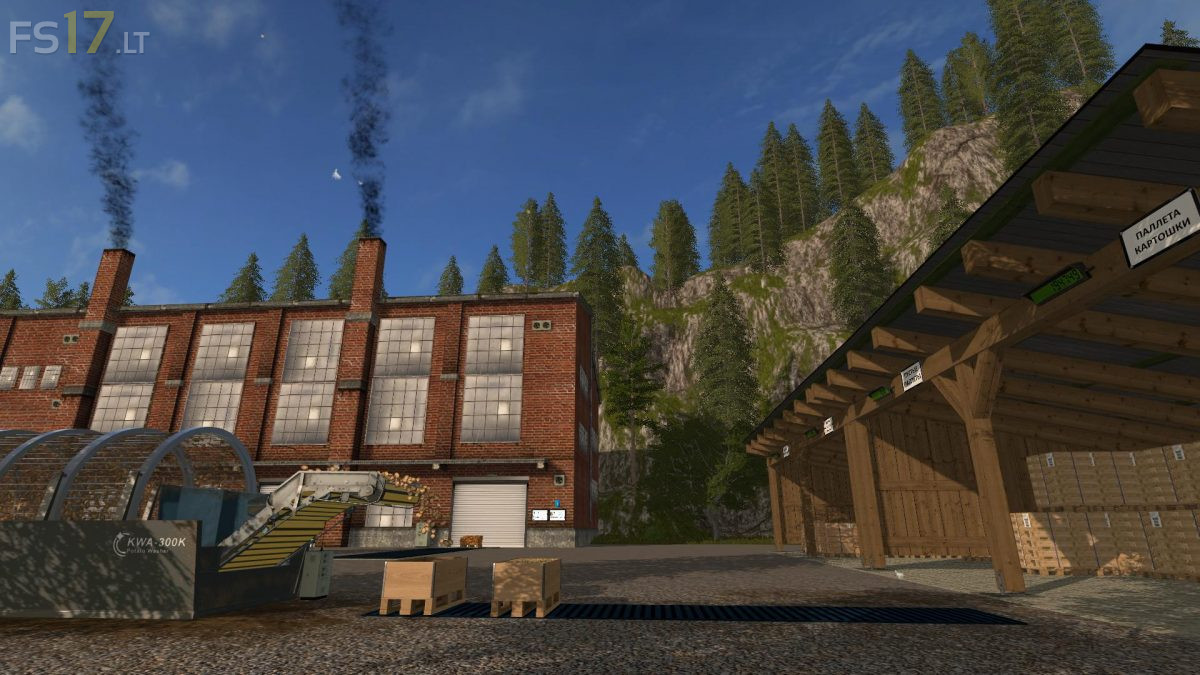
Pine Cove Production Map v 2.0
About the mod:
Version 2.0:
* Fixed a problem with not displaying the technique in the garage
* Fixed information on production monitors
* Points of fast movement and display of productions are added to the map
* Improved water
* Fixed bugs with access to gold bars
* The proportions of resource consumption in some industries have been revised
* At some points of loading, the loading speed and hopper volumes are increased
* The problem with the crane for loading logs has been fixed
* The translation has been improved
* Some visual and sound changes
Credits:
Stevie, Krists