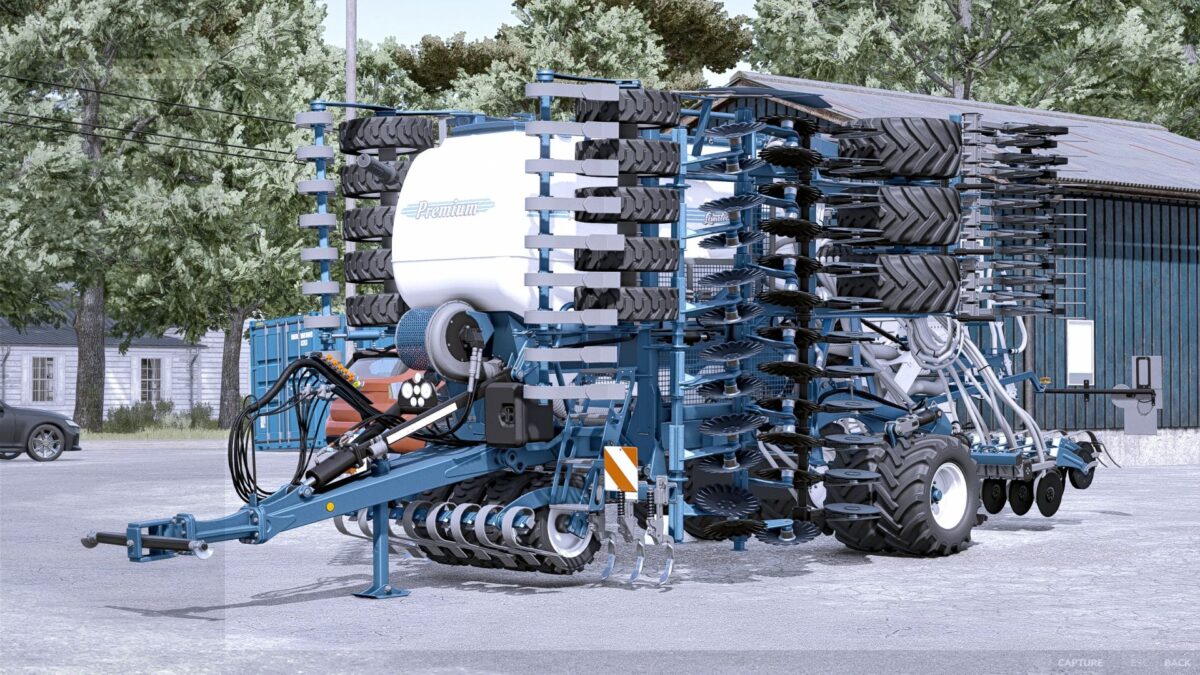
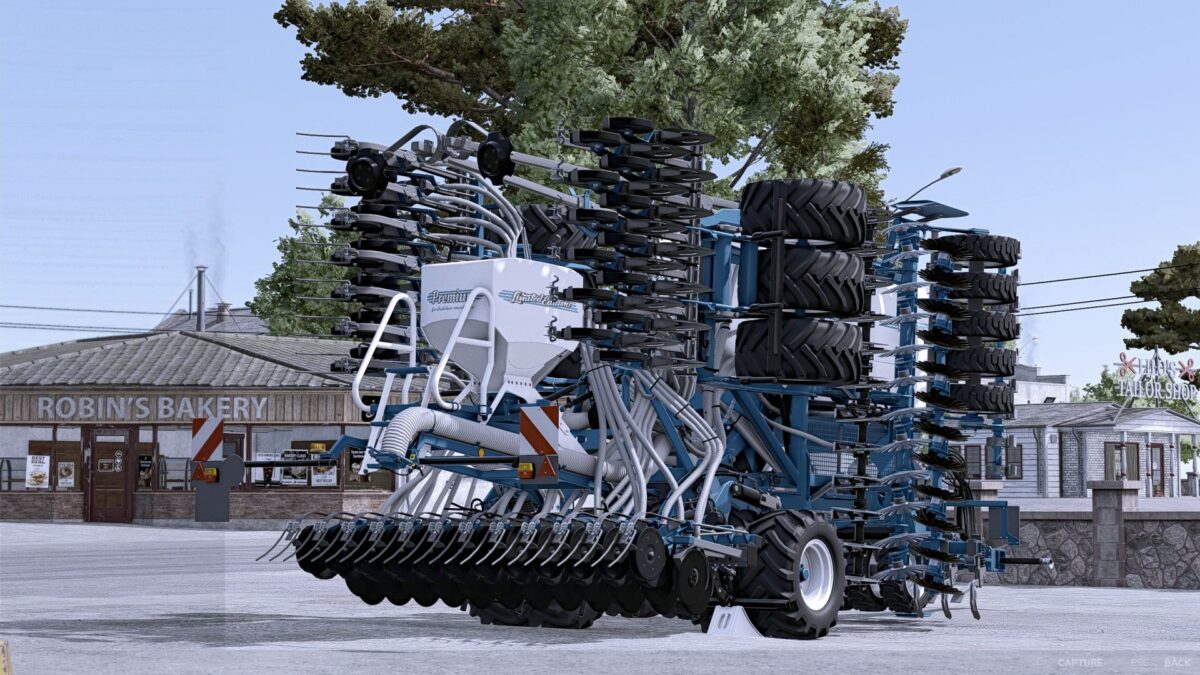
Bednar Omega 6000 Limited Edition v 1.0
Price 104,800
Working width 7m
Working speed 18 km/h
Crops: Wheat, barley, oats, rapeseed, long grain rice, oilseed radish, grass, peas,
spinach, corn, millet, sunflowers, soybeans, sugar beets, cotton and bush beans
Choice of Big Triangle with or without
Choice of decals: Standard, Limited Edition
Choice of logo on side arms: none, Limited Edition, Dolphins
Choice of 45 km/h sign with or without
Choice of capacity: Fertilizer / Seed 2000 / 3150 or 4000 / 6300
Color choice for main color, tank, auxiliary tank, design color, hoses, footplates, tines, track markers and rim color
Increased repair interval
Dolphin
How do I install Farming Simulator mods?
Find a mod that you like and want to download first. Then, on your PC, download a mod. Mods are typically in.zip format. However, it is sometimes in.rar format. If the mod file is in.zip format, no additional actions are required. If a file is in.rar format, you must unarchive it using software such as WinRar or Zip7. Windows 10 users do not need to use archive software; Win10 includes an unarchive feature.
The next step is to locate the mods folder on your computer. It is typically found in Documents/My Games/Farming Simulator [Your FS game version, e.g. 2022]. Open the "mods" folder and place the downloaded.zip archive or unarchived.rar file there.
The final step. Have fun with Farming Simulator mods!