

Lizard Unifire LF16/12 v 1.1

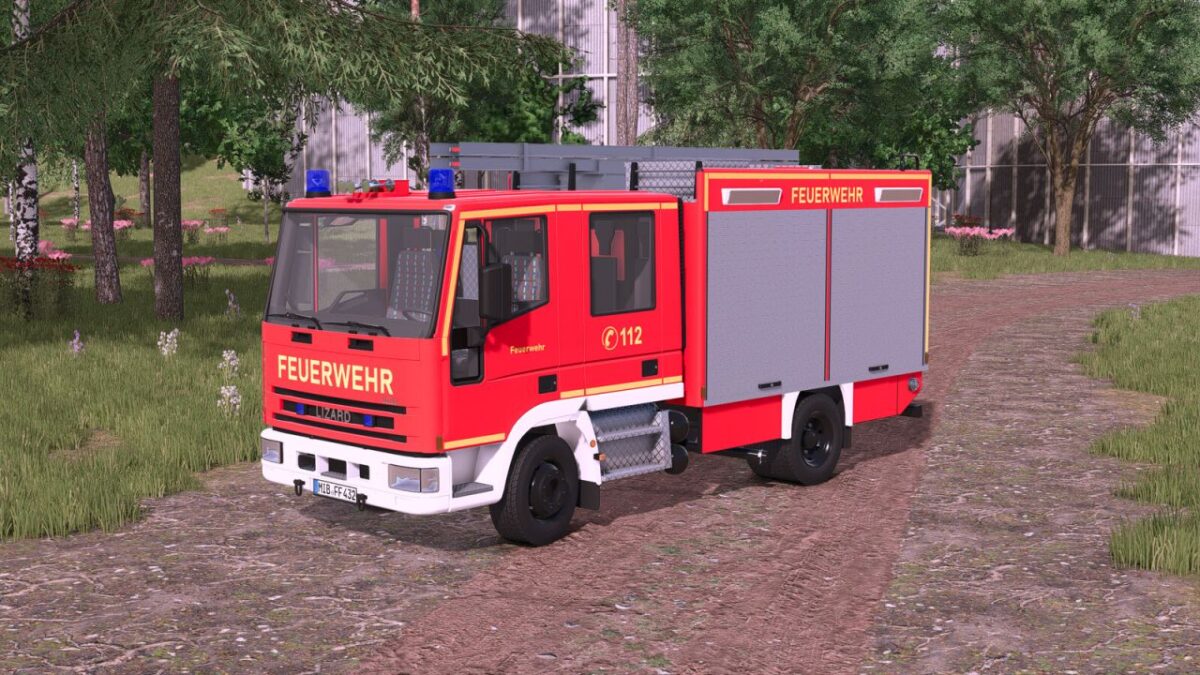
Lizard Unifire LF16/12 v 1.1
Shop category: Misc
Price: $75,000
Power: 180 hp
Top speed: 85 km/h
Water tank: 1200 l
Features:
– Animated speedometer
– Trailer hitch
– Blue lights
– Emergency siren via button “Open cover” or via VehicleAssistanceSystem (PC-only mod)
– Rear warning system via button “X” or via VehicleAssistanceSystem (PC-only mod)
– If the EmergencyPack becomes available again, these functions will be added in the future.
Configurations:
– Beacons (rotating mirror/xenon)
– Reflector color (gold/silver)
– Main color (red tone)
– Rim color
Version 1.1:
* Added: Extra design options
* Added: Roller door color is now configurable
* Added: Fire department lettering is now available in yellow and white
* Added: Functional, individually removable nozzle
* Added: Ladder is now foldable