

Farmland Auctions v 1.0

Farmland Auctions v 1.0
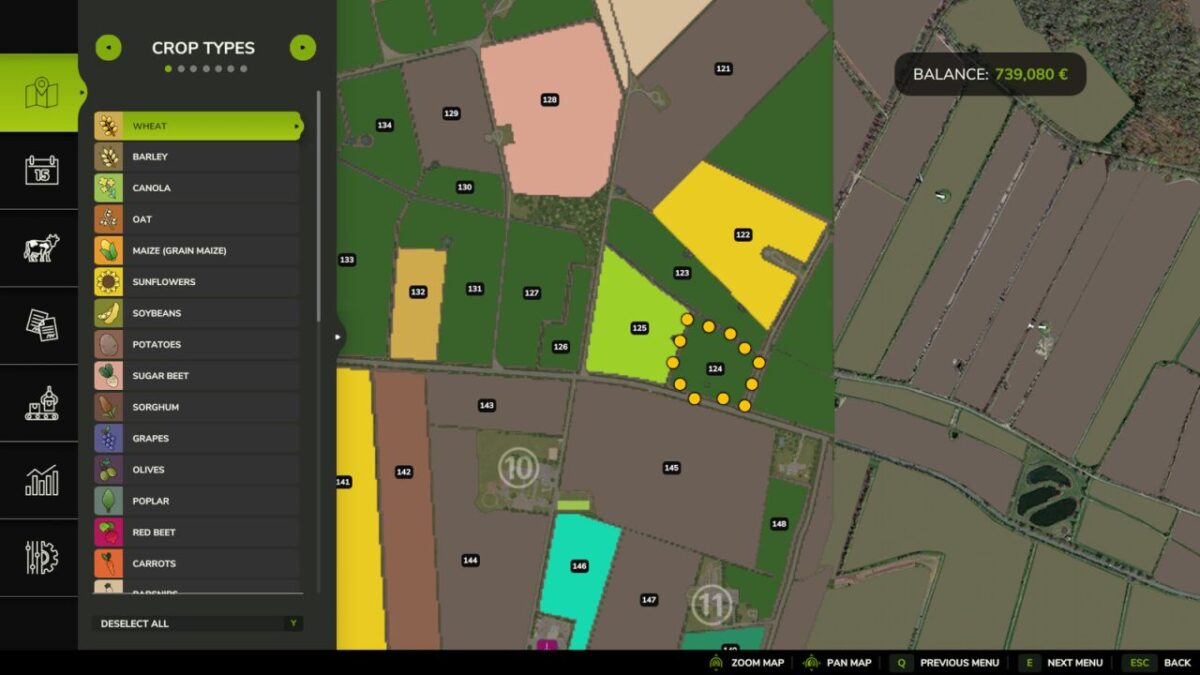
This mod adds regular farmland auctions.
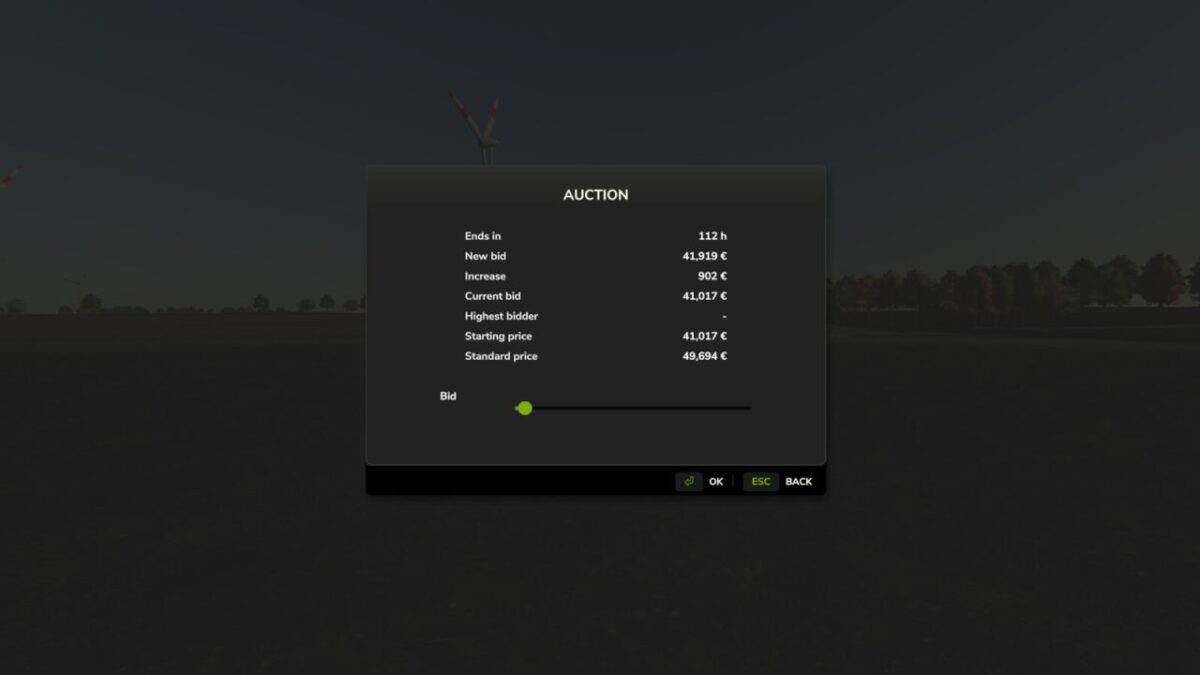
On auctioned land, bids can be placed directly on the field using the B key. Each new bid increases the current auction price and offers an alternative way to purchase land.
Depending on the mod settings, NPC bidders can be enabled or disabled. It is also possible to restrict farmland purchases so that land can only be bought through auctions while a standard purchase is blocked.
In multiplayer, farms can bid against each other.
Available console commands:
– faStartNow -> starts the next auction immediately
– faStartAuction -> starts an auction manually for a specific farmland
– faEndNow -> ends the current auction immediately
– faCancelAuction -> cancels the current or scheduled auction
– faSetAuctionTime -> sets the minimum and maximum auction duration