

Steyr T80 v 2.0.0.4

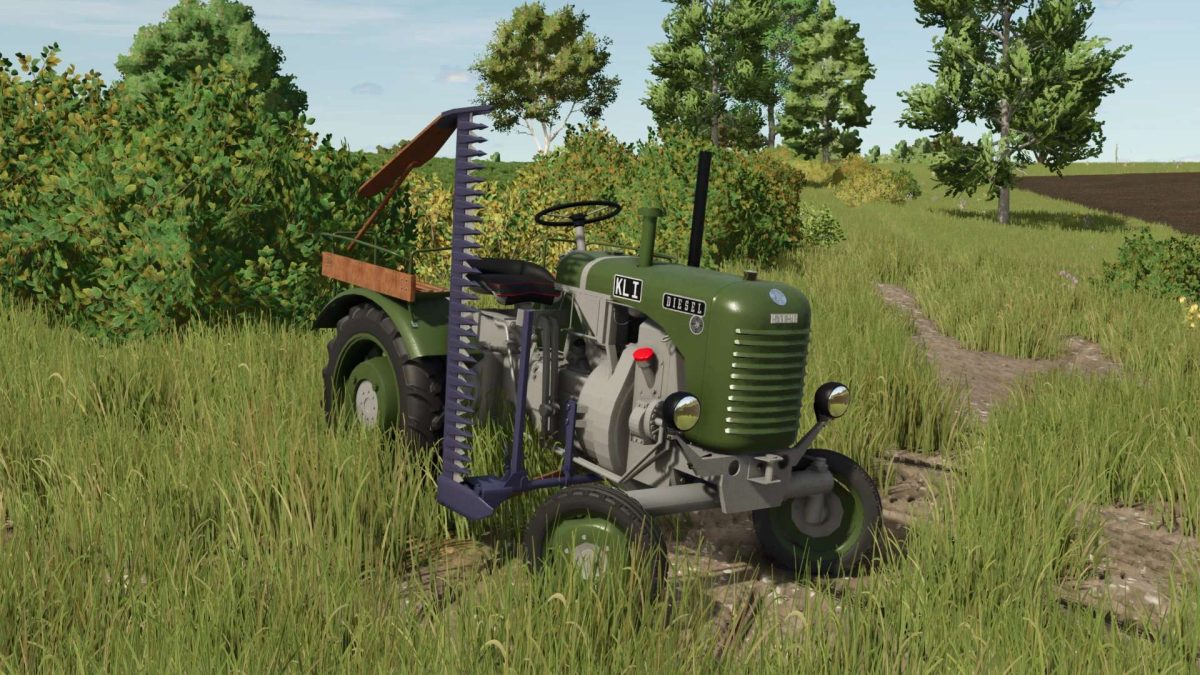
Steyr T80 v 2.0.0.4
Clutch Animation: The driver presses the clutch and actively reaches for the gearshift lever when changing gears.
Seat Suspension: Smooth movement when driving over uneven terrain.
Revised Textures & Colors: Especially on the passenger seat and cutter bar.
Version 2.0.0.4:
* The mower bar has been completely reworked with major functional and structural improvements
* Mounting system reworked
* The mounting is now part of the mower itself instead of the tractor, resulting in a much more stable and realistic setup
* Collision completely revised
* All problematic and invisible side collisions have been removed. No more getting stuck on buildings or other equipment
* Improved physics behavior
* The mower no longer tips over, wobbles, or rolls away when touched incorrectly. Everything is now stable and predictable
* Clean attach functionality
* The mower can now be attached properly without requiring any additional mods
* Animations improved
* All moving parts and animations have been reworked and now run smoothly and reliably
* With this update, the mower bar reaches a completely new level of quality and usability