

Punctured Tires v 1.0

Punctured Tires v 1.0
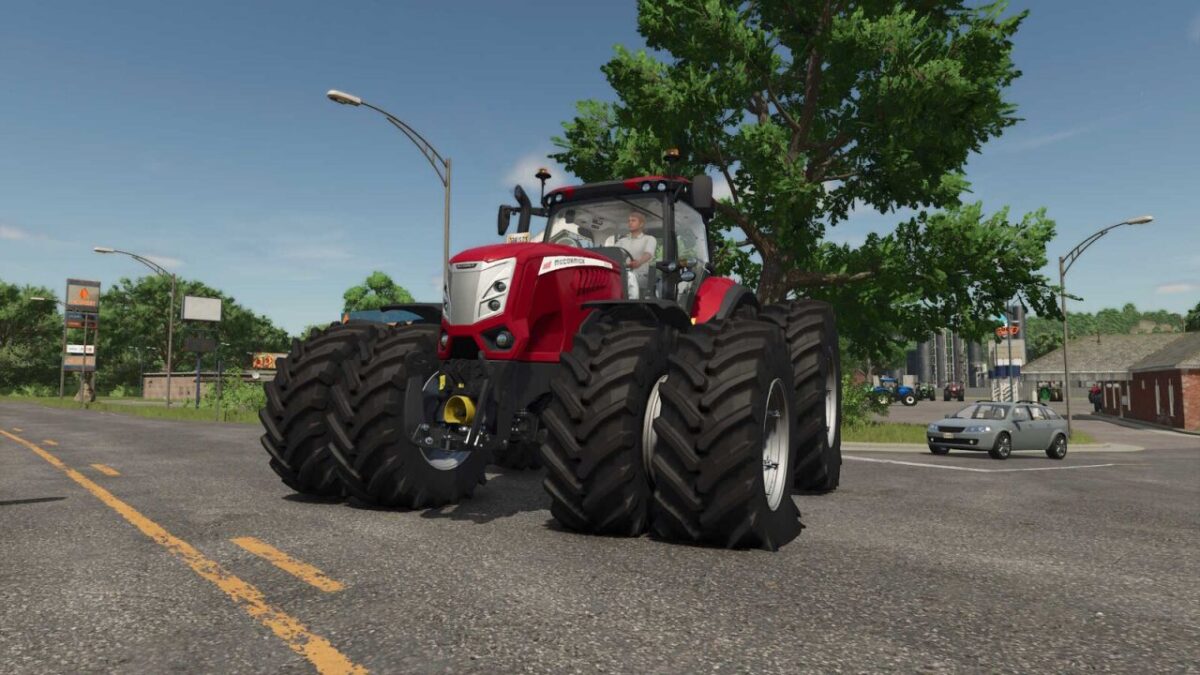
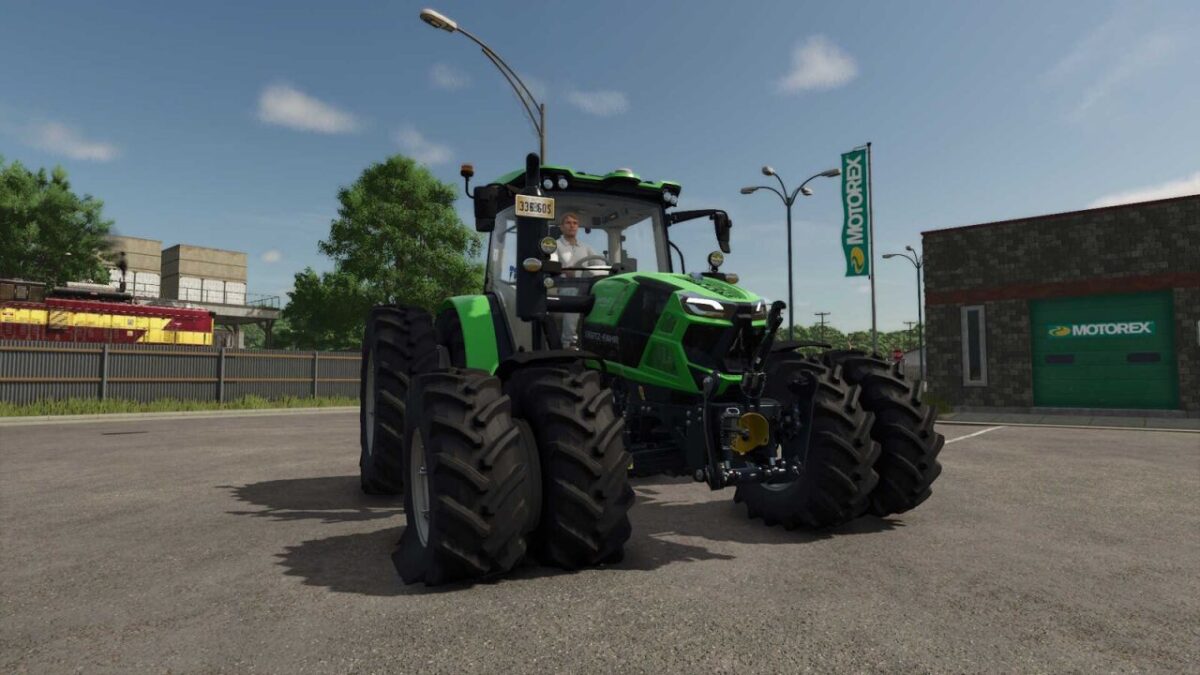
Add a touch of mechanical realism to your farm with the Puncture mod. This script introduces sudden tire blowouts that will test your maintenance and response skills.
CURRENT FEATURES:
– Dynamic Blowouts: Experience sudden tire failures on motorized and drivable vehicles.
– Precision Location Tracking: The mod identifies the exact tire affected, including Front/Rear, Left/Right, and Inner/Middle/Outer positions.
– Speed Limiter: A blown tire will significantly reduce your vehicle’s maximum speed until repaired.
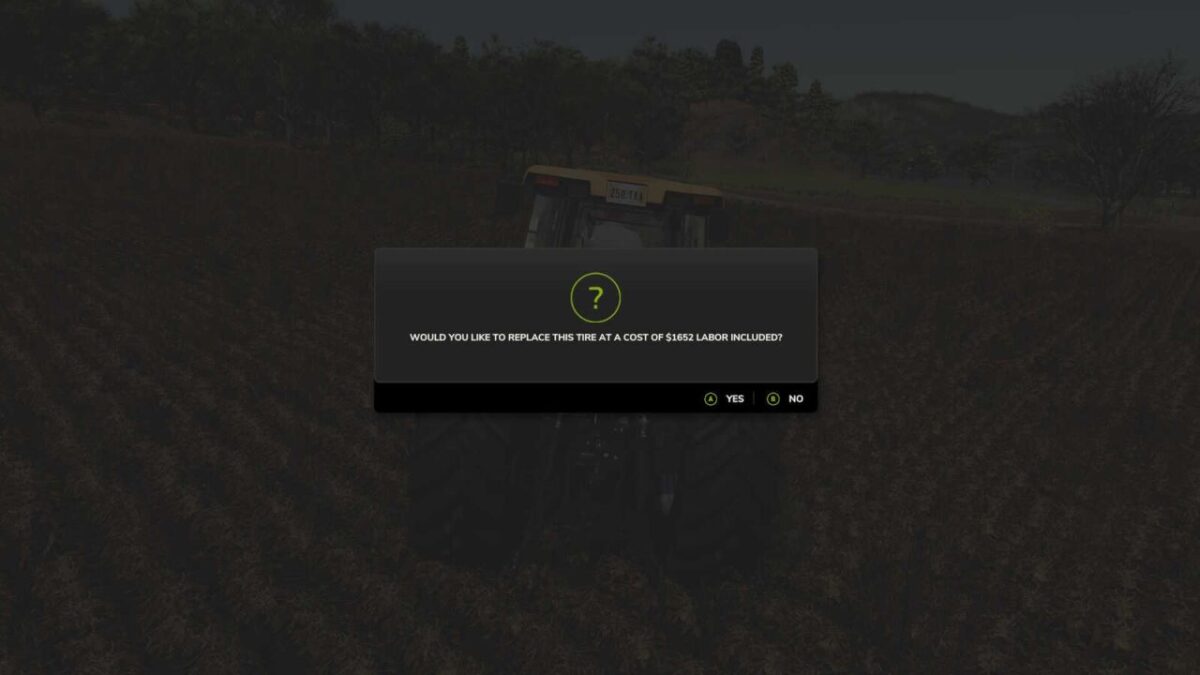
– Scaled Costs: Replacement costs are automatically calculated based on the specific tire size and type.
– Balanced Frequency: To keep gameplay fun, occurrences are limited to a maximum of one per month and two per 12-month game cycle.
IMPORTANT NOTES:
– Currently supports Single Player only (Multiplayer support is in development).
– Only motorized/drivable vehicles are affected at this stage.
PLANNED IMPROVEMENTS:
– Multi-stage leaks (Slow/Medium pressure loss).
– Custom blowout and hissing sound effects.
– Full Multiplayer synchronization.
– Enhanced roadside service and repair mechanics.