Ostereidener Noodle Factory v 1.0

FS25 mods

Ostereidener Noodle Factory v 1.0


1 Star2 Stars3 Stars4 Stars5 Stars
About mod:

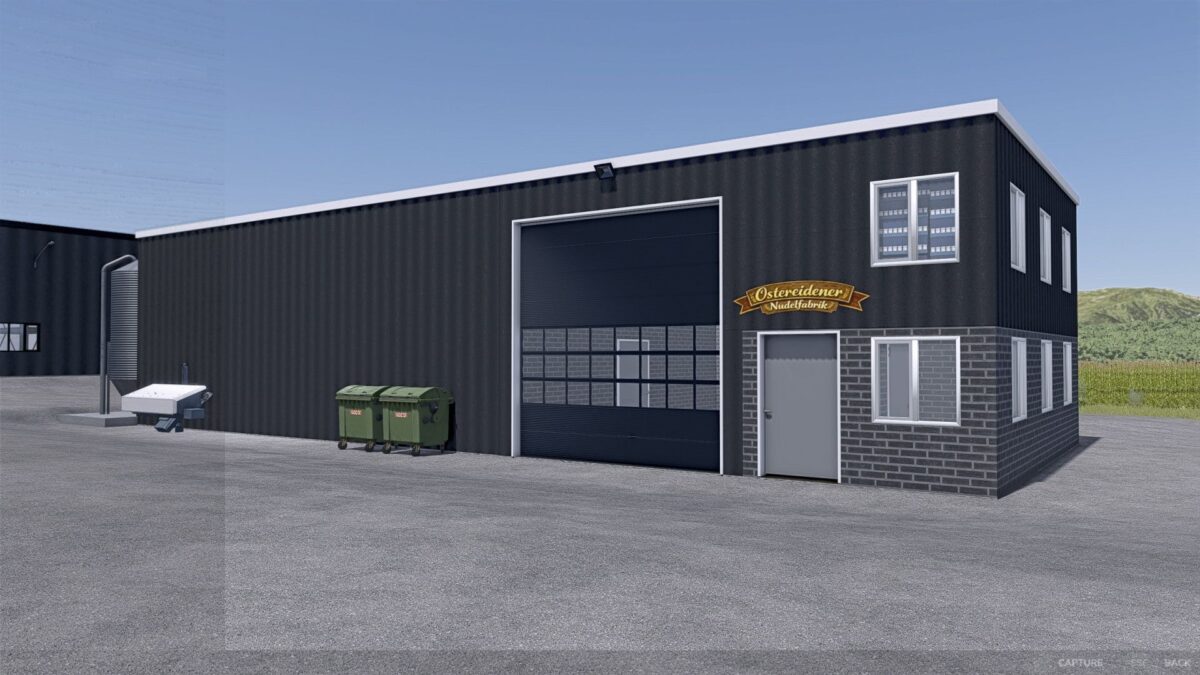
With the Pasta Factory Ostereiden, you get a modern and versatile production facility for Farming Simulator 25 that
meaningfully expands your farming operations and creates new economic opportunities.
The pasta factory was designed in keeping with the style of modern industrial and agricultural businesses and fits perfectly into both classic farm maps and larger industrial areas.

The facility allows for the processing of various agricultural raw materials.
This creates real added value from your harvests, instead of simply selling crops directly.
Especially for players who enjoy working with production chains, goods flows, and realistic economics, the Pasta Factory Ostereiden offers many new possibilities.

Possible products:
Noodles
spaghetti
Penne
Fusilli
Pasta of various kinds
By-products depending on the production line
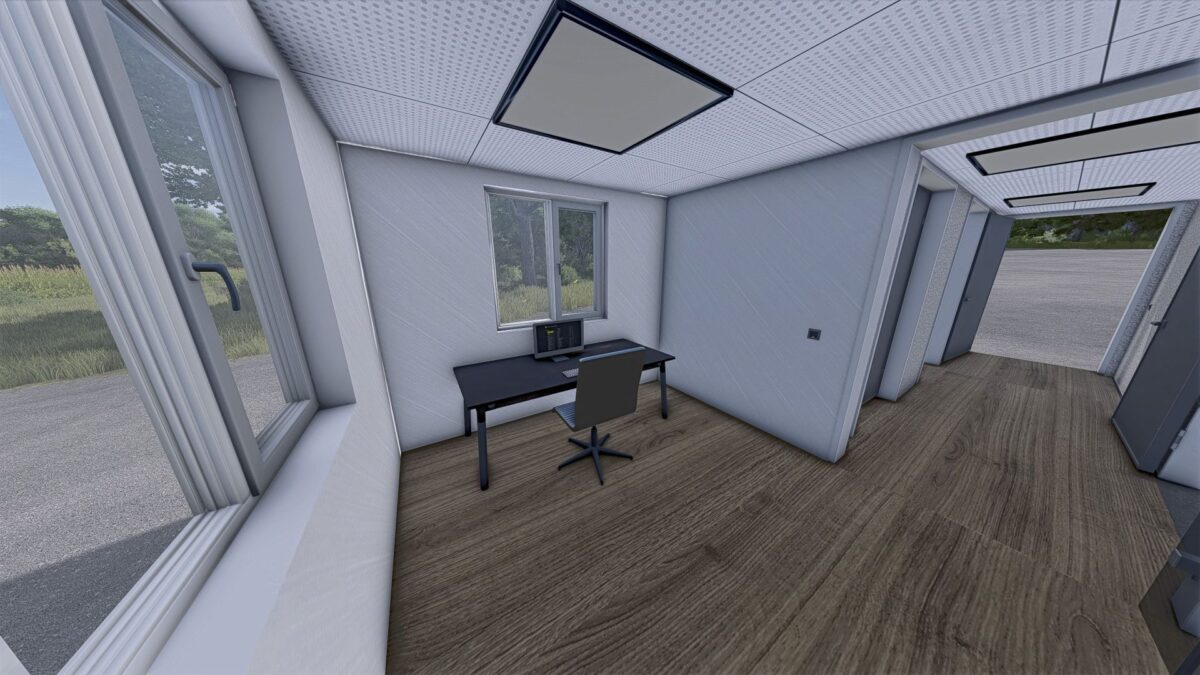
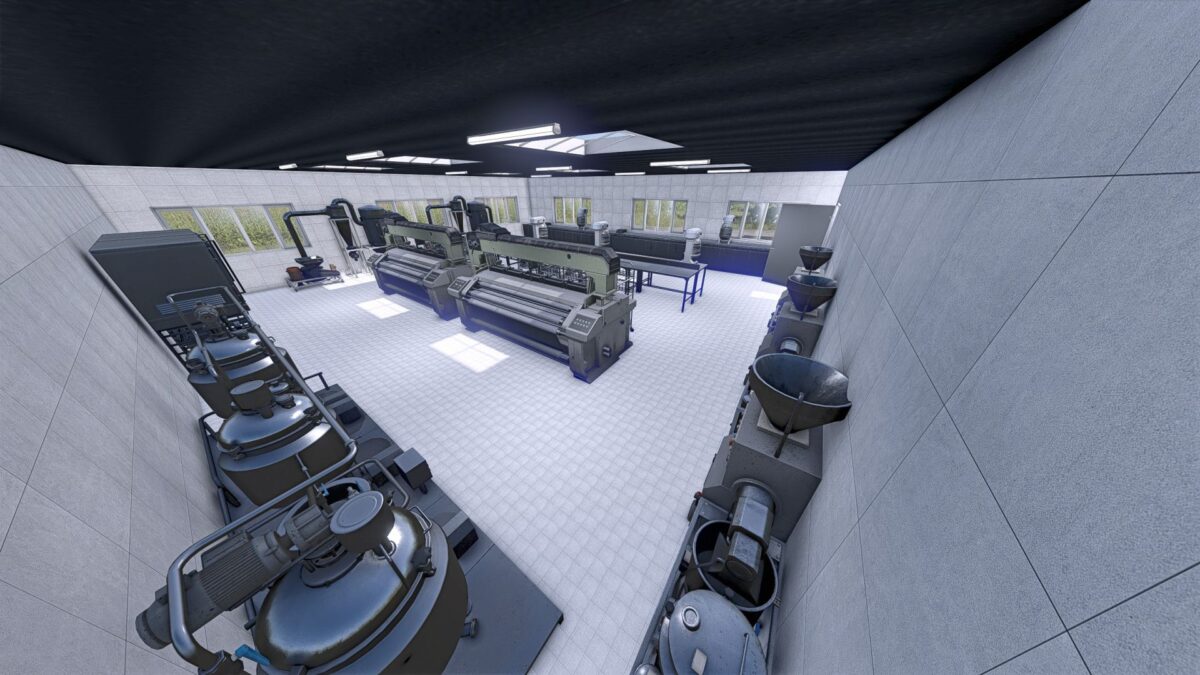
The facility was designed with great attention to detail and offers a realistic appearance with modern technology,
functional areas, and a believable operational look.
This makes it ideally suited for immersive game states and long-term careers.

Credits:

Doktor Mertahens

* By clicking [Download this mod from filehost] button you agree to leave this website. The link opens in the new tab. File is hosted in the external website. We are not responsible for the content of the external page and the possibility of free download of the file.

How do I install Farming Simulator mods?
Find a mod that you like and want to download first. Then, on your PC, download a mod. Mods are typically in.zip format. However, it is sometimes in.rar format. If the mod file is in.zip format, no additional actions are required. If a file is in.rar format, you must unarchive it using software such as WinRar or Zip7. Windows 10 users do not need to use archive software; Win10 includes an unarchive feature.

The next step is to locate the mods folder on your computer. It is typically found in Documents/My Games/Farming Simulator [Your FS game version, e.g. 2022]. Open the "mods" folder and place the downloaded.zip archive or unarchived.rar file there.

The final step. Have fun with Farming Simulator mods!

Leave a Reply

Your email address will not be published. Required fields are marked *