

Market Empire v 1.0

Market Empire v 1.0
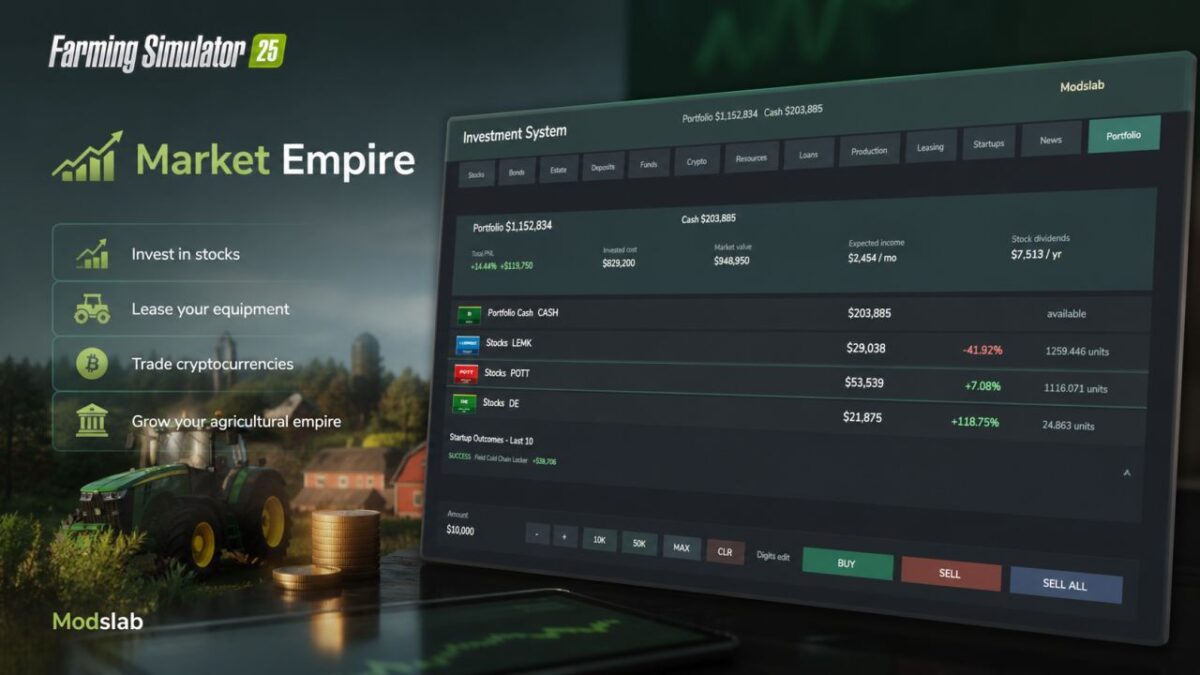
A global mod that introduces a full-fledged investment system to Farming Simulator 25. A huge range of features: from traditional bank deposits to leasing your own equipment and funding startups. To open Market Empire menu, press Alt + I.
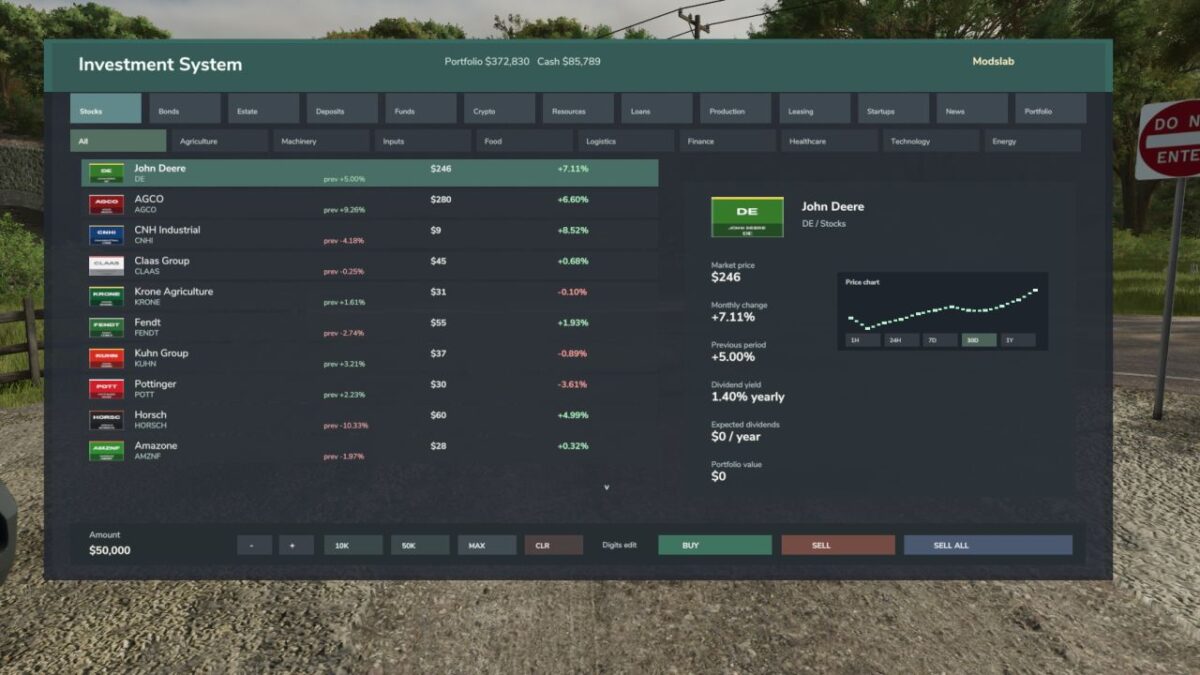
– Buy stocks and bonds;
– Invest in real estate and fixed-interest bank deposits;
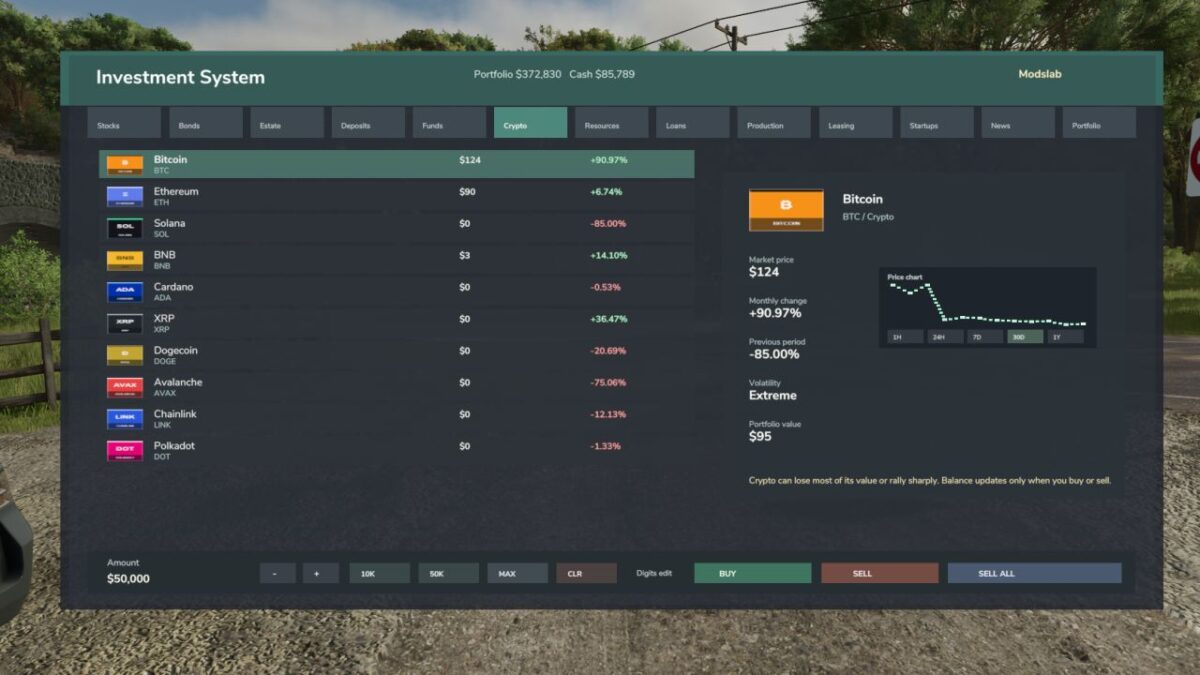
– Purchase cryptocurrencies;
– Buy commodity securities (crops) with a fixed term;
– Lend money with varying levels of trust and returns;
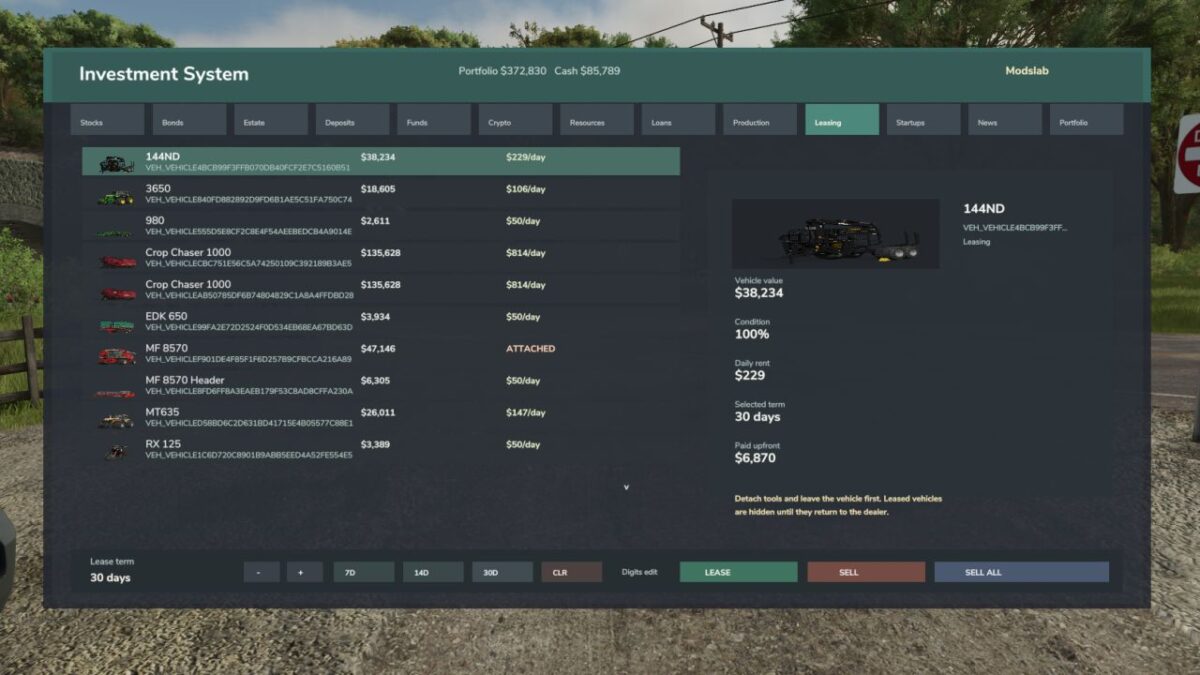
– Lease out your own equipment for a set period;
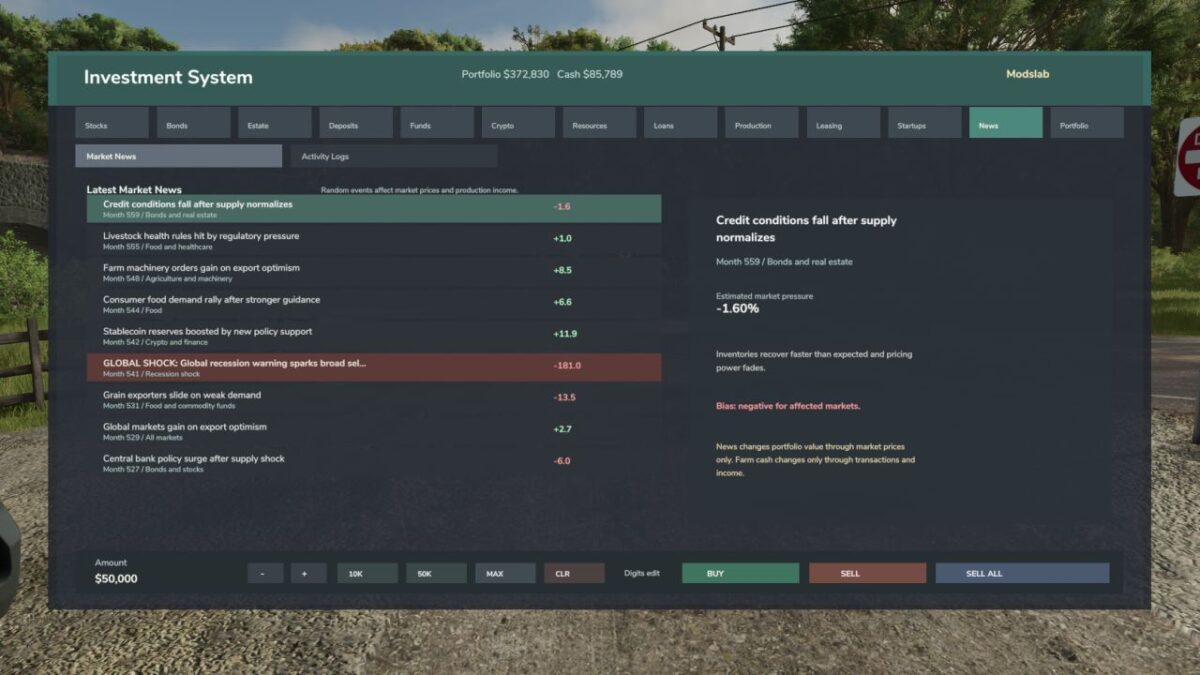
– A full news system that affects market prices;
– The player can also influence prices through their actions;
– And much more!
Features:
– You need to monitor the market and news, sell when prices are high and buy when they are low;
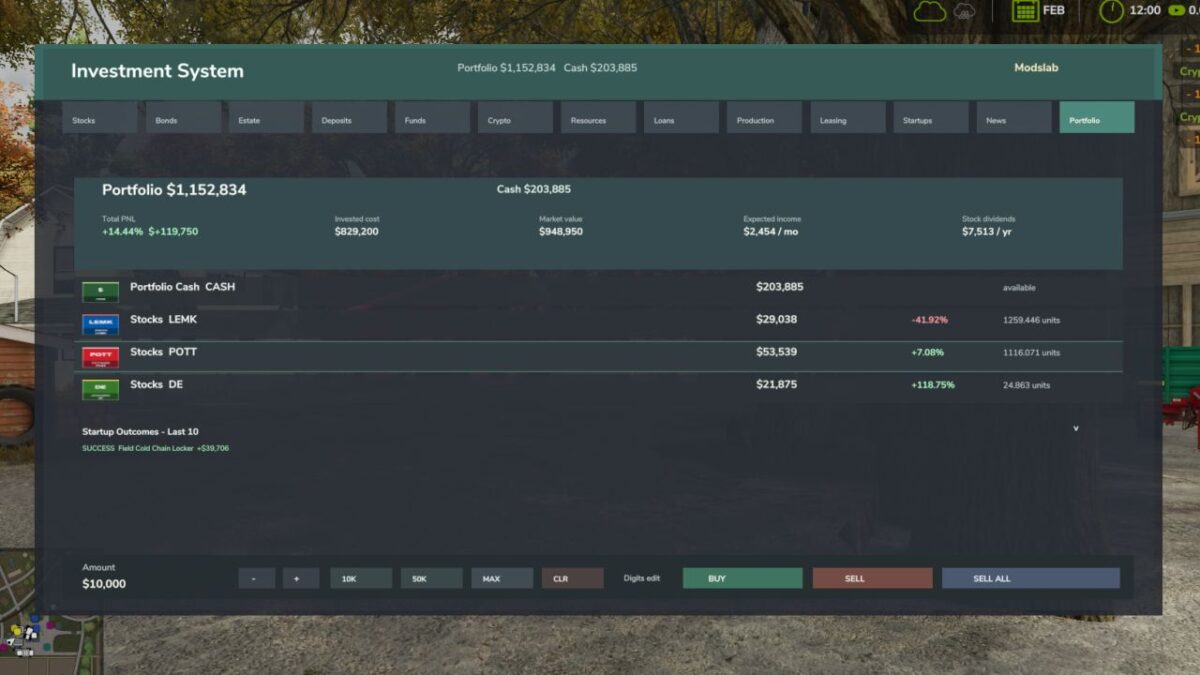
– Diversify your portfolio, otherwise you may incur significant losses;
– Global crises may occur (trackable in the news tab) that can crash the market. On the other hand, global positive events may also happen;
– Stable investment methods (bank deposits, real estate, production investments on the map with steady income) for passive income, as well as higher-risk but more profitable tools (cryptocurrencies, startups, loans, etc.) for aggressive trading;
– Dividend system. Some companies pay dividends (displayed as Cash in the portfolio, which can be withdrawn);
– When lending money, always check the trust level. If a borrower has a poor credit rating, they may run away with your funds, resulting in serious financial losses;
– Check startup risk levels before investing. High-risk startups can bring great profits, but there is also a high chance of losing your entire investment;
– Some player actions can slightly affect the market. For example, leasing out too much equipment may lower rental prices. Buying a large amount of equipment from a brand like John Deere may slightly increase its stock value.
Invest carefully, as you can both multiply your wealth or lose all your investments.
Attention! The mod is still in development, bugs may occur.
– Currently recommended for singleplayer only. Multiplayer compatibility is unknown;
– Mod language: English. Support for other languages will be added in future updates.