

Renault Master L4H3 v 1.6

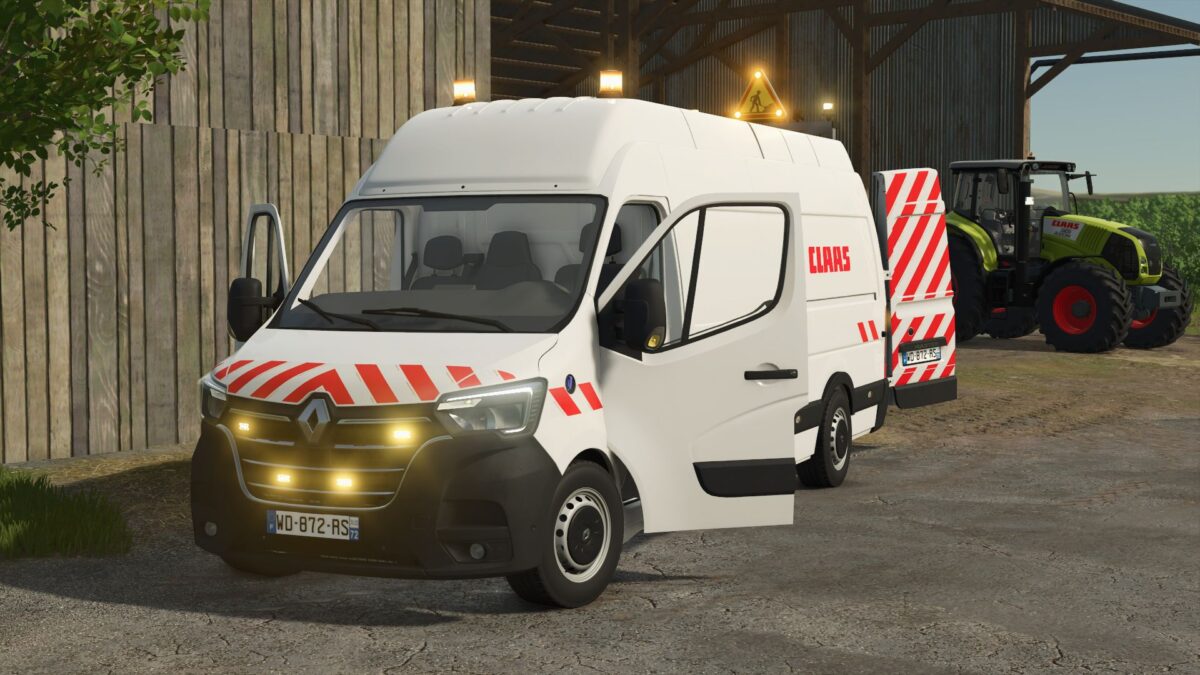
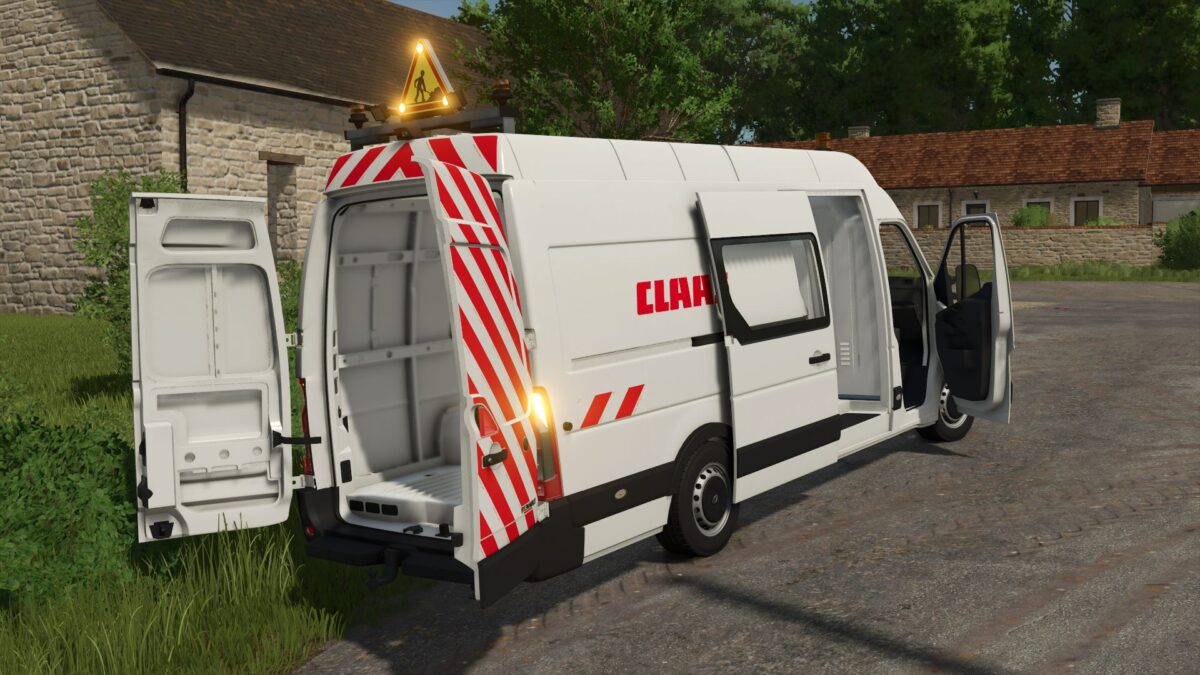
Renault Master L4H3 v 1.6
Rotating beacon configuration (6 different location combinations and choice of rotary or flashing)
Strobe configuration (0; 2 or 4 strobes)
Markup configuration (yes or no)
Roof configuration (yes or no with the possibility of adding rotating beacons and lights, or exceptional custom-made convoy plates)
Company configuration -> Brand of tractor and agricultural implement/TP company/KingMods logo (14 possibilities in total)
Engine configuration
Hitch configuration
Functional straps
Door animated with mouse clicks
Complete and well textured interior
Reflective marking
Version 1.6:
* Modification of the window texture for optimal rendering
* Changed the ModDesc version to 108 for some who had problems
* Decreased clipDistance to 300 for low configurations
* Updated KingMods images