

Suedharz 4x Map v 1.1

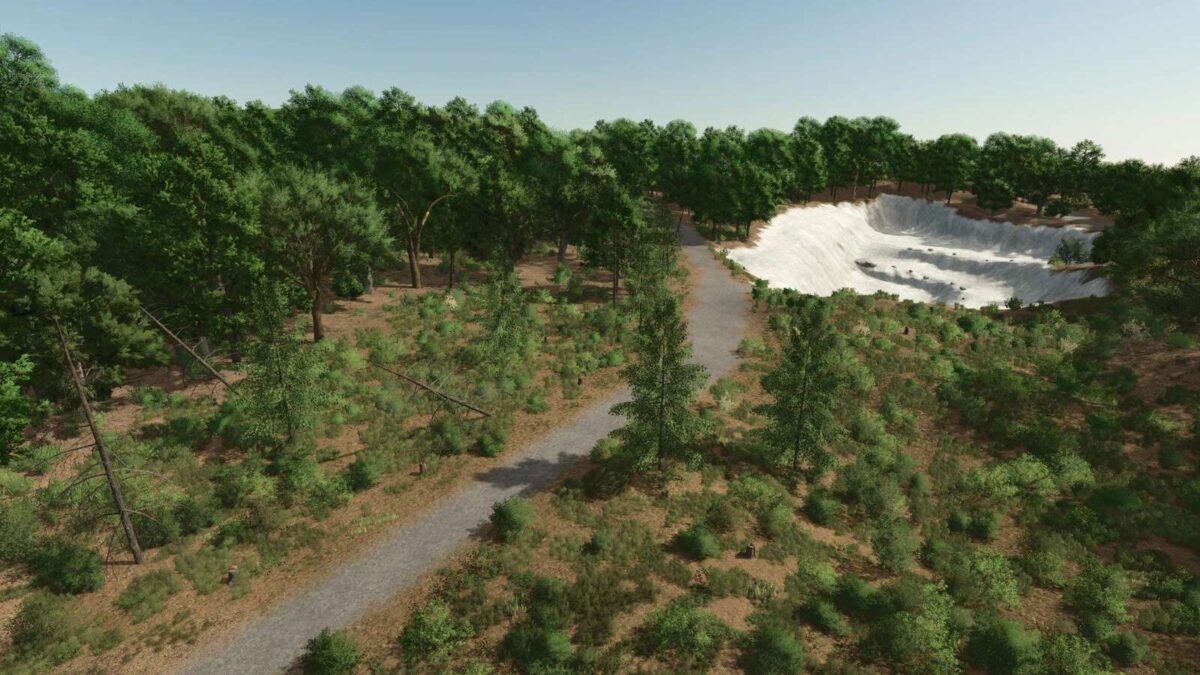
Suedharz 4x Map v 1.1
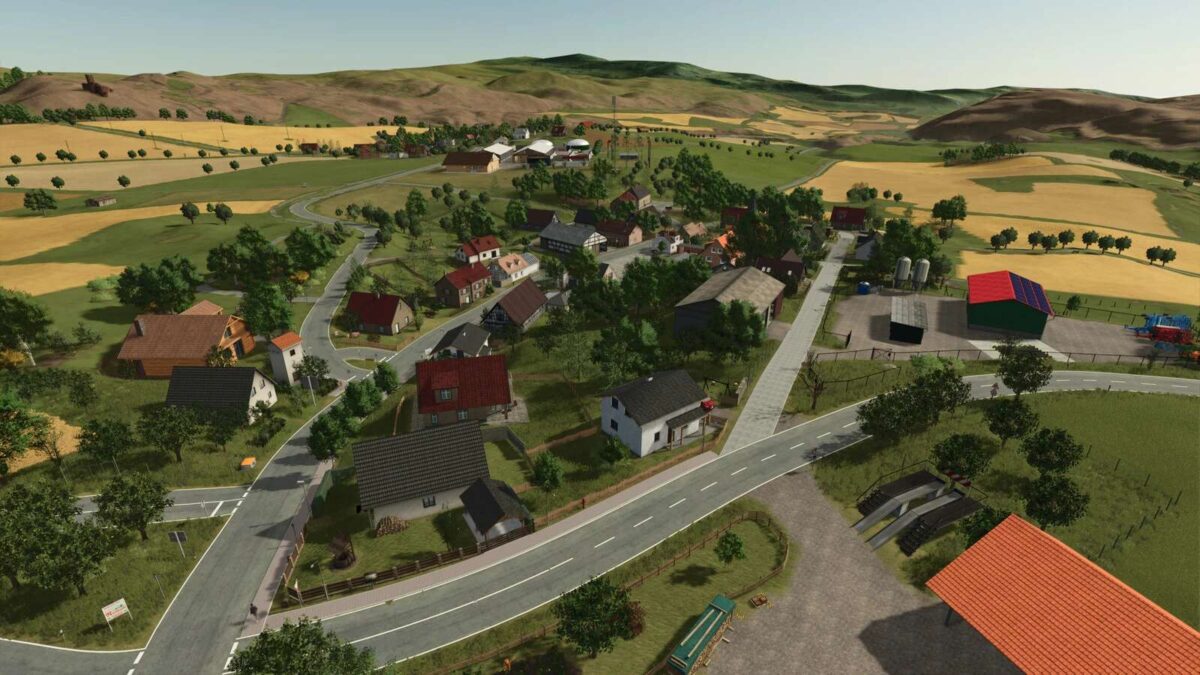
– Realistic terrain with realistic road layouts, paths, forests, fields, etc.
– 98 fields, 6 villages
– 8 additional crops: Rye, Triticale, Spelt, Green Rye, Field Grass, Silage Corn, White Lupin, Grain Hemp
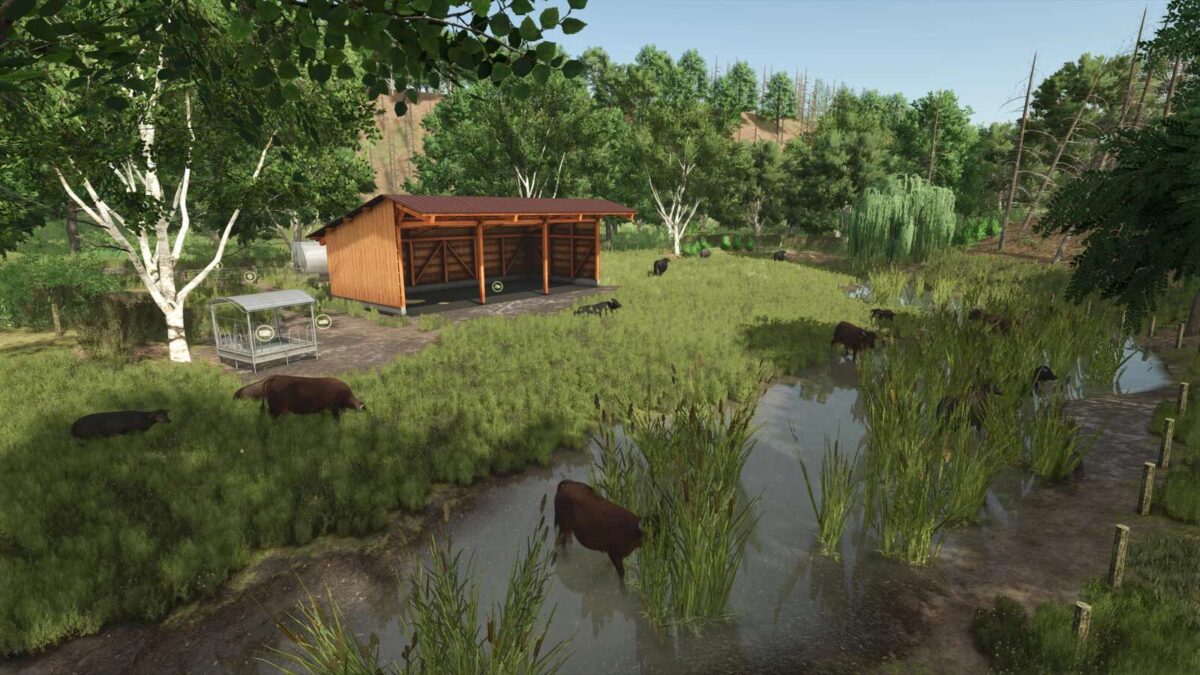
– New areas: “Alter Stolberg” forest area in the southeast with a limestone quarry + area in the northwest near Neustadt with Highland cattle, which are also present in reality (even without DLC)
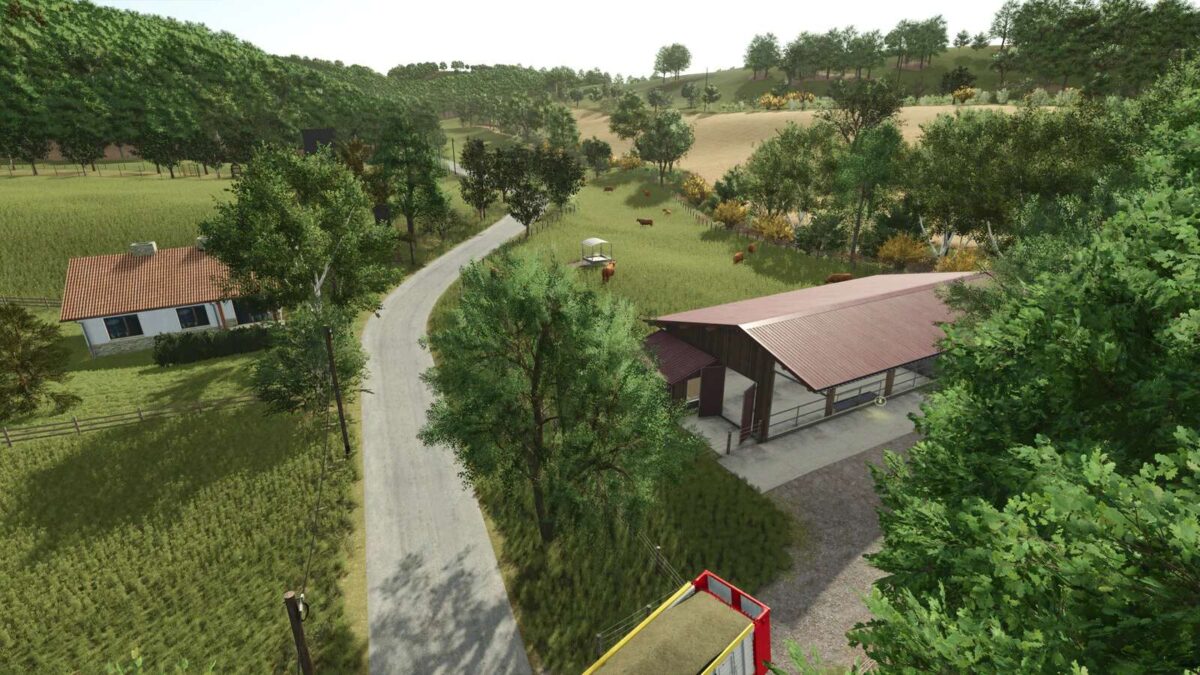
– Several pastures for cows, horses, sheep, and Highland cattle + water buffalo pasture
– Custom soil map for precision farming, adapted from the county’s soil overview map
– Many improvements: houses finally have fences, a new stream, etc.
– 4 drive-through silos for corn (2x BGA site, 2x near Petersdorf)
– Compost can be produced in the U-shaped silo from grass, hay, straw, silage, manure, wood chips, etc. Can be used for fertilizing
– White lupins can be fed to chickens or pigs or sold
– 255 ground angles
– More life: helicopters, airplanes, migratory birds, ducks, swallows, soccer games possible, …
– Bale storage at Herrmannsacker
– Coins as collectibles
– 80,000 trees, including deadwood
More realism:
– Production values made more realistic
– Realistic yields and sales prices
– Harvest quantities adjusted, more straw, …
– Stables also accept straw bales
– All animal values changed (feed quantity, water, straw, milk, slurry, manure, prices, …)
Productions:
– NEW charcoal kiln (which is also located there in reality)
– NEW oil processing; Here, among other things, the new crop hemp seeds can be processed into valuable oil.
– NEW Limestone Crusher
– 2 Sawmills
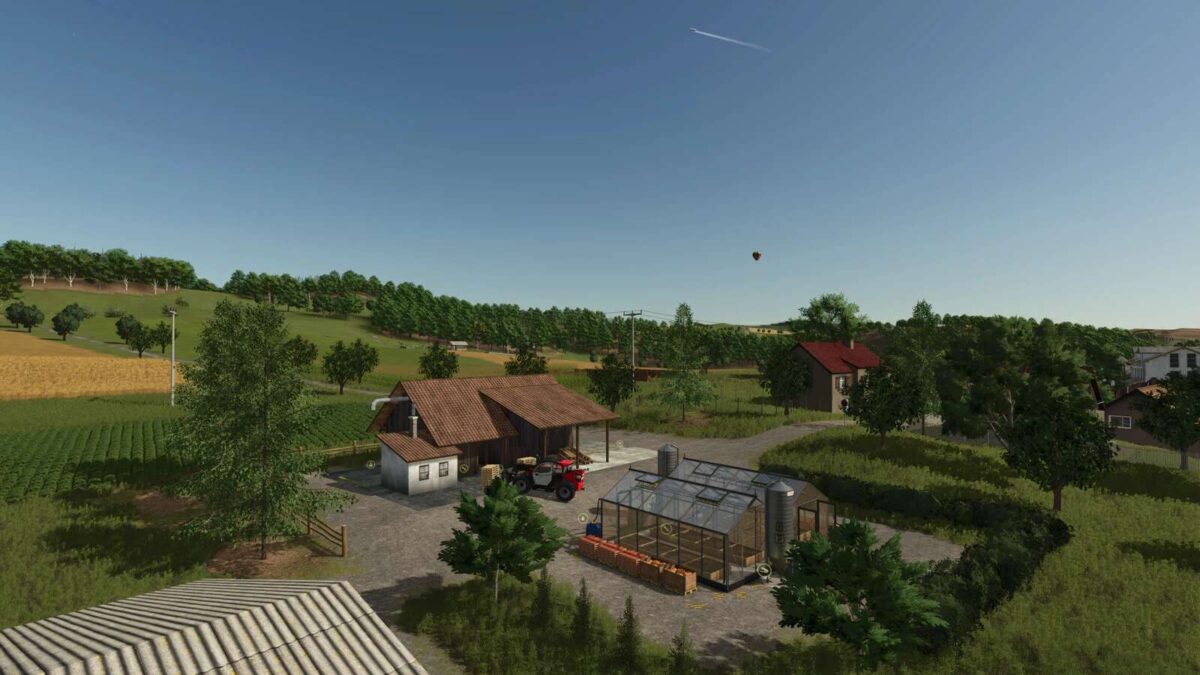
– 2 Greenhouses
– Pallet Factory
– Grain Mill
– Bakery
– Dairy
– Biogas Plant
– and much more
– Autoload course is integrated
Version 1.1:
* Fixed bug with old gates at the pigsty
* Fixed pigsty collision issue
* Fixed cow pastures not consuming water
* Minor fixes