

Unload Garage v 1.0

Unload Garage v 1.0
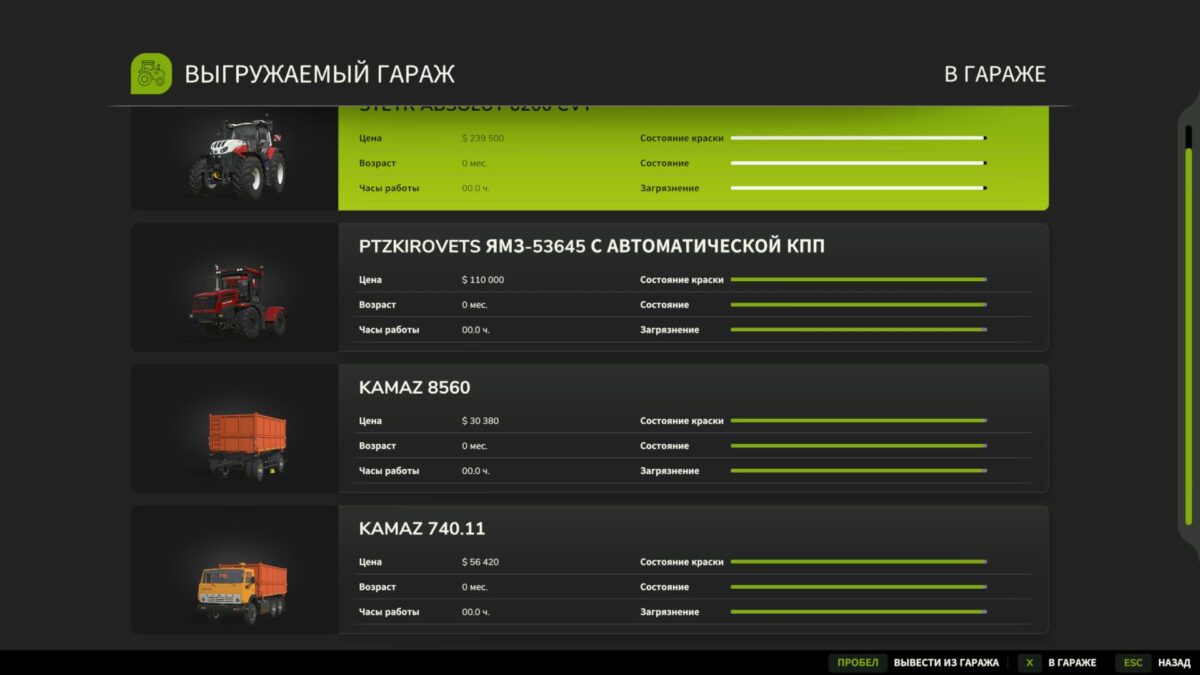
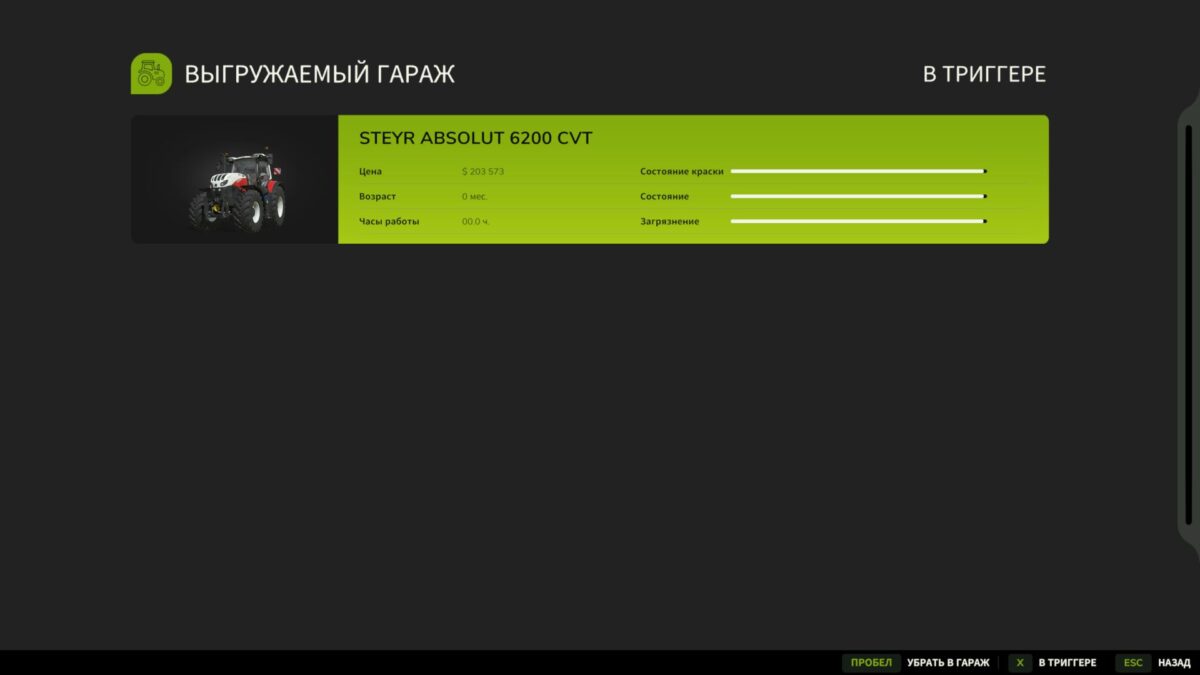
This is a functional garage trigger for Farming Simulator 25, which allows you to temporarily remove equipment from the world and store it inside the garage. Cars are saved in XML and can be returned at any time through a convenient menu.
The mod is especially useful for:
optimizing the number of vehicles on the map;
reducing conservation burden;
storage of rarely used equipment;
organizing a vehicle fleet on a server or in a single player game.
Multiplayer supported.
How the mod works
Set up a garage across the store.
Drive the equipment into the garage trigger.
Press R to open the menu.
Select:
Put it in the garage – the equipment will disappear from the world and will be preserved.
To return equipment:
open the garage menu;
select a car from the list;
Take it out of the garage.
The equipment will appear at the spawn point near the garage.