

Steyr T80 v 2.0.0.6

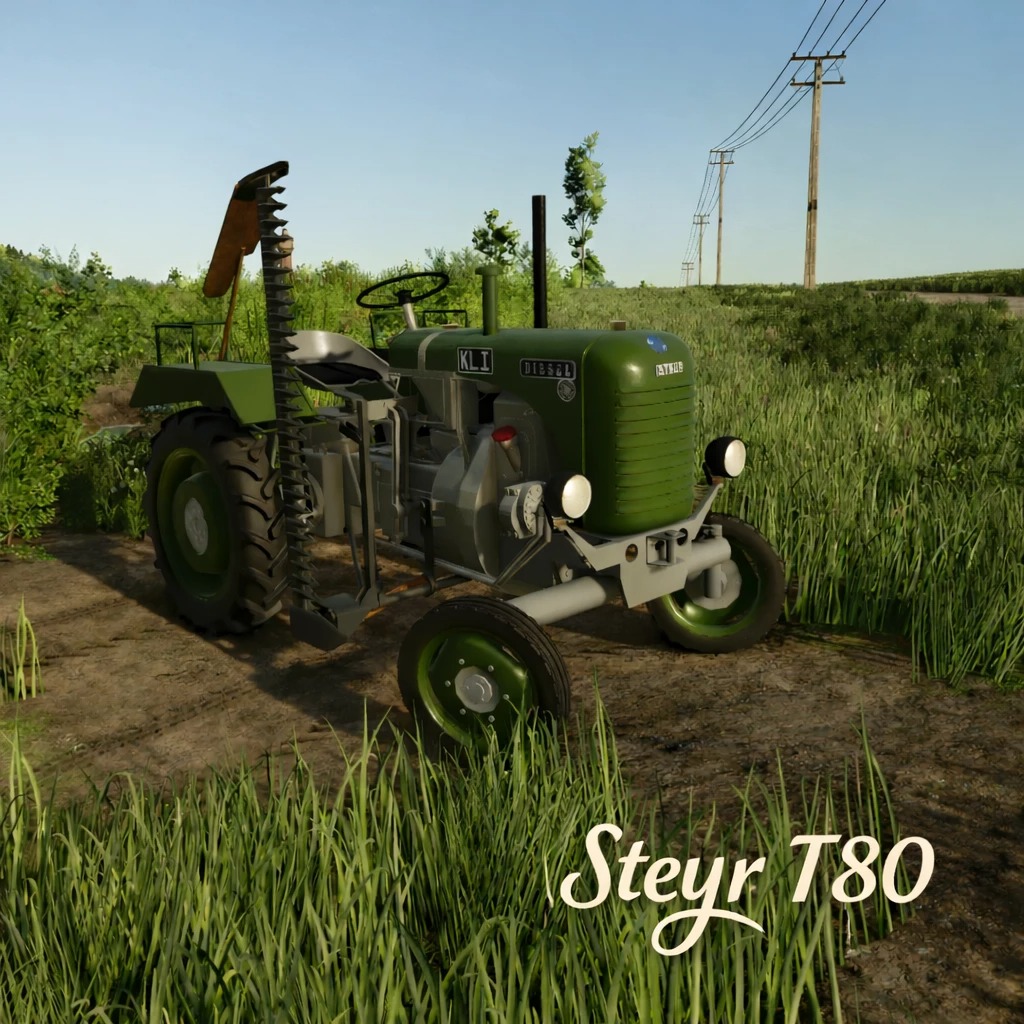
Steyr T80 v 2.0.0.6
About the mod:
Clutch Animation: The driver presses the clutch and actively reaches for the gearshift lever when changing gears.
Seat Suspension: Smooth movement when driving over uneven terrain.
Revised Textures & Colors: Especially on the passenger seat and cutter bar.
Version 2.0.0.6:
* Surface textures: The surfaces have been slightly reworked. Smoother, but still keeping the old fashioned look.
* Dirt: Dirt textures have been slightly revised. Some parts now get less dirty.
* Low Trailer Hitch: The hitch on the drawbar has been removed and repositioned underneath the PTO shaft.
* High Trailer Hitch: The trailer hitch position has been raised so trailers no longer tilt downward, resulting in a more level appearance.
Credits:
AvatarWidi