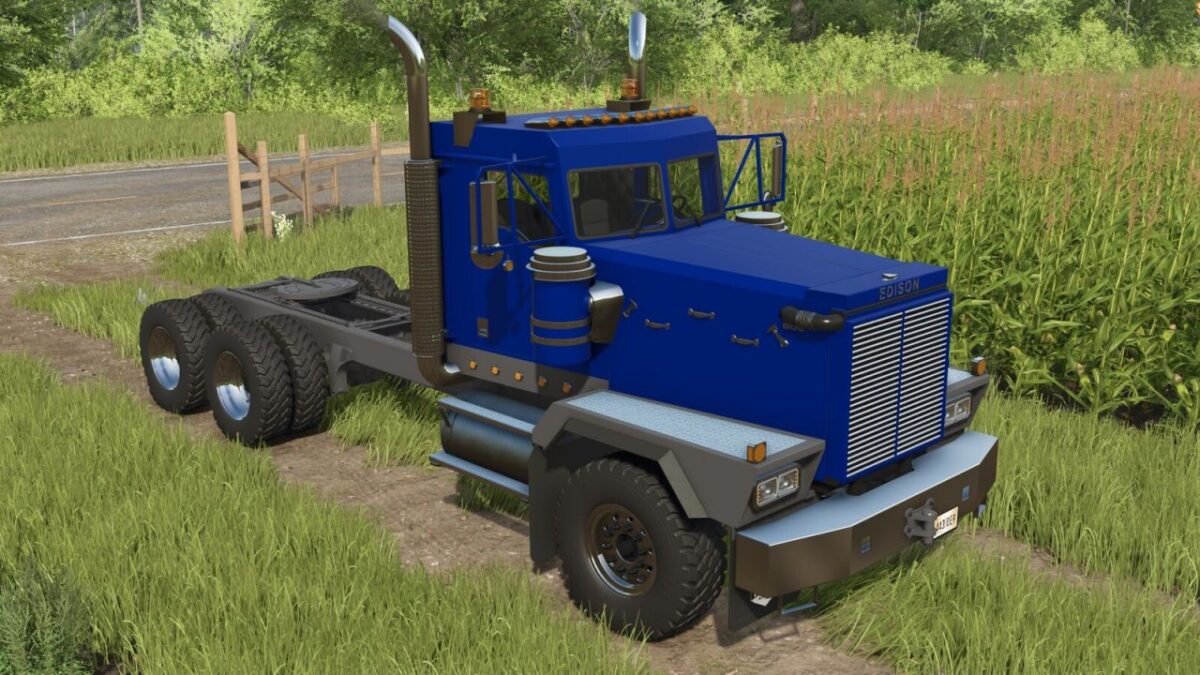
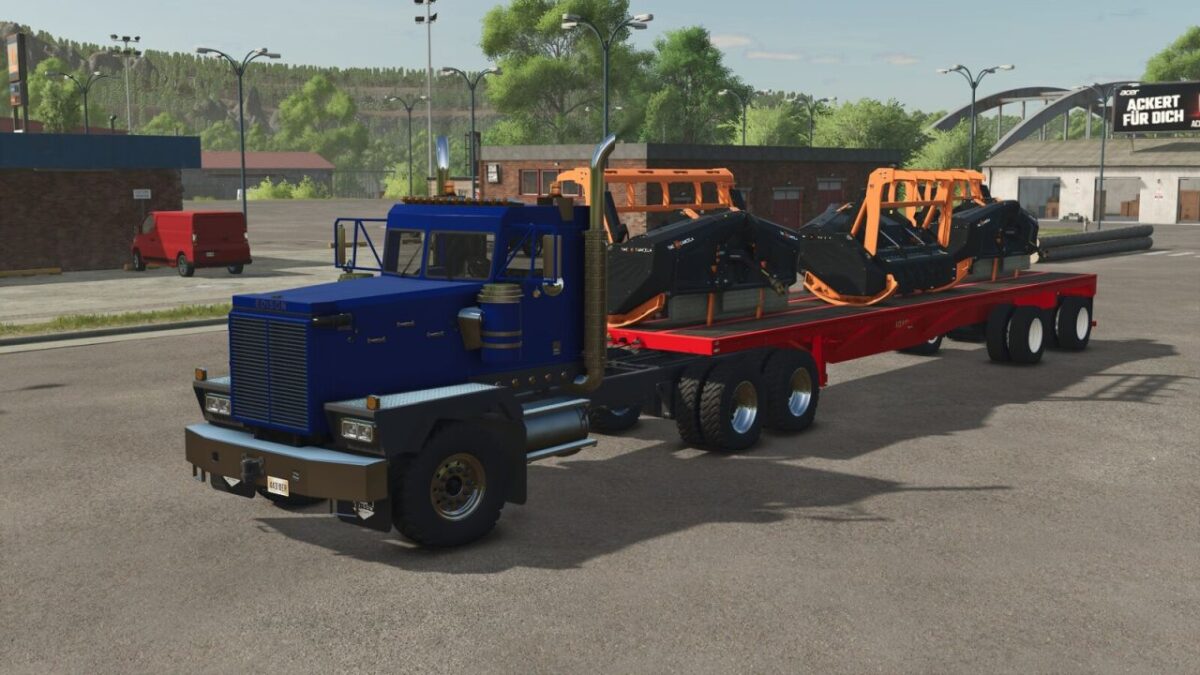
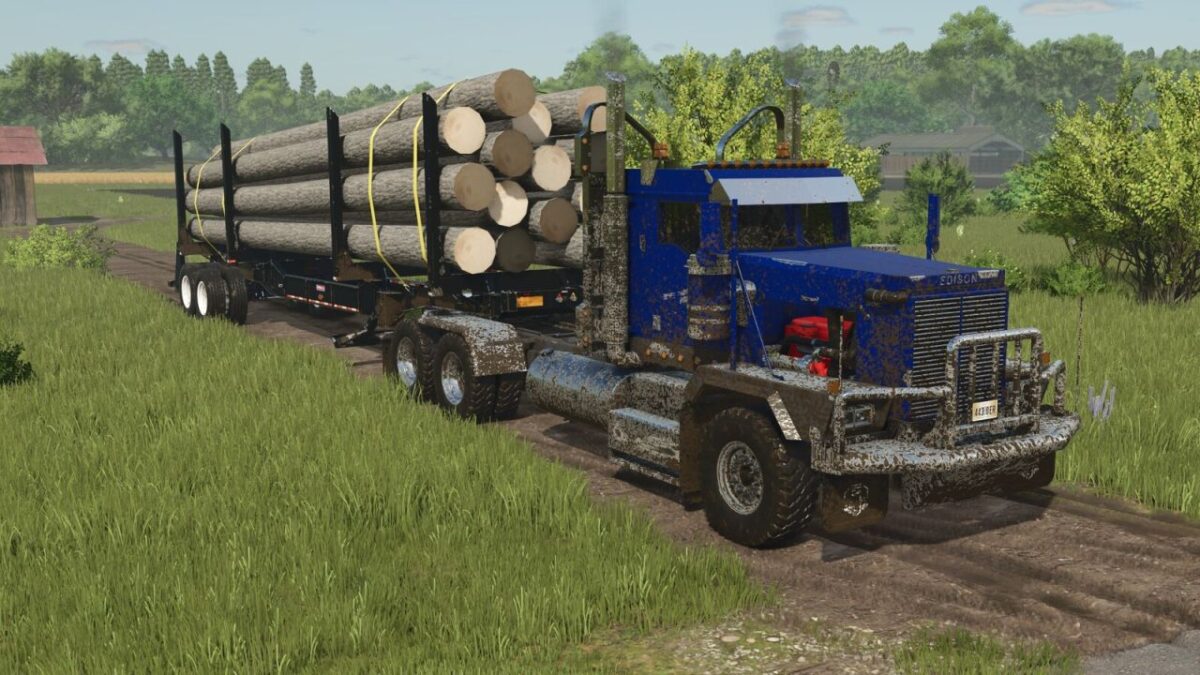
Edison BDE Mechanical v 1.0.0.1
The Edison Motors BDE Series is built from the ground up for logging, heavy haul, and demanding vocational work.
Designed with real world performance in mind, it delivers the strength, reliability, and capability needed to handle long days, heavy loads, and tough terrain.
Whether you’re hauling timber out of the woods or putting in work on the road, the BDE Series is made to get the job done without compromise.
Version 1.0.0.1:
* All sleepers now attach properly
* Center of mass moved slightly forward
* Some lights that weren’t working are now fixed
Roughneck Modding Crew
How do I install Farming Simulator mods?
Find a mod that you like and want to download first. Then, on your PC, download a mod. Mods are typically in.zip format. However, it is sometimes in.rar format. If the mod file is in.zip format, no additional actions are required. If a file is in.rar format, you must unarchive it using software such as WinRar or Zip7. Windows 10 users do not need to use archive software; Win10 includes an unarchive feature.
The next step is to locate the mods folder on your computer. It is typically found in Documents/My Games/Farming Simulator [Your FS game version, e.g. 2022]. Open the "mods" folder and place the downloaded.zip archive or unarchived.rar file there.
The final step. Have fun with Farming Simulator mods!