

3 Marias Farm v 1.0.0.2

3 Marias Farm v 1.0.0.2
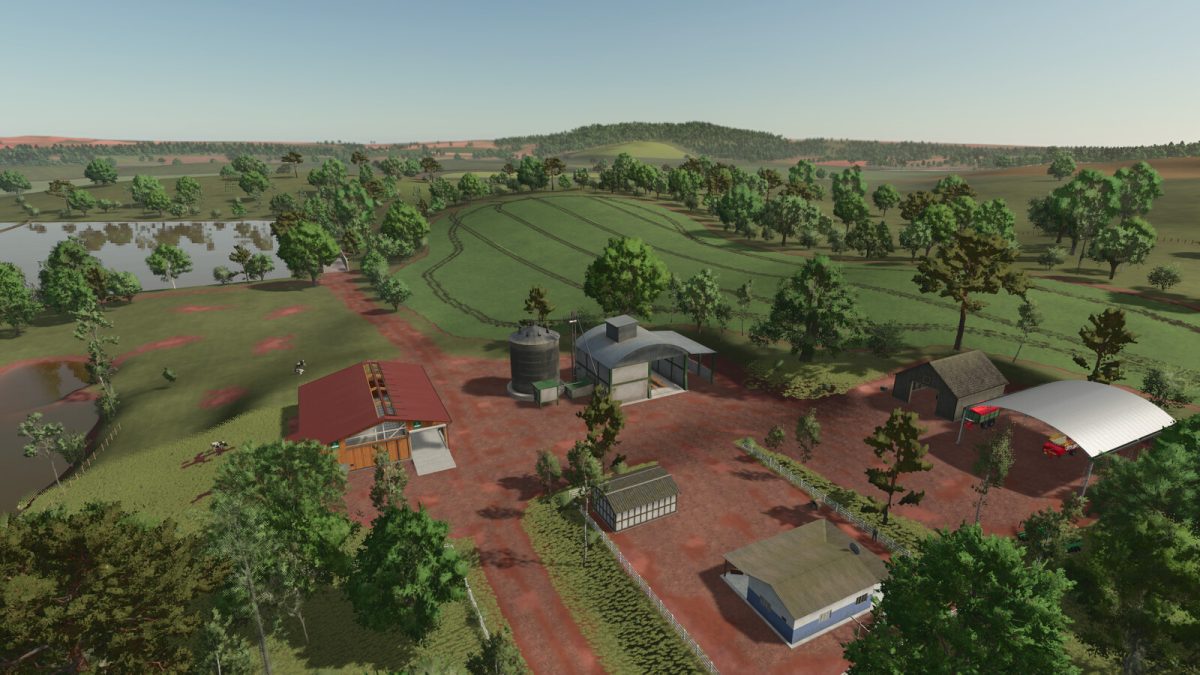
– In the new Farmer mode, you have a small property with three different fields to cultivate and a small pasture to raise cows
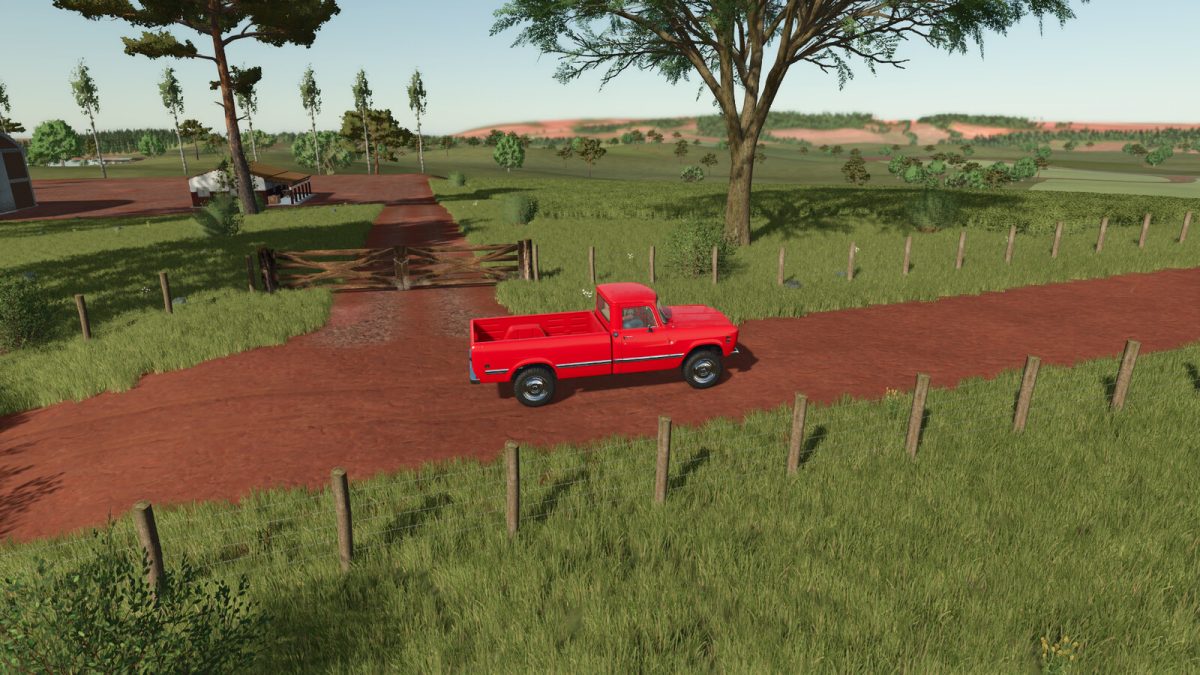
– The farm has a house, silo, sheds, vehicles and implements to start your journey
– The map contains 45 plots of land available for purchase, 24 of which have missions
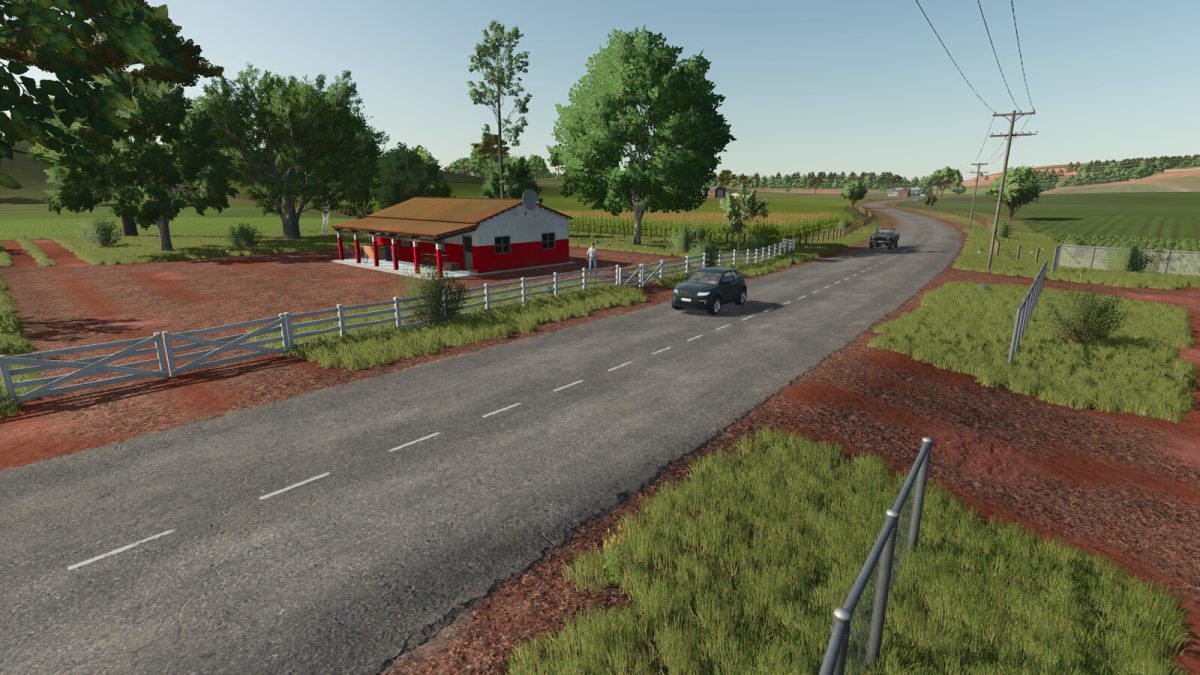
– Points of sale and shops are scattered around the map
– If you need water, there is a river and lakes on the map
– There is a small quarry on the map
– 2 Forest Areas have a Reduced price
– Added a second Maize crop
– Long Grain Rice harvested in February will regrow
– Collectibles are scattered around the Map
– There are 5 other farms ready to play in multiplayer mode
Version 1.0.0.2:
* Added coffee as a new crop option.Coffee plantations are planted in rows and need to be cultivated, fertilized, and tended to in order to produce maximum yield
* The NEW HOLLAND Braud 9090X COFFEE combine harvester was included for coffee harvesting
* Coffee bean dryer added
* Added more layers of soil paint