

Weather Forecast HUD v 1.1

Weather Forecast HUD v 1.1
About the mod:
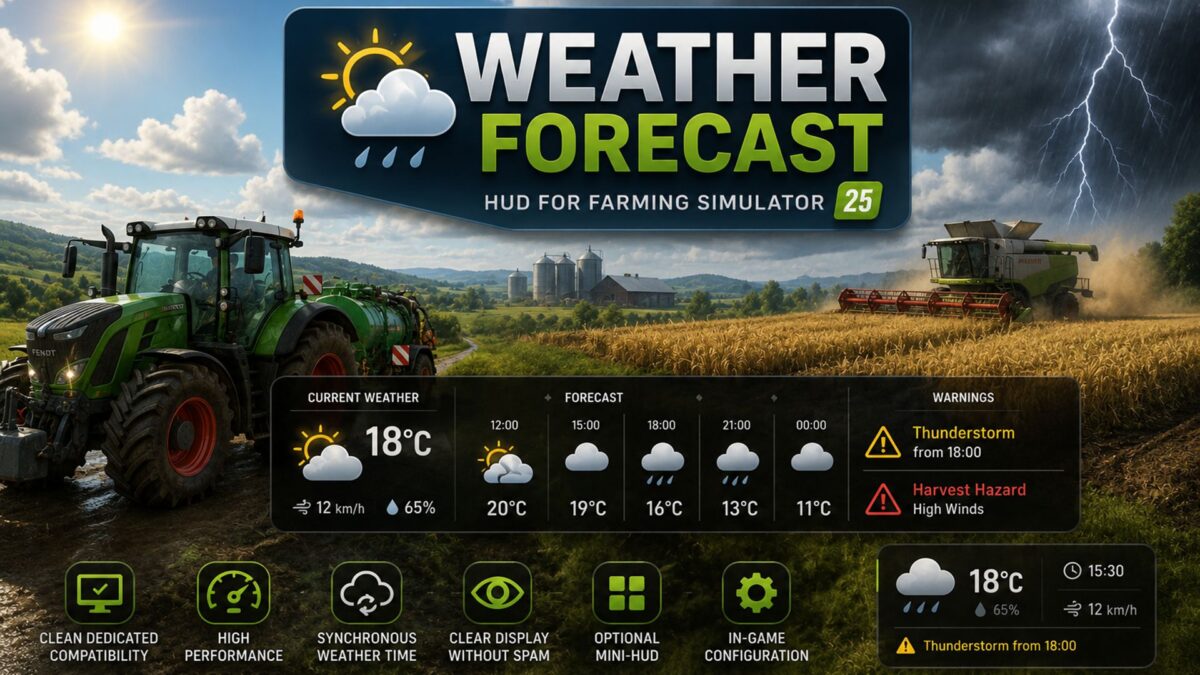
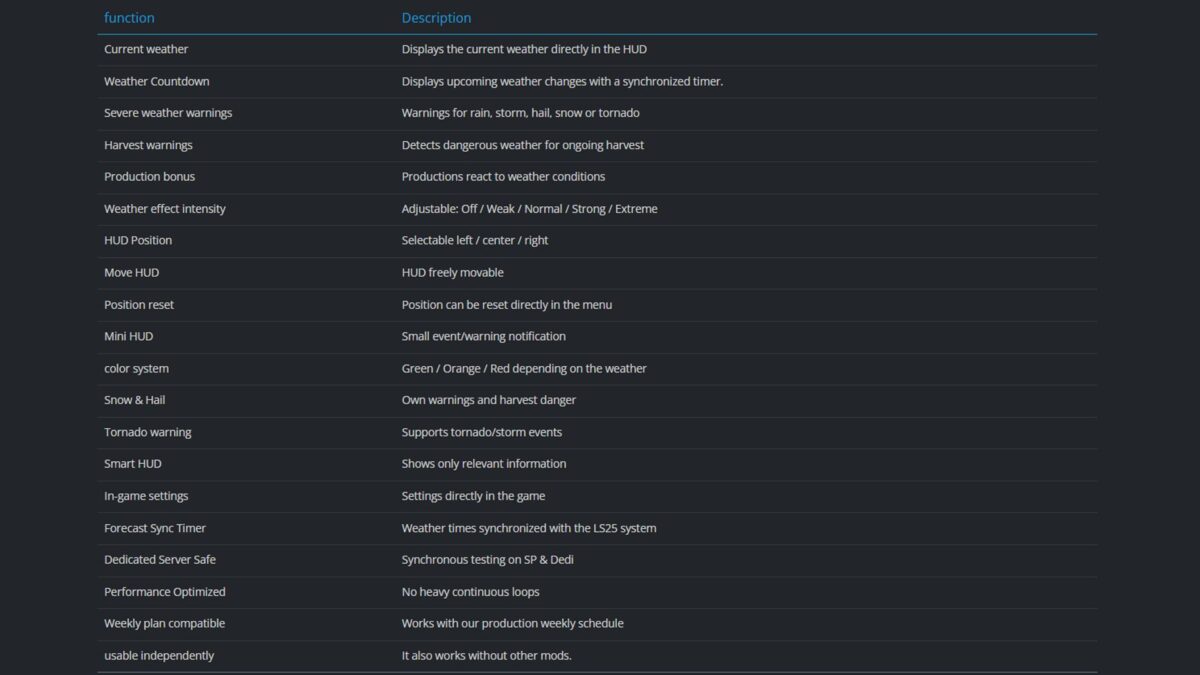
The FS25 Weather Forecast HUD extends Farming Simulator 25 with a modern, dynamic weather and warning system focusing on overview, immersion and production planning.
The mod displays weather changes, severe weather warnings, harvest hazards, and weather-dependent production bonuses directly in the HUD – both in single-player mode and on dedicated servers.
Particular focus was placed on:
clean dedicated compatibility
high-performance HUD display
synchronous weather time calculation
Clear display without spam
optional mini-HUD
In-game configuration
The mod works independently and is also compatible with our production/weekly schedule system.
Credits:
Akita83, FrankGTB, Fritz78