

Red Tape v 1.0.2.5

Red Tape v 1.0.2.5
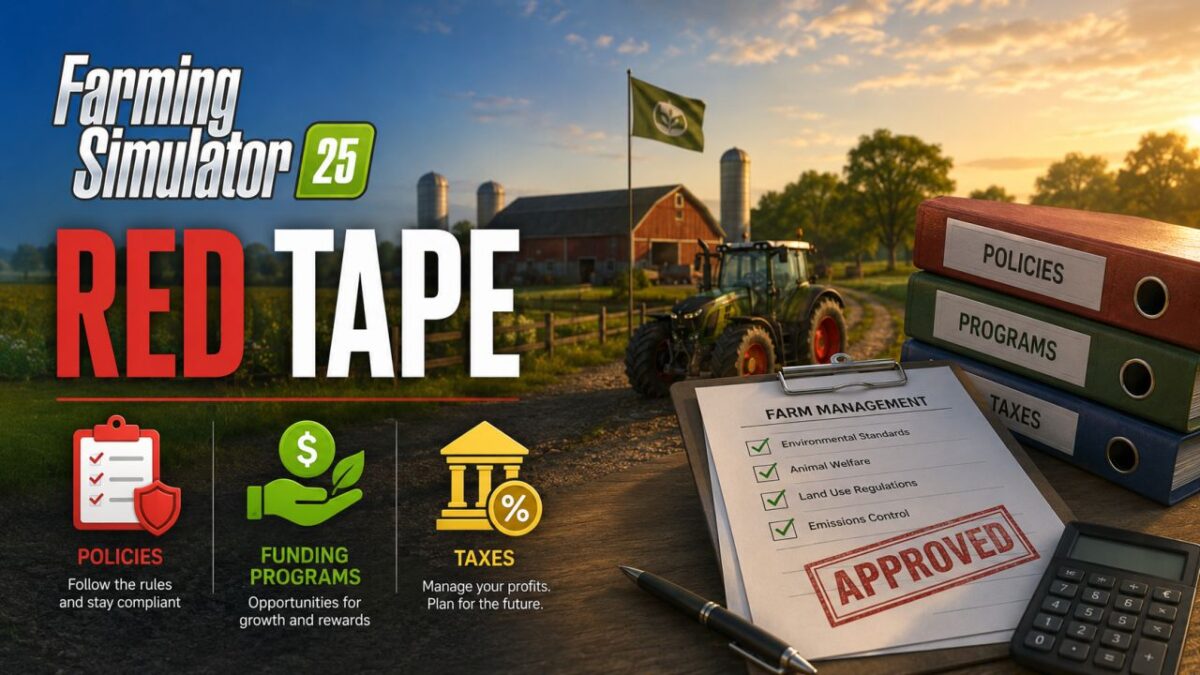
This mod brings more complexity and realism into play through three systems: policies, funding programs and taxes.
Policies are requirements that reflect many things from real life that farmers must observe – such as avoiding the pollution of water sources or the species-appropriate keeping of animals.
Compliance with these guidelines is currently assessed through a point-based system.
Depending on the feedback, however, this could also be associated with financial bonuses or fines in the future.
Funding programs are similar to the guidelines, but are completely optional.
An example of this would be that the government wants to promote the cultivation of a specific crop.
If you participate in such a program, you could, for example, get machines (such as a combine harvester) as well as financial rewards
for the grown products.
The quality of the available programs and the associated rewards depend on your compliance rating.
The tax system works like in real life: if you make profits, part of it goes to the state.
Plan carefully to minimize your tax burden.
Losses can be carried forward beyond the end of the year, which can have a positive impact on your tax burden.
My goal is to make the mod accessible to a small test group by November and to release a first version by Christmas.
Roadmap
The rough plans for the future include:
Further funding programs (please send me your ideas!)
Further guidelines (see above)
A system for applying for grants, for example, as financial support for the construction of a new cowshed
Long-term: Random events (e.g., the theft of your tractor)