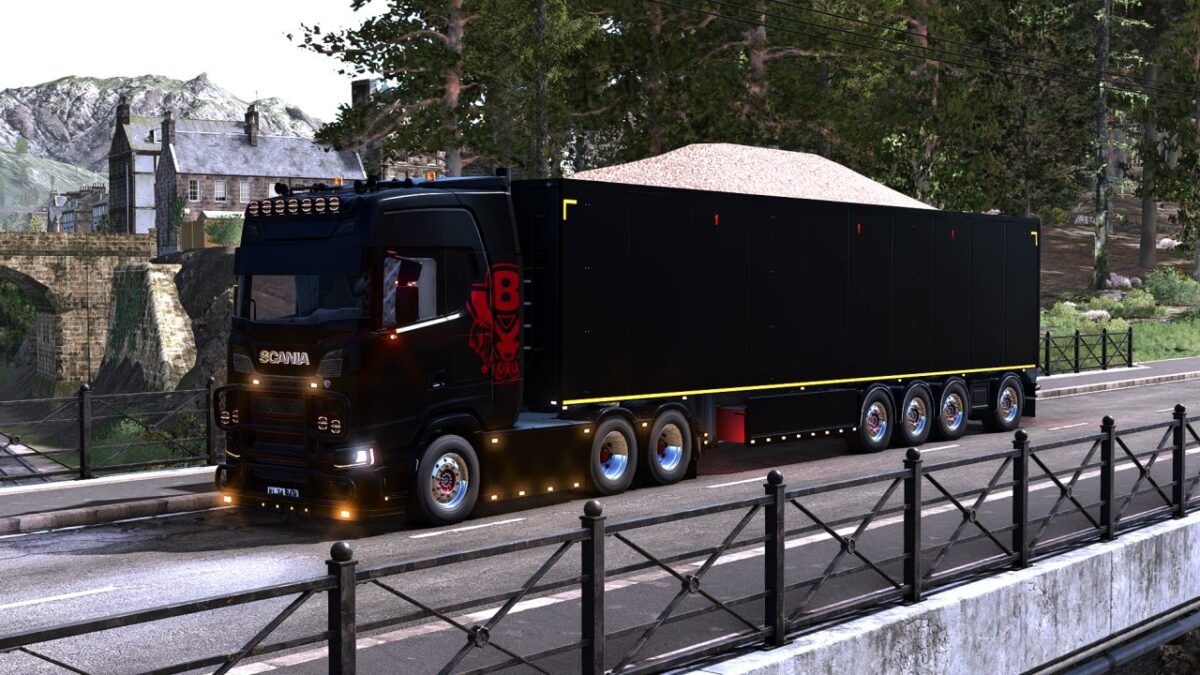
Stas Walking Floor Trailer v 1.1

FS25 mods

Stas Walking Floor Trailer v 1.1
1 Star2 Stars3 Stars4 Stars5 Stars
About mod:

Complete rebuild of trailer, including animations of the floor
Over or under cover for fill volume
Added lights
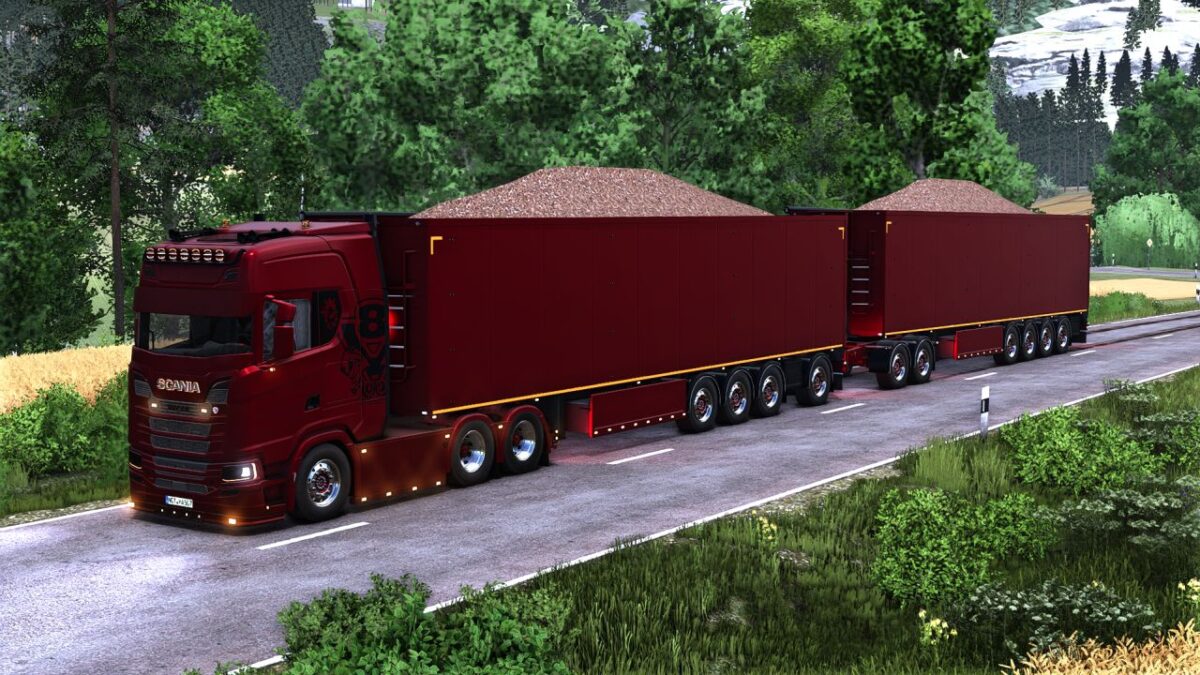
Multiple color configs
3/4 axle grouped/ungrouped version
3 spread axle dutch-style
Rear hitch
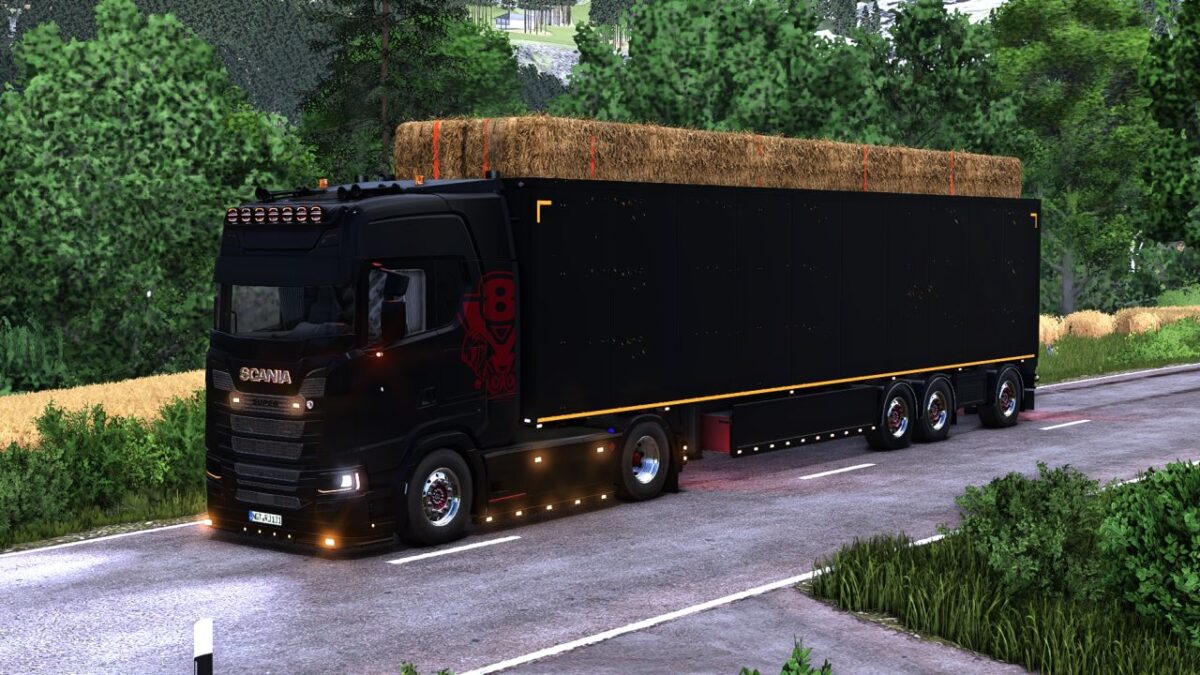
Tension belts to load wood/pallets/bales
Included in the mod, MaanTieBanaani dolly with some edits, from his Taillift Pack

For hardcore players, you can manually load bales through the rear doors, by letting the walkingfloor running on forward position, and unload them by opening doors and putting the floor in backward position
For autodrive users: Currently, autodrive deliver/load setting does not support simultaneous bulk and tensionbelt configuration. If you want to use autodrive to load/deliver bulk with this trailer, the tensionbelt configuration must NOT be used
Trailer has a max mass limit; it can be used with trailer fill limit setting for more realistic gameplay

Version 1.1:
* Added 3 spread axle dutch style wheel config
* Fixed 3d bug in chassis
* Fixed light error in config
* Added over/under cover fill volume

Credits:

Fabiomf, Agrartechnik Nordeifel, BD_Modding, MaanTieBanaani

* By clicking [Download this mod from filehost] button you agree to leave this website. The link opens in the new tab. File is hosted in the external website. We are not responsible for the content of the external page and the possibility of free download of the file.

How do I install Farming Simulator mods?
Find a mod that you like and want to download first. Then, on your PC, download a mod. Mods are typically in.zip format. However, it is sometimes in.rar format. If the mod file is in.zip format, no additional actions are required. If a file is in.rar format, you must unarchive it using software such as WinRar or Zip7. Windows 10 users do not need to use archive software; Win10 includes an unarchive feature.

The next step is to locate the mods folder on your computer. It is typically found in Documents/My Games/Farming Simulator [Your FS game version, e.g. 2022]. Open the "mods" folder and place the downloaded.zip archive or unarchived.rar file there.

The final step. Have fun with Farming Simulator mods!

Leave a Reply

Your email address will not be published. Required fields are marked *