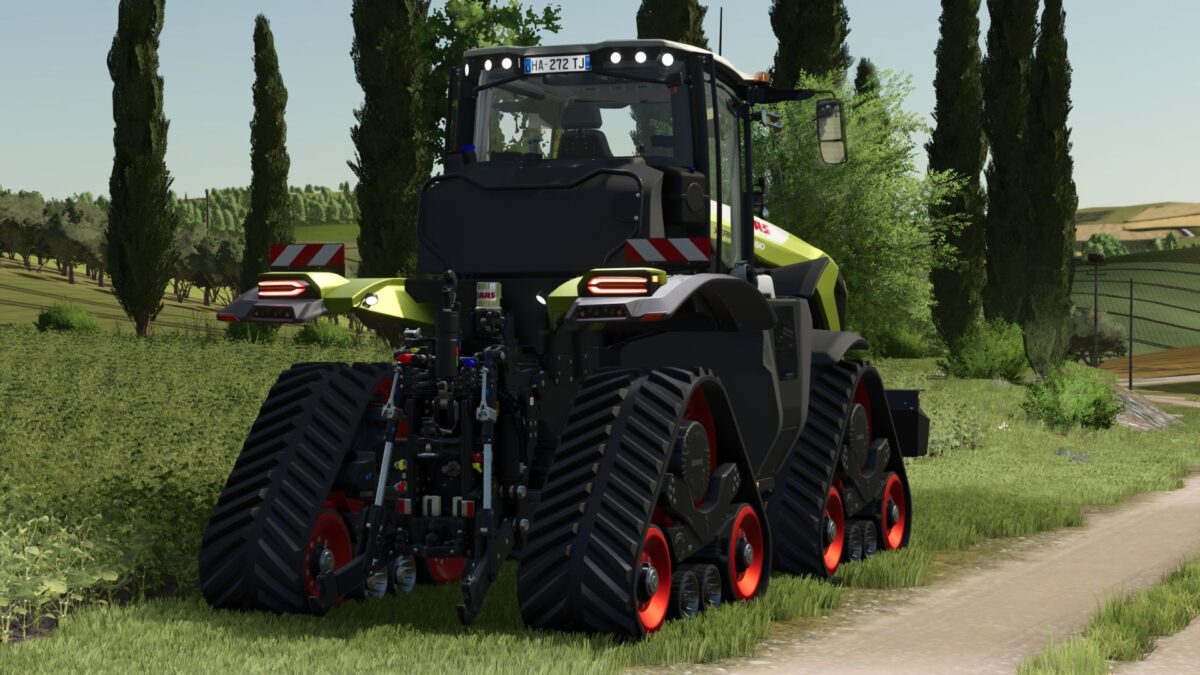
Claas Xerion 12.650 v 1.0.0.9

FS25 mods

Claas Xerion 12.650 v 1.0.0.9
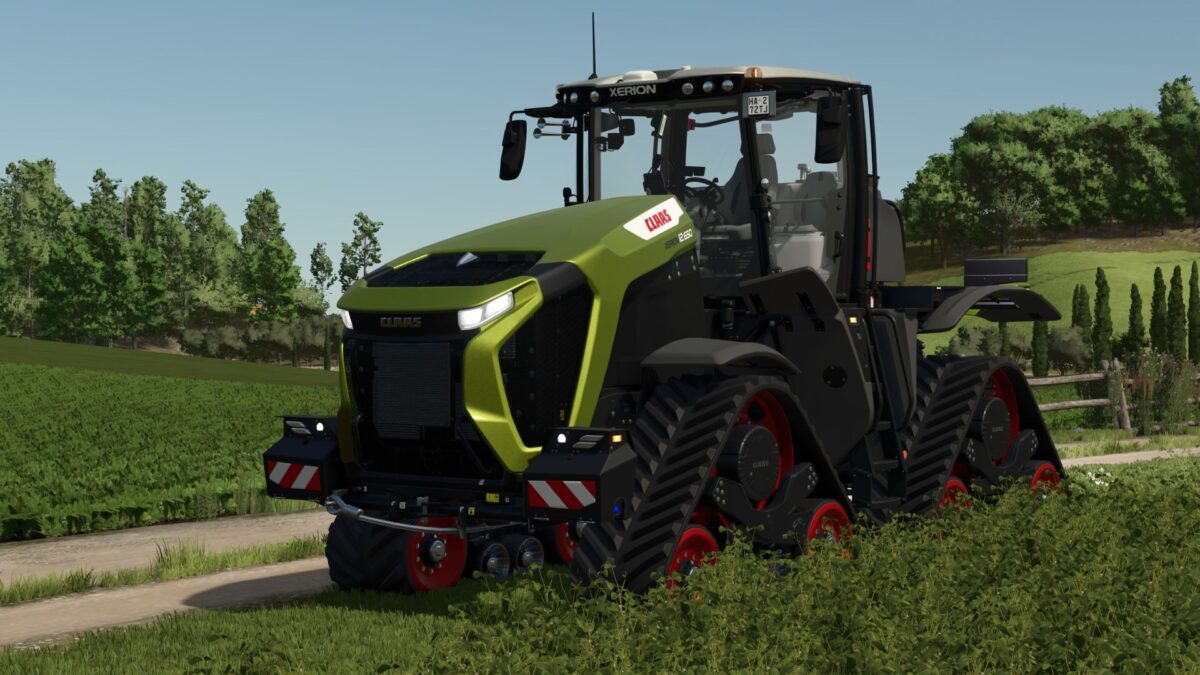
About the mod:

– Top speed ​​adjusted to 80 km/h
– Engine smoke made darker
– Added Main Colorwall
– Added by Dach Farbwall
– Added Grill Colorwall
– Added Frontweight Colorwall
– Added Heckweight Colorwall
– Added Fahrgestell Farbwall
– Added by Radnaben Farbwall
– Added Upper Arm Colorwall
– Added Felgen Colorwall

Crawler was built in the mod so that it goes with the paintball vehicle.
It’s not much but at least wanted to put you to the test.

Version 1.0.0.9:
* Top link fixed
* Seat color added

Credits:
Alex Blue

How to install FS17 mods?

Firstly find a mod which you like and want to download. Then download a mod to your PC. Mods are usually in .zip format file. But sometimes it can be in .rar. If a mod file is a .zip format no needed additional actions. If a file is in .rar, then you must unarchive mod with software like WinRar or Zip7. Windows 10 users no need to use software for archives, Win10 itself has a feature to unarchive files.

The next step is to find mods folder in your PC. Usually, it is in Documents/My Games/Farming Simulator 17/2017. Open the "mods" folder and put downloaded .zip archive or unarchived .rar file to this folder.

Last step. Enjoy of FS17 mods!

Leave a Reply

Your email address will not be published. Required fields are marked *