

Market Dynamics v 1.2.0.1

Market Dynamics v 1.2.0.1
Real-world inspired dynamic crop pricing for Farming Simulator 25. Prices fluctuate daily and intraday based on world events, supply, demand, and economic shocks — no two playthroughs feel the same.
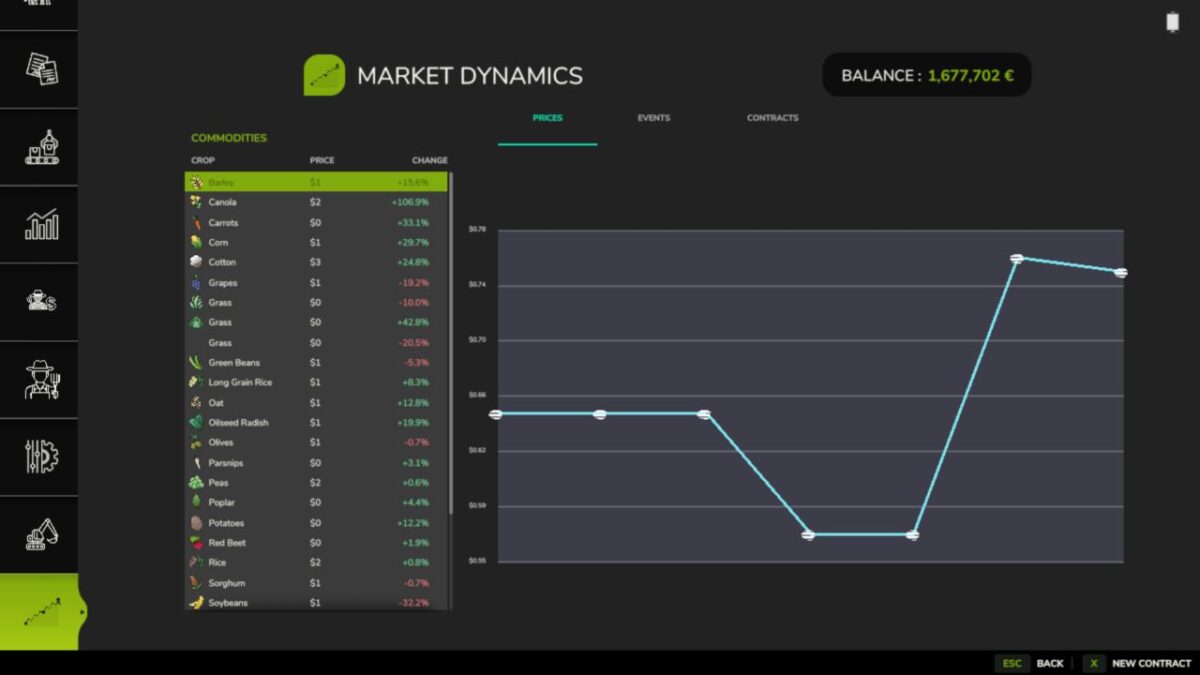
Dynamic pricing engine — every tracked crop has a live price built from a base price, a volatility factor, and a live event modifier stack. Prices drift every in-game minute and shift daily with mean-reversion toward the base. They clamp between 50% and 200% of base so markets stay volatile but never absurd.
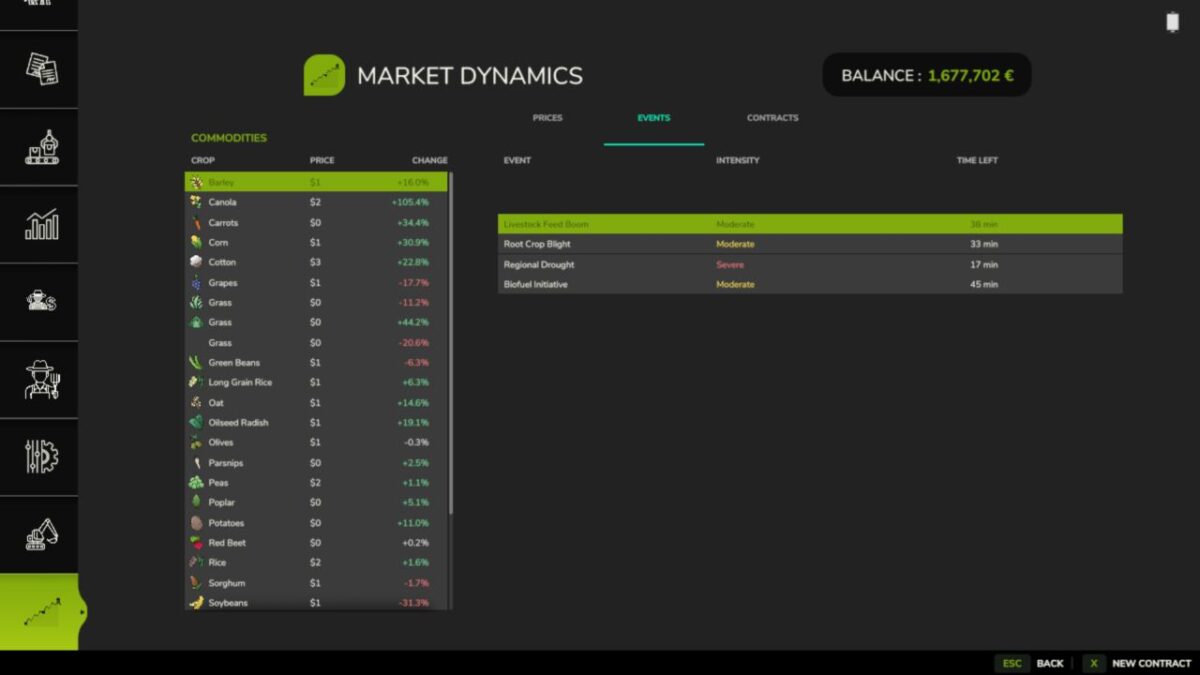
Ten world events — Regional Drought, Bumper Harvest, Trade Disruption, Geopolitical Crisis, Biofuel Initiative, Livestock Feed Boom, Pest Outbreak, Cold Snap, Financial Panic, and Protein Premium. Each fires probabilistically with per-type cooldowns and randomised intensity — price swings are ranged, not flat, so markets feel alive and unpredictable. Cold Snap is the first mixed-direction event, boosting some crops while simultaneously suppressing others. Financial Panic is a rare black-swan that pushes every commodity down at once.
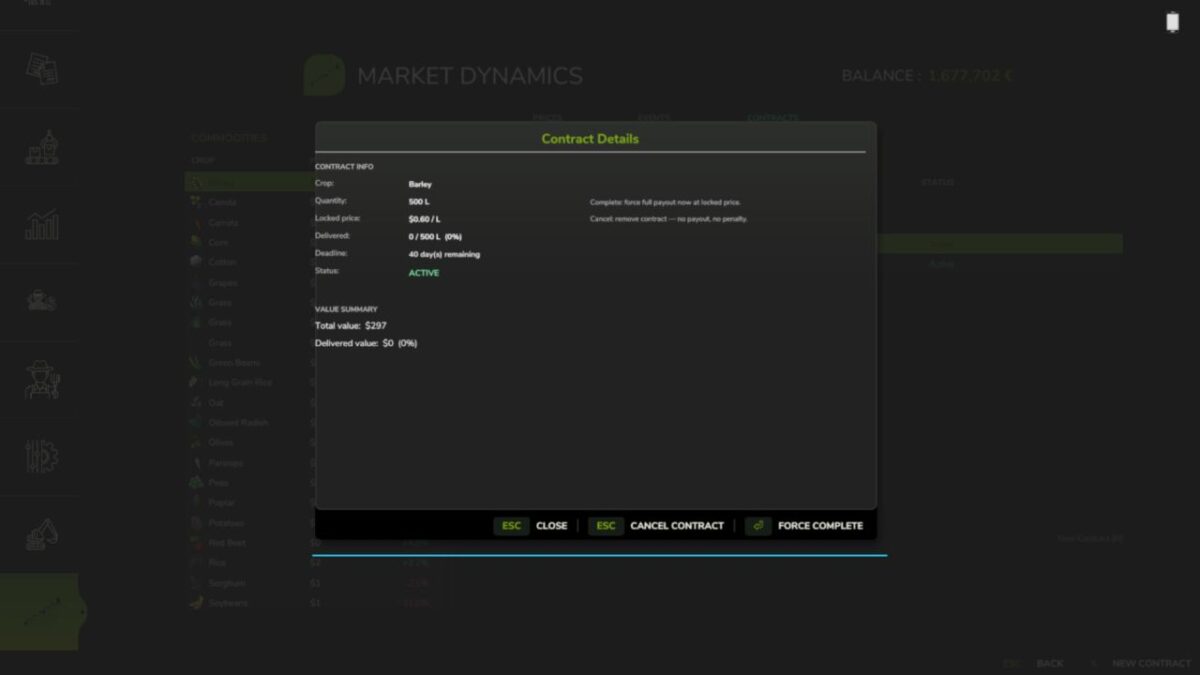
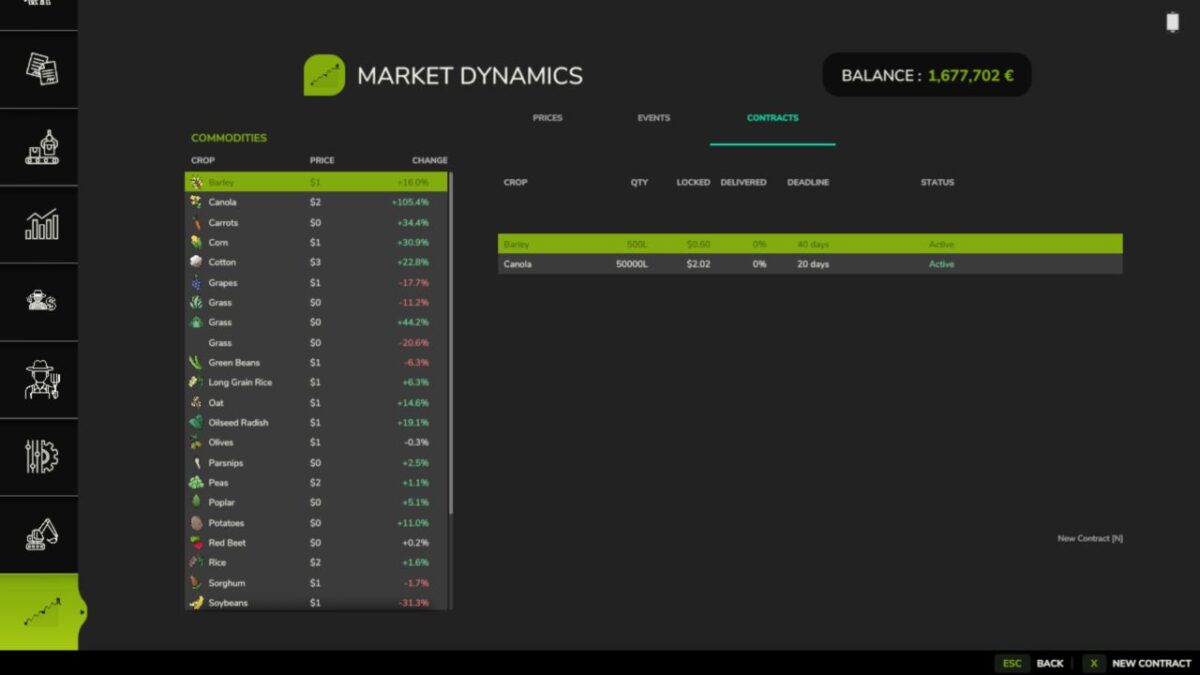
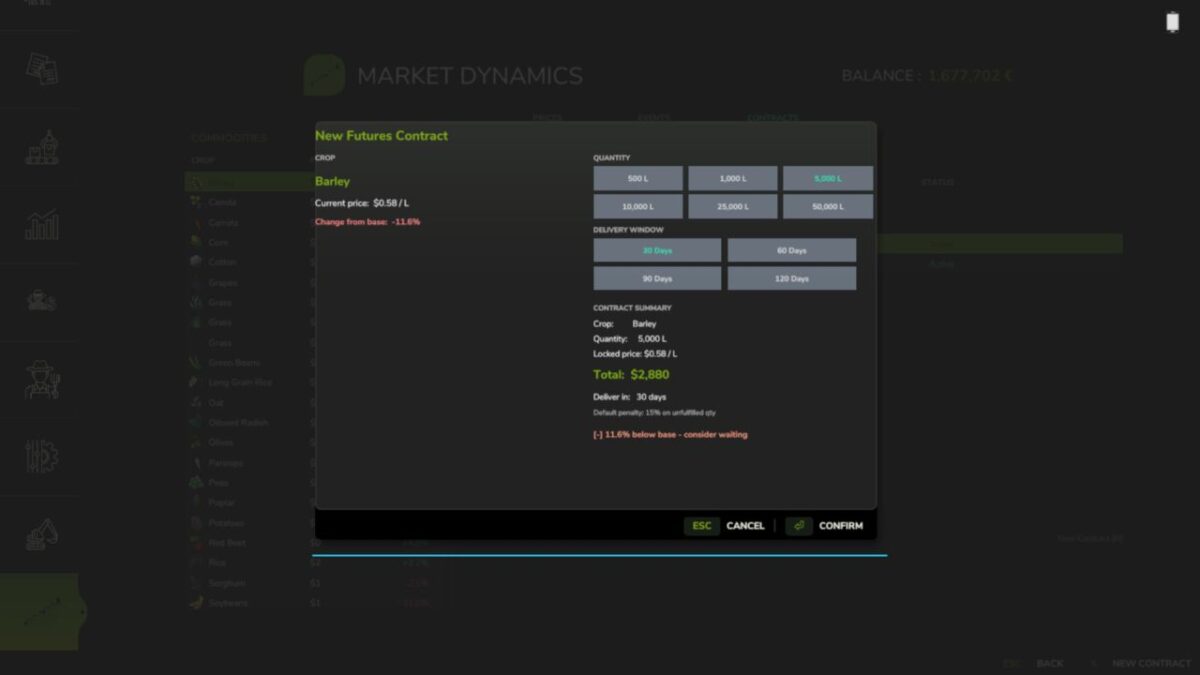
Futures contracts — lock in a sell price today for delivery up to 120 in-game days from now. Enter any quantity via custom text input and set any delivery window you need — you’re not limited to presets. Fulfill on time for the full locked-price payout; miss the deadline and you take a 15% default penalty on the unfulfilled portion. If FS25_UsedPlus is installed, your credit score scales that penalty between 10% and 20%.
Market screen — a full InGameMenu page with three tabs: live prices with % change and a session trend chart, active world events with intensity and time remaining, and your contract history. Press N or click New Contract to open the contract dialog from anywhere on the screen.
Event tuning — configure exactly which crops are affected by each world event via the in-game Event Settings UI. A Browse Fill Types dialog lets you scroll and click to select crop names, removing the need to type them manually.
Multiplayer (server-authoritative) — price state, world events, and futures contracts all sync across clients. The simulation runs headless on dedicated servers with no GUI dependencies. Contract creation and fulfillment go through validated network events.
Mod integrations — FS25_FuturesMission: completing a harvest mission applies a short-lived supply-spike to that crop, temporarily dropping its price. FS25_UsedPlus: contract outcomes feed your credit score and your score scales the default penalty. Both integrations activate automatically on detection.
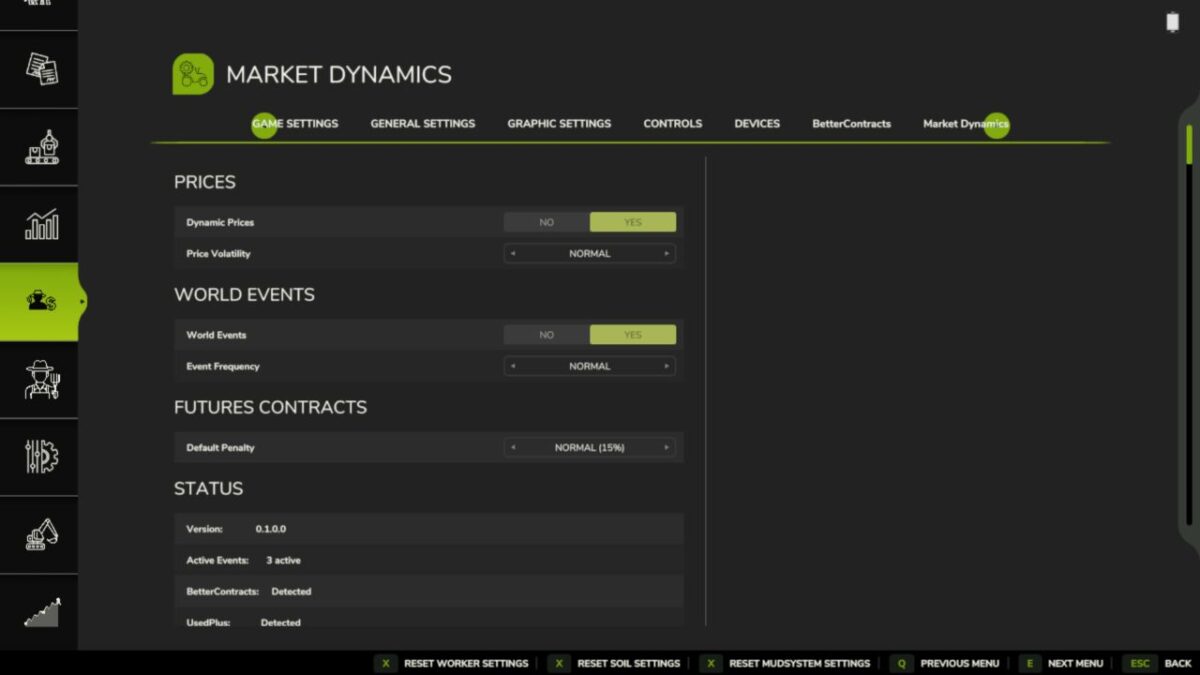
Settings — enable/disable dynamic prices, enable/disable events, event frequency, volatility scale, and debug logging, all accessible in-game under ESC > Settings > Market Dynamics.
26-language localization — all Farming Simulator 25 languages included.
Save data is stored in savegameDirectory/FS25_MarketDynamics.xml. Removing the mod mid-save is safe — the file is simply ignored on next load.
Version 1.2.0.1:
* Swapped out the indicators since FS25 does not like it
* Fixed nill error from missing l10n string
* Updated all translation files (new keys have been added)