

No Rolling required v 1.1

No Rolling required v 1.1
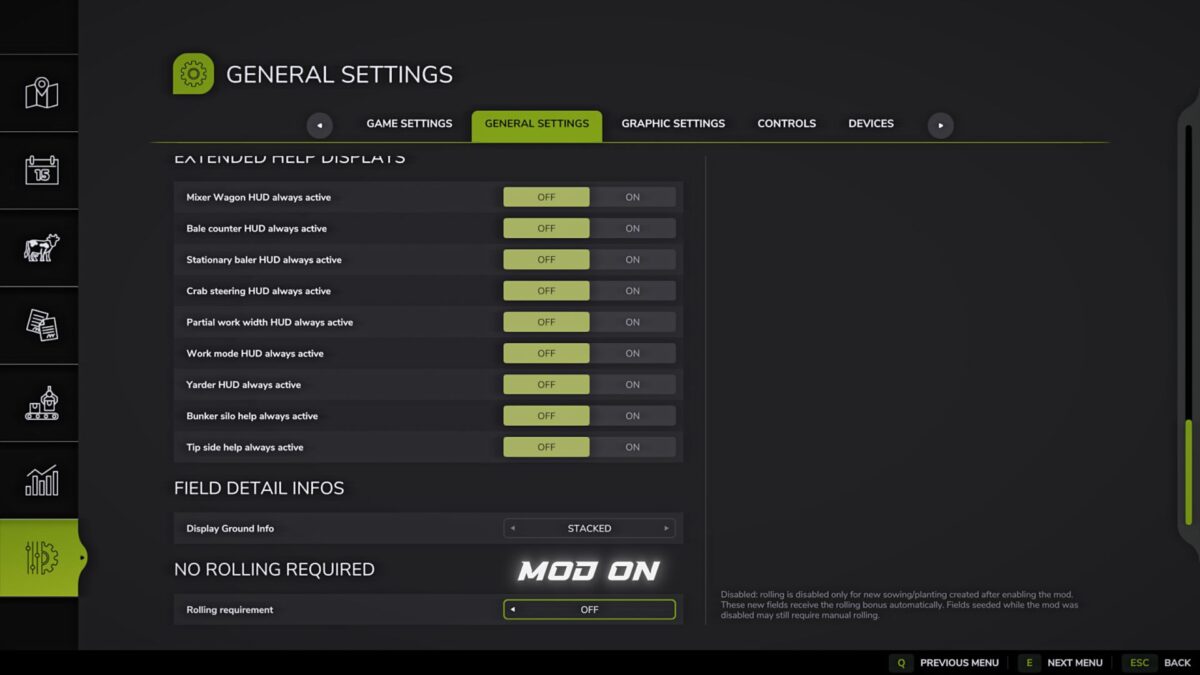
Adds a setting to disable rolling for new crops.
How the mod works:
When turned on, new crops and plantings no longer require rolling.
Rolling bonus is maintained without using a roller.
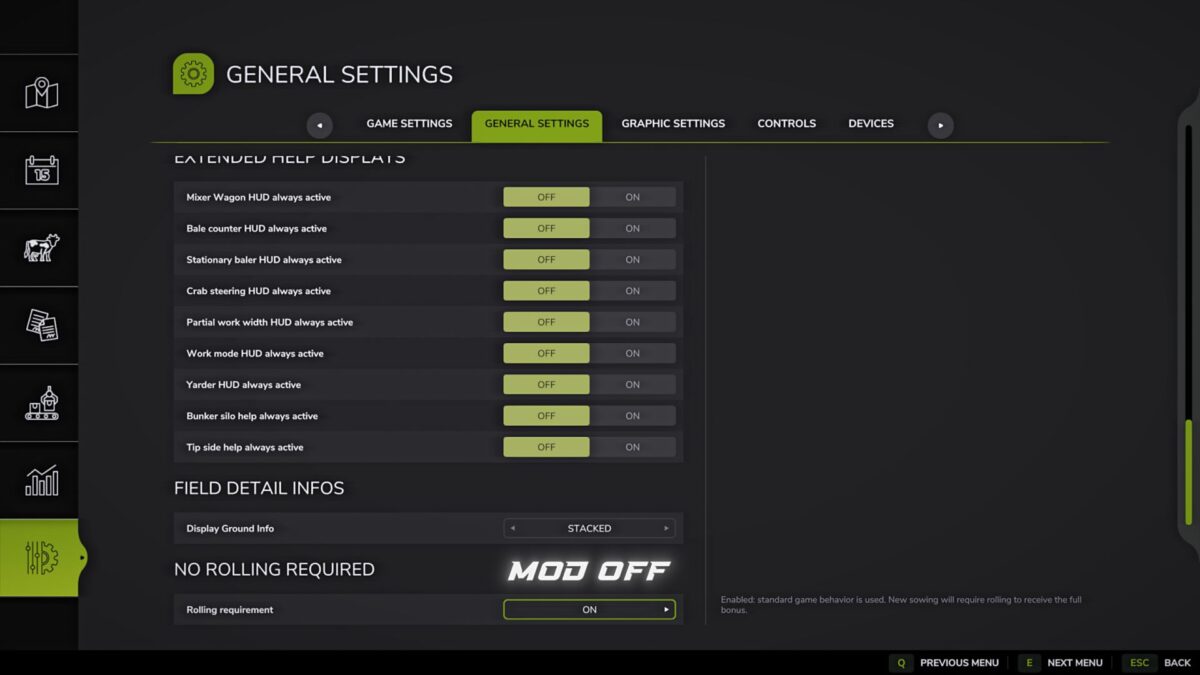
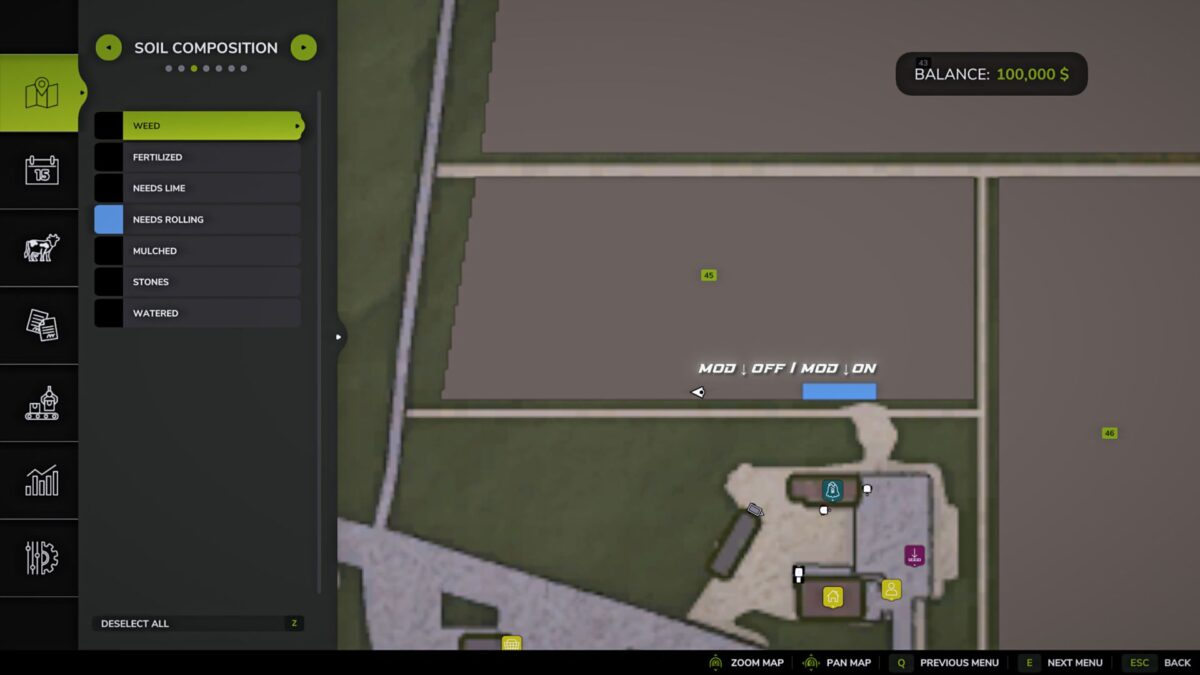
Fields sown with the mod turned off may still require manual rolling.
Changes apply only to new crops after turning on the mod.
Purpose:
Removes an unnecessary stage of field processing and speeds up the gameplay.
Note:
Rolling is disabled only for new crops/plantings made after turning on the mod.
These new fields receive the rolling bonus automatically.
Fields sown with the mod turned off may still require manual rolling.
Version 1.1:
* Added enabling/disabling the mod in the game settings
* Added multilingual localization
* Mod settings are now saved separately for each save
* Improved loading and application of settings
* Updated mod description and translations