
Non Stop Crop v 1.0

FS25 mods

Non Stop Crop v 1.0
Non Stop Crop v 1.0
Non Stop Crop v 1.0

1 Star2 Stars3 Stars4 Stars5 Stars
About mod:

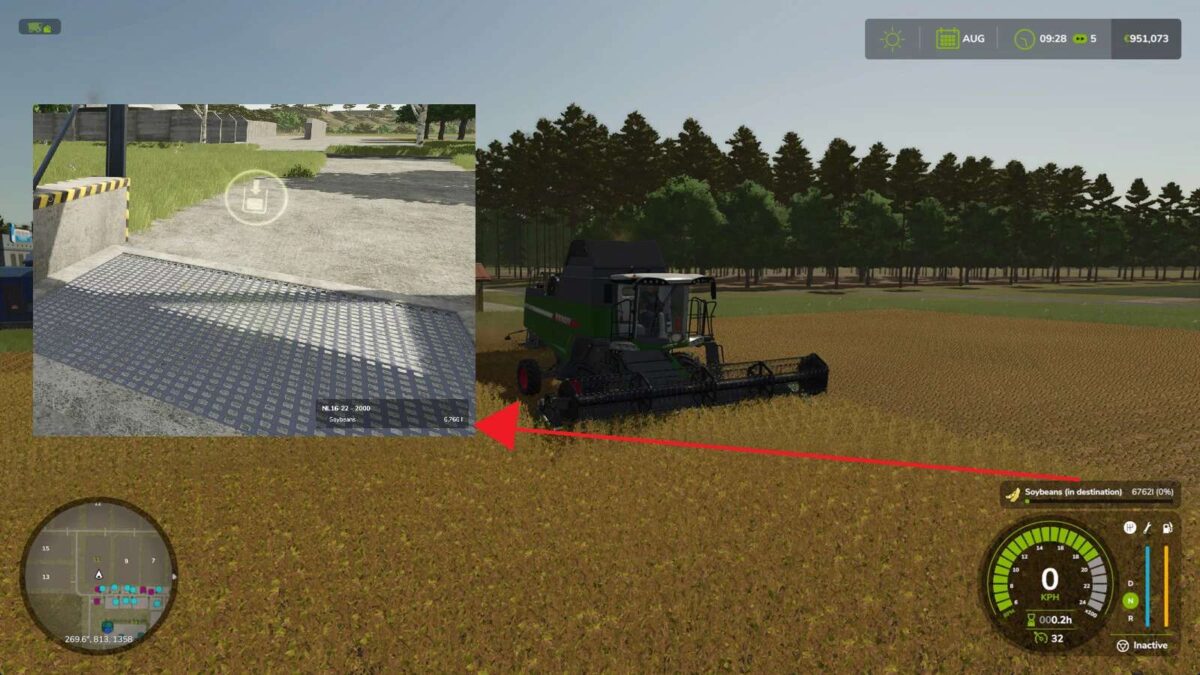
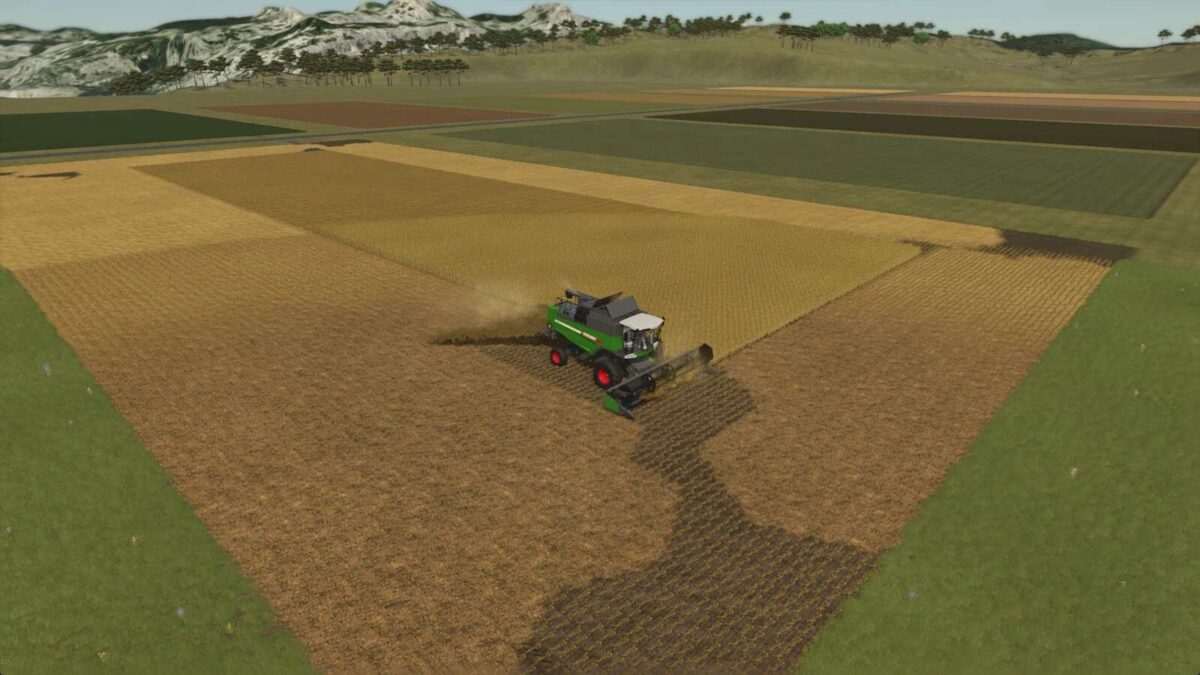
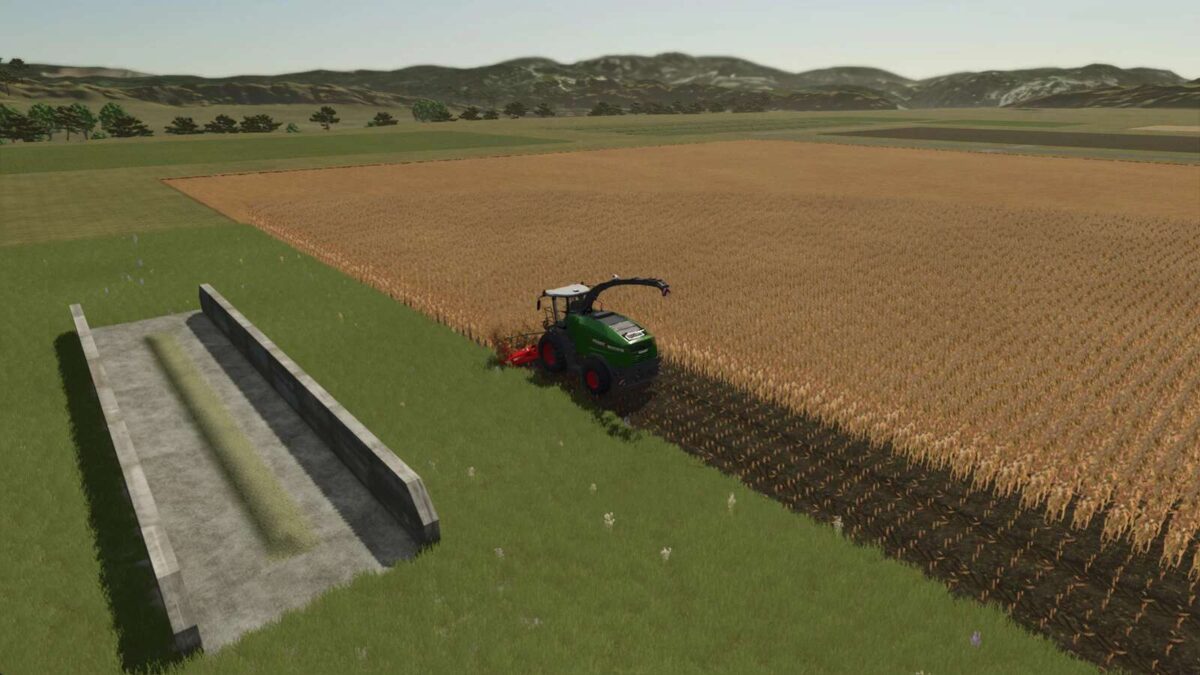
Harvest without ever stopping. Non-Stop Crop transfers the incoming crop from your harvester directly to a silo / storage object.

While active, the vehicle HUD shows the destination’s current fill level and capacity instead of the harvester’s own (often infinite) buffer, suffixed with “(in destination)” so it’s clear at a glance.

Press Left Alt + N while in a supported vehicle to enable or disable Non-Stop Crop on that vehicle. Each vehicle stores its own enabled state and destination.

Supported vehicles/tools:
– Combine harvester
– Forage harvester
– Forage wagon

Supported destinations:
– Silo
– Bunker silo
– Production
– Animal husbandry

The destination is validated against the current crop. If the destination cannot accept the fill type, a warning is shown on the help bar and no transfer happens until you switch crops or pick a different destination.

How to assign a destination:
1. Open the map menu.
2. Click on a hotspot of a support destination.
3. Click on “Set destination”.

Bunker silos that don’t have a map hotspot get one injected automatically by this mod, including a teleport option to visit a bunker silo.

Credits:

Jos

* By clicking [Download this mod from filehost] button you agree to leave this website. The link opens in the new tab. File is hosted in the external website. We are not responsible for the content of the external page and the possibility of free download of the file.

How do I install Farming Simulator mods?
Find a mod that you like and want to download first. Then, on your PC, download a mod. Mods are typically in.zip format. However, it is sometimes in.rar format. If the mod file is in.zip format, no additional actions are required. If a file is in.rar format, you must unarchive it using software such as WinRar or Zip7. Windows 10 users do not need to use archive software; Win10 includes an unarchive feature.

The next step is to locate the mods folder on your computer. It is typically found in Documents/My Games/Farming Simulator [Your FS game version, e.g. 2022]. Open the "mods" folder and place the downloaded.zip archive or unarchived.rar file there.

The final step. Have fun with Farming Simulator mods!

Leave a Reply

Your email address will not be published. Required fields are marked *