

MMZ Semi Trailer v 1.1

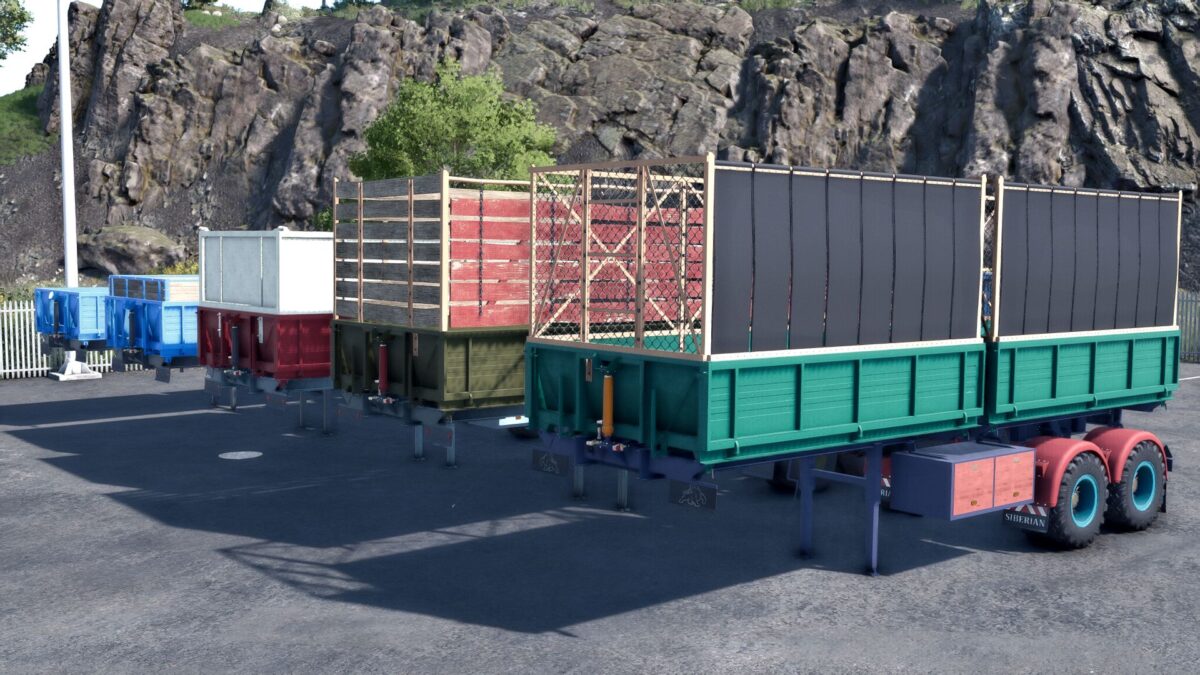
MMZ Semi Trailer v 1.1
About the mod:
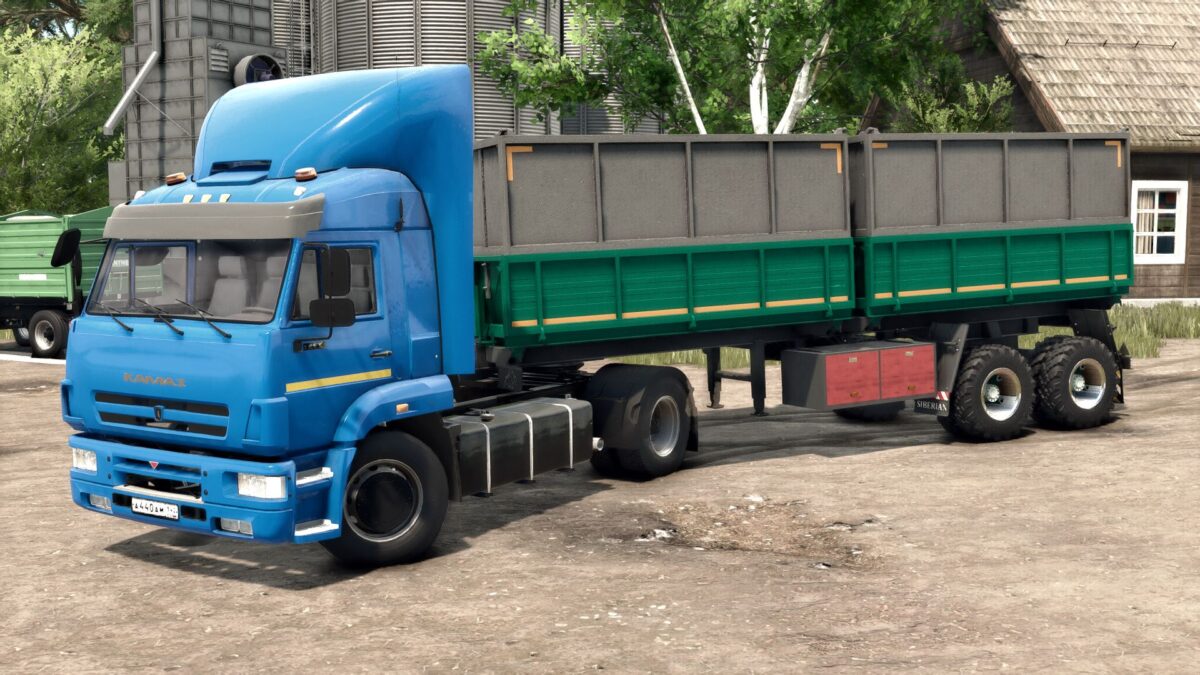
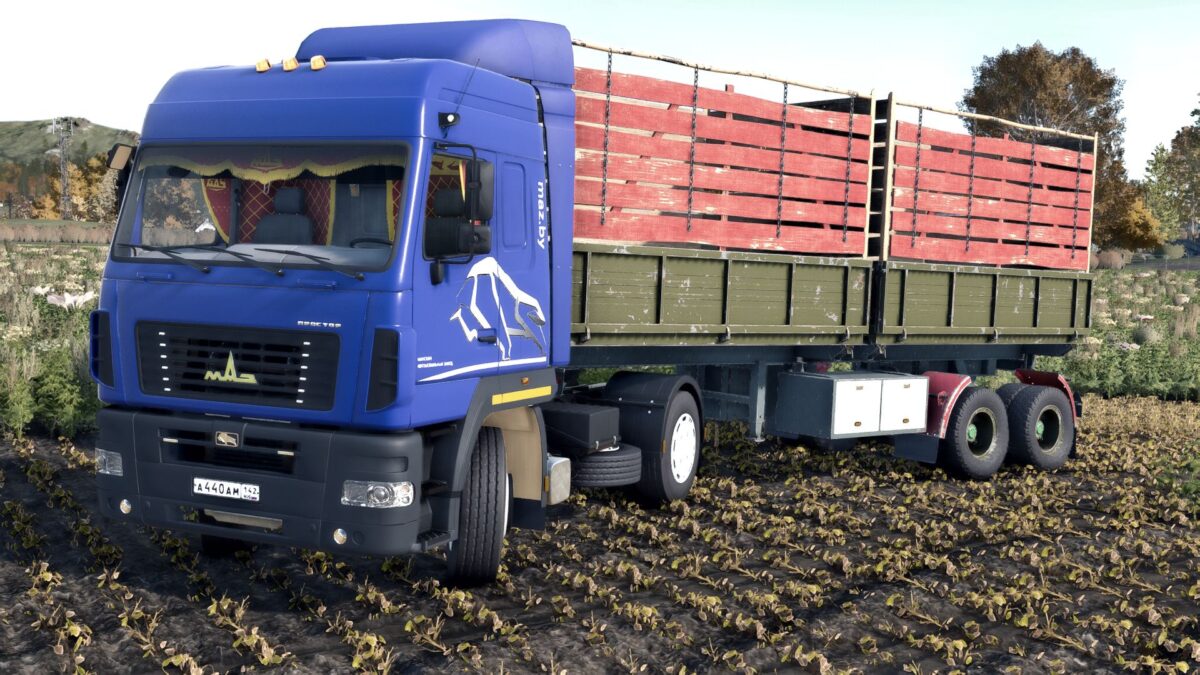
The MMZ semi trailer is designed for transporting agricultural goods
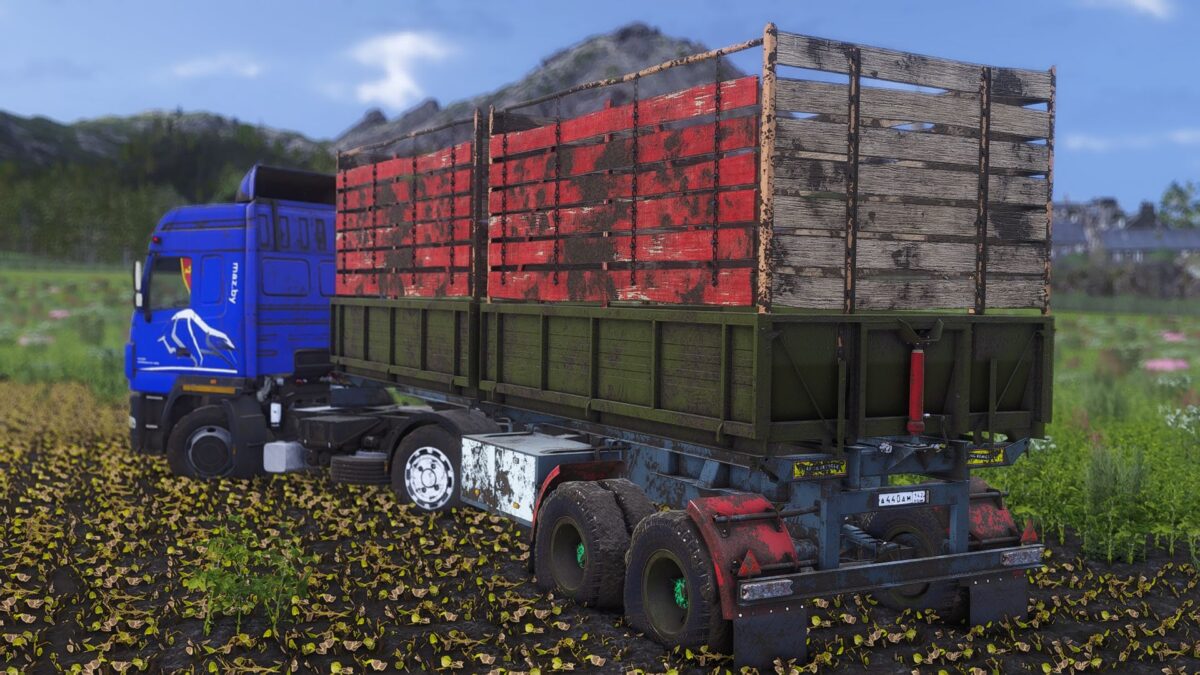
Animated chassis, good physics. It gets dirty, it gets old, it gets wet.
In general, it is made according to all fs 25 standards.
Separate unloading of bodies, as well as separate loading of crops.
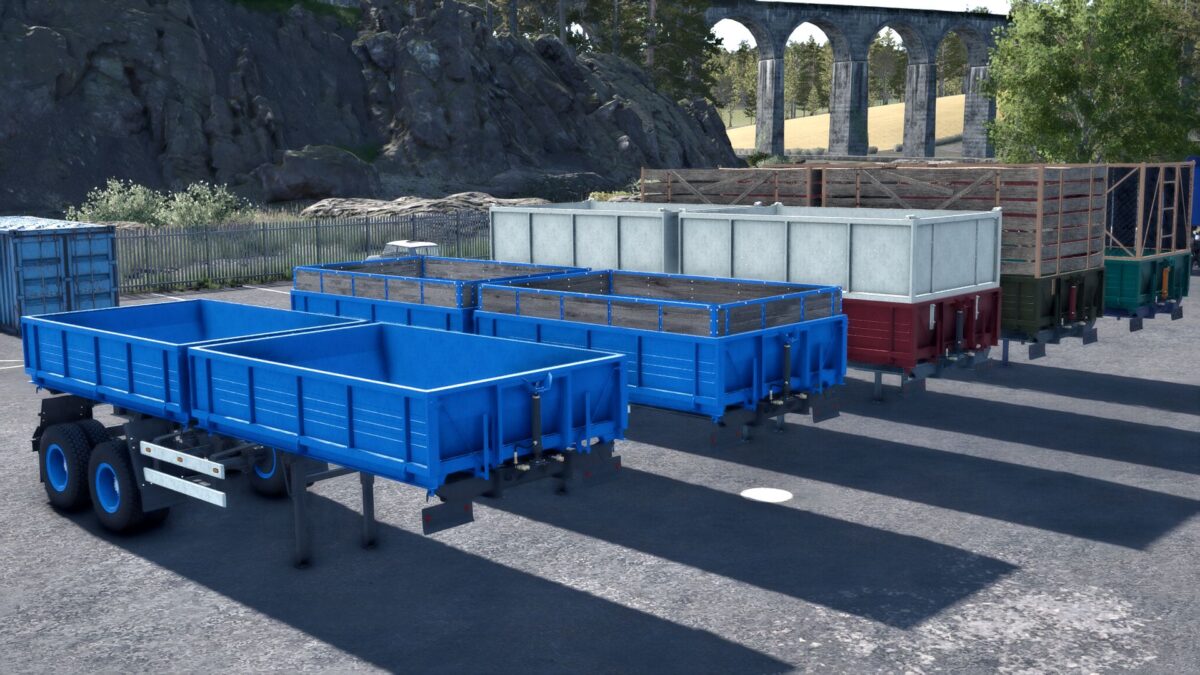
Selection in store
Stripes
Wings
Mudguards
Wheels
Various tuning
Painting in the store
Body
Stripes
Krylyev
Cylinders
Discs, hubs, wedges
Important: the trailer is in a separate category in the Yasnaya Polyana store
Version 1.1:
* Added selection through the reflective tape store
* Installed reversible headlights and lights
* Adding more tuning
* Minor fixes and improvements
Credits:
Siberian, TYOMATY