Server Player Count v 1.0
Shows the current player count directly in the HUD on multiplayer servers.
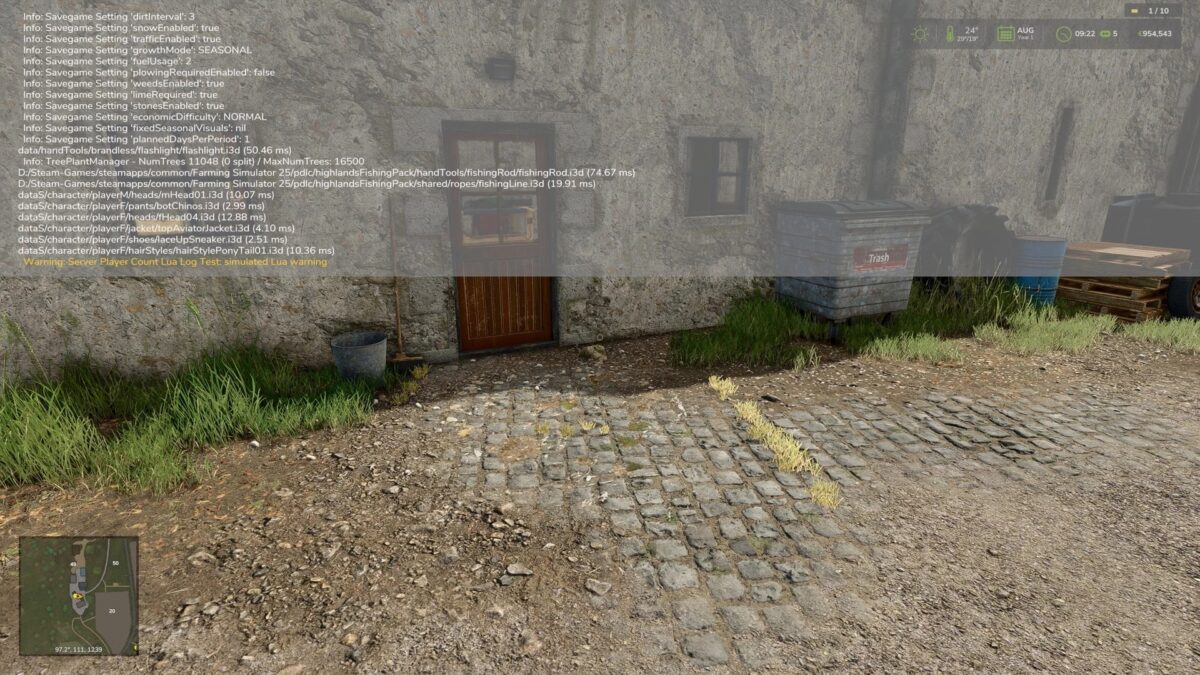
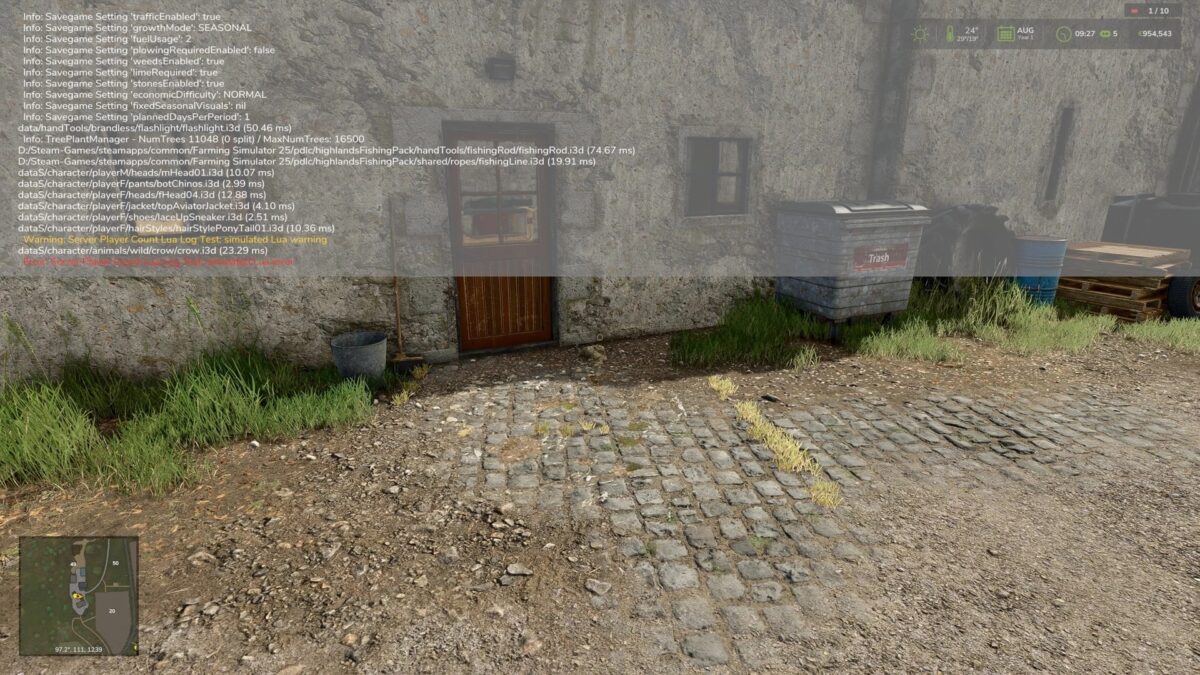
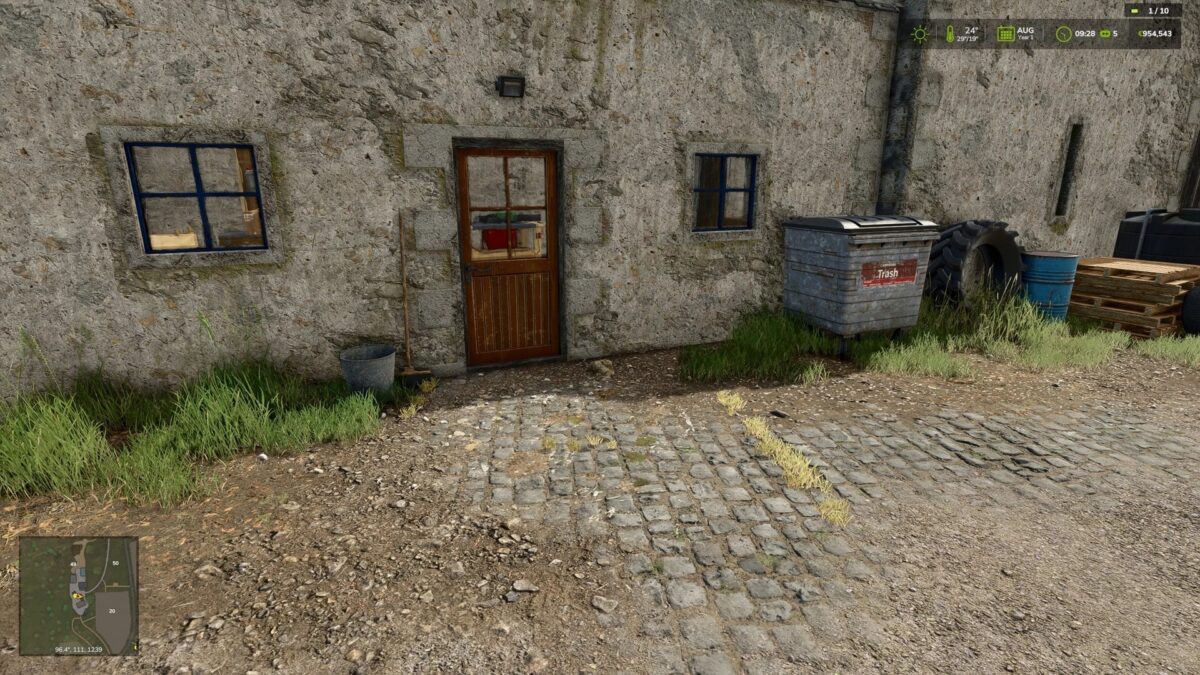
The display consists of a compact player count with a status indicator:
– Green: no Lua warning or Lua error detected
– Yellow: Lua warning detected Red: Lua error detected The status indicator can be reset in the game settings if a detected message has been checked and is not critical.
Note: In singleplayer, the HUD display is hidden automatically if the mod was enabled there by mistake.
Additional detections may be added later if log data can be evaluated more cleanly in-game.
Nalathan
How do I install Farming Simulator mods?
Find a mod that you like and want to download first. Then, on your PC, download a mod. Mods are typically in.zip format. However, it is sometimes in.rar format. If the mod file is in.zip format, no additional actions are required. If a file is in.rar format, you must unarchive it using software such as WinRar or Zip7. Windows 10 users do not need to use archive software; Win10 includes an unarchive feature.
The next step is to locate the mods folder on your computer. It is typically found in Documents/My Games/Farming Simulator [Your FS game version, e.g. 2022]. Open the "mods" folder and place the downloaded.zip archive or unarchived.rar file there.
The final step. Have fun with Farming Simulator mods!