Texture Eyedropper v 1.0

FS25 mods

Texture Eyedropper v 1.0
1 Star2 Stars3 Stars4 Stars5 Stars
About mod:

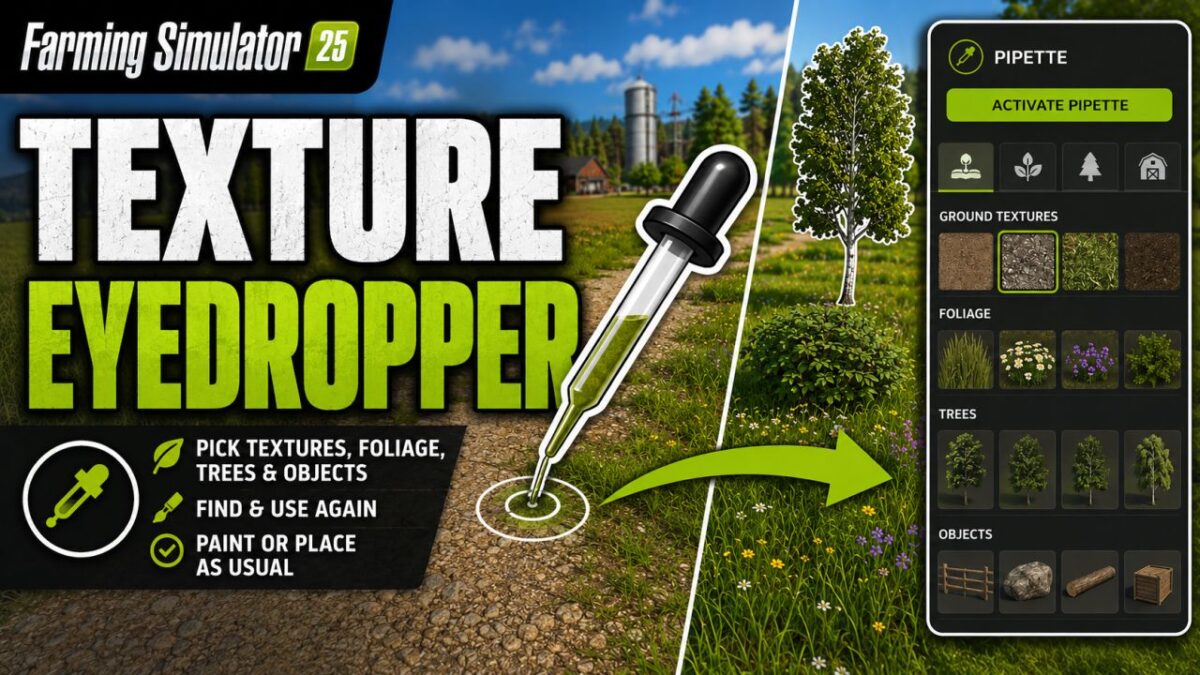
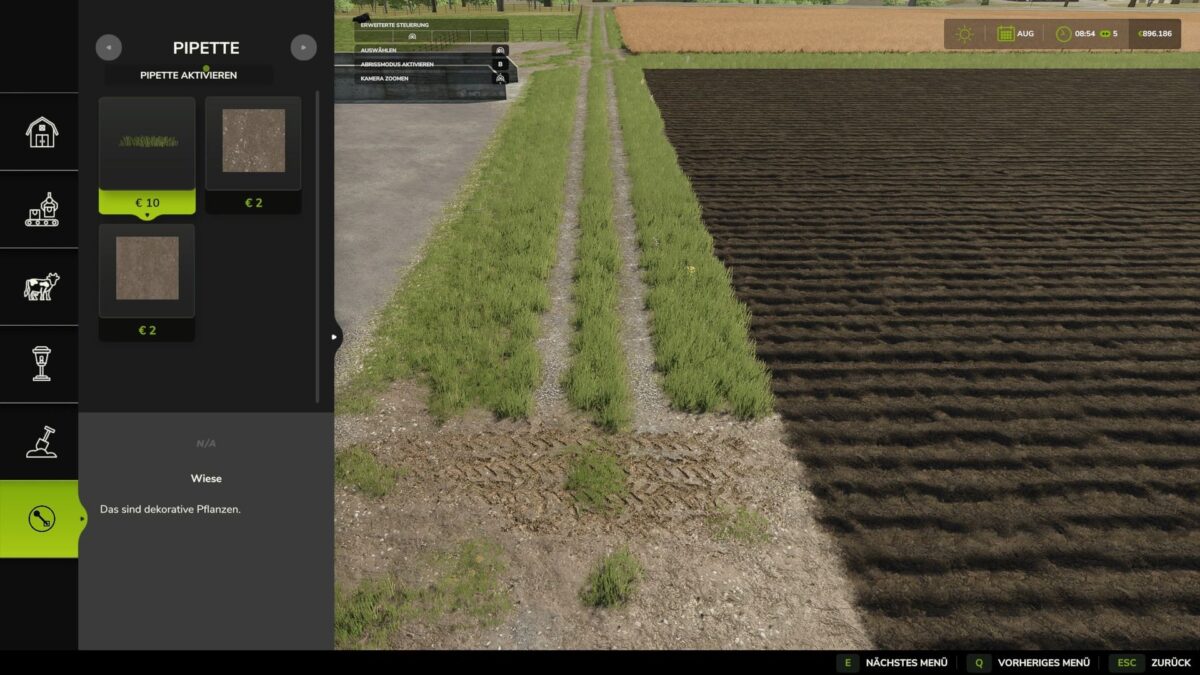
The texture eyedropper extends the build menu with an eyedropper function for ground textures, foliage, placeable trees and supported placeable objects.

This feature allows you to directly pick up previously used paint textures, visible foliage such as grasses, flowers, and bushes, placeable trees, and supported objects from the map and find them again in the build menu.
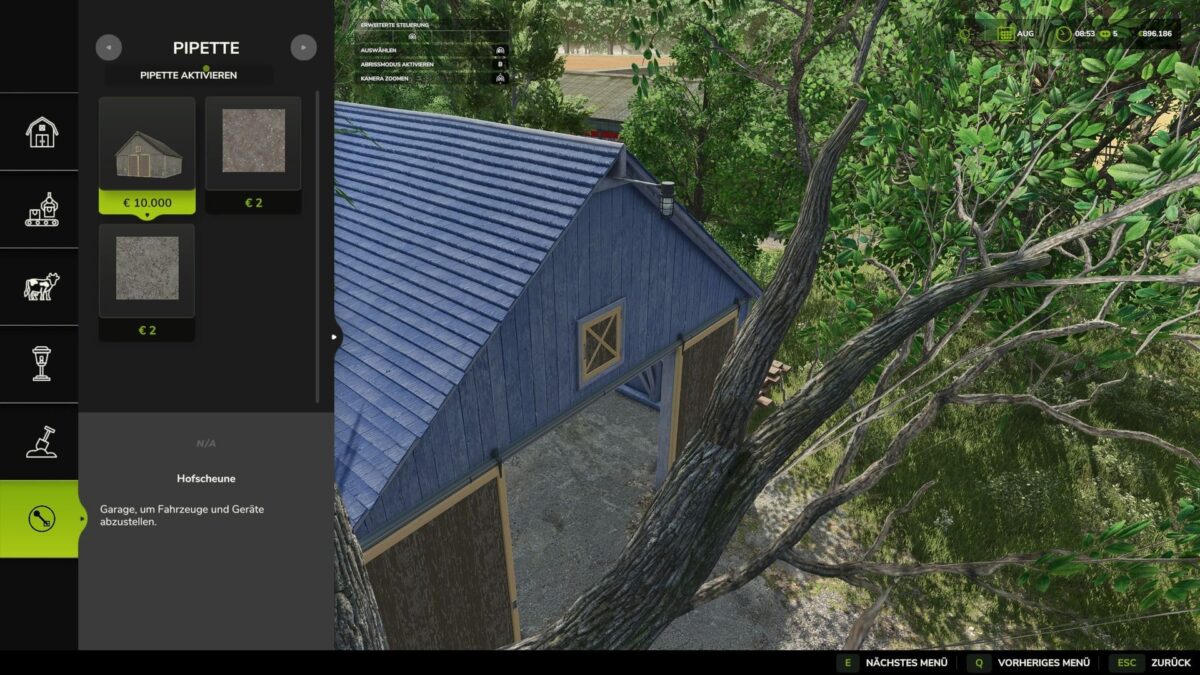
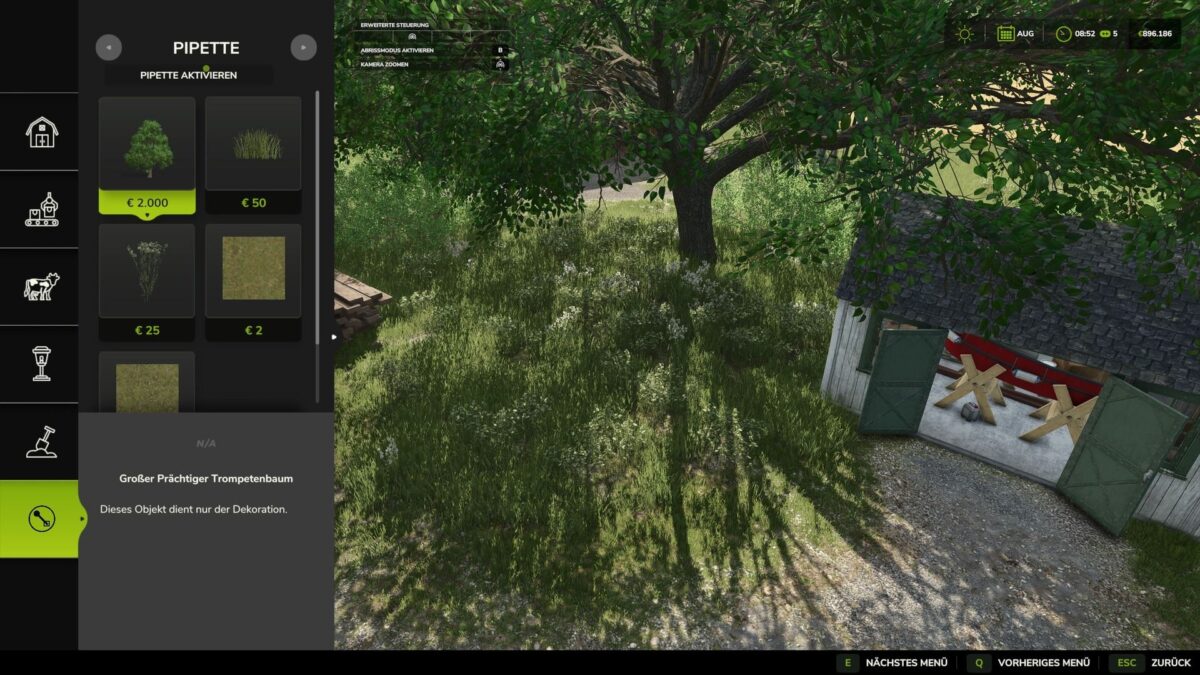
For mixed areas, multiple matching results can be displayed.

Application:
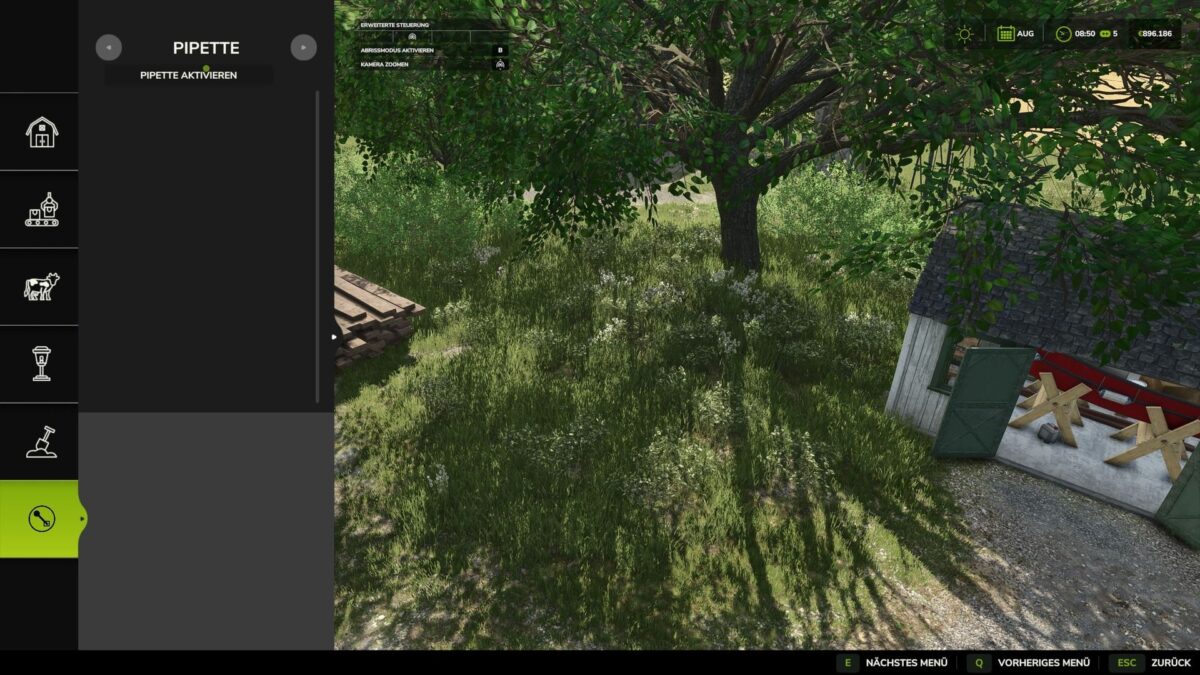
1. In the build menu, open the “Pipette” tab.
2. Press the “Activate pipette” button.
3. Click on a ground texture, foliage, tree, or supported object.
4. Confirm the desired result in the build menu.
5. Paint or build as usual.

After painting, the process should be canceled with ESC to prevent unintentional further painting.
If necessary, the eyedropper can then be reactivated.

The mod also takes into account available ground textures and suitable foliage for the respective map.
Map foliage is made available as a paintable entry in the build menu, where possible.

Debug mode is optional and disabled by default.
It is only used for troubleshooting.

Credits:

Nalathan

* By clicking [Download this mod from filehost] button you agree to leave this website. The link opens in the new tab. File is hosted in the external website. We are not responsible for the content of the external page and the possibility of free download of the file.

How do I install Farming Simulator mods?
Find a mod that you like and want to download first. Then, on your PC, download a mod. Mods are typically in.zip format. However, it is sometimes in.rar format. If the mod file is in.zip format, no additional actions are required. If a file is in.rar format, you must unarchive it using software such as WinRar or Zip7. Windows 10 users do not need to use archive software; Win10 includes an unarchive feature.

The next step is to locate the mods folder on your computer. It is typically found in Documents/My Games/Farming Simulator [Your FS game version, e.g. 2022]. Open the "mods" folder and place the downloaded.zip archive or unarchived.rar file there.

The final step. Have fun with Farming Simulator mods!

Leave a Reply

Your email address will not be published. Required fields are marked *