
Field Notes v 2.0
Field Notes v 2.0
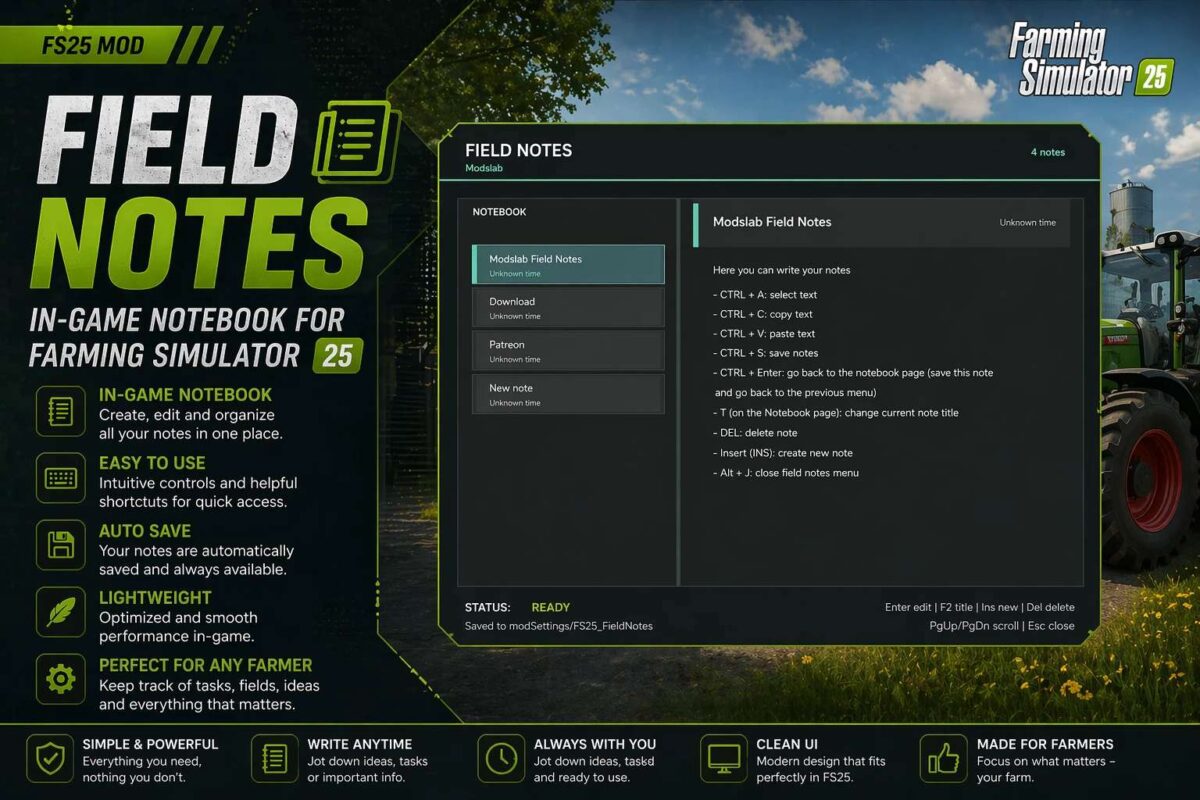
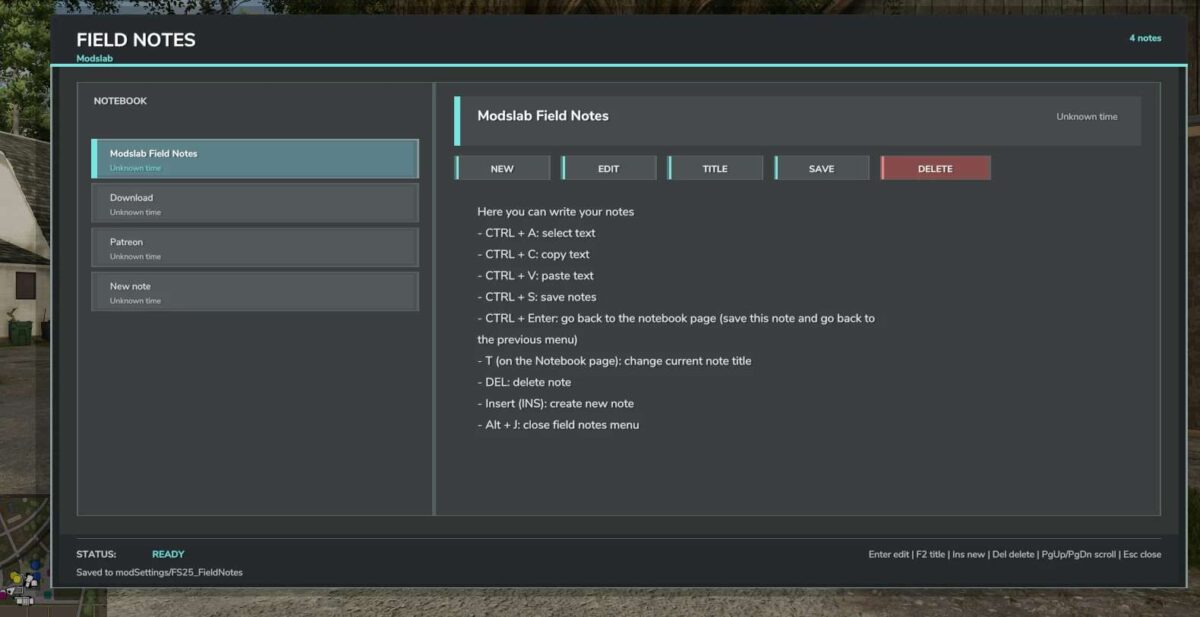
Field Notes adds a separate notebook where you can create and manage your notes.
You can:
– Create multiple notes
– Write, save, and delete anything you want
– Select, copy, and paste text (basic editor functions)
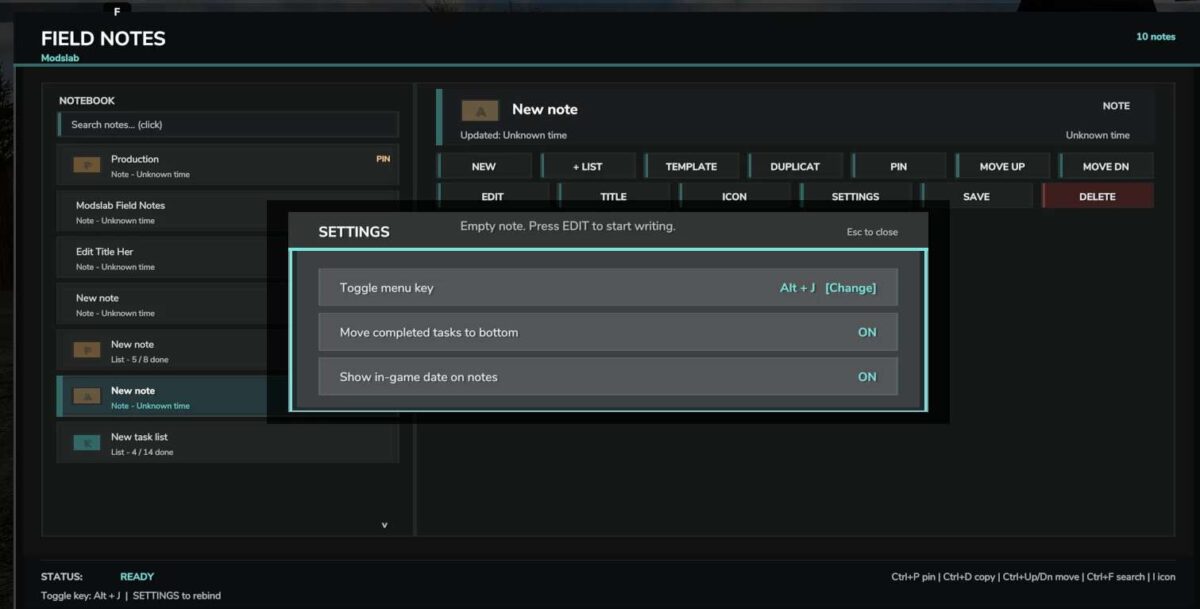
To open, press Alt + J.
Version 2.0:
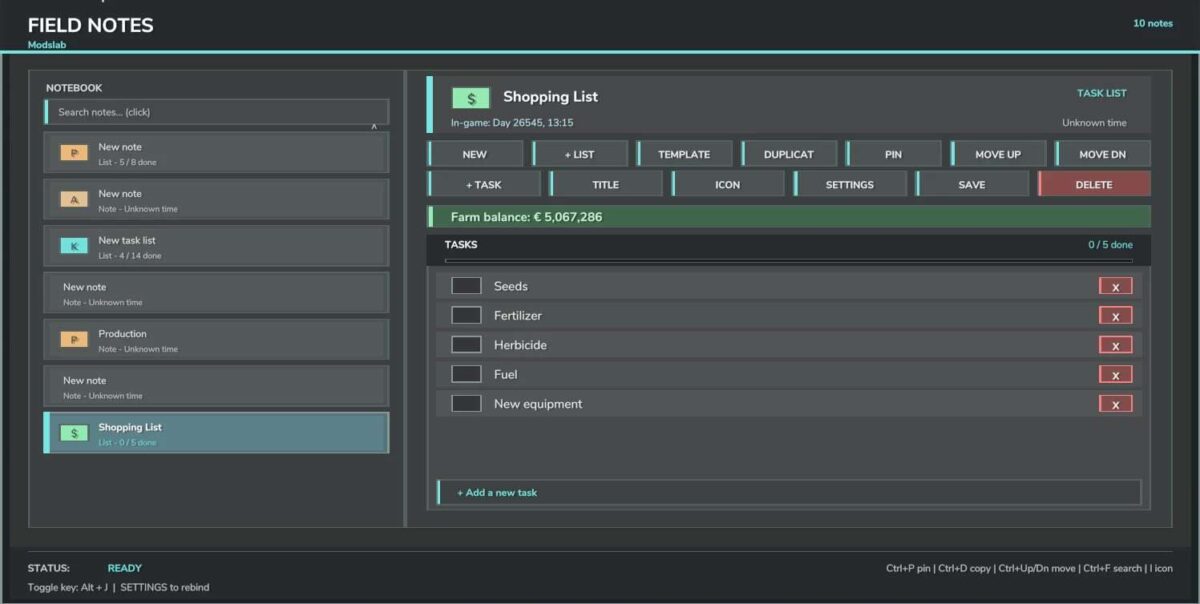
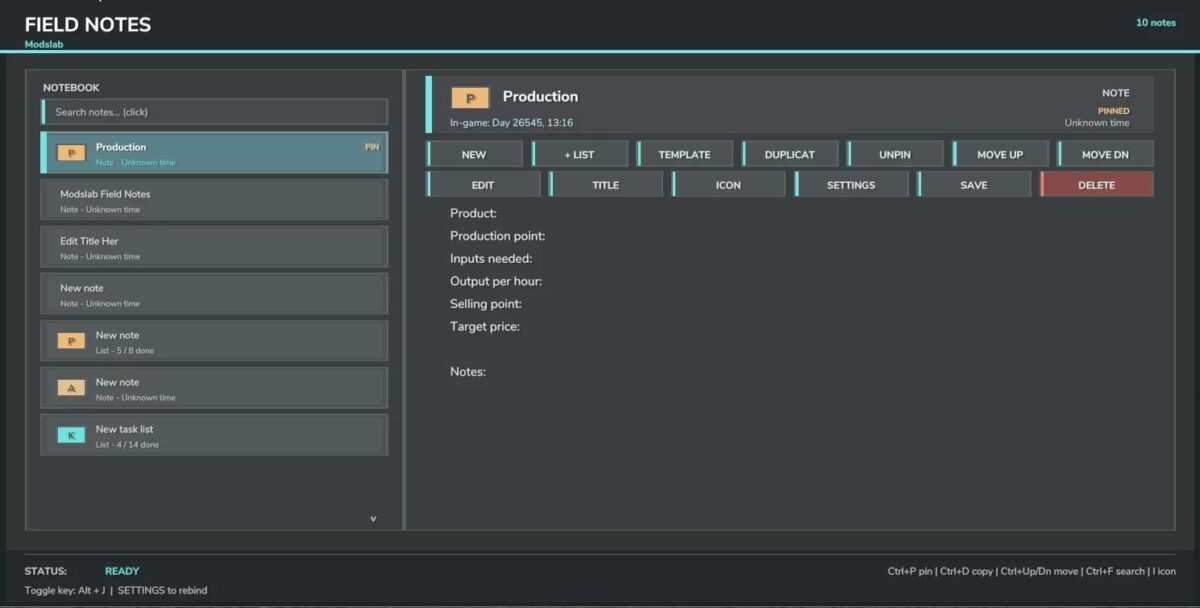
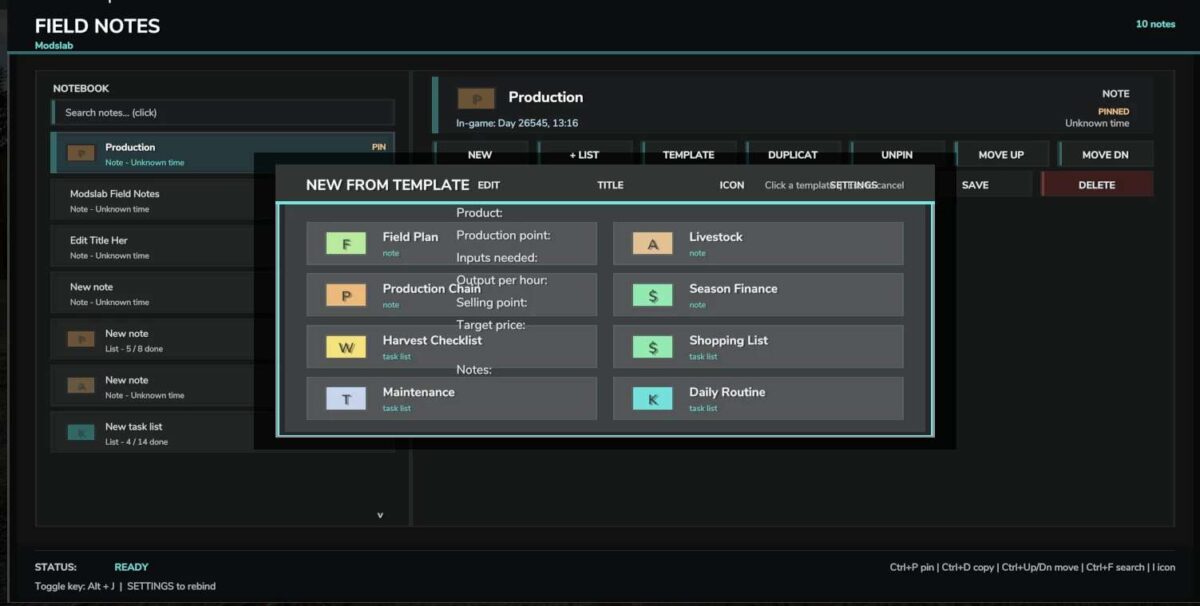
* Added note templates for production, animal husbandry, and more
* Fixed hotkey incompatibility
* Added the ability to pin notes to the top
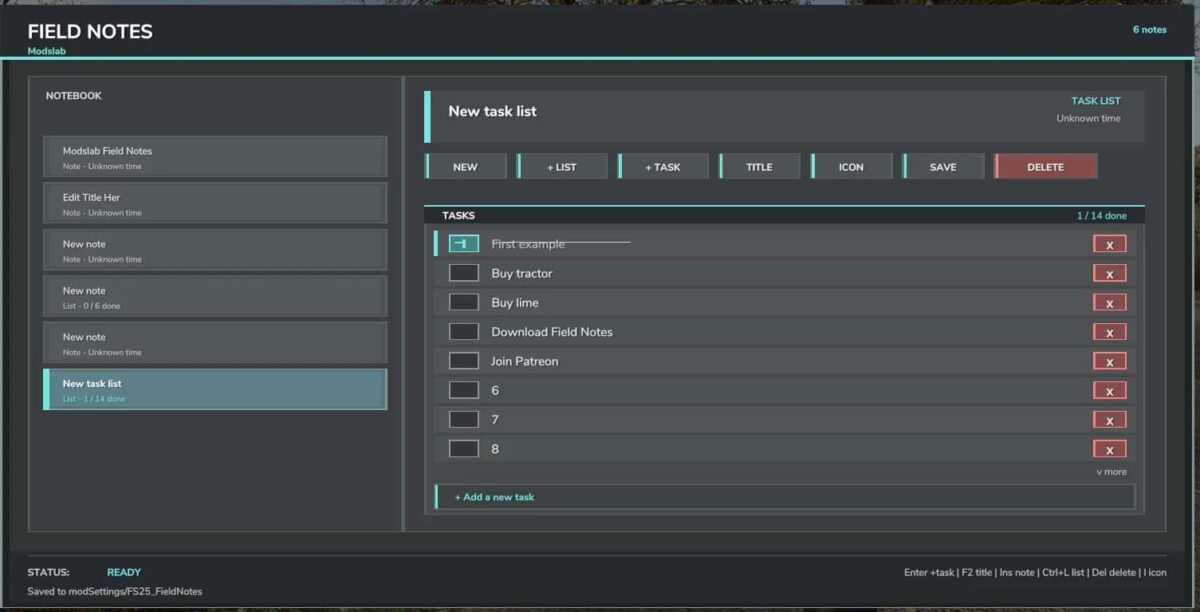
* Completed tasks now move to the very bottom of the list
* Several visual improvements
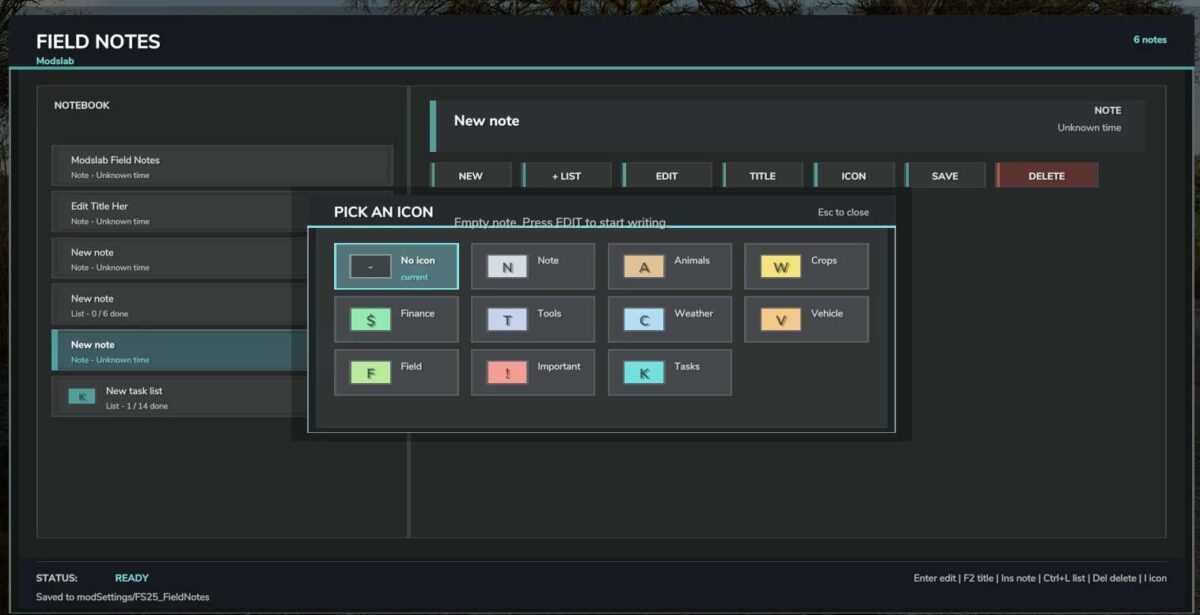
* New icons
* Other improvements
Modslab
How do I install Farming Simulator mods?
Find a mod that you like and want to download first. Then, on your PC, download a mod. Mods are typically in.zip format. However, it is sometimes in.rar format. If the mod file is in.zip format, no additional actions are required. If a file is in.rar format, you must unarchive it using software such as WinRar or Zip7. Windows 10 users do not need to use archive software; Win10 includes an unarchive feature.
The next step is to locate the mods folder on your computer. It is typically found in Documents/My Games/Farming Simulator [Your FS game version, e.g. 2022]. Open the "mods" folder and place the downloaded.zip archive or unarchived.rar file there.
The final step. Have fun with Farming Simulator mods!


