

Persistent Tire Tracks v 1.0 BETA 2

Persistent Tire Tracks v 1.0 BETA 2
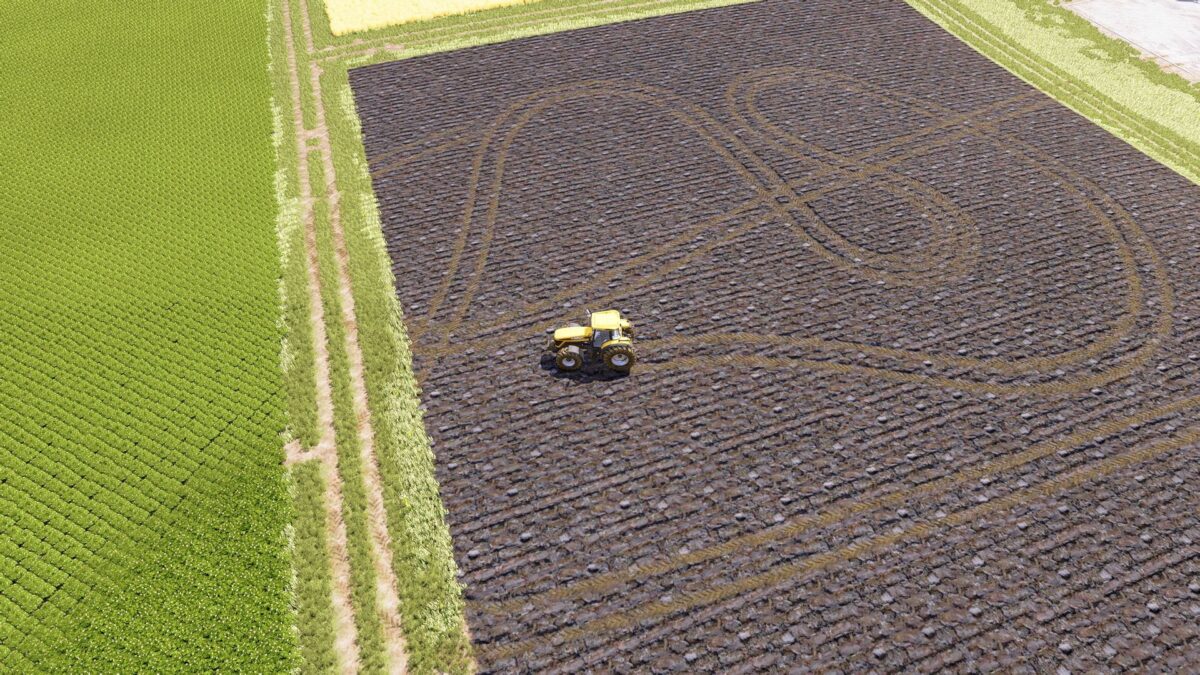
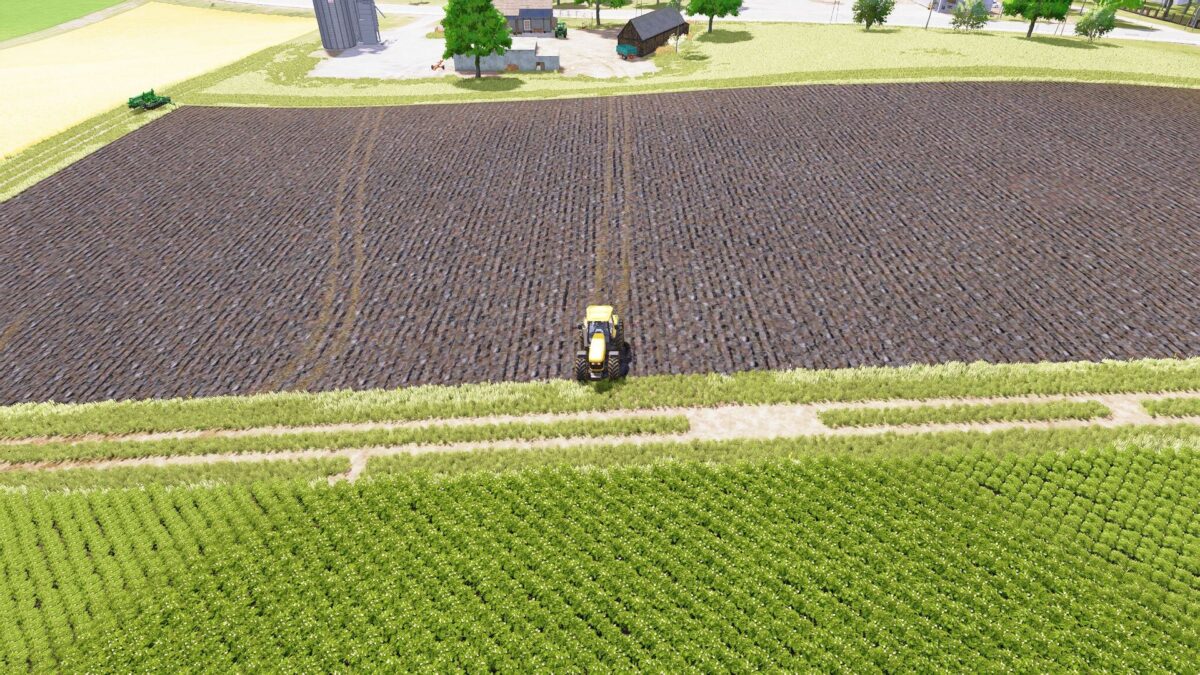
Adds persistent tire tracks that remain visible after saving and loading the game.
Tracks are automatically restored when the savegame is loaded.
Version 1.0 BETA 2:
* Improved fieldwork cleanup system
* Added batch based cleanup processing to reduce CPU usage
* Reduced FPS impact caused by frequent terrain scanning
* Optimized refresh and replay performance
* Improved handling of cultivated, plowed, seeded and rolled field areas
* Prevented most persistent tire tracks from being restored over active fieldwork areas
* Added temporary fieldwork suspension during terrain modification
* Improved memory management for large track databases
* Reduced workload on density map update callbacks
* General stability and performance improvements
* In some situations a small number of old tire tracks may still reappear on recently cultivated terrain
* Further fieldwork area detection improvements are planned for future versions