Central Valley Map v 1.0
About the mod:
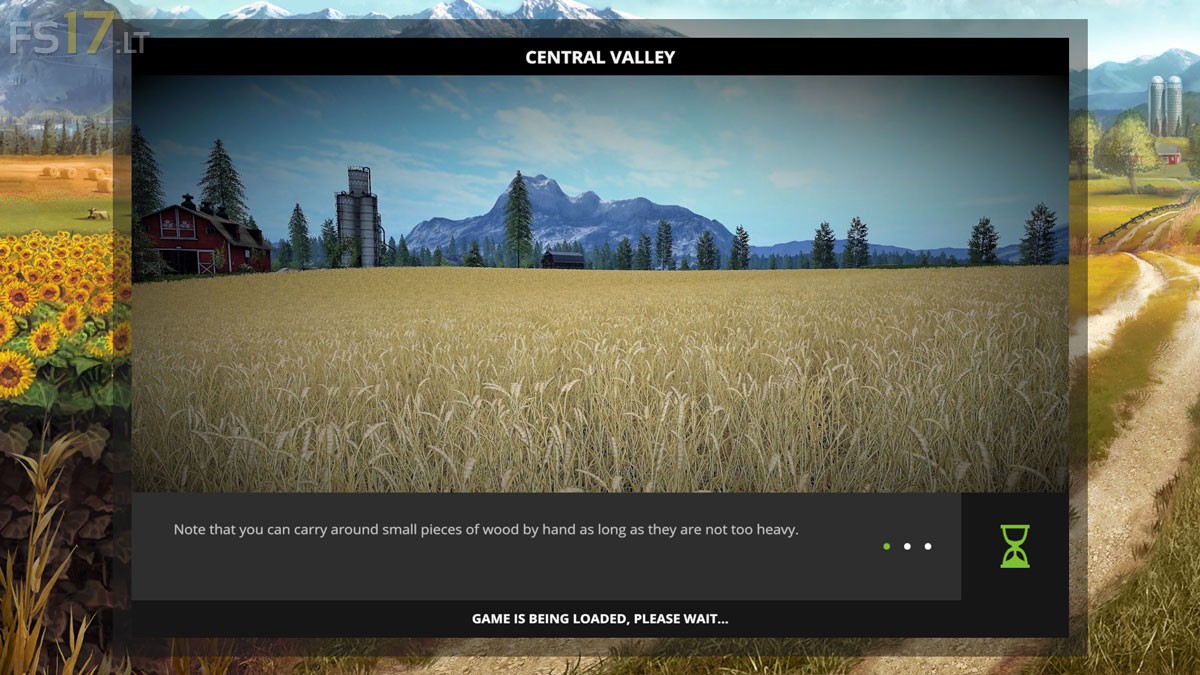
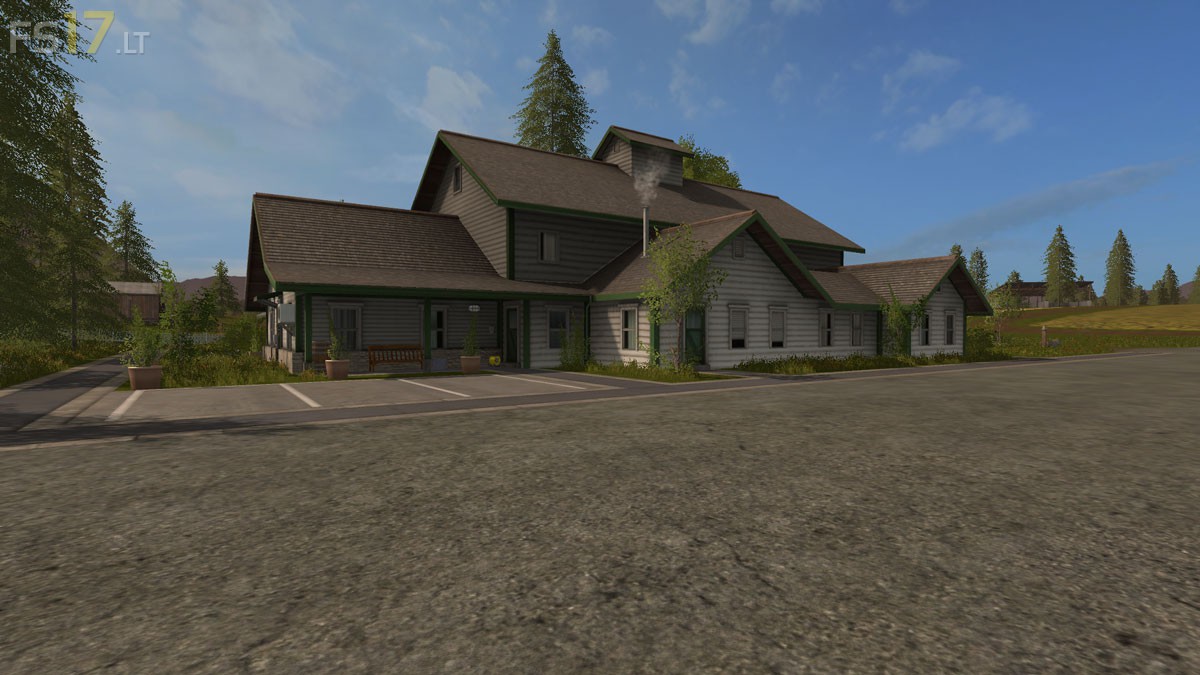
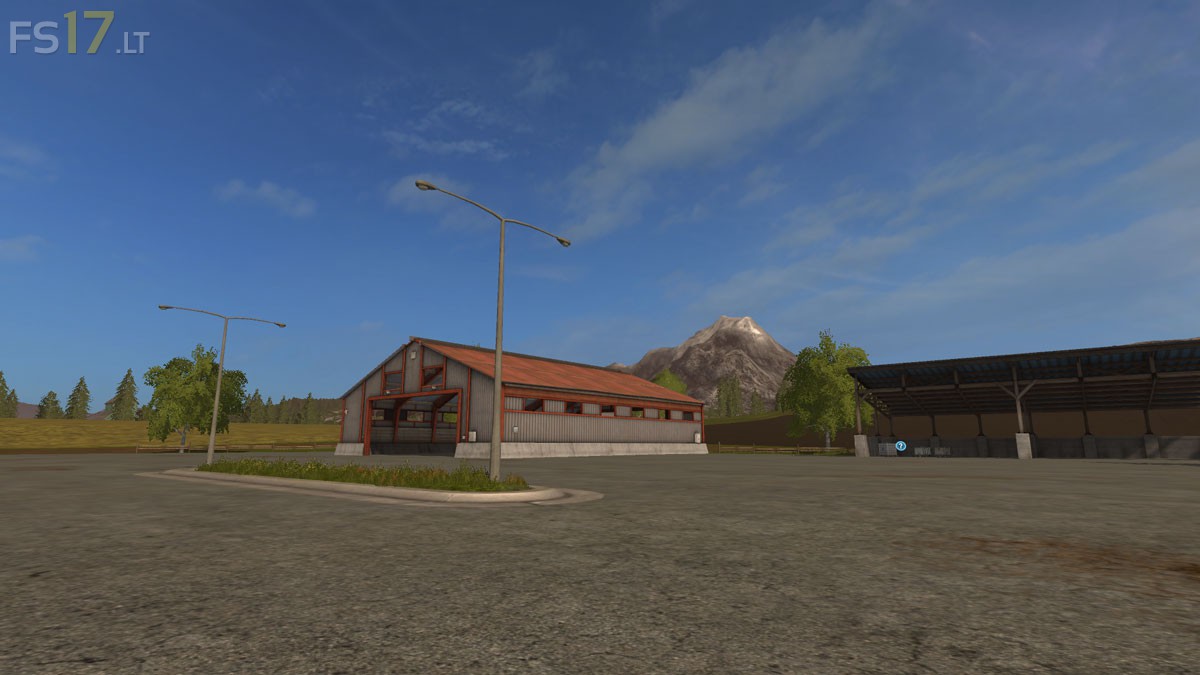
Goldcrest Valley adjusted. The first Fields were enlarged, which is a Forest on the pigsty fallen victim. The cowshed between the pigsty and the Court placed. Terrain with incite and reduce. The Farm has a little more space, but have added little to buildings, it is clear. All placed buildings are for sale. The PDA Map is still missing.
Credits:
shado
How to install FS17 mods?
Firstly find a mod which you like and want to download. Then download a mod to your PC. Mods are usually in .zip format file. But sometimes it can be in .rar. If a mod file is a .zip format no needed additional actions. If a file is in .rar, then you must unarchive mod with software like WinRar or Zip7. Windows 10 users no need to use software for archives, Win10 itself has a feature to unarchive files.
The next step is to find mods folder in your PC. Usually, it is in Documents/My Games/Farming Simulator 17/2017. Open the "mods" folder and put downloaded .zip archive or unarchived .rar file to this folder.
Last step. Enjoy of FS17 mods!



Autorovi této mapy mrkni po stromech některý jsou ve vzduchu jinak PDA pro tuto mapu jsem si upravil.
Není to žádný problém pokud umíte pracovat s programy na úpravu fotek.
Maká jak má.