

Holzach Map v 1.0

Holzach Map v 1.0
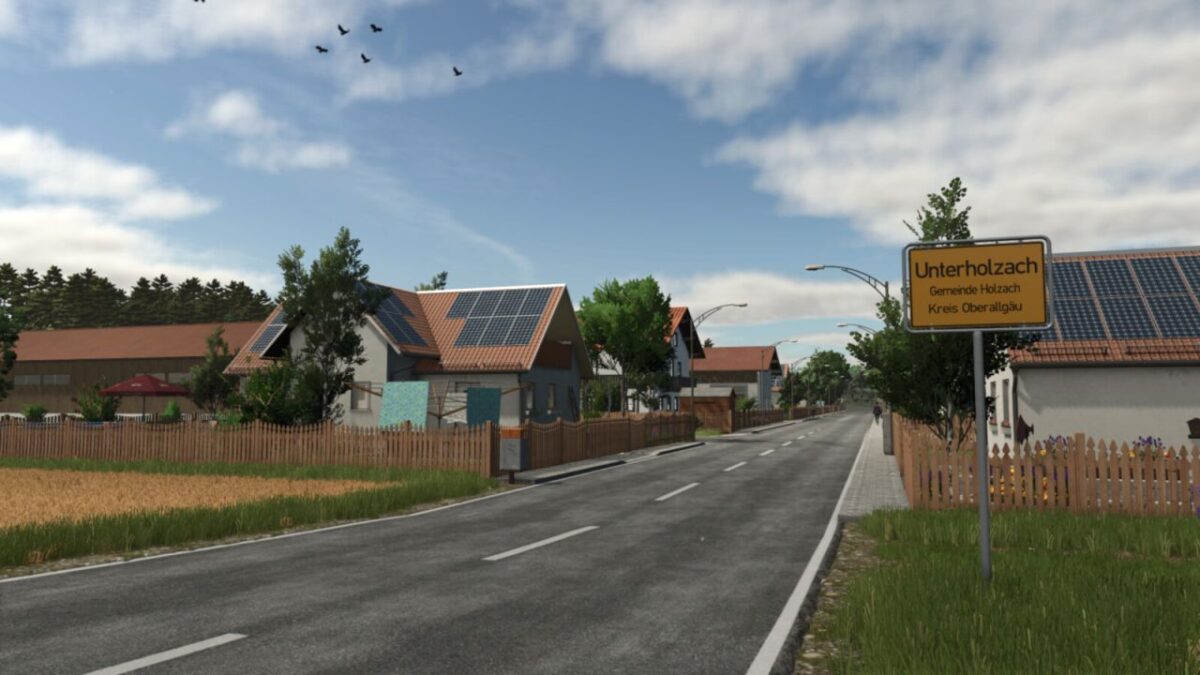
– 2 villages
– 4 farms
– 1 biogas plant
– Agricultural selling station
– Bakery selling station
– Direct sales
– Livestock dealer with bale sales and slurry purchases
– Sawmill
– 71 fields (0.34 to 3.74 ha)
– 24 meadows (0.3 to 2.57 ha)
– 11 purchasable forest areas
– Realistic prices per hectare
– 32 soil angles
– Realistic stubble destruction
– Additional crops: summer/winter wheat, summer/winter barley, rye, triticale, spelt, grain maize, green rye, cover rye, field grass, silage maize, humus activator, mustard, alfalfa, clover, flowering catchcrop
– 20 collectable items
– Customised Precision Farming soil map
– Small to medium sized machines and implements are suitable for a realistic gaming experience
– Large sections of the farms cannot be demolished, so please use arable land or meadows if you wish to build your own farm
– Since buildings must be demolished when a plot of land is sold, the starting farm’s plot was intentionally left unassigned to give players who wish to play on other farms the freedom to choose
– Therefore, be sure to have sufficient starting capital when setting up the game