

Lizard XL FGN Low Loader Trailers v 1.0

Lizard XL FGN Low Loader Trailers v 1.0
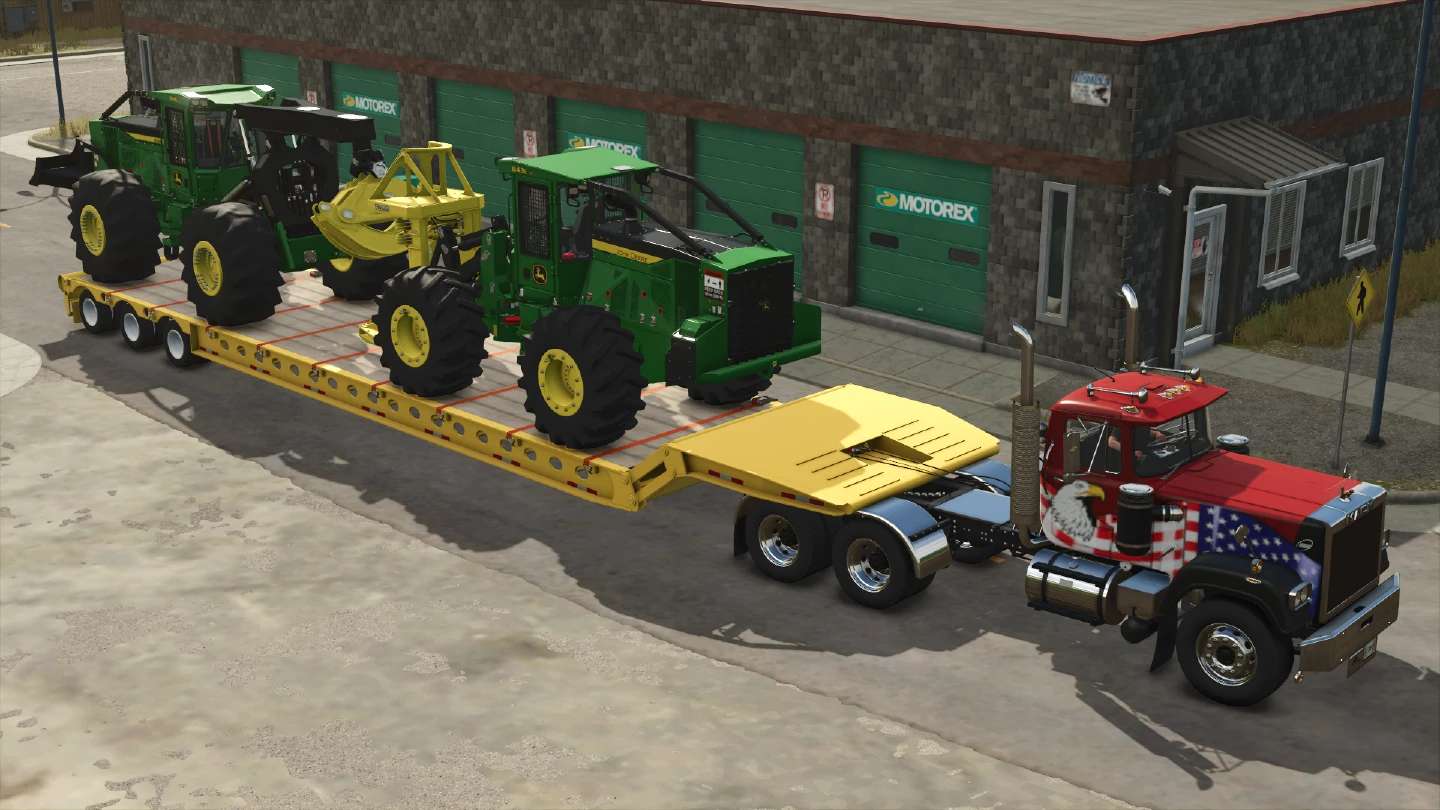
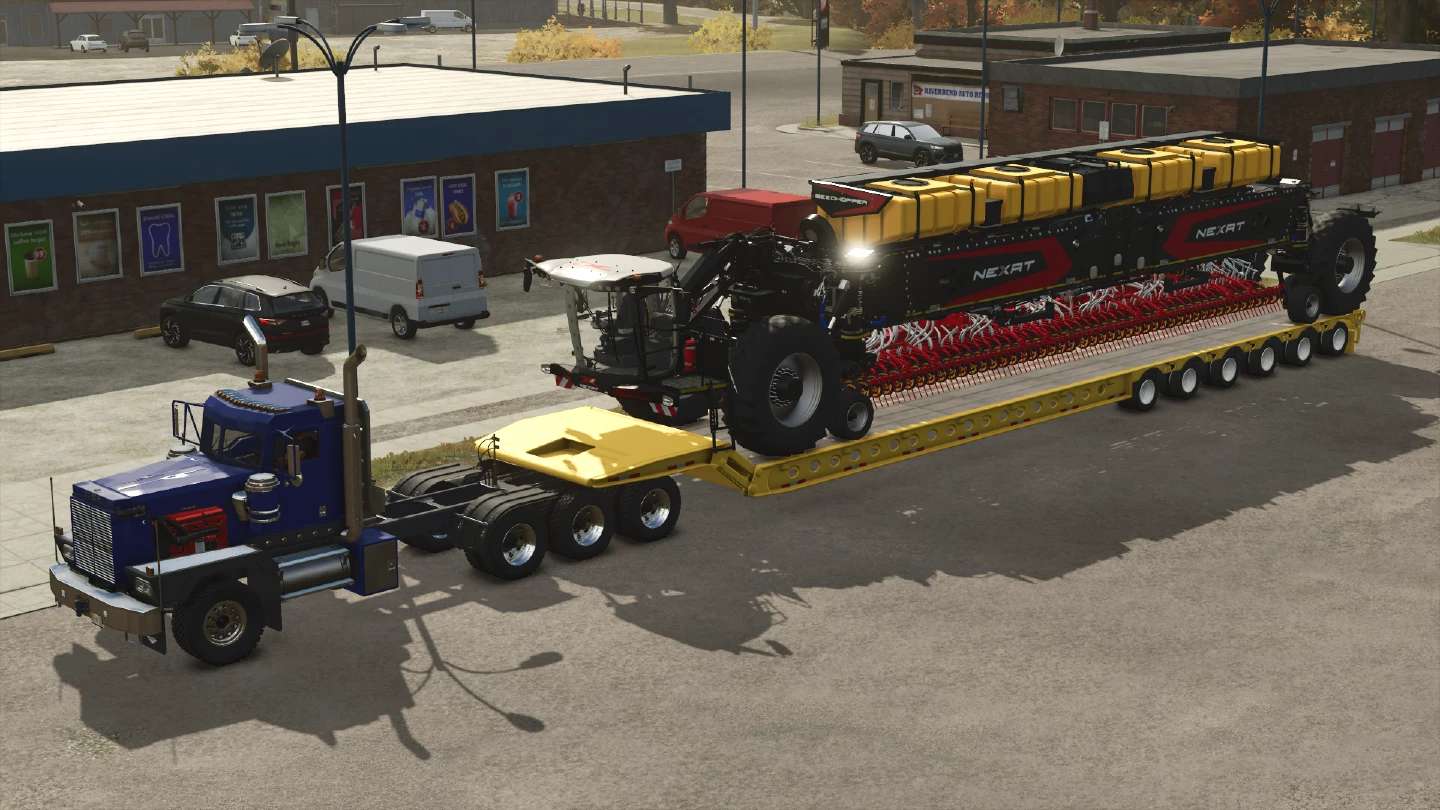
The XL-FGN is a large heavy duty trailer built for hauling oversized equipment and machinery.
Featuring a front folding loading ramp with external controls located near the gooseneck, it provides quick and easy loading while keeping operation simple and convenient.
Lizard XL-FGN-53
Category: Low Loaders
Price: $110,000
Lizard XL-FGN-70
Category: Low Loaders
Price: $130,000
Common Features:
external folding controls (see below)
trailer axle steering
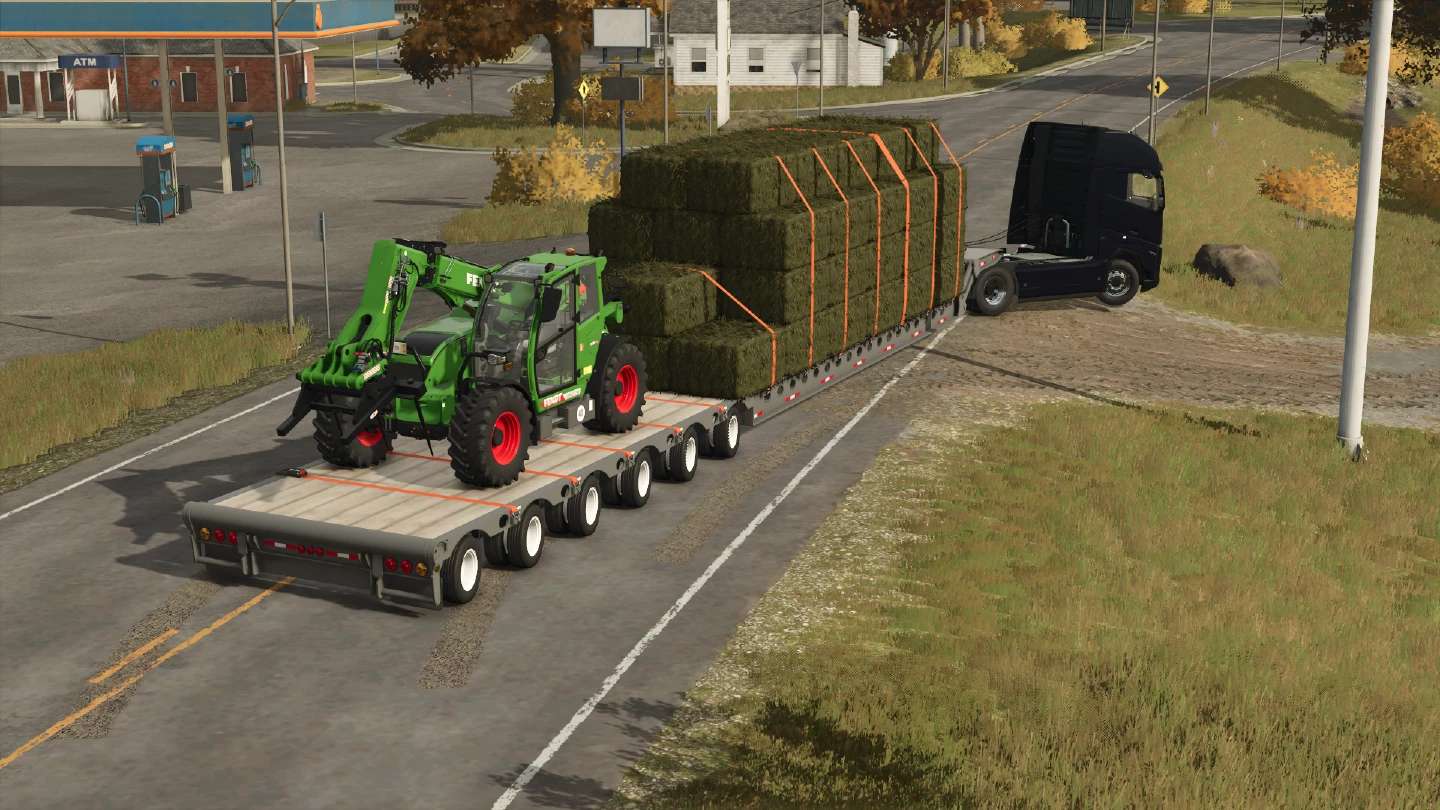
bale autoload (see below)
options for warning signs
USAGE: When disconnection from the XL-FGN, the trailer deck will automatically be lowered down to the ground.
To fully lower the front for loading, simply walk up to the neck area (either side) and use your default “Unfold” keybind.
Bale Autoloading:
When selected in the shop, the autoload system includes Easy and Pro loading modes (switchable in the field using the default “Change Work Mode” keybind).
Easy Mode automatically collects bales within 5m of the trailer, while Pro Mode requires bales to be placed on the deck before they are automatically stacked.
Supports all current custom bale sizes, including 1–9X capacity bales and Liftable Pallets and Bales instant hay/silage bales.