Shop Special Offers v 1.0
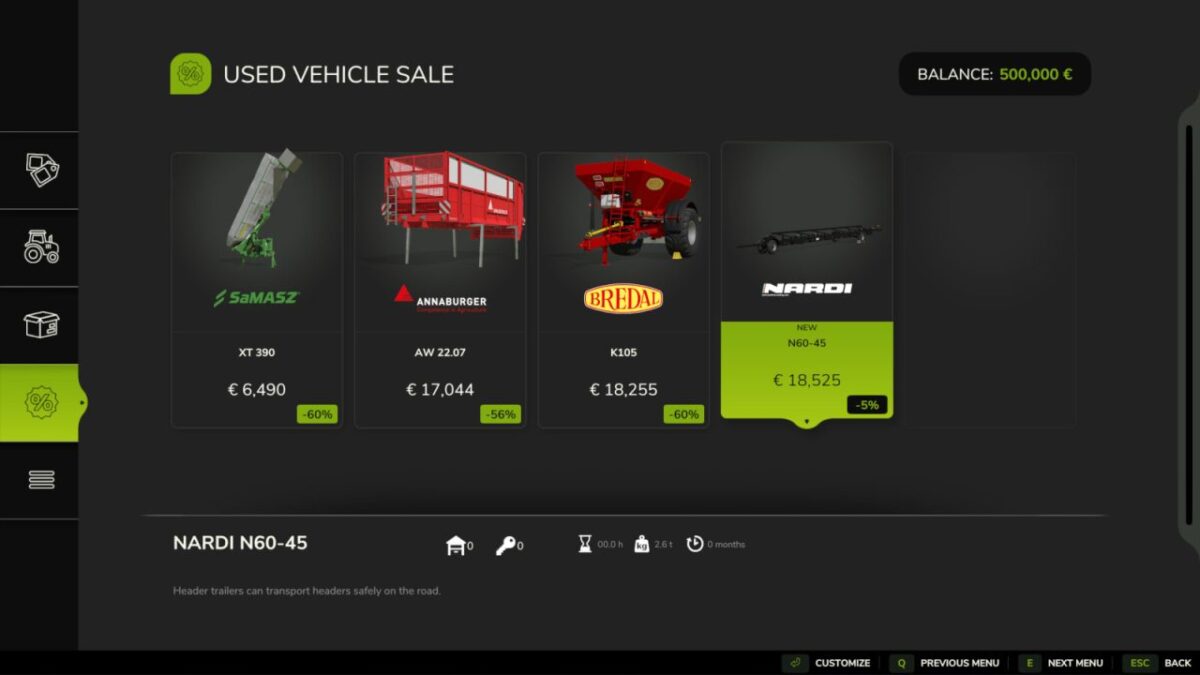
The local dealership is running limited-time special offers on selected vehicles.
Every in-game month, there’s a chance a vehicle will appear in the used section at a discounted price.
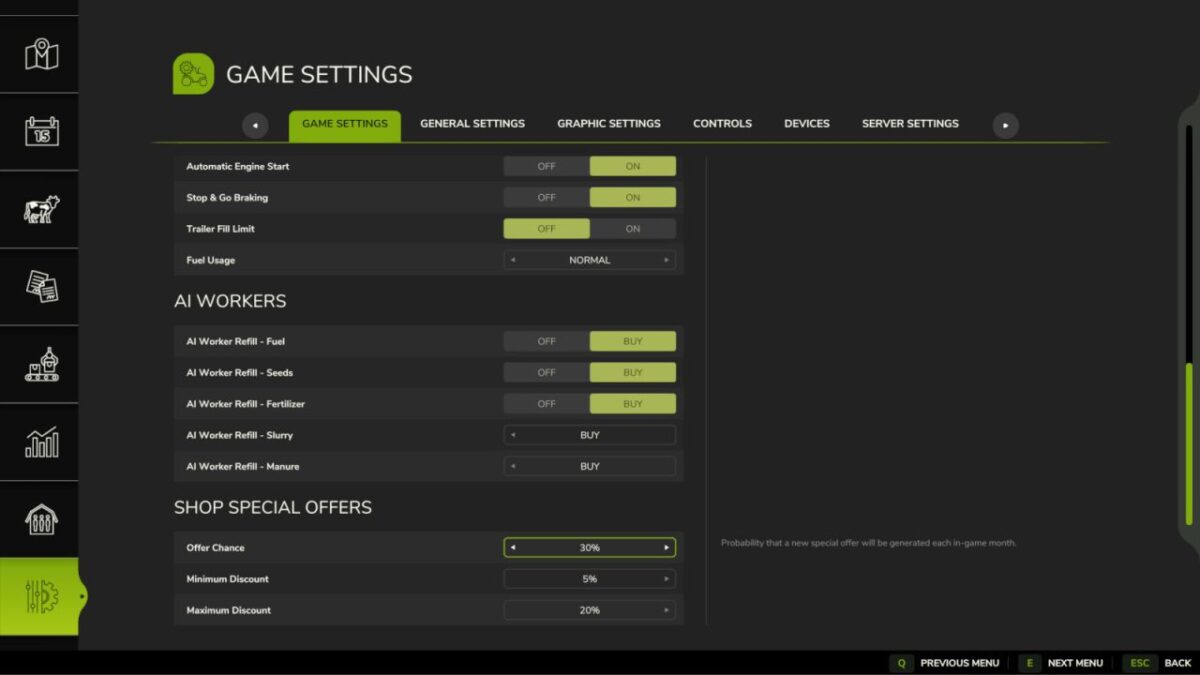
The discount percentage, probability, and even the sound notification are all customizable.
Features:
Special offers appear randomly each in-game month (30% chance by default)
Configurable discount range: minimum (5%, 10%, or 15%) to maximum (20%, 25%, or 30%)
Each offer lasts 12–48 in-game hours (randomized)
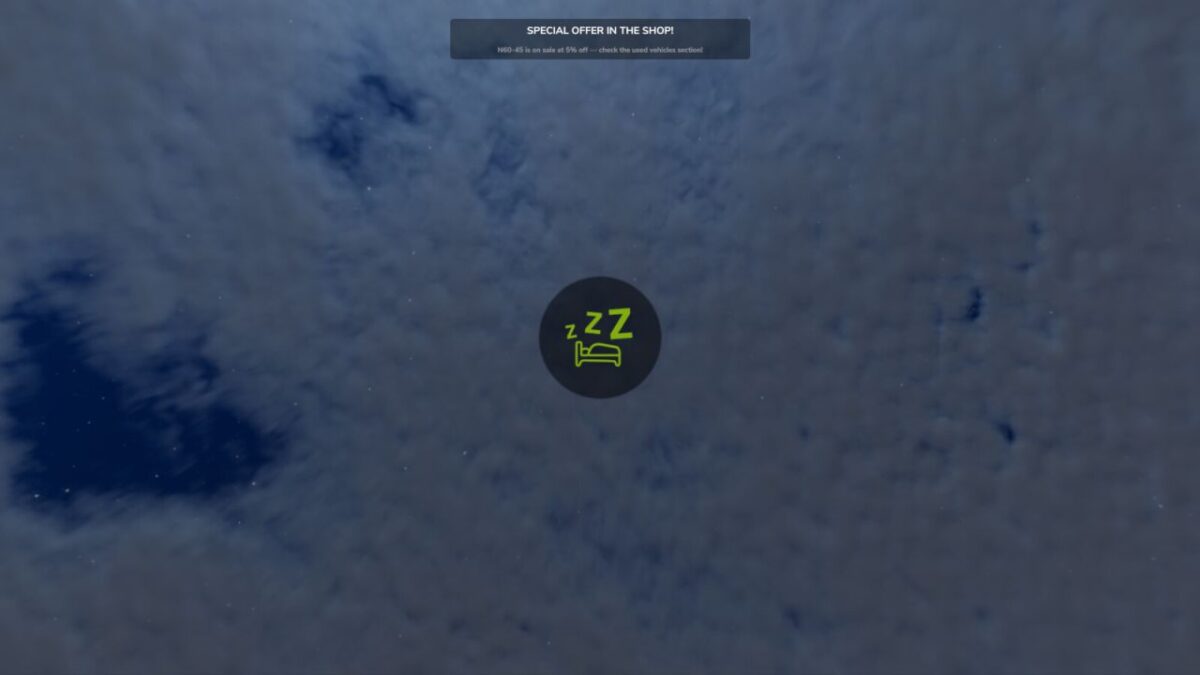
In-game notification with optional sound alert
Customizable settings in the General Settings menu
NYKK3
How do I install Farming Simulator mods?
Find a mod that you like and want to download first. Then, on your PC, download a mod. Mods are typically in.zip format. However, it is sometimes in.rar format. If the mod file is in.zip format, no additional actions are required. If a file is in.rar format, you must unarchive it using software such as WinRar or Zip7. Windows 10 users do not need to use archive software; Win10 includes an unarchive feature.
The next step is to locate the mods folder on your computer. It is typically found in Documents/My Games/Farming Simulator [Your FS game version, e.g. 2022]. Open the "mods" folder and place the downloaded.zip archive or unarchived.rar file there.
The final step. Have fun with Farming Simulator mods!