

Animal Ground Placement Fix v 1.0

Animal Ground Placement Fix v 1.0
About the mod:
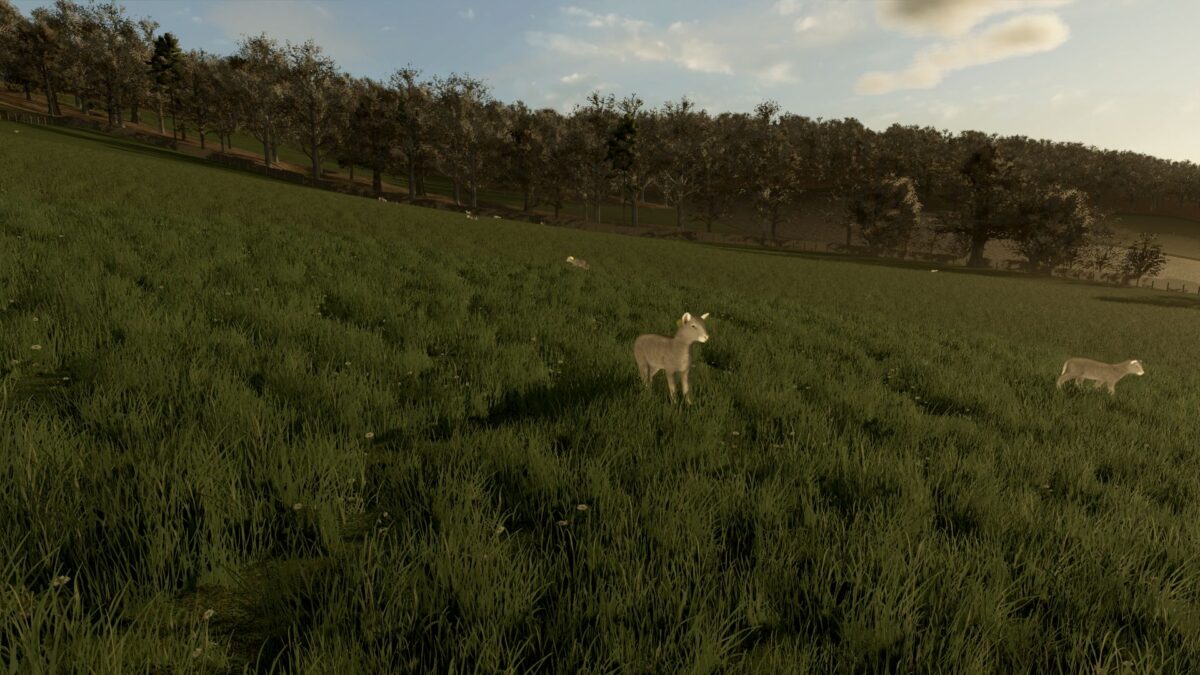
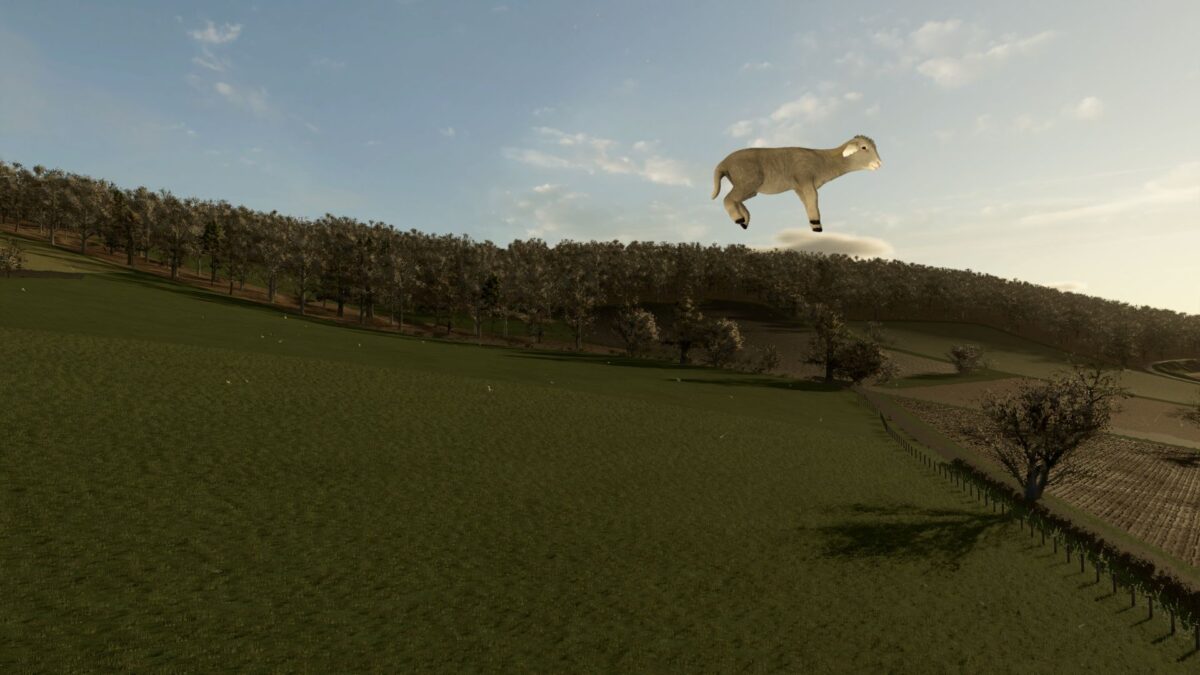
Have your animals started levitating in their pens? No wings, no pilots license, no explanation – just livestock hanging around in the air like gravity is optional.
You’re Grounded fixes that. It gives floating animals a firm reminder that hooves belong on grass, not several meters above it.
The mod fixes a issue where animals placed in pens on steep or uneven terrain can fail to find the ground because the placement raycast distance is too short. You’re Grounded increases that distance when husbandries load, so animals can snap back down to the terrain where they belong.
Works with any animal pen: base game, DLC, or modded. No setup, just install and it gives your animals a stern reminder that gravity exists.
Credits:
rittermod