

New Gloria Farm Map v 1.1

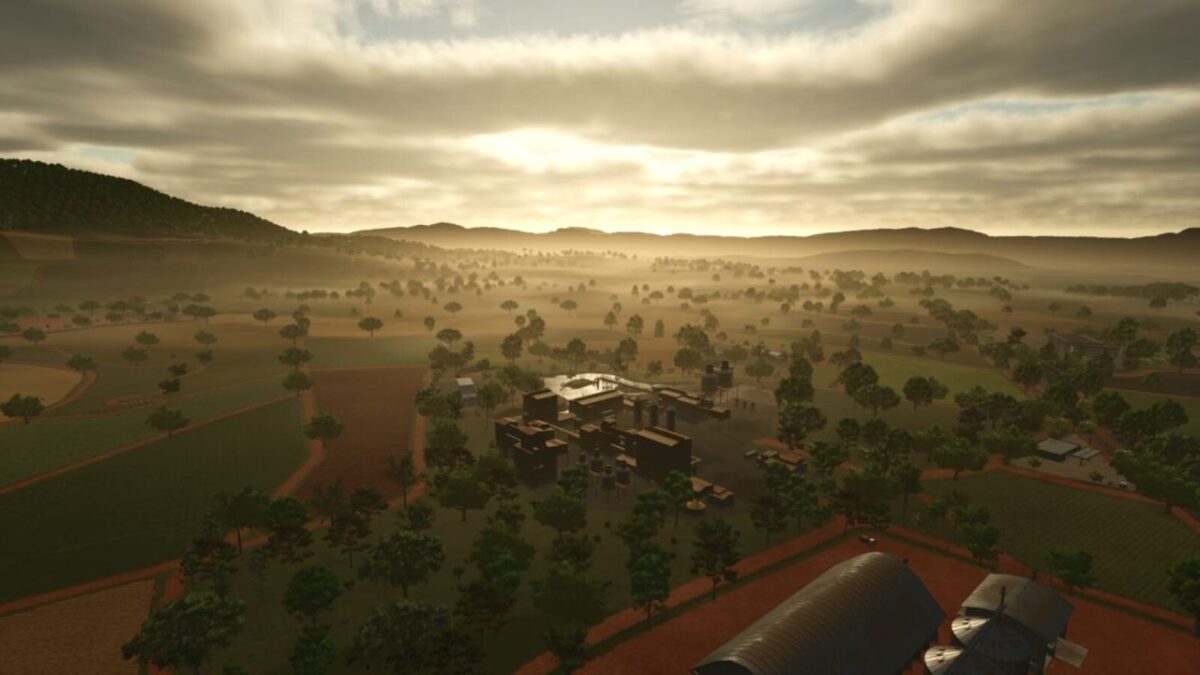
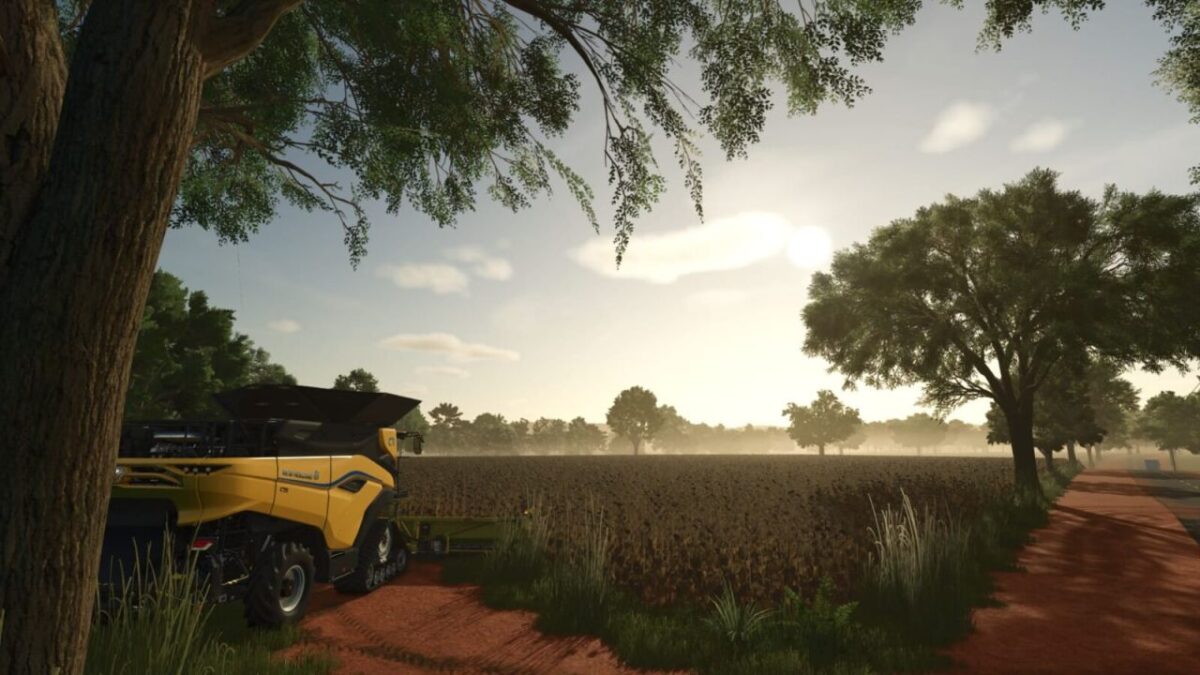
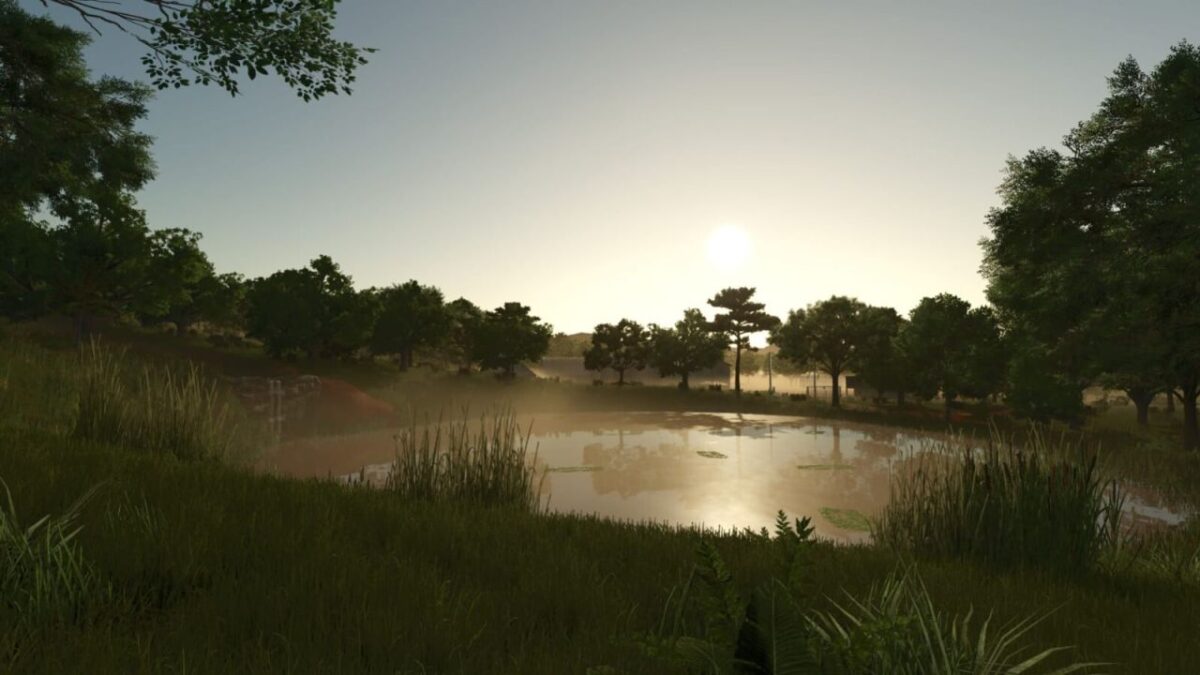
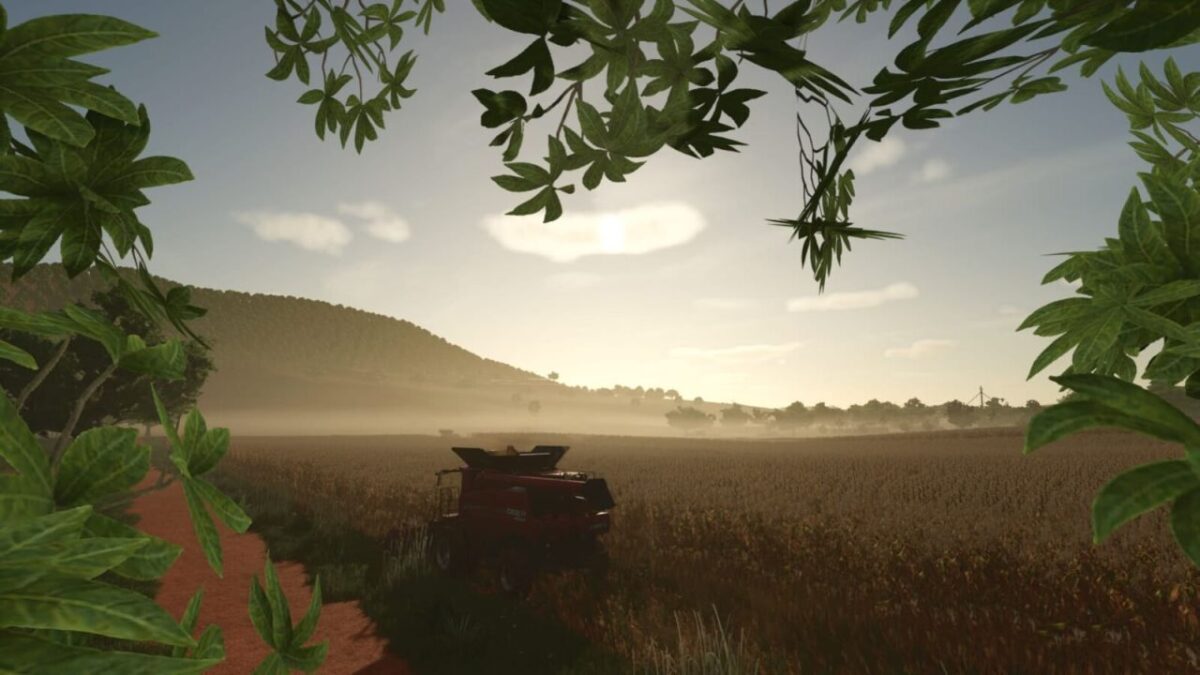
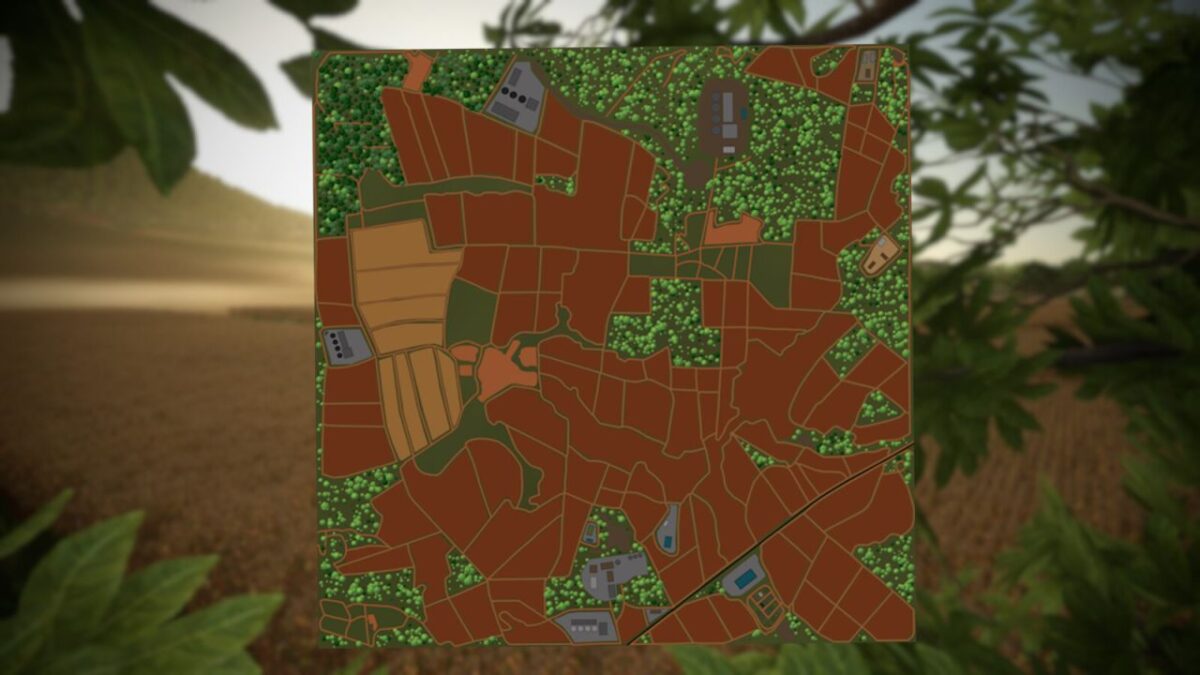
New Gloria Farm Map v 1.1
Map highlights:
– 106 fields, all with missions, including some areas where you can create your own fields and farms
– Two headquarters already set up, ready to start production
– Most businesses close their doors at the end of the day, but you can open the gates manually
– Dairy farms for selling milk and producing dairy products
– Factory for selling sugarcane, with ethanol production and a purchase point for vinasse (liquid manure)
– To transport ethanol, purchase the “MKS 32 and MKS8” tank in the “Trailers” category
– If you need lime, take a trailer to the lime seller. Stones can also be sold there
– Gas station for selling ethanol and refueling
– Various collectibles scattered across the map
– Rice and long-grain rice can now be planted and harvested without special machinery, even in rain fed fields
– There is no snow on the map; winters in this region are simply cold and dry
Complete infrastructure, including:
– 4 Grain sales points
– 3 lumber stores in 3 grain stores
– 1 Market
– 1 Dairy
– 1 Sawmill
– 1 Farmers’ market
– 1 Spinning mill for selling wool and cotton
– 1 Warehouse for purchasing supplies
– 1 Livestock store for buying and selling cattle
– 1 Station for purchasing lime
Version 1.1:
* Separated the farmlands of the two farms and the fields, as well as some other areas