Icon Tool Tips with Name/Description v 1.0

FS25 mods

Icon Tool Tips with Name/Description v 1.0
1 Star2 Stars3 Stars4 Stars5 Stars
About mod:

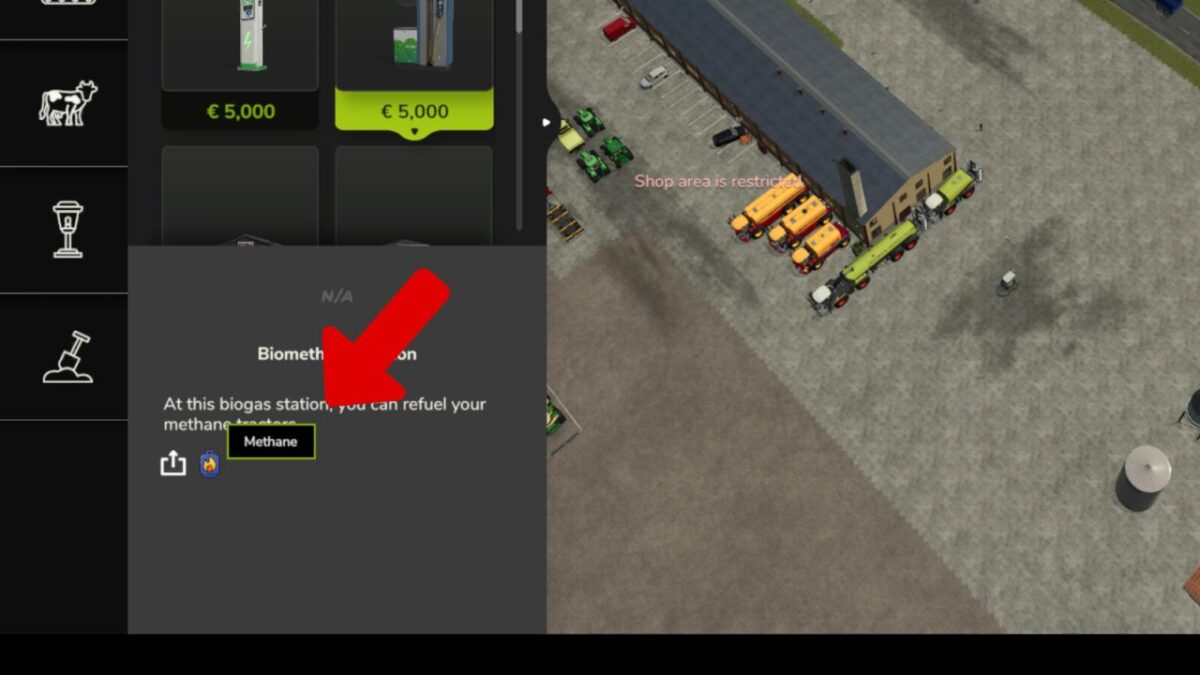
Are you tired of hovering over mysterious little icons in the shop menu, desperately wondering whether that icon means “wheat” or “potatos”? Those dark days are OVER!

Introducing Icon Tooltips — the mod that finally tells you what you’re looking at!
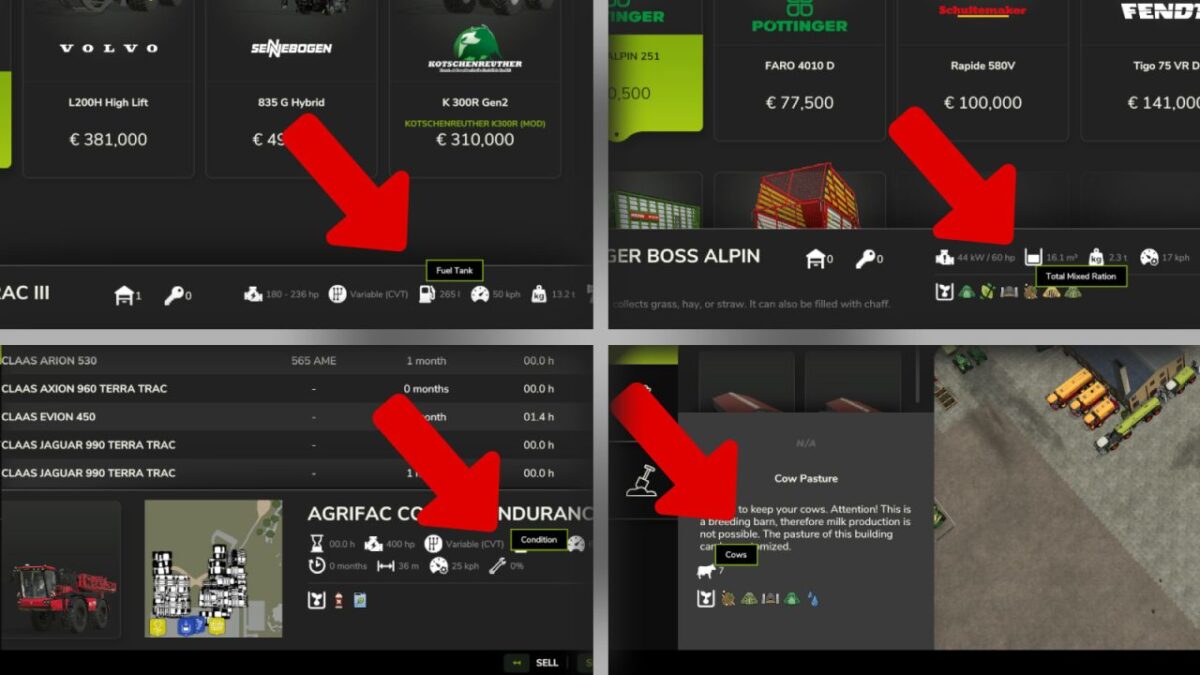
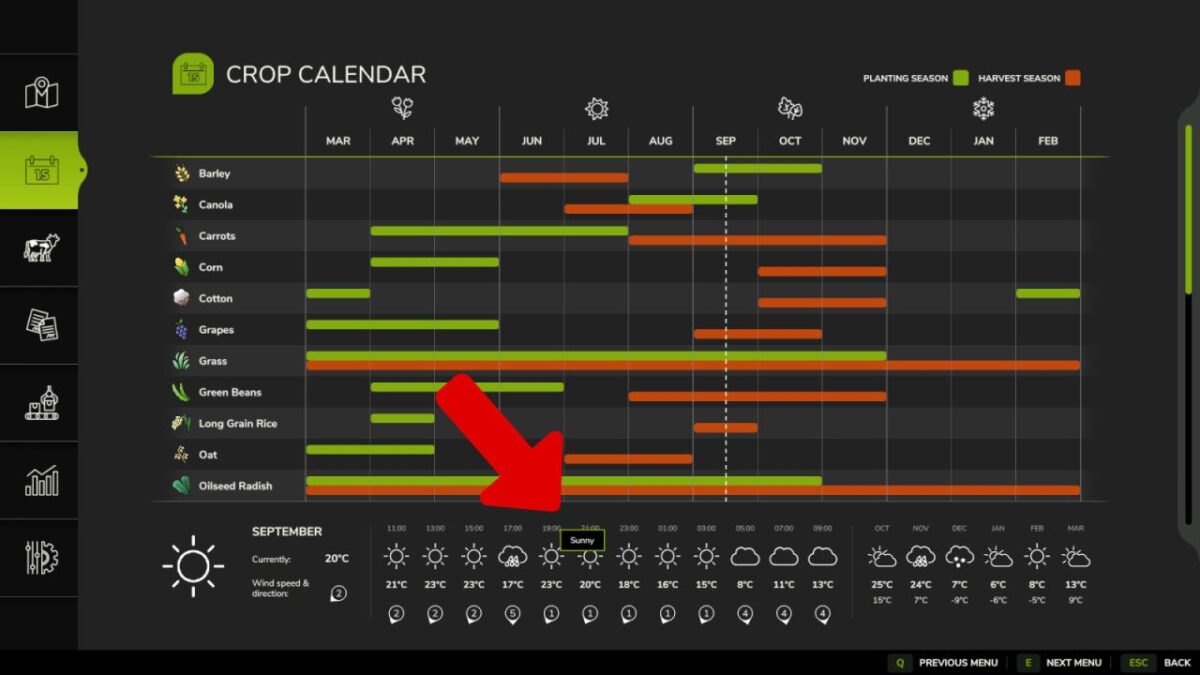
Simply move your mouse over any attribute icon and — like magic — a sleek tooltip appears with the EXACT name of the attribute. No more guessing. No more squinting. No more accidentally leasing a tractor you thought was a bargain because you misread the power icon.

Works everywhere that matters:
– Shop & configurator
– Construction & placeable edit screen
– In-game statistics vehicle list
– Calendar weather forecast

Covers everything: engine power, working width, capacity, fill types, tires, fuel, electric battery, transmission, bale sizes, seeds, slots, winch specs, animal groups, vehicle condition, weather icons and more.

Download now — your farming career will never be the same! (Results may vary. Does not actually make tractors cheaper.)

Credits:

Helfer B.

* By clicking [Download this mod from filehost] button you agree to leave this website. The link opens in the new tab. File is hosted in the external website. We are not responsible for the content of the external page and the possibility of free download of the file.

How do I install Farming Simulator mods?
Find a mod that you like and want to download first. Then, on your PC, download a mod. Mods are typically in.zip format. However, it is sometimes in.rar format. If the mod file is in.zip format, no additional actions are required. If a file is in.rar format, you must unarchive it using software such as WinRar or Zip7. Windows 10 users do not need to use archive software; Win10 includes an unarchive feature.

The next step is to locate the mods folder on your computer. It is typically found in Documents/My Games/Farming Simulator [Your FS game version, e.g. 2022]. Open the "mods" folder and place the downloaded.zip archive or unarchived.rar file there.

The final step. Have fun with Farming Simulator mods!

Leave a Reply

Your email address will not be published. Required fields are marked *