

Gazon Next Pack v 3.1

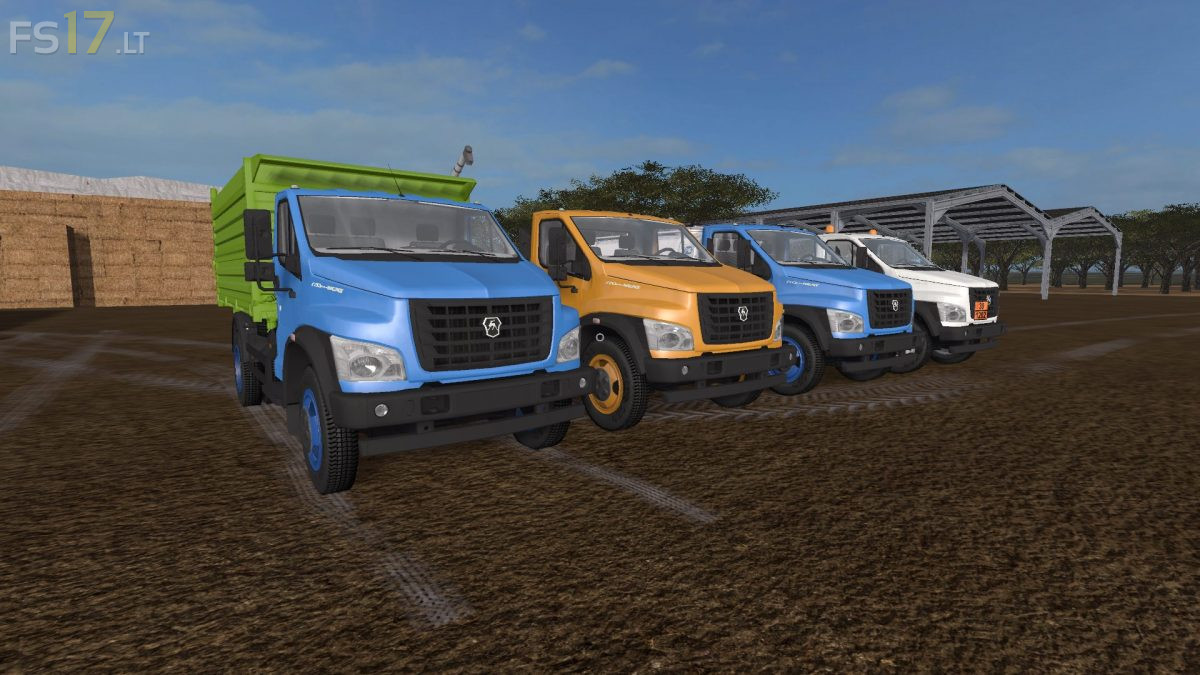
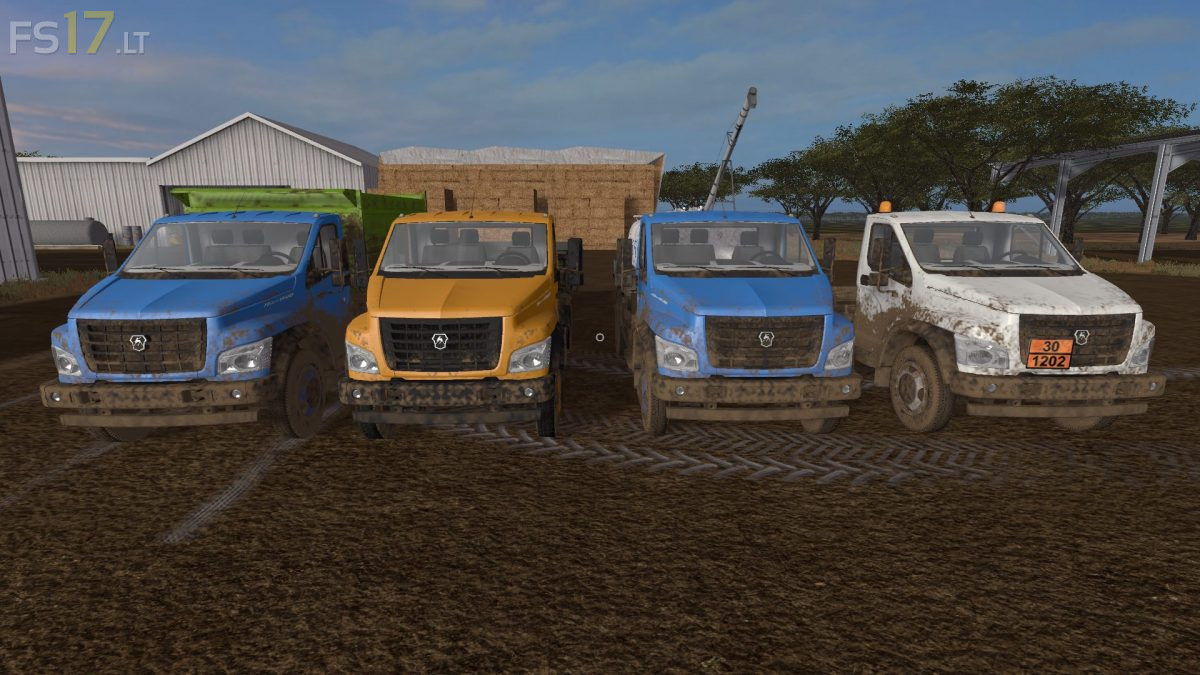
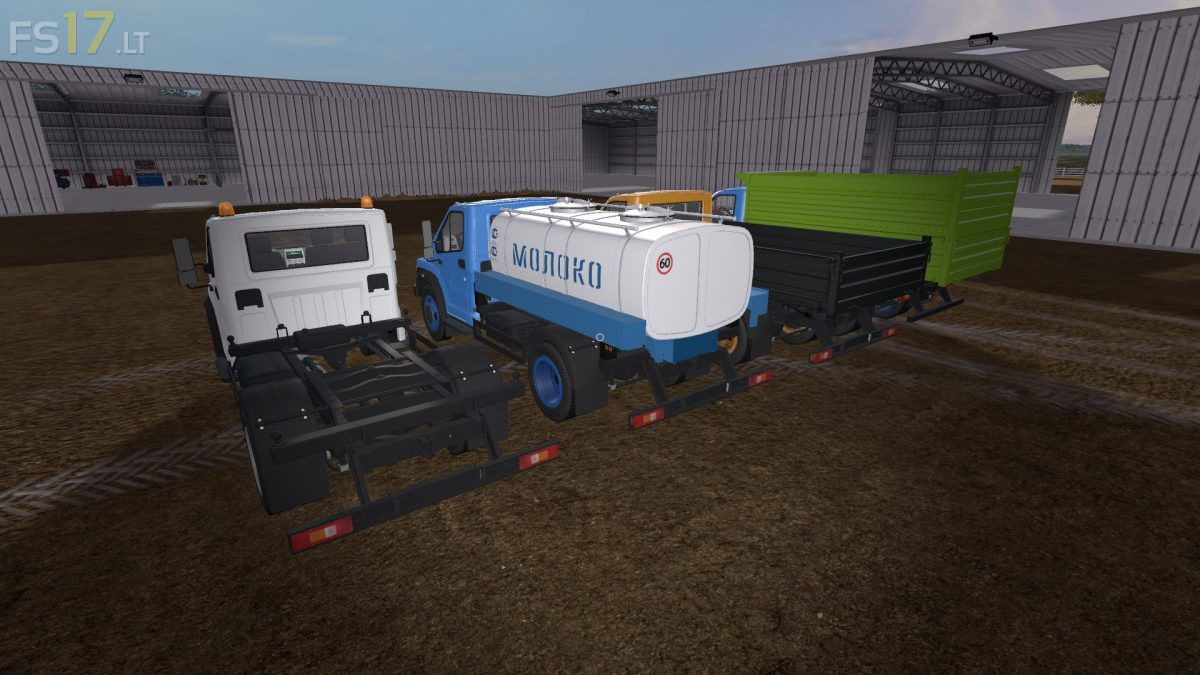
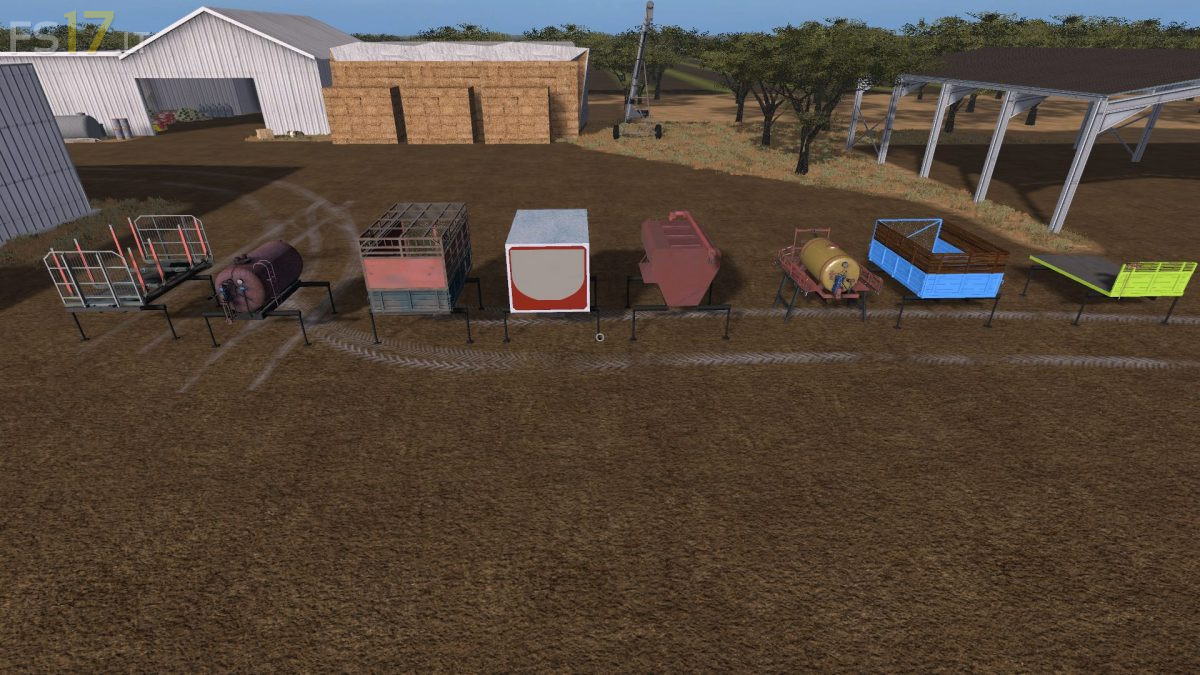
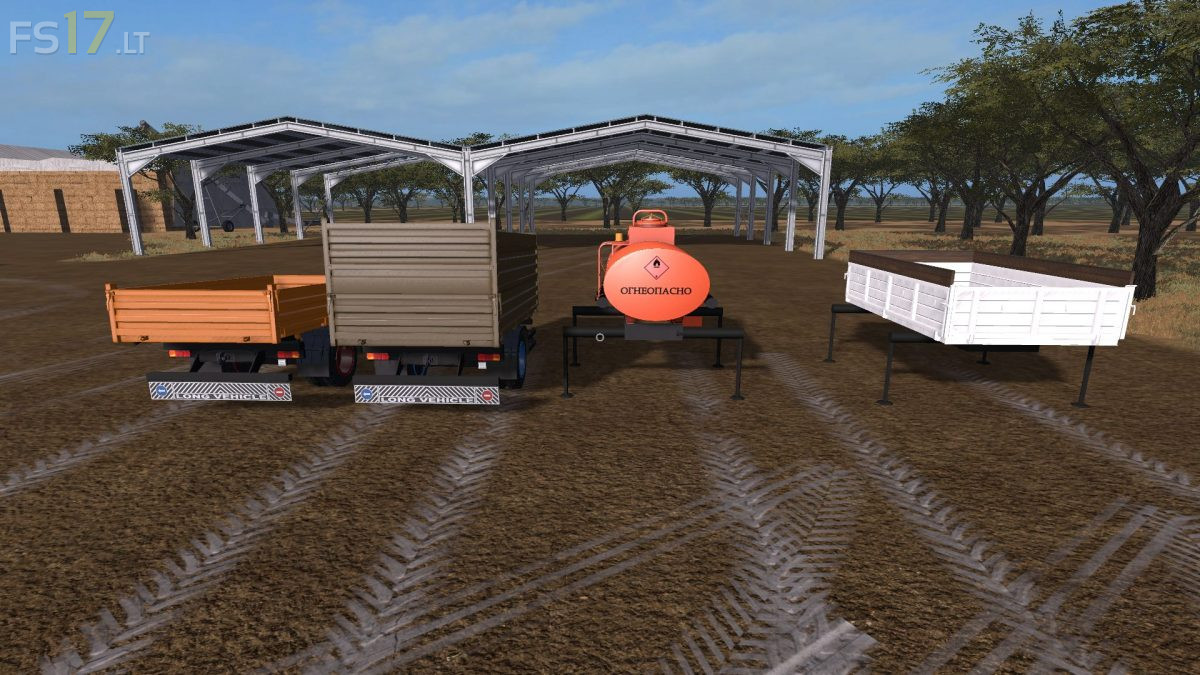
Gazon Next Pack v 3.1
About the mod:
Version 3.1:
* Corrected schemes for locating t / s in the lower right hand way (the trailer does not stand in front of the truck)
* The 3d inscription was removed from the fuel barrel
* The choice of pallets with boards was removed, because the bodies were not intended for transportation
* The autoloading was removed from the platform for the forest
* On all trailers added trailer, in case of a jam, so you can pull out, on the back of the chassis light returned to its place, the modules “see” now only their attaches
Credits:
Eraevgenij, dimaks, artemich
Very+good+MOD,+I+just+suggest+that+the+suspension+of+the+vehicle+be+the+same+as+the+trailer