

I need a Loan v 1.0

I need a Loan v 1.0
Tired of spending minutes customizing a vehicle, lining up a purchase, or preparing a placement only to discover you are short on cash at the last second?
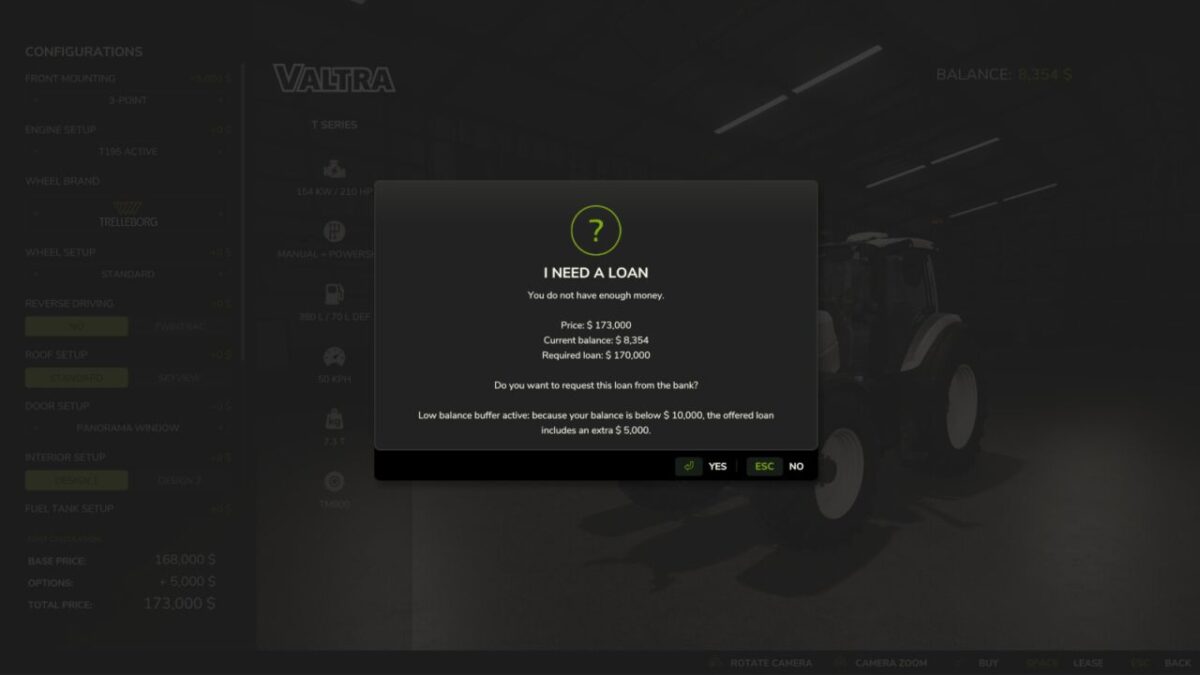
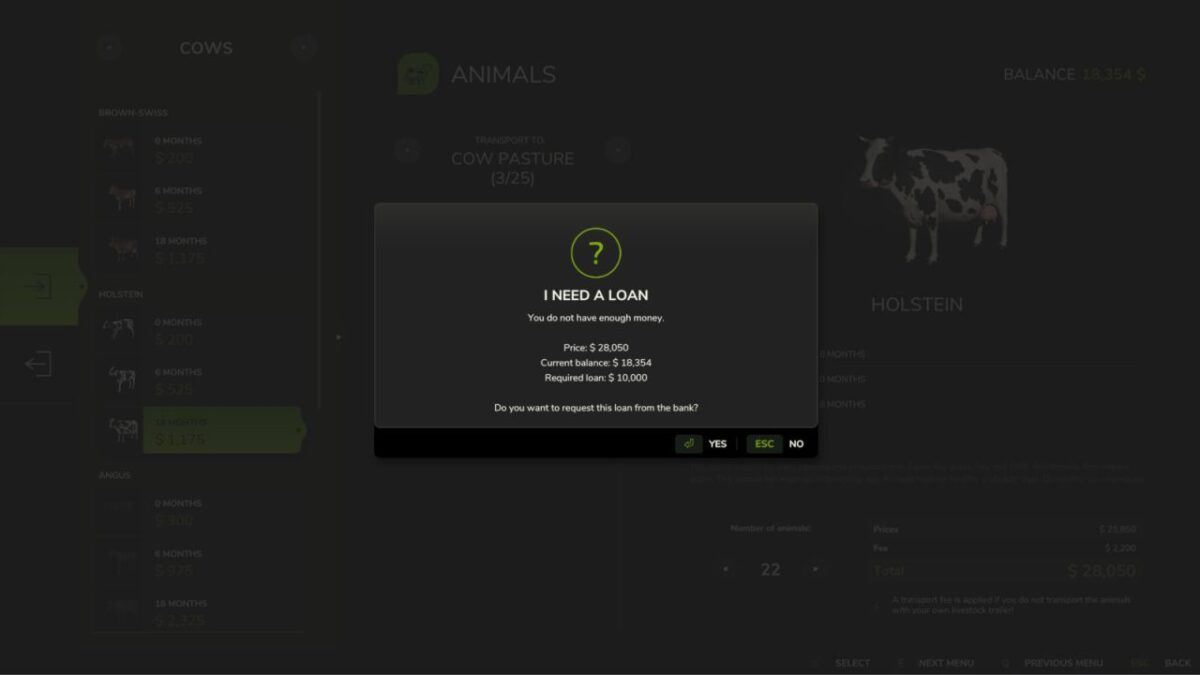
Instead of stopping everything with the usual “not enough money” message, the game can immediately offer the exact loan your farm still needs, as long as the bank limit allows it.
What you can expect:
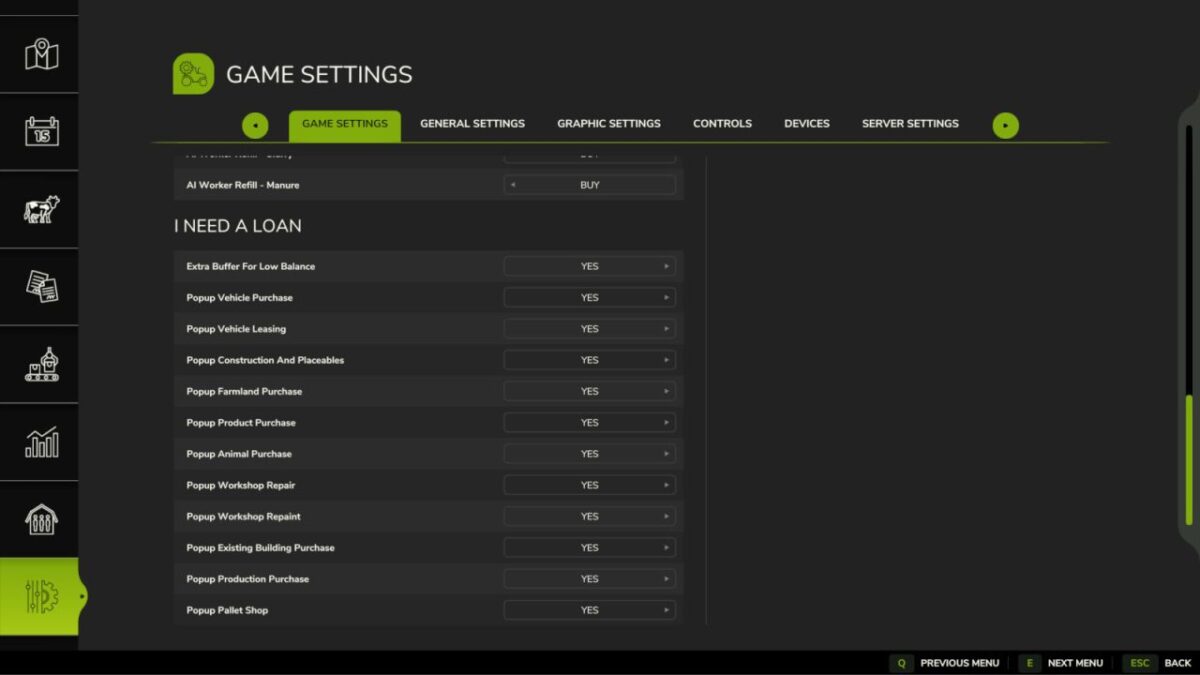
– Works with vehicle purchases and leasing in the shop
– Helps with construction mode, placeables, and production buildings already on the map
– Supports farmland purchases, refill products, animals, workshop actions, and pallet shop orders
– Requests only the missing amount, always rounded up to the next 5000
– Can add an extra 5000 safety buffer when your balance is low
– Never exceeds the current farm loan limit
– Keeps multiplayer safe by validating loan requests on the server
If you decline the offer, nothing is bought and your balance stays untouched.