

Smoky Mountain Farming Map v 1.0.0.4

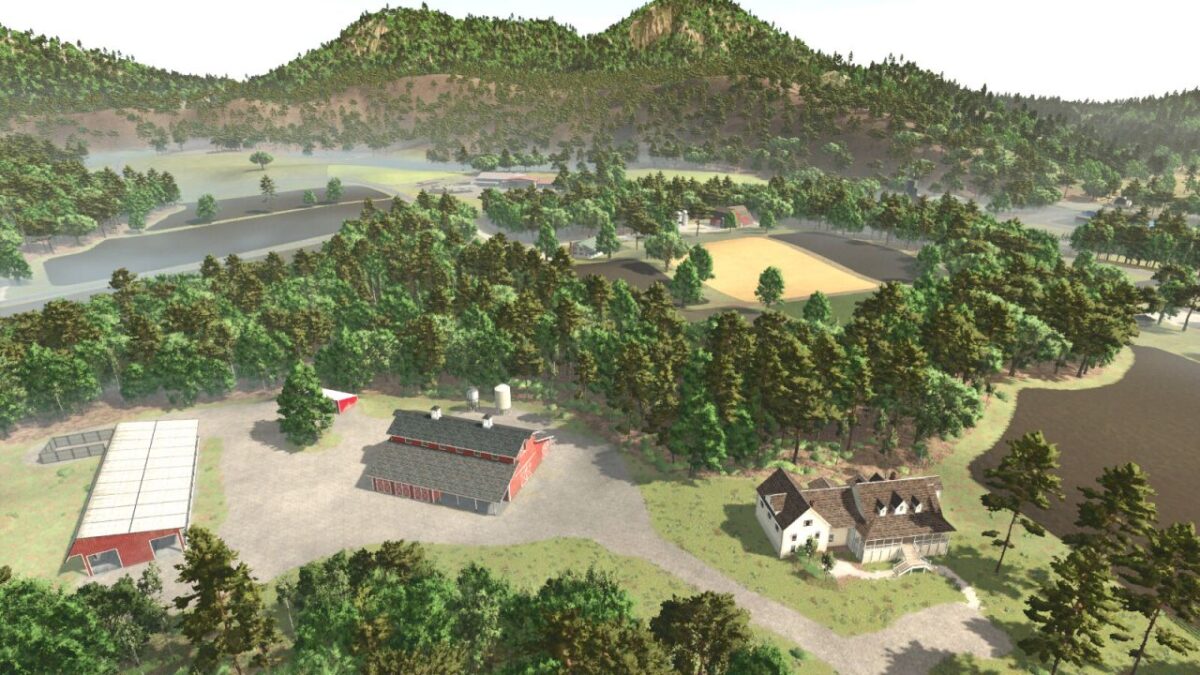
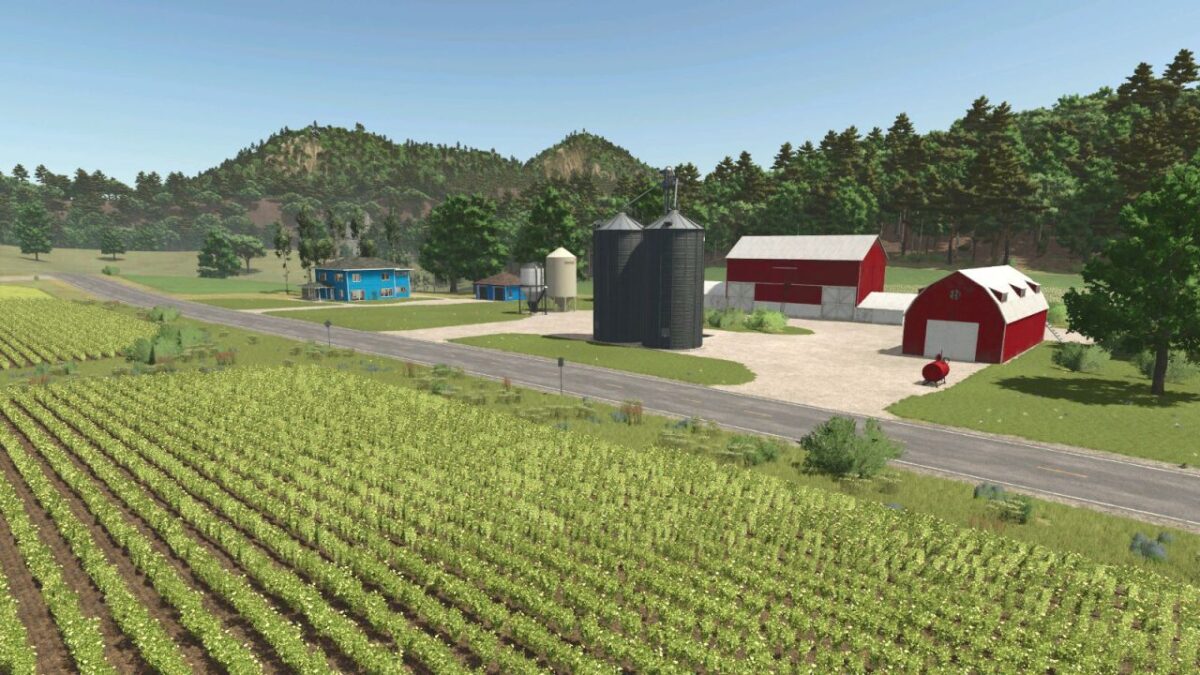
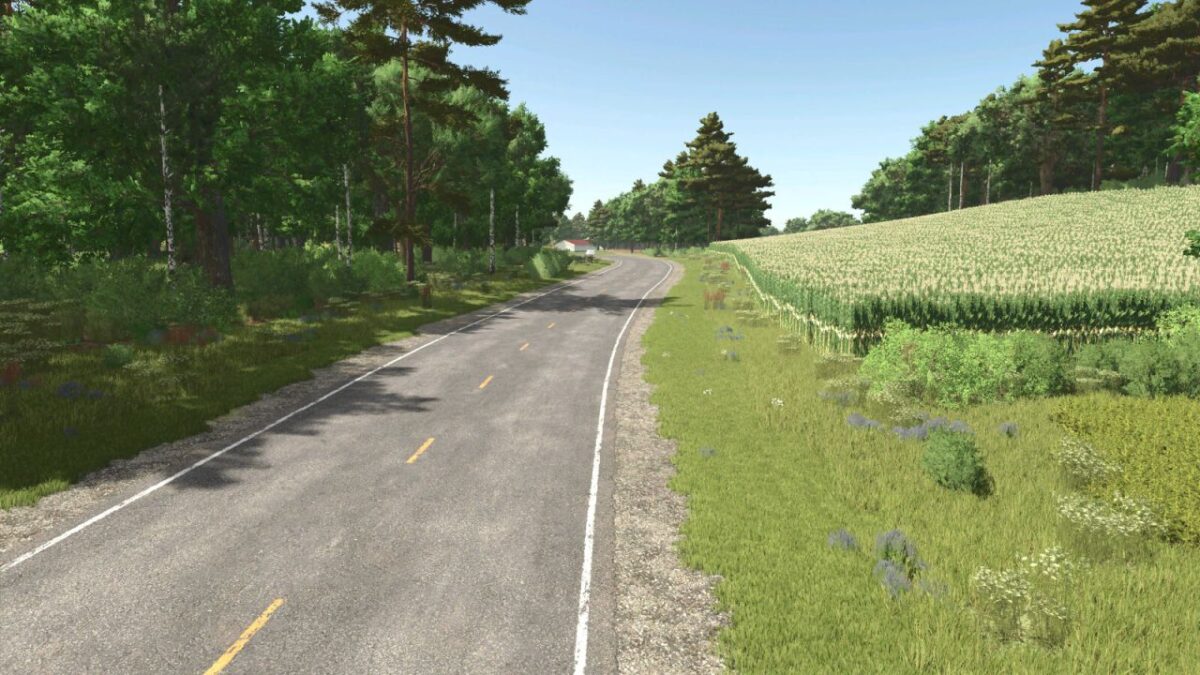
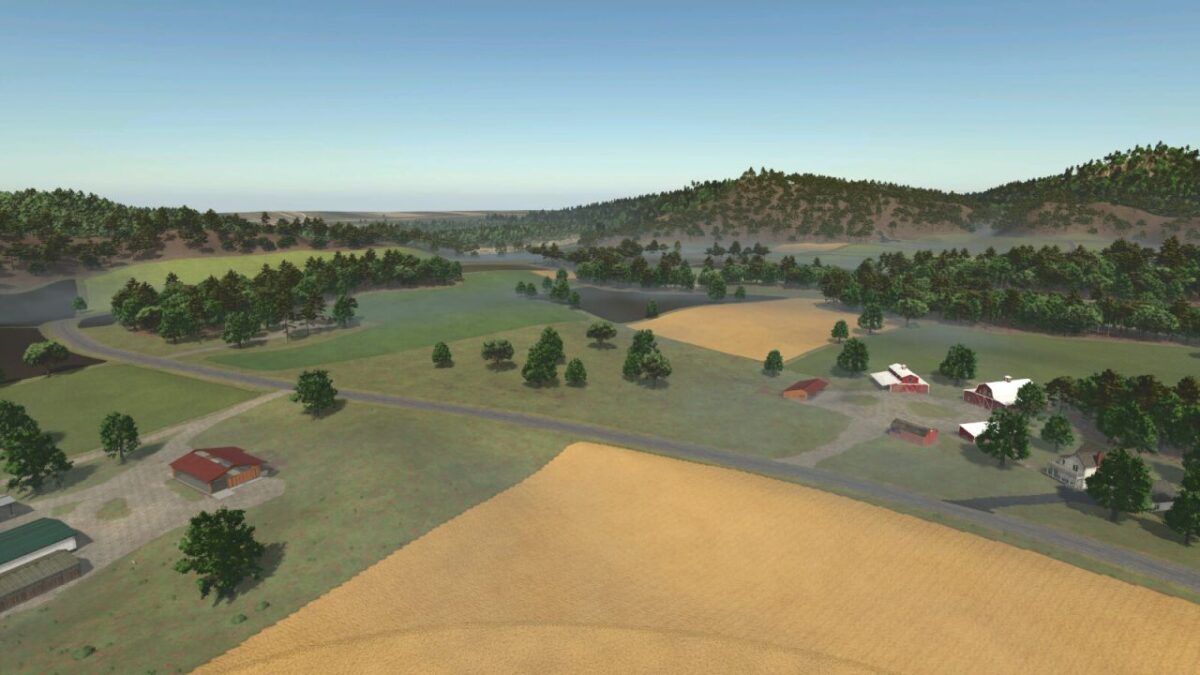
Smoky Mountain Farming Map v 1.0.0.4
Here is a list of production and sell points that can be found:
– Bakery small
– Bakery large
– Carpentry
– Dairy sell point/production
– Farmers Market
– Grain mill
– Oil mill
– Piano manufacturing
– Super market sell point
– Saw mill
– Spinnery
– Tailor shop
Buy points:
– Animal trader
– Gas station
– Warehouse
– Vehicle dealer
New/updated features:
New crops include:
– Alfalfa
– Clover
– Flowering catchcrop
– Green rye
– Rye
– Spelt
– Silage maize
– Triticale
– Vetched rye
– Winter wheat
– Winter barley
Features new/updated:
– Row crop system
– Additional ground angles
– Stubble destruction
– Updated corn textures
– Custom planting and harvest calendar
– More paintable textures added
– New crops able to be fed to animals
– Silos and bunkers accept new crops
– Updated some production points to accept new crops
– Cusotm weather patterns to match the location
– Custom sunrises and sunsets
– Very dark nights
– Custom lighting
– Custom tornados
– Productions have been modified with increased capacities and production outputs
– Silos at starter farm and pre built farms are multi-fruit
Version 1.0.0.4:
* Fixed silage maize calendar causing silage maize not to grow when planted in June or July