

Felsbrunn Map v 1.0.0.1

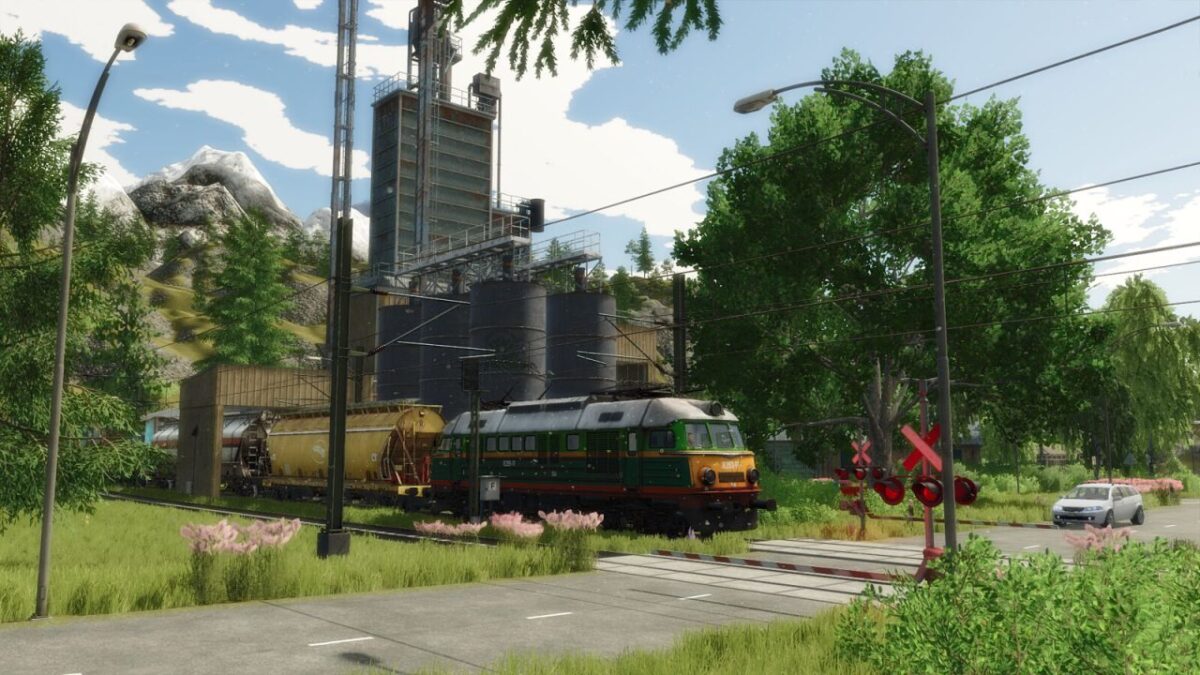
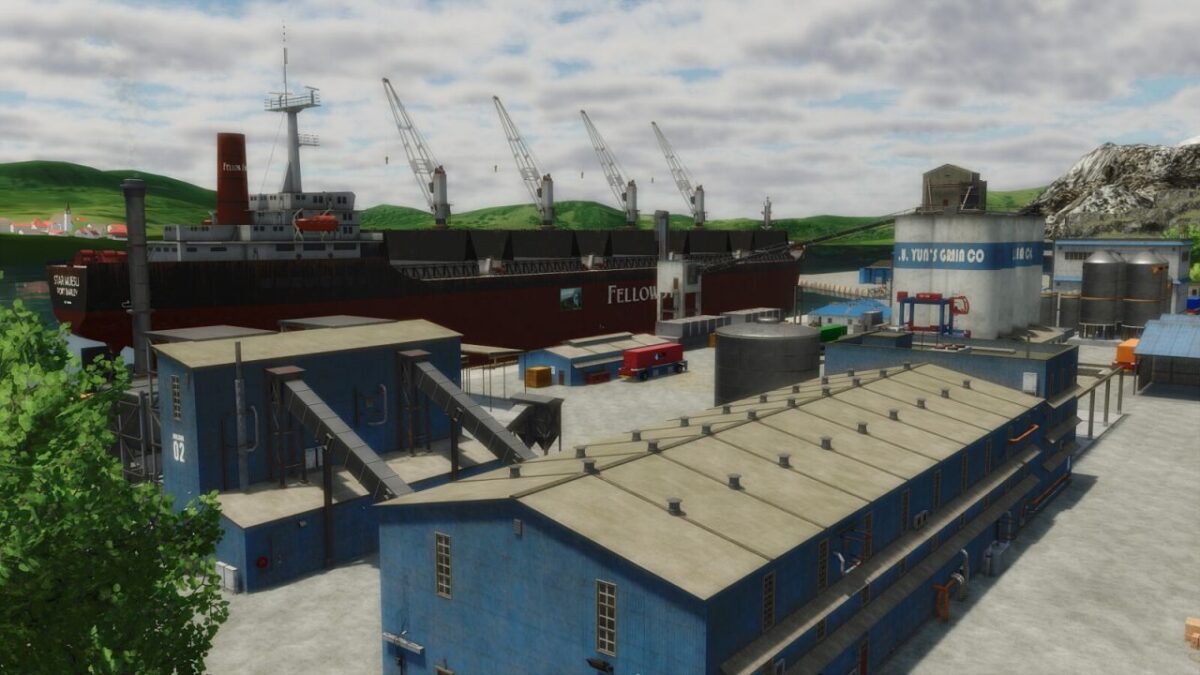
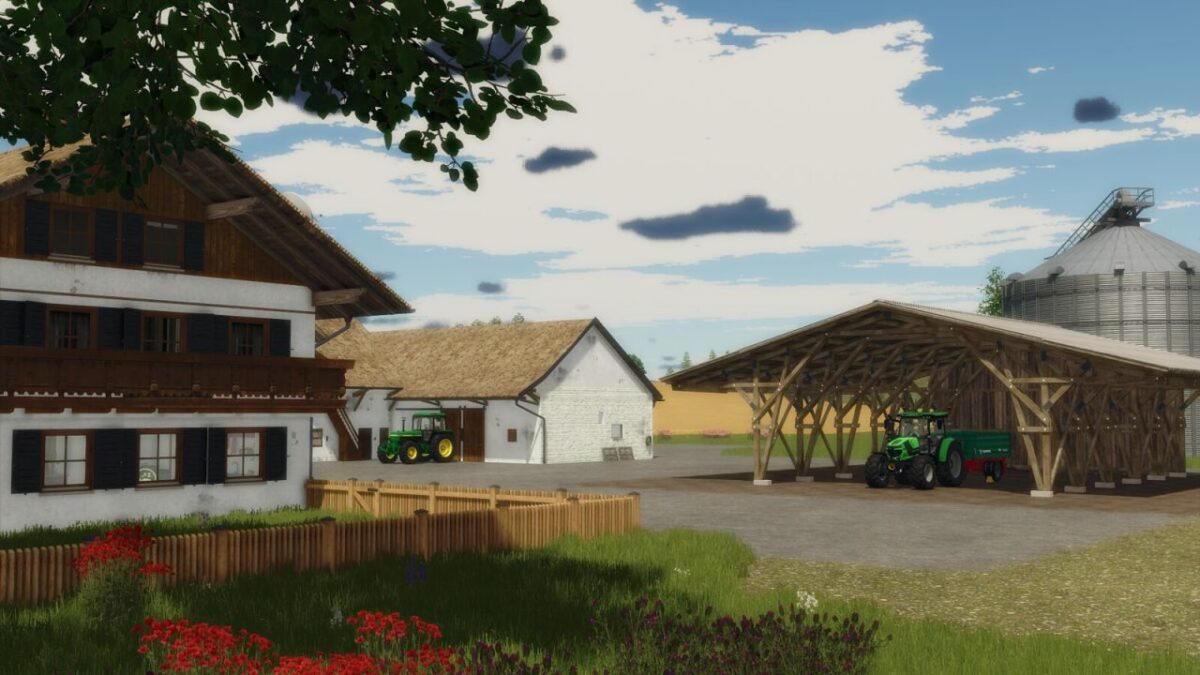
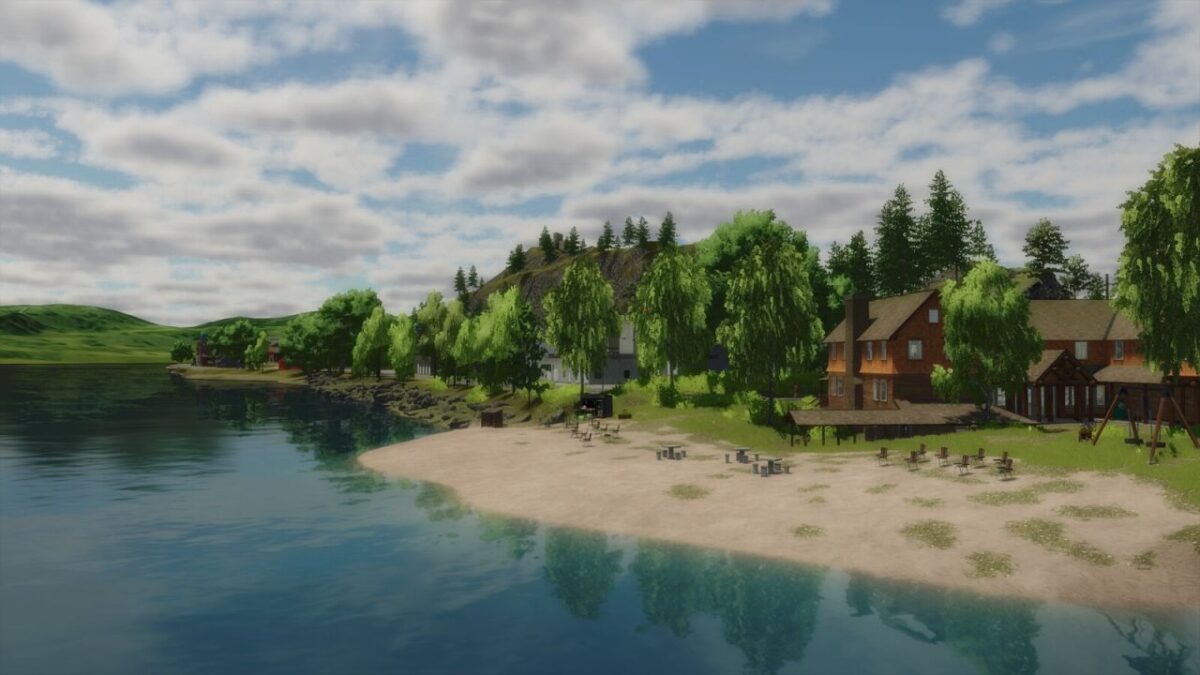
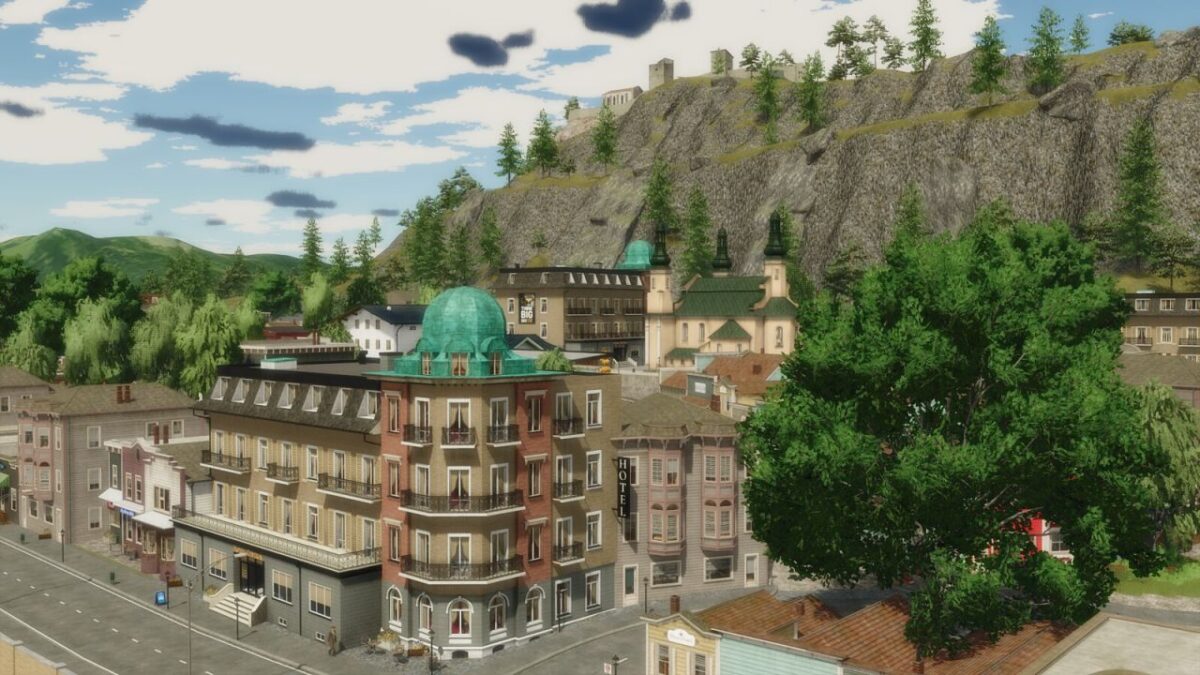
Felsbrunn Map v 1.0.0.1
About the mod:
– Main Farm
– Animals
– 36 fields
– Production and selling points
– Biogas Plants
Version 1.0.0.1:
* Restored all road models
* Restored the waterfall effect
* Added new license plates
* Added the old train from Felsbrunn
* Added more ground textures for landscaping/painting
* Added a new bale sell trigger
* Added missing collisions on roads (bridges)
* Added missing collision in the castle
* Added the missing starting vehicle (car)
* Removed the duplicate trigger at the railway sell point
* Changed the layout of buildings at the shop
* Set aside new farmlands for both ports
* Adjusted the height of the lampposts
* Fixed the location of forestry missions
* Fixed most issues with road signs
* Fixed visual bugs
Credits:
Puma 145