

Realistic Crop Prices – Europe v 1.0


Realistic Crop Prices – Europe v 1.0
About the mod:
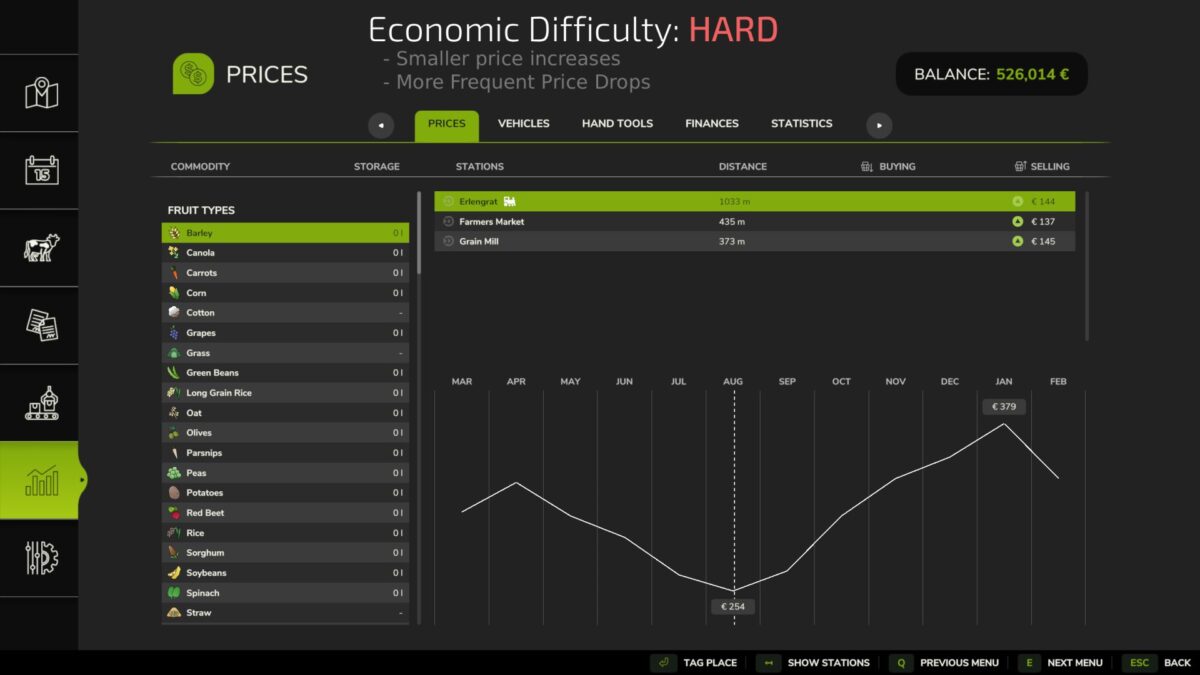
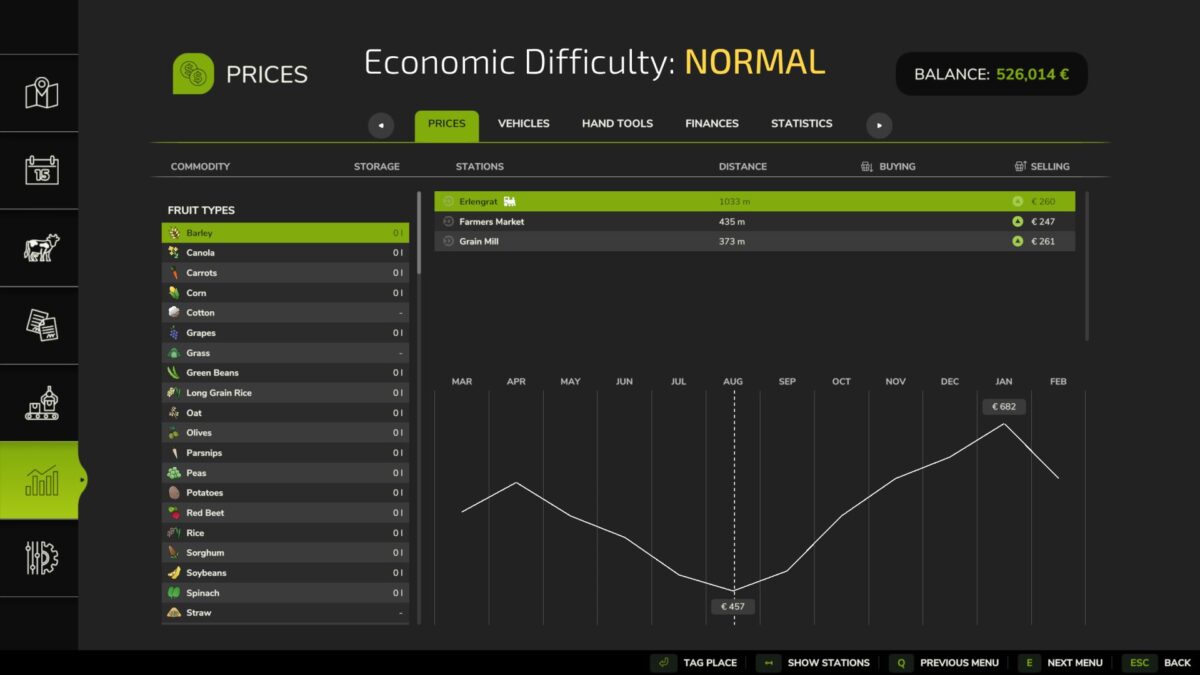
Realistic crop prices from European Union countries in the game!
Do you like realism? Well, the prices in the game on hard mode are low, but not realistic!
I collected data from many European countries, averaged it, adjusted it to the game’s conditions, and implemented it into the game! Enjoy prices that reflect real European prices from the year 2026!
Current list of supported crops:
– Wheat
– Barley
– Oat
– Canola
– Sorghum
– Sunflower
– Soybean
– Maize
– Potato
– Sugarbeet
If this mod gets good reviews and a decent number of downloads, I’ll add and optimize all production elements and prices throughout the game to realistic levels! This is the first experimental BETA version of the mod.
Credits:
Synergiusz