

Automated Dairy Farm 400 v 1.0.0.1

Automated Dairy Farm 400 v 1.0.0.1
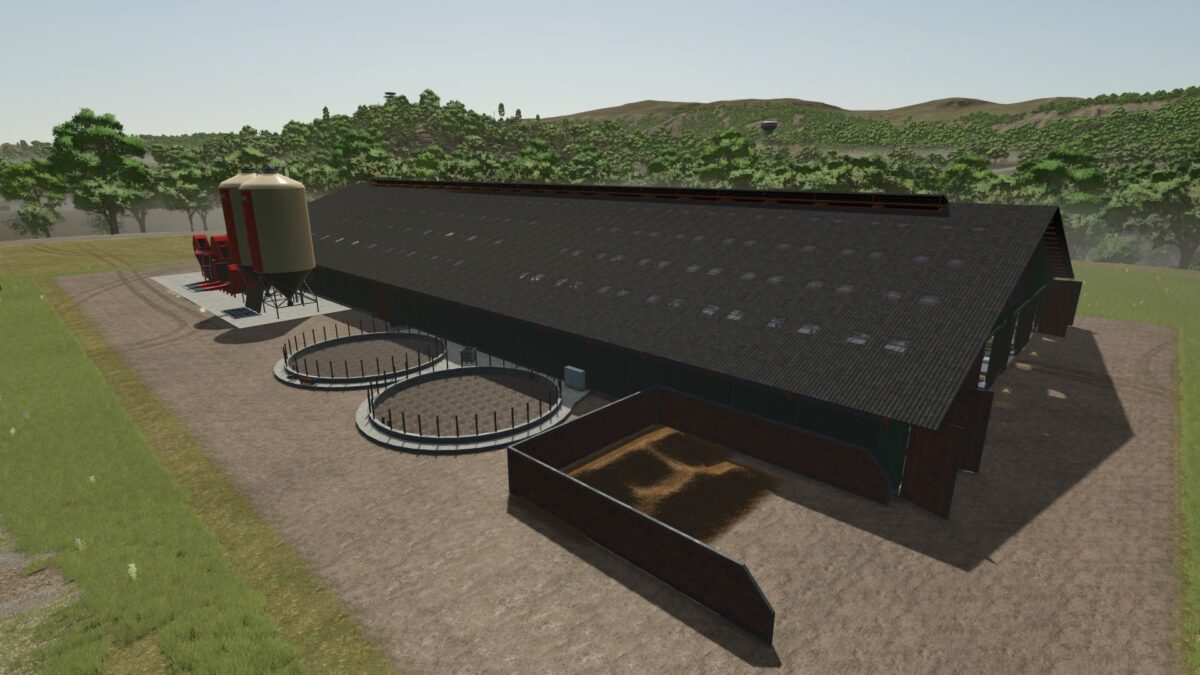
Introducing a fully automated livestock complex for Farming Simulator 25. This farm is the perfect solution for those who want to establish efficient milk production without the endless manual labor. The facility is designed as a single, high-tech hub where everything operates like clockwork.
Key Features:
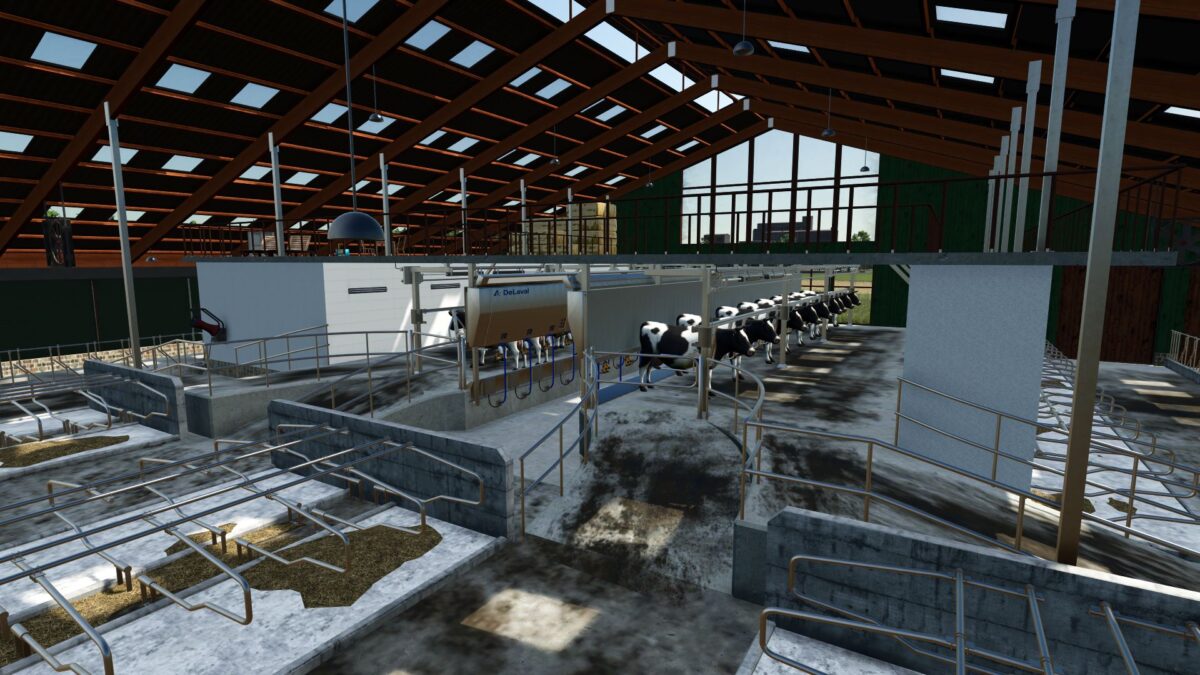
Full Feeding Automation: The integrated feeding robot handles all the work. It automatically doses ingredients, prepares a high-quality mix, and distributes it to the animals. No manual feeding required!
Climate Control: Featuring functional ventilation fans, wind protection, and operational folding side walls.
Storage: Equipped with a built-in milk cooler and an integrated manure heap.
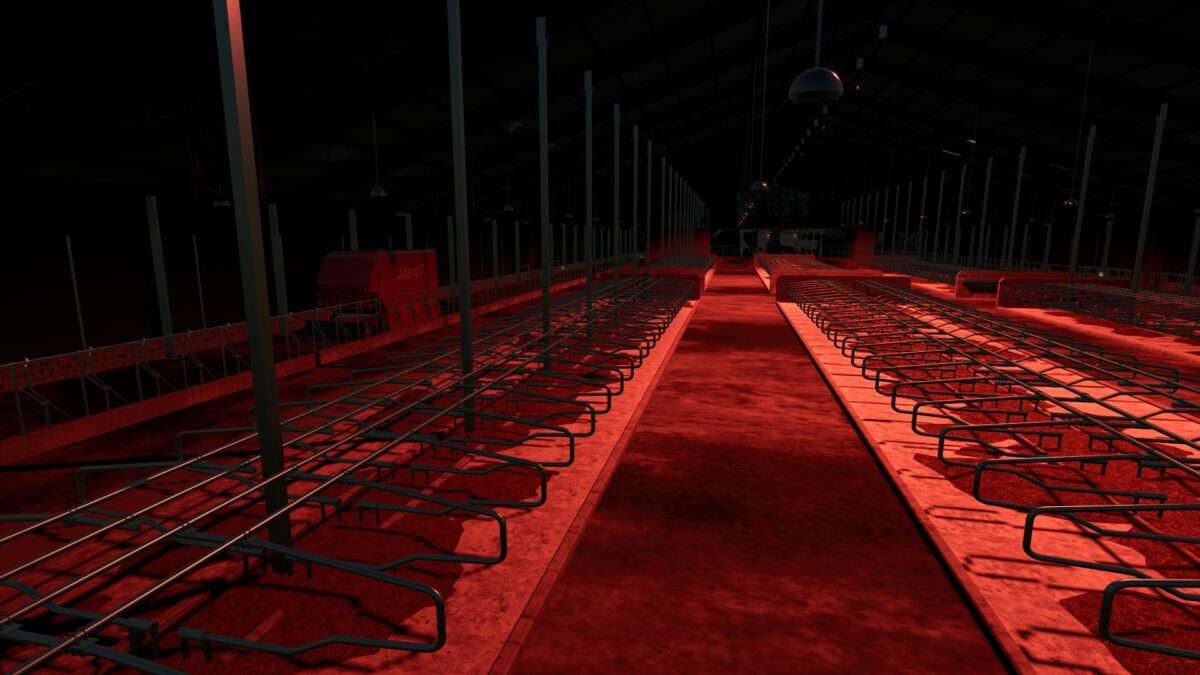
Custom Night Lighting: A specialized lighting system (red light) that activates from 18:00 to 06:00, creating a realistic and immersive atmosphere.
Visual Polish: Modern 3D markers on all triggers for a clean and intuitive user experience.
Customizable Pasture: A fully adjustable grazing area that you can adapt to your farm’s layout and space.
Flawless Performance: 100% clean log (zero errors).
Technical Specifications:
Price: 400,000 €
Capacity: 400 cows
The perfect technological solution for your farm.
Version 1.0.0.1:
* Fixed missing cows inside the barn when installing the pasture
* Upgraded and decorated the milking area