

Mindenerwald Farming in the Mühlenkreis Map v 1.0

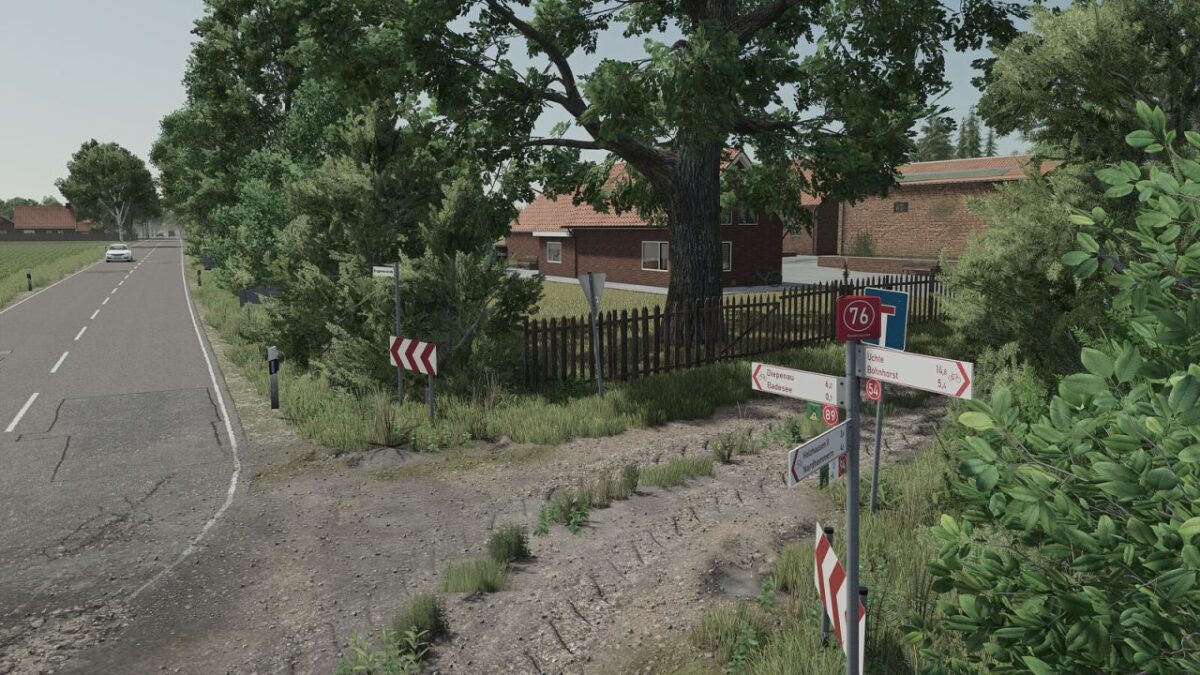
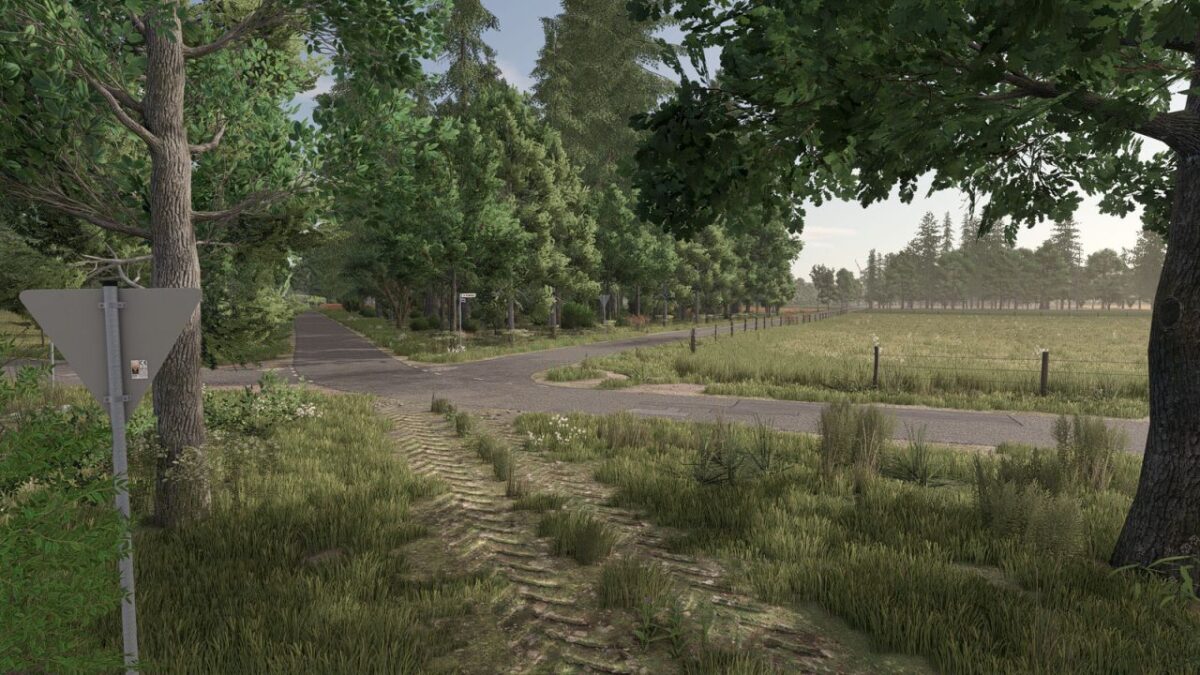
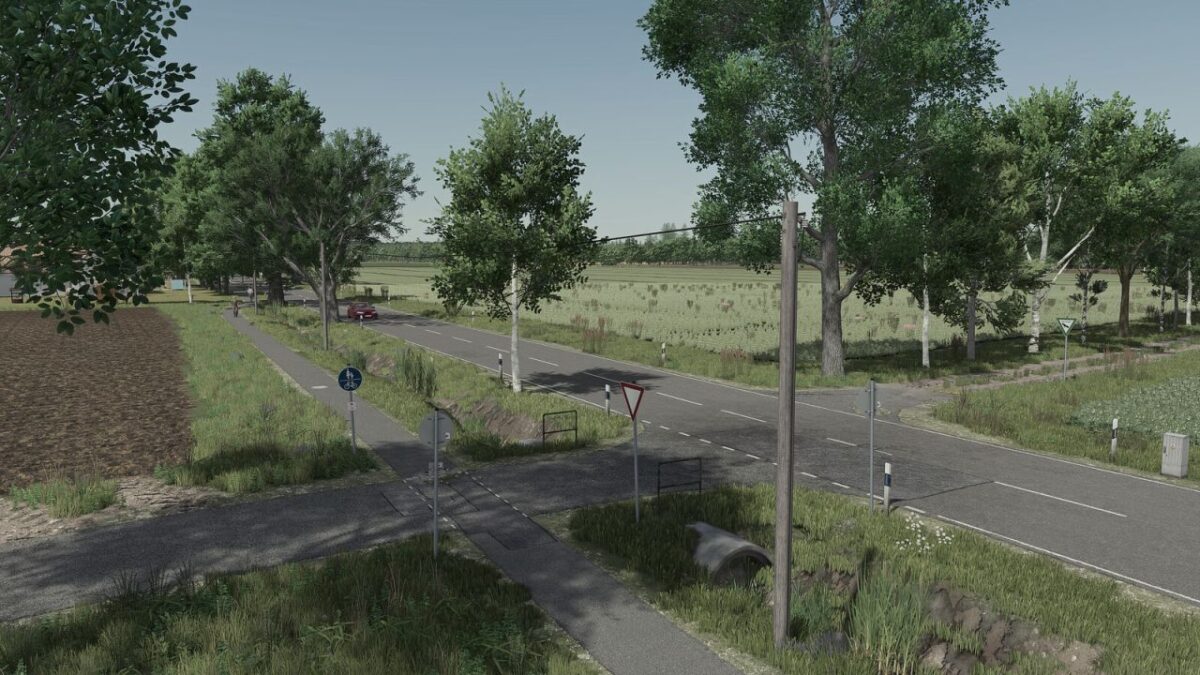
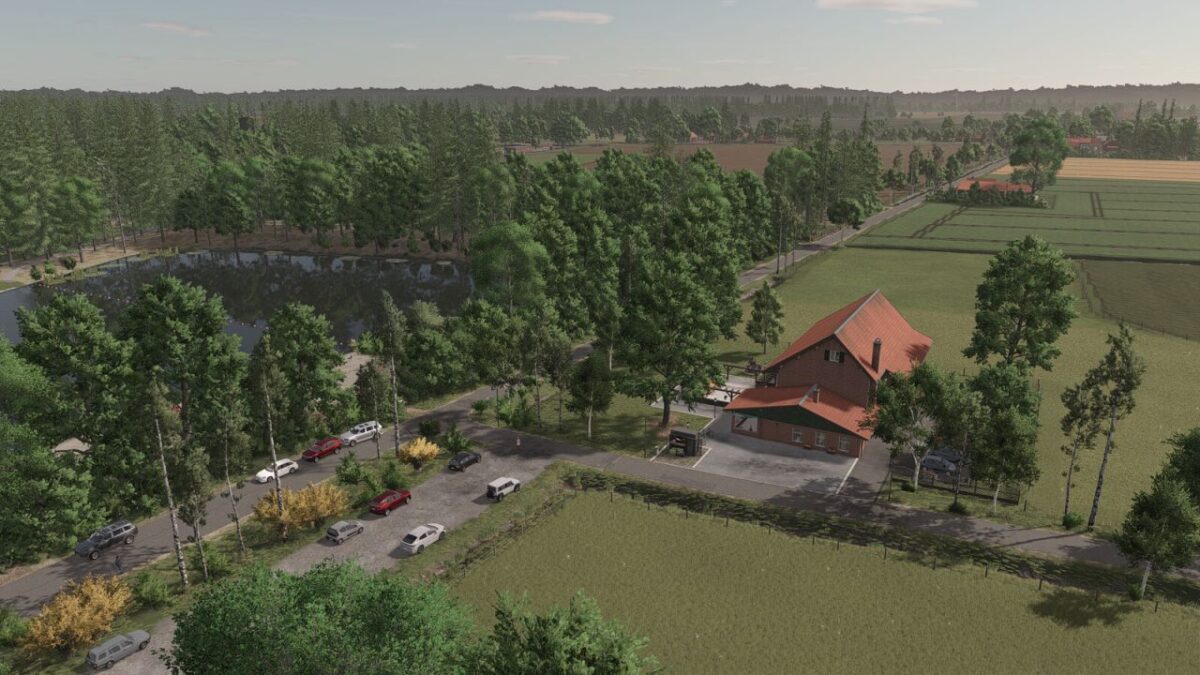
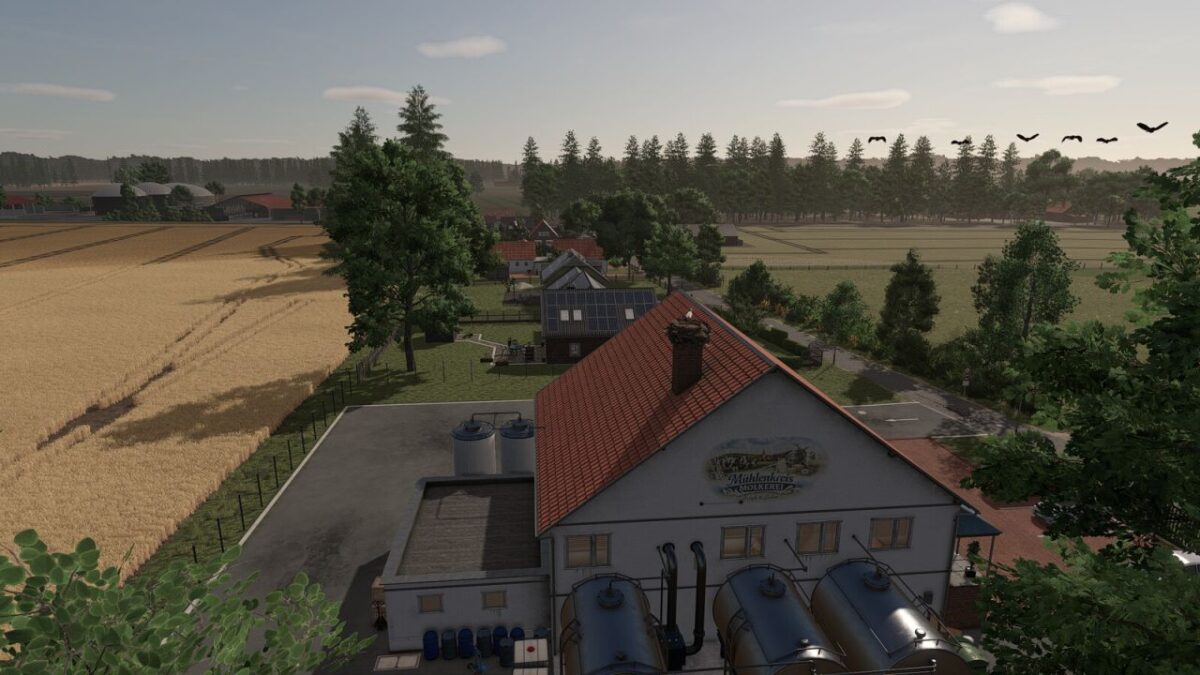
Mindenerwald Farming in the Mühlenkreis Map v 1.0
– 23 new paintable ground textures for realistic terrain and farm decoration
– Additional crop types: CCM, Triticale, Rye, Winter Wheat, Summer Wheat, Winter Barley, Summer Barley, Green Rye, Alfalfa, Clover, Field Grass, Spelt, Vetch Rye, Silage Maize, Humus, Mustard, Flowering Catch Crop
– 84 fields, including 25 meadows
– 5 forests for forestry operations
– Field sizes ranging from 0.5 ha to 11 ha
– 10 farmyards
– 4 dairy farms
– 1 pig farm
– 1 chicken farm
– 1 horse farm
– 1 contractor farm
– 4 purchasable productions: Bakery, Sawmill, Dairy, Grain Mill
– 5 selling stations: Kiosk, Feed Market, Grain Trader, Agraria Market, Animal Market, Warehouse offering a wide variety of pallet products, Purchase options for manure, slurry, fertilizer, seeds, lime, and herbicide, 25 collectibles
– In May, the village celebrates its traditional marksmen’s festival
– In December, festive decorations bring Christmas spirit to the map