

Case 580 Super M & L Pack v 1.0.2.5

Case 580 Super M & L Pack v 1.0.2.5

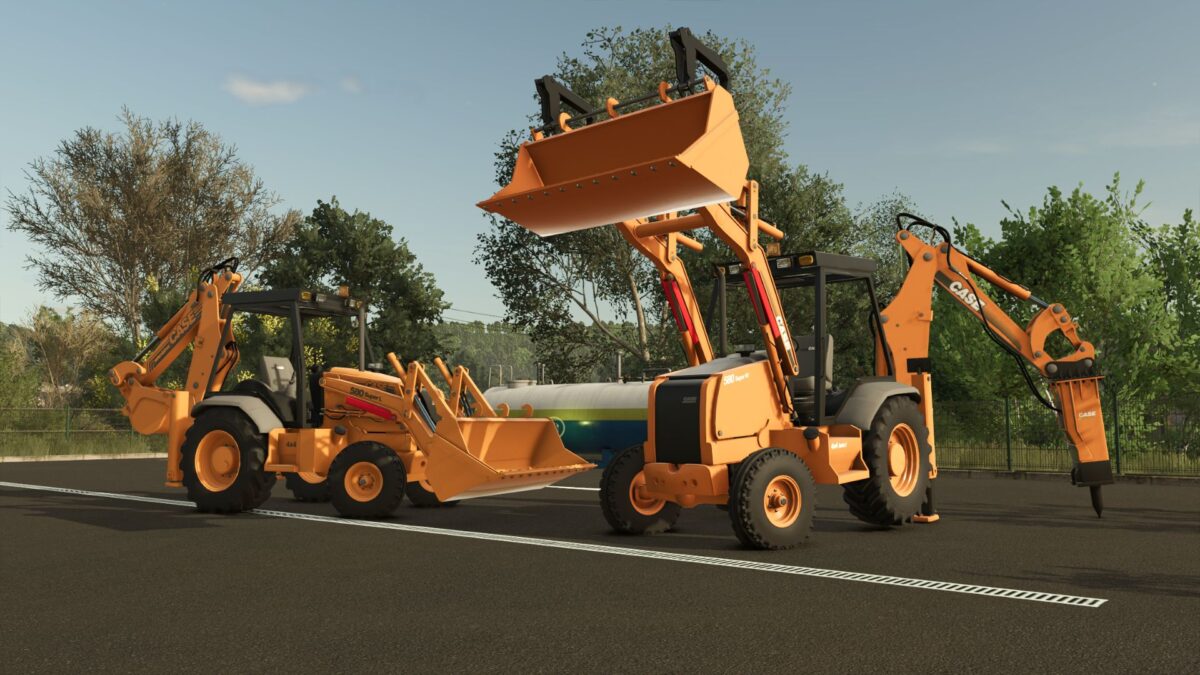
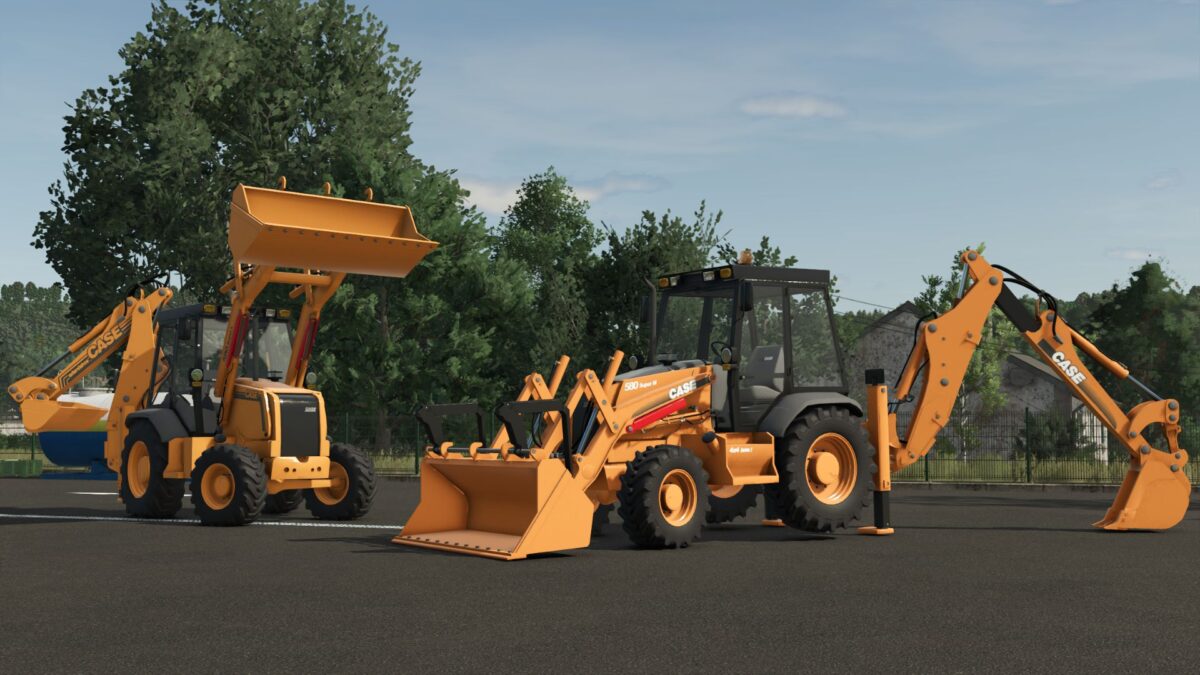
The FS25 Case 580 Super M & L Pack brings two iconic backhoe loaders from the legendary Case 580 series, known worldwide for their reliability, versatility, and performance in construction and earthmoving work. Designed for Farming Simulator 25, this pack delivers a realistic and immersive experience for players who enjoy construction gameplay alongside farming operations.
The Case 580 Super M and Case 580 Super L are compact yet powerful machines, widely used in real-life construction due to their excellent balance between strength and maneuverability. Both models are ideal for digging, loading, trenching, and general site work, making them essential tools on any map.
Machine Specifications
Case 580 Super M
Power: ~95 HP
Operating weight: ~7.2 tons
Designed for versatile light-to-medium construction tasks
Case 580 Super L
Power: ~100 HP
Operating weight: ~7.6 tons
Improved hydraulics and efficiency for heavier and more precise work
Both machines feature realistic hydraulic behavior, detailed animations, and authentic sound design to enhance immersion. Their compact size allows them to operate efficiently in tight spaces while still delivering strong digging and loading performance.
Version 1.0.2.5:
* Improved 3d Model Parts
SeviModding
How do I install Farming Simulator mods?
Find a mod that you like and want to download first. Then, on your PC, download a mod. Mods are typically in.zip format. However, it is sometimes in.rar format. If the mod file is in.zip format, no additional actions are required. If a file is in.rar format, you must unarchive it using software such as WinRar or Zip7. Windows 10 users do not need to use archive software; Win10 includes an unarchive feature.
The next step is to locate the mods folder on your computer. It is typically found in Documents/My Games/Farming Simulator [Your FS game version, e.g. 2022]. Open the "mods" folder and place the downloaded.zip archive or unarchived.rar file there.
The final step. Have fun with Farming Simulator mods!