

Lanrelas Map v 2.0

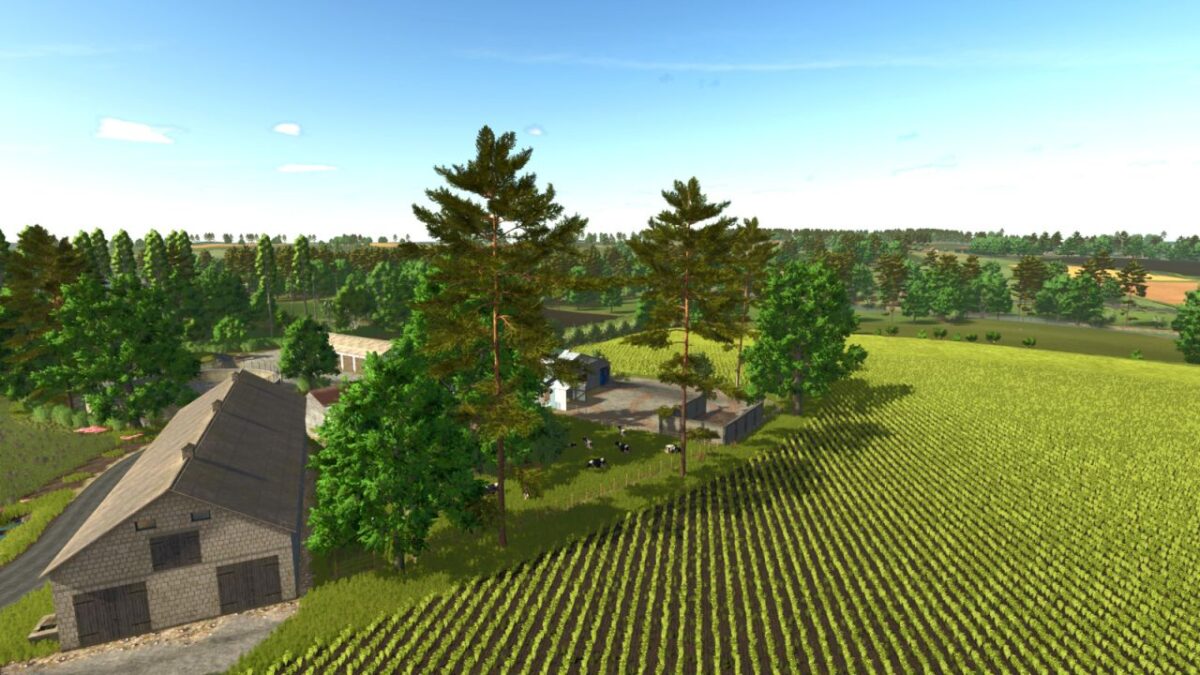
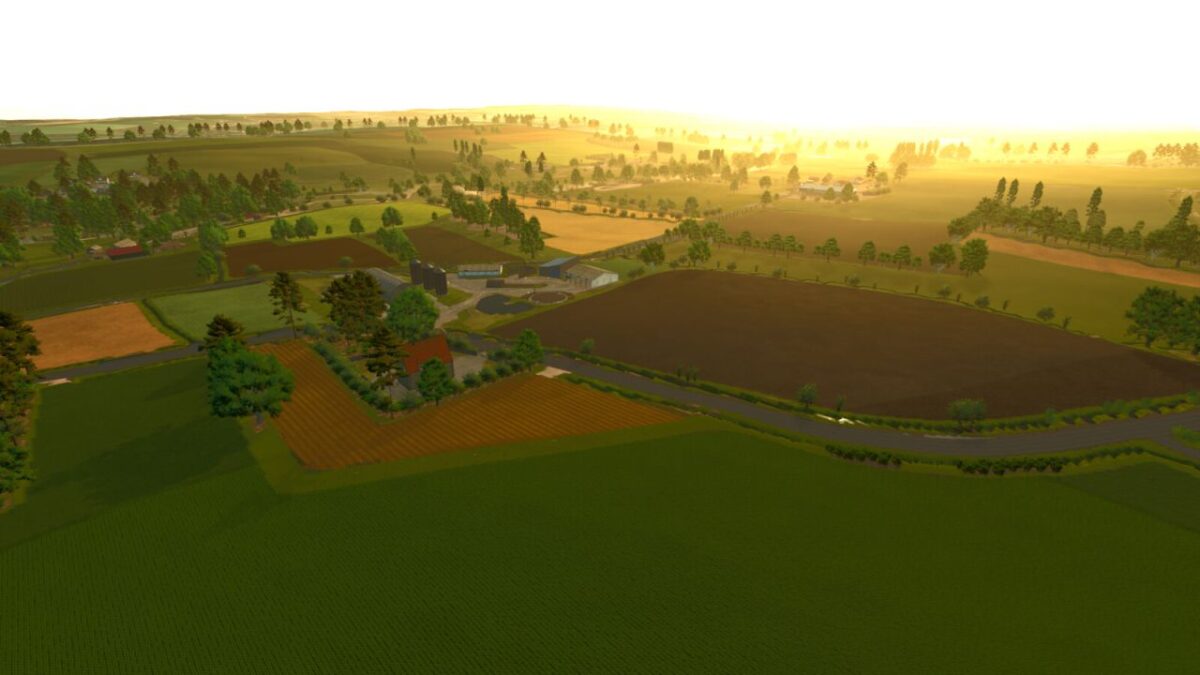
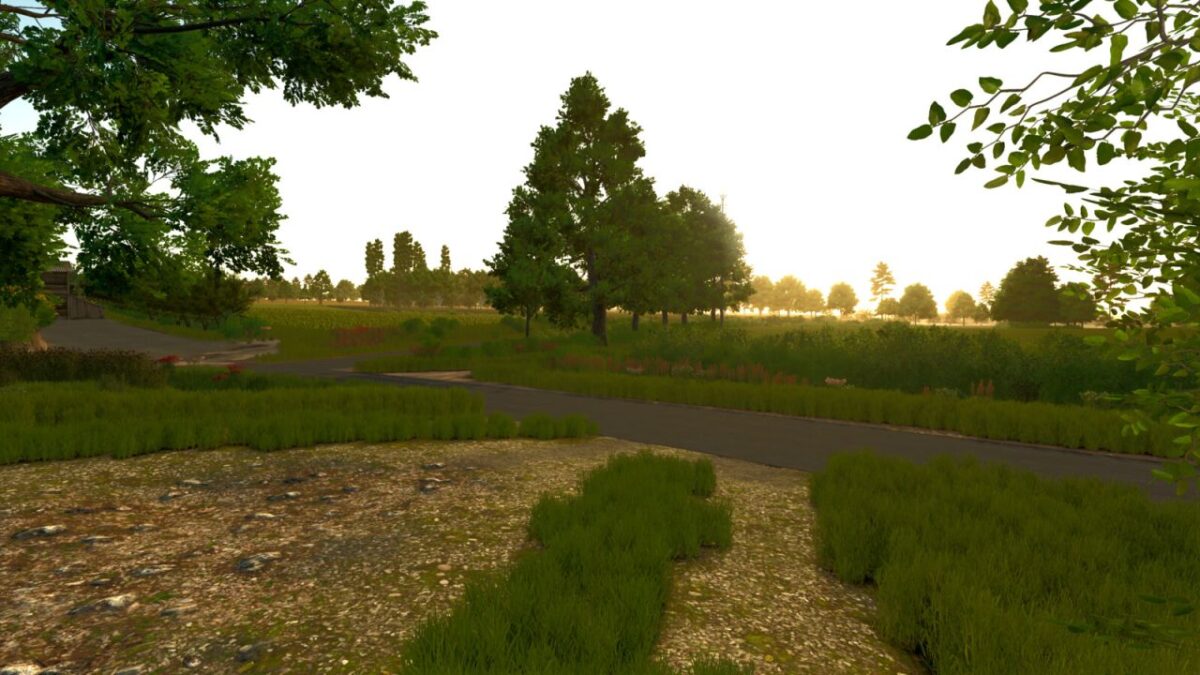
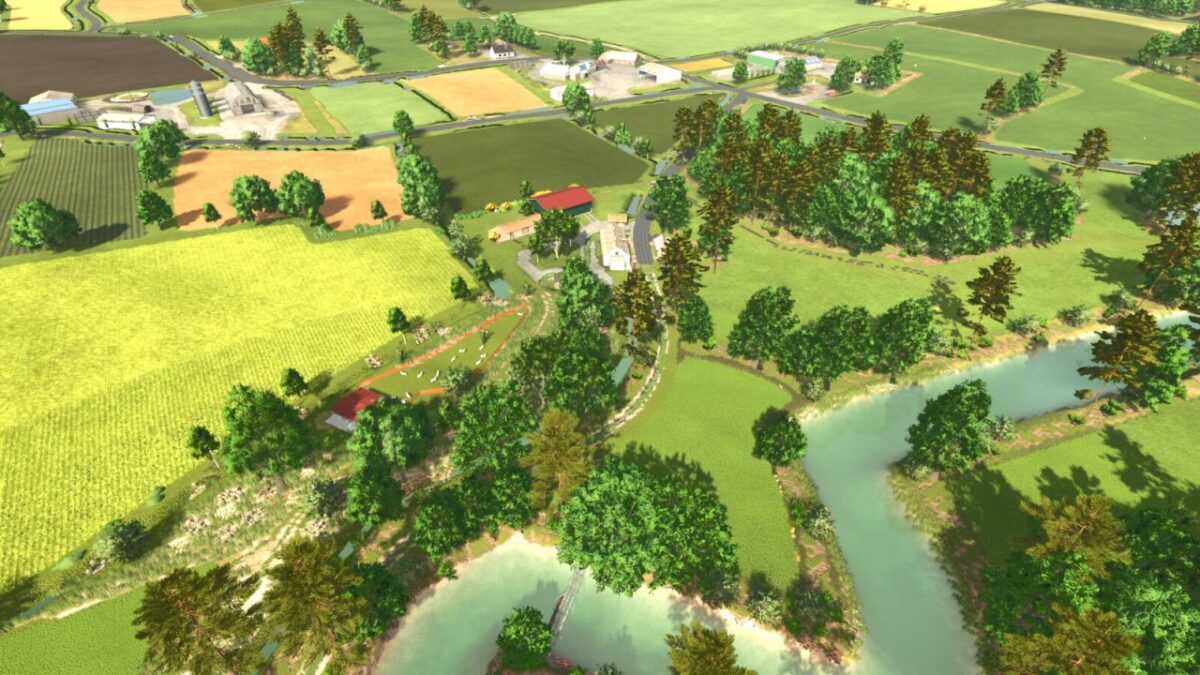
Lanrelas Map v 2.0
– 1 x BGA
– 114 fields (from 0.12 ha to 11.33 ha)
– 26 forest areas
– Côtes-d’Armor license plates
– Fences and farms can be modified in landscaping mode
– Areas to clear using a forestry mulcher
– Realistic ambient sounds (animals, rivers, forests)
– Animated rivers and aquatic wildlife: you can fish with the Highlands Fishing Expansion DLC
– Rare galettes to collect
– New NPCs for missions
– Map compatible with all DLCs
– Travel is simplified thanks to a dedicated AI worker road network
Version 2.0:
* Lanrelas V1 has been thoroughly revised in this version. To increase your tasks in the fields and at the B.GA, as well as to feed your animals, the new map incorporates new crops.
* To diversify the diet of your pigs and cows, two new buildings are ready to be purchased in the factory section
* BGA uses new crops
* Improved decoration on the map
* New point of sale
* Removal of modest and poor quality buildings