

No Rolling Bales v 1.6

No Rolling Bales v 1.6
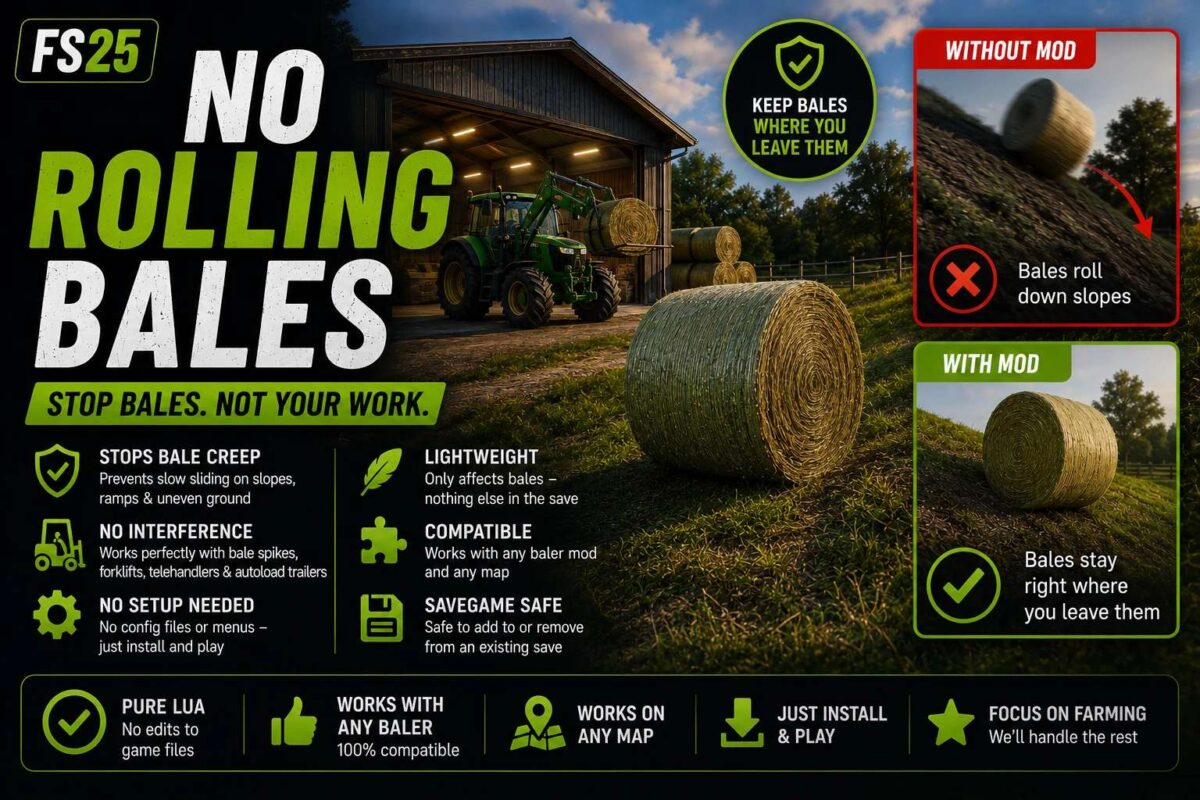
Tired of round bales slowly sliding or rolling away down every slope on your map? This script mod fixes that without touching any models or textures — pure Lua, works with any baler and any existing savegame.
How it works: the mod watches every bale in the game and checks its speed continuously. The moment a bale is nearly motionless, it gets extra physics resistance so gravity can’t nudge it any further down a hill. As soon as that same bale is actually moving — being dropped, picked up with a spike or forklift, loaded onto an autoload trailer, etc. — the extra resistance switches off instantly, so handling bales feels completely normal.
Features:
Stops the slow bale creep on slopes, ramps, and uneven ground
No interference with bale spikes, forklifts, telehandlers, or autoload trailers
No config files or menus needed — just install and play
Lightweight: only touches bales, nothing else in the save
Compatible with any baler mod and any map
Safe to add to or remove from an existing save at any time
Adjustable: if you want bales to grip even harder (or looser), open scripts/NoRollingBales.lua and tweak the damping/threshold values at the top of the file — each one is commented.
Notes: on very steep terrain, a bale can occasionally build up just enough speed to roll before the mod catches it again — this is a big improvement over vanilla physics rather than an absolute guarantee on extreme slopes.
Version 1.6:
* Fixed: bales that got knocked or bumped by a vehicle/implement would sometimes just keep rolling forever instead of slowing down and settling. A light “cruise” damping now applies while a bale is moving, so it naturally bleeds off speed and comes to rest instead of coasting indefinitely.
* Fixed: bales would hang in mid air and fall in slow motion after coming off a bale spike or telehandler. Damping now switches off properly the instant a bale is actually moving with real speed, so drops behave normally again.
* Fixed: bales couldn’t be picked up at all with a bale spike/telehandler in the previous build — reworked how the mod decides “resting vs. being handled” so pickup, carrying, and dropping all work as expected.
* Removed the periodic status line from the log (was only ever a debug heartbeat, not needed anymore).
* Core behaviour unchanged: bales still get extra rolling resistance while nearly still, so they stop creeping on slopes, and that resistance now scales sensibly rather than being all or nothing.