

Roadway Slabs Pack v 1.0

Roadway Slabs Pack v 1.0
About the mod:
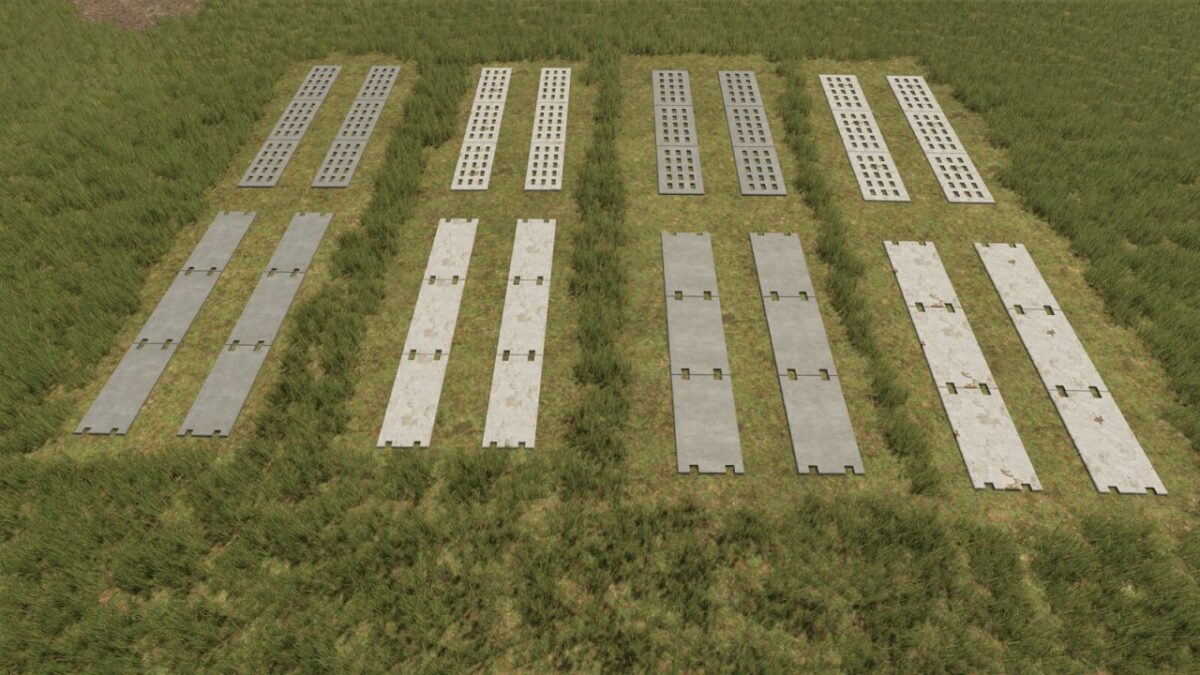
Here you get a versatile package of classic GDR roadway slabs.
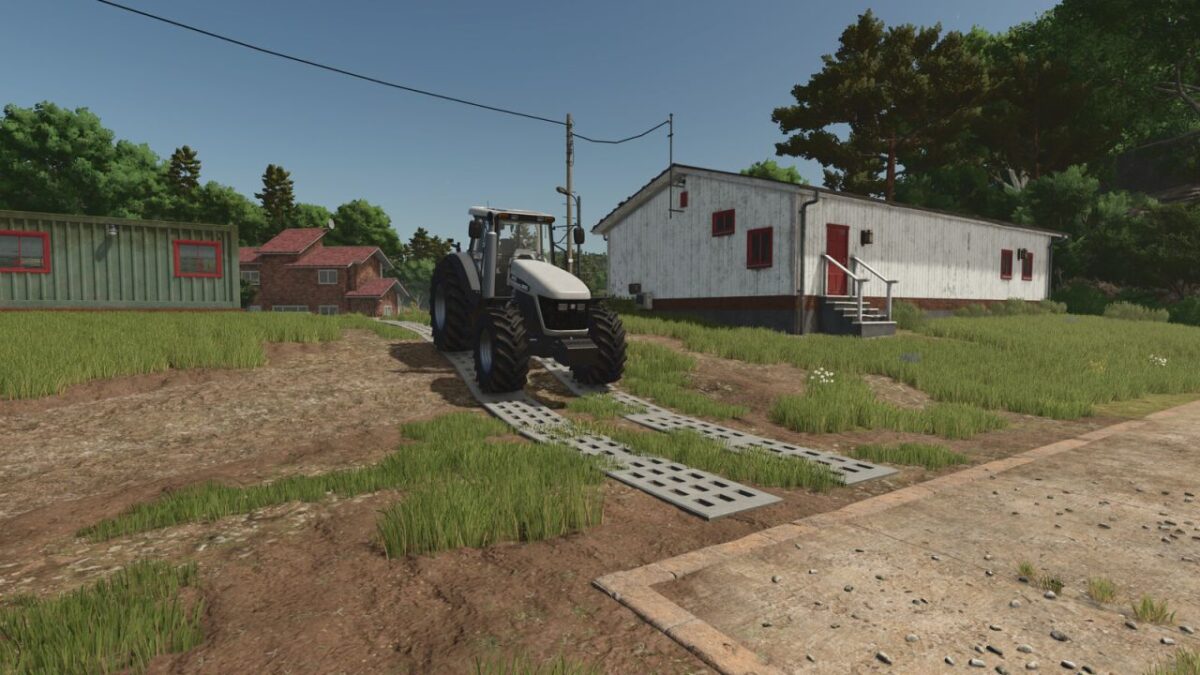
The concrete slabs offer you the opportunity to create authentic farmyard and field paths in the style of former GDR infrastructure.
Contents of the package
Two variants:
With holes
Without holes
Two sizes:
Normal width
Wide version for more clearance on large machines
Technical details:
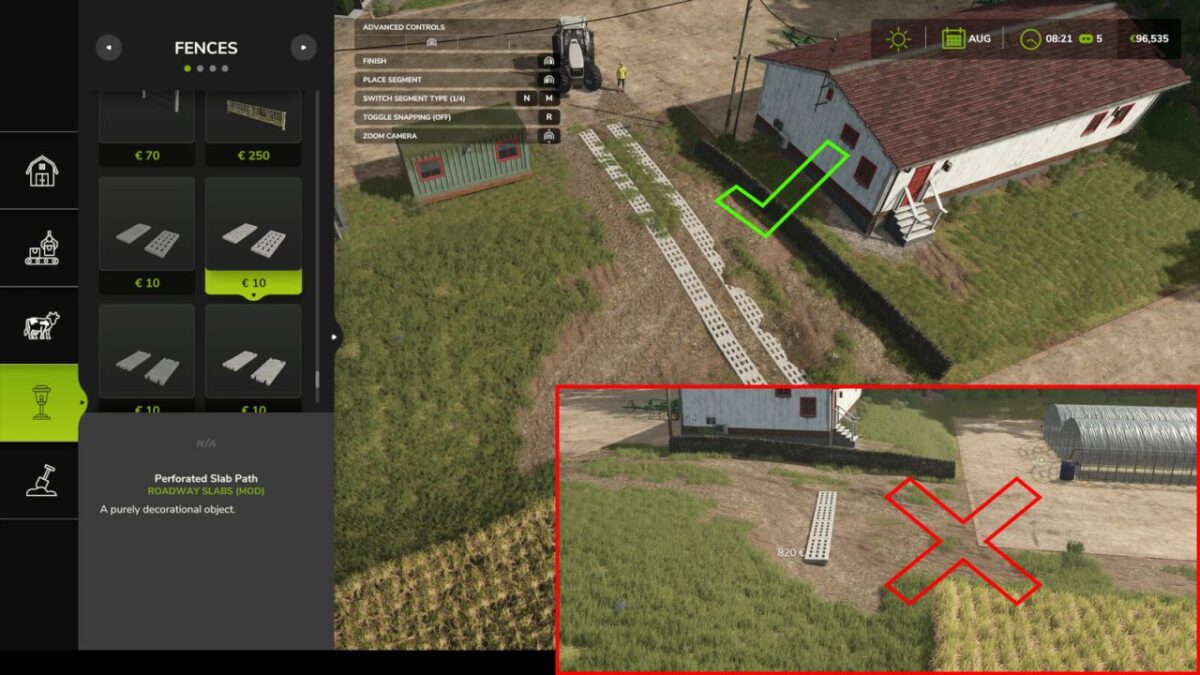
Category: Fences (can be placed like fences in the construction menu)
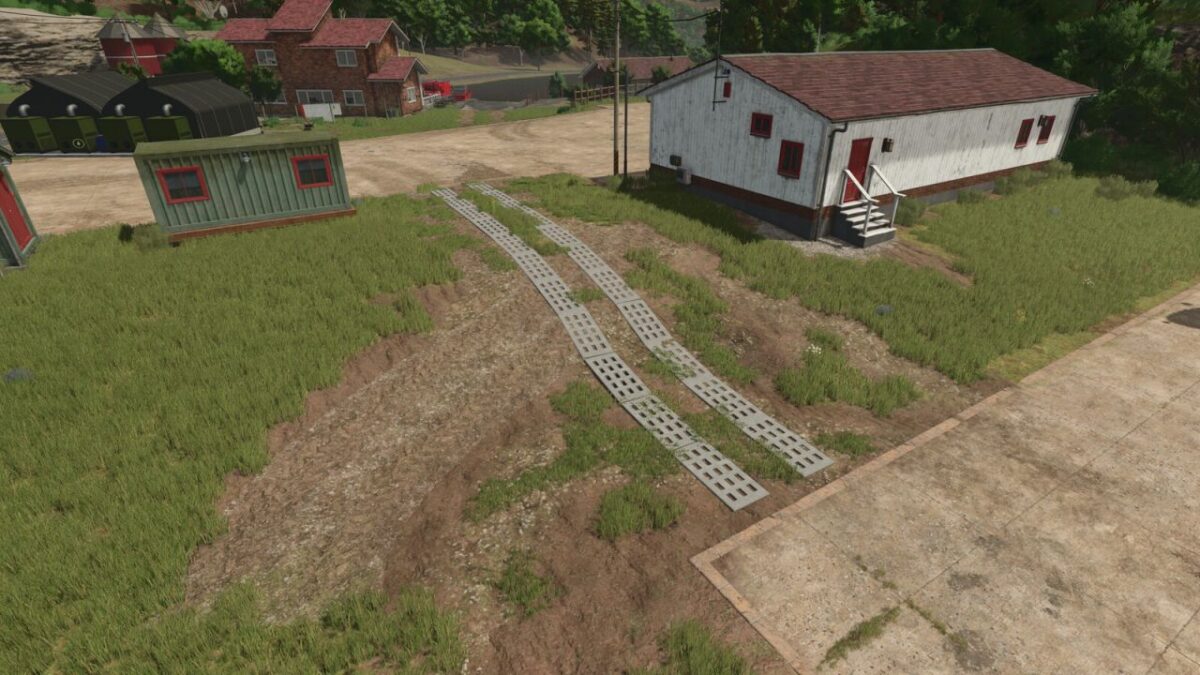
Partially adapt to the slope of the terrain (see screenshot 1)
Prices & dimensions:
Normal panels:
Price: 200 $ per panel
Length: 2 meters
Maintenance: 0 $/day
Wide panels:
Price: 225 $ per slab
Length: 2 meters
Maintenance: 0 $/day
Credits:
Razak