

Lightning Shock v 1.1.1.4

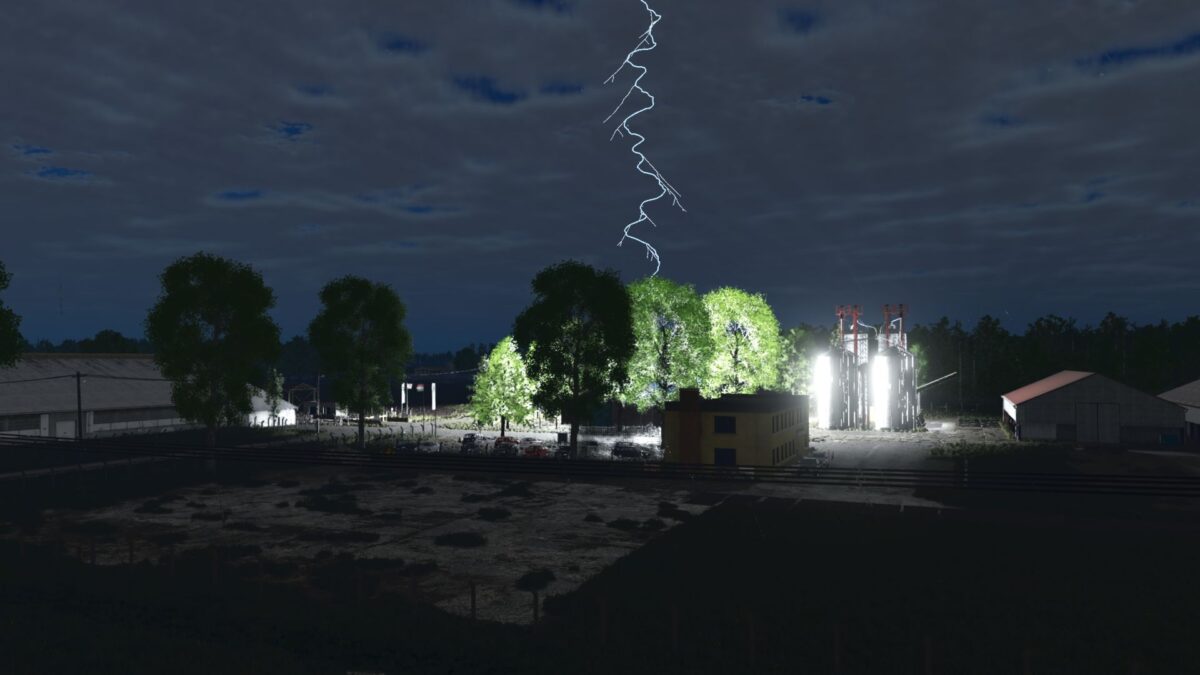
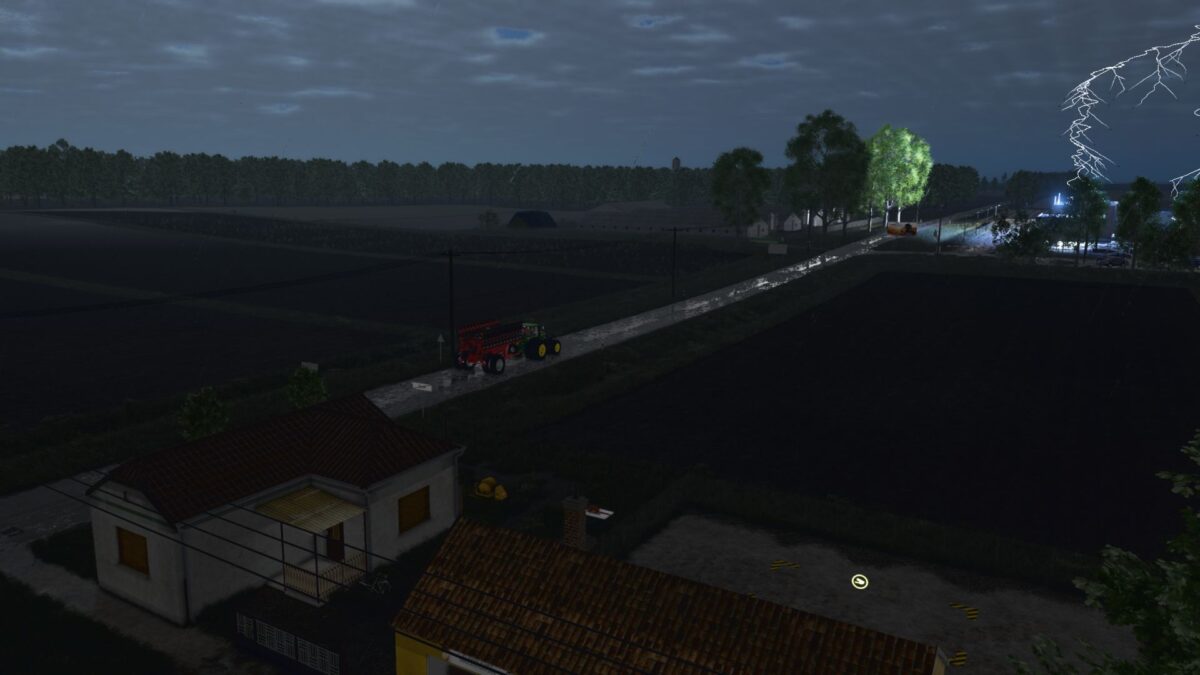
Lightning Shock v 1.1.1.4
What if the storm were no longer just a visual effect?
Lightning tears across the sky and thunder shakes the countryside but this time, something else is happening.
This mod goes beyond lights and sounds: the storm actively interferes with the gameplay, forcing you to adapt.
Version 1.1.1.4:
* Electrical poles, utility poles and radio towers have 40% higher target priority than houses
* A strike pauses GIANTS AI, CoursePlay or AutoDrive without deleting the preserved task
* The consist motor and lights remain disabled throughout the outage
* After the lights return, the motor remains forcibly stopped for another five seconds
* Multiple struck AI vehicles restart with a random 15 second stagger
* The previous work or journey resumes five seconds after motor start
* One short and one slightly longer horn signal, plus two high beam flashes, announce resumption
* The complete placeable light cache is built before gameplay begins
* The first 30 second light discovery and per frame cache expansion have been removed
* Light cache processing can no longer overlap CoursePlay first start