

Smart Crop Control v 1.1

Smart Crop Control v 1.1
About the mod:
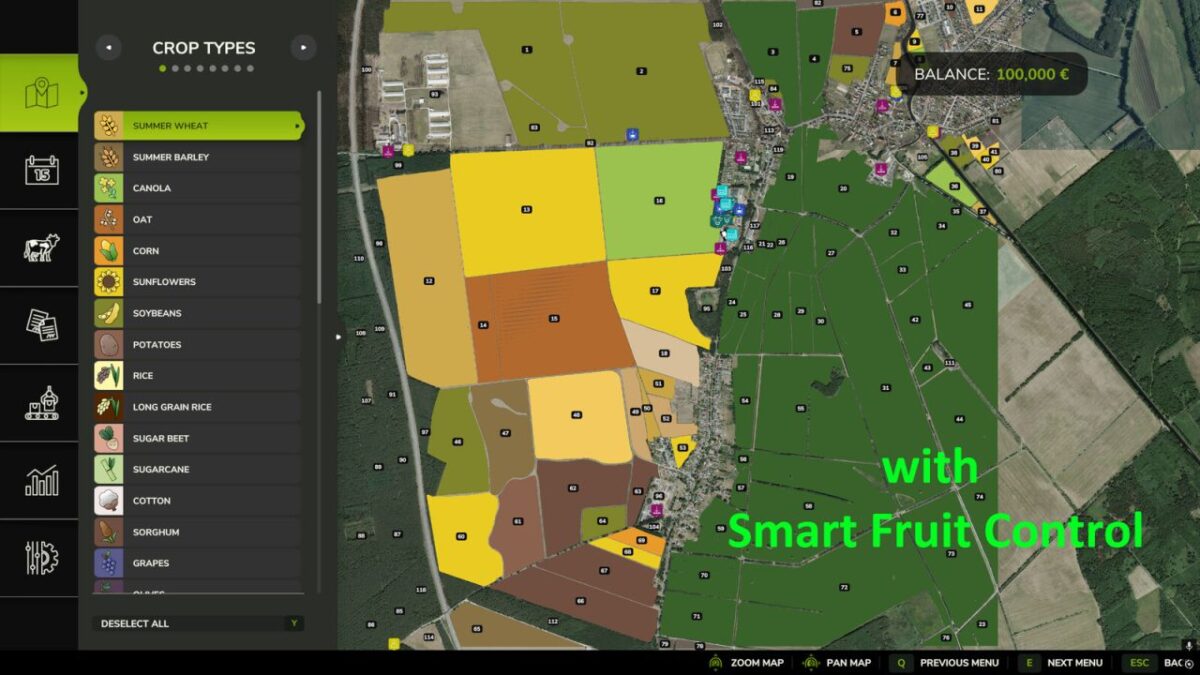
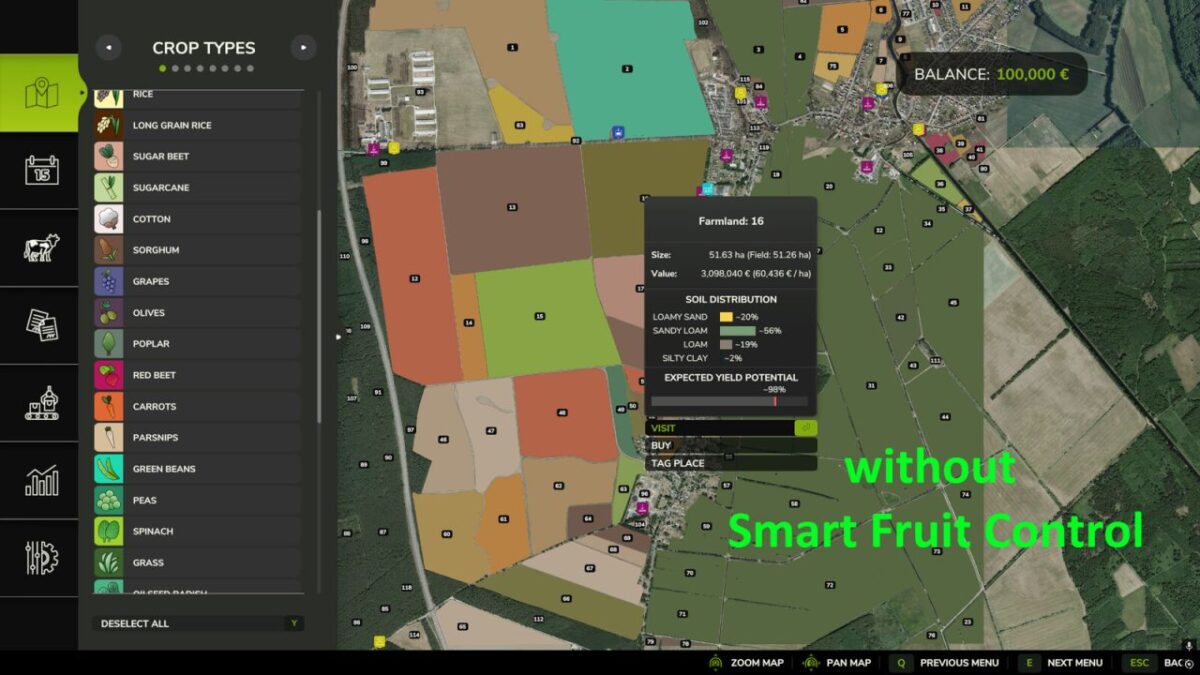
Smart Crop Control regulates selected NPC crops based on field size.
The mod separates the controlled crops into two categories:
Root crops:
Potatoes
Sugar Beets
Beetroot
Onions
Vegetables:
Carrots
Parsnips
Green Beans
Peas
Spinach
The rules are applied when creating a new savegame and whenever NPC fields are replanned after harvest or at the start of a new year.
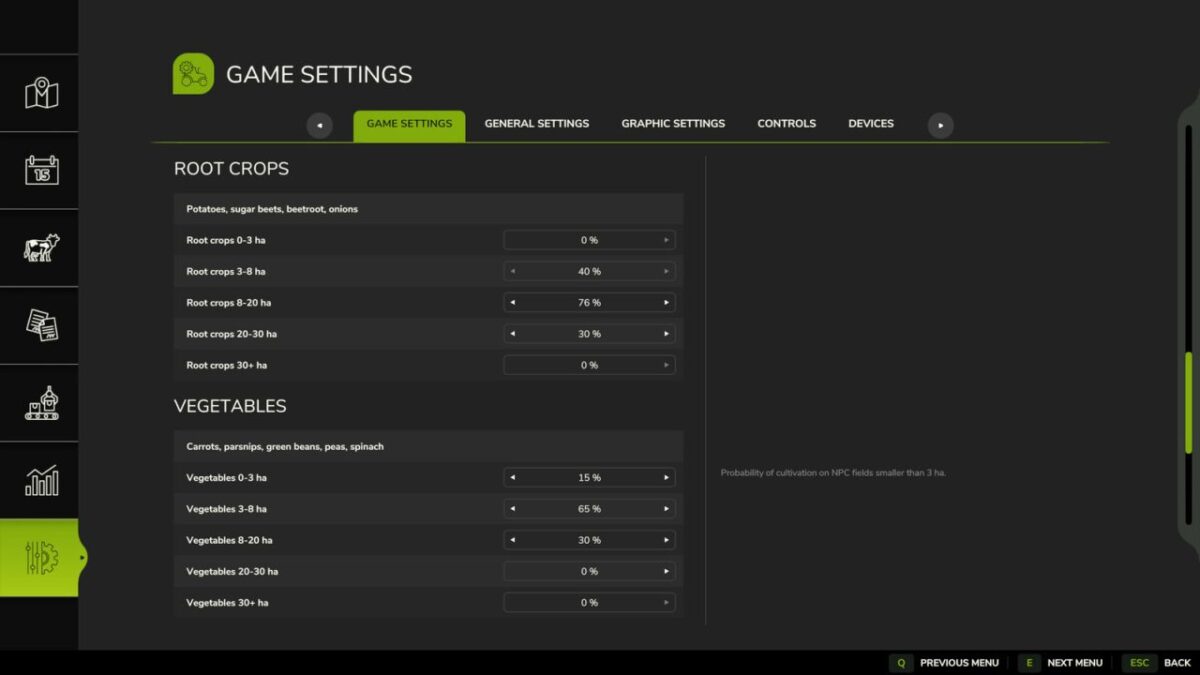
In the game settings you will find separate percentage sliders for root crops and vegetables for the field size categories 0-3 ha, 3-8 ha, 8-20 ha, 20-30 ha and 30+ ha.
Player-owned fields and regular crops remain unaffected.
Version 1.1:
* Categorized as root crops and vegetables
Credits:
Razak