Grape and Olive Yield Settings v 1.0

FS25 mods

Grape and Olive Yield Settings v 1.0 Grape and Olive Yield Settings v 1.0 Grape and Olive Yield Settings v 1.0
1 Star2 Stars3 Stars4 Stars5 Stars
About mod:

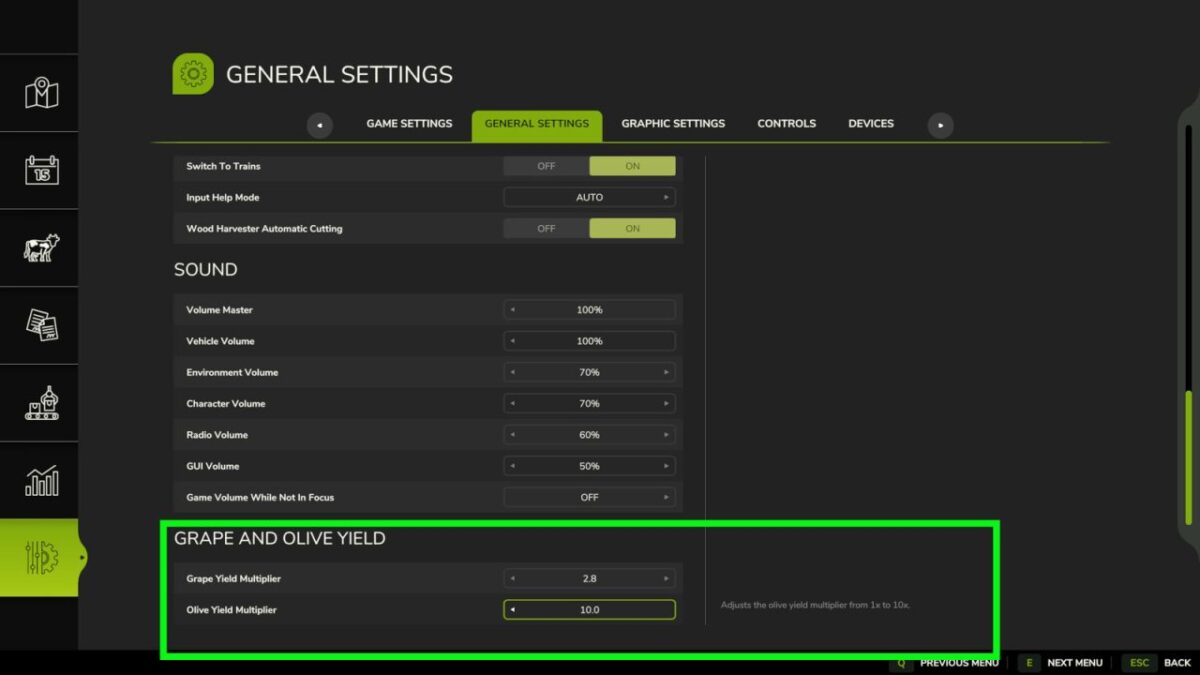
Adds separate multipliers for grape and olive yields from 1x to 10x.
These values ​​can be adjusted directly from the game’s settings menu.
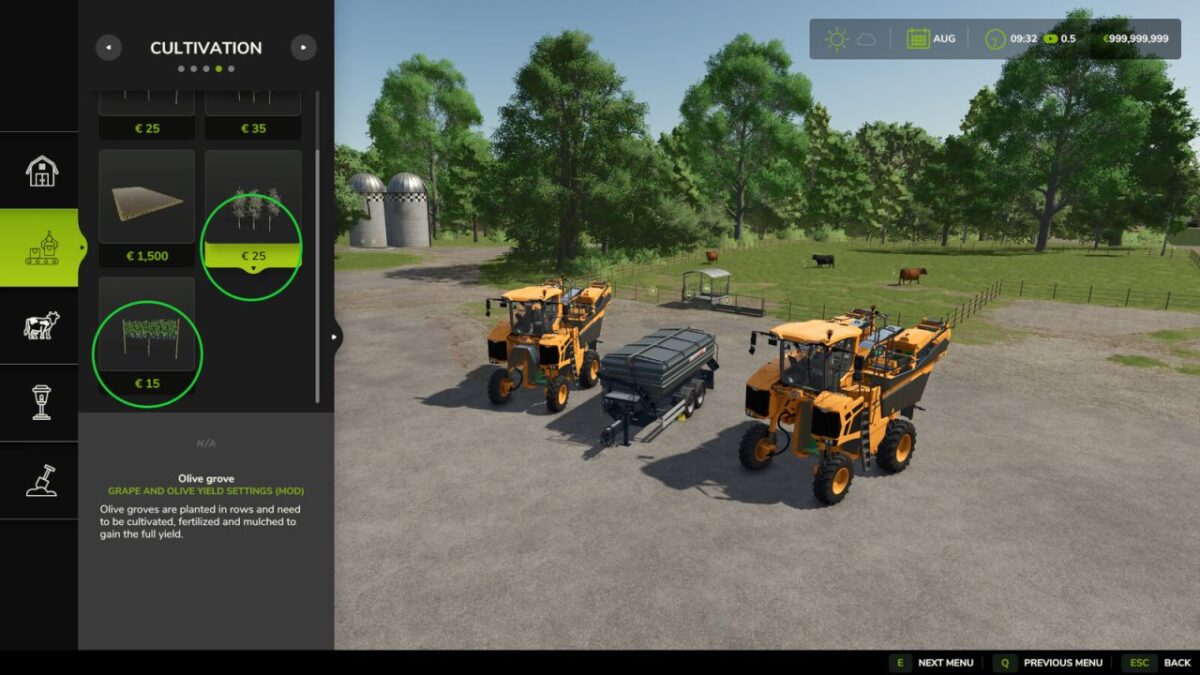
Rows of grapes and olives have also been added at a reduced price.
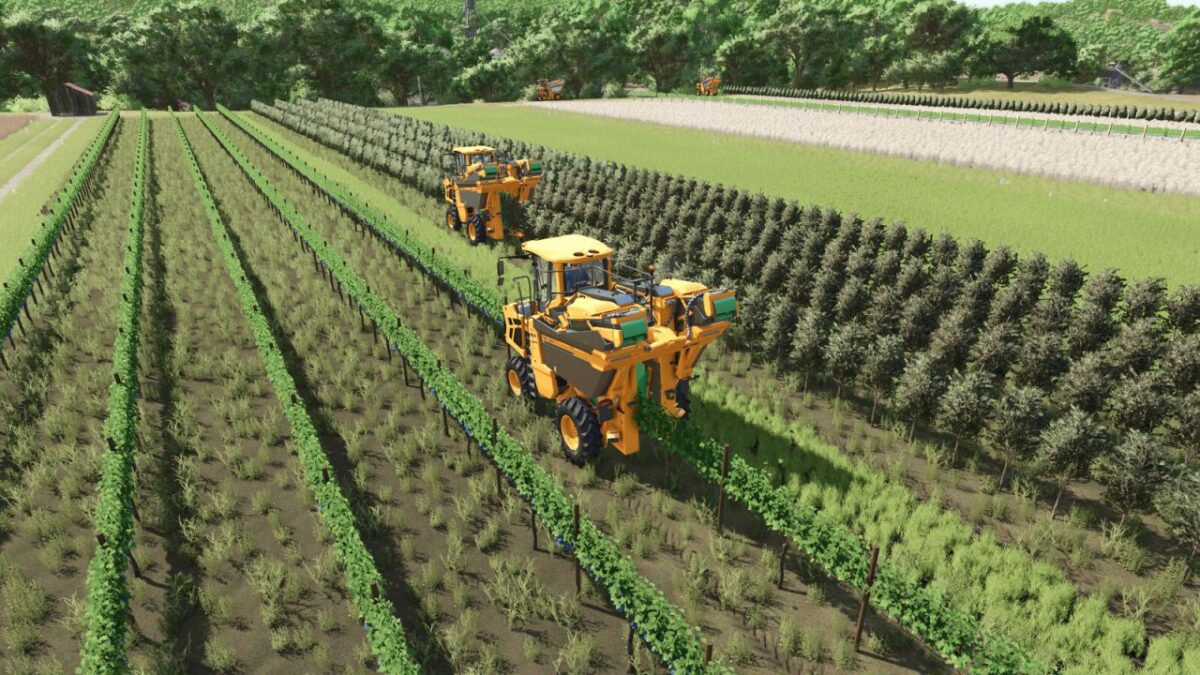
To accommodate potential player-determined yield increases, a Gregoire GL XL harvester and a Fuhrmann LWS 240000 wagon that accepts grapes and olives with increased capacities have been added.

Gregoire GL XL
Categories: Grape Harvesters, Olive Harvesters
Price: $253,000
Power: 156 hp
Max. speed: 30 kph
Capacity:60,000-80,000 L

Fuhrmann LWS 240000
Category: Grape Olive Trailers
Price: $39,000
Capacity: 240 m³

Credits:

NazzaB82

* By clicking [Download this mod from filehost] button you agree to leave this website. The link opens in the new tab. File is hosted in the external website. We are not responsible for the content of the external page and the possibility of free download of the file.

How do I install Farming Simulator mods?
Find a mod that you like and want to download first. Then, on your PC, download a mod. Mods are typically in.zip format. However, it is sometimes in.rar format. If the mod file is in.zip format, no additional actions are required. If a file is in.rar format, you must unarchive it using software such as WinRar or Zip7. Windows 10 users do not need to use archive software; Win10 includes an unarchive feature.

The next step is to locate the mods folder on your computer. It is typically found in Documents/My Games/Farming Simulator [Your FS game version, e.g. 2022]. Open the "mods" folder and place the downloaded.zip archive or unarchived.rar file there.

The final step. Have fun with Farming Simulator mods!

Leave a Reply

Your email address will not be published. Required fields are marked *