

Volkswagen T6 v 1.0

Volkswagen T6 v 1.0
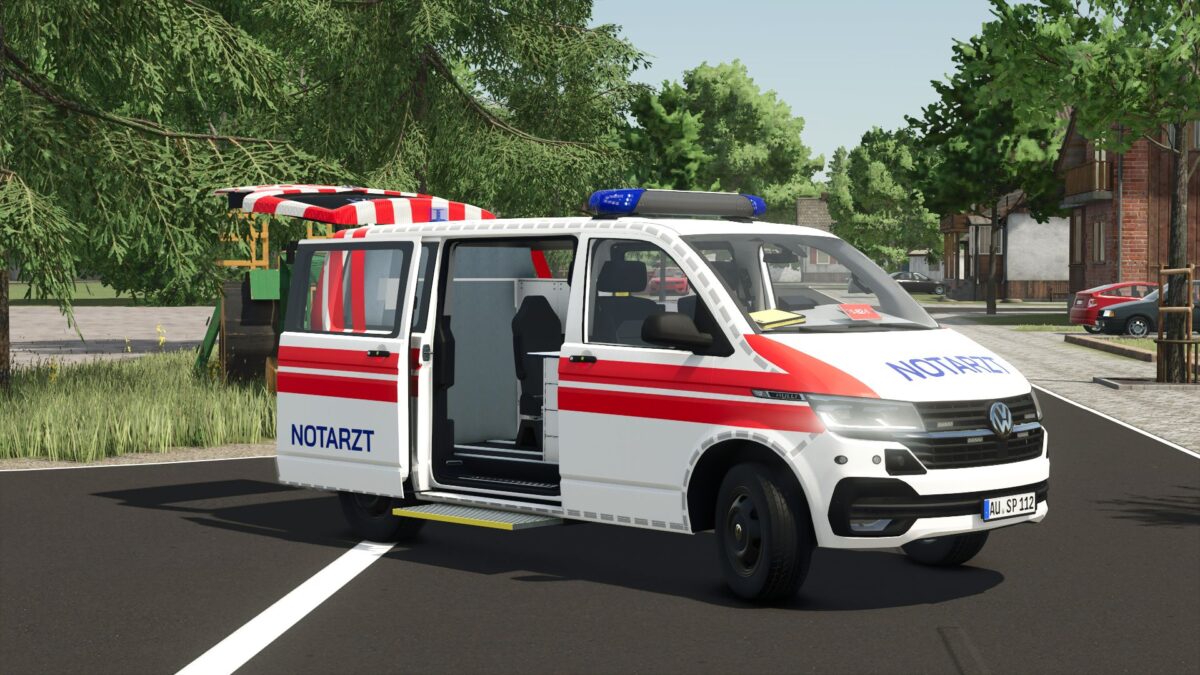
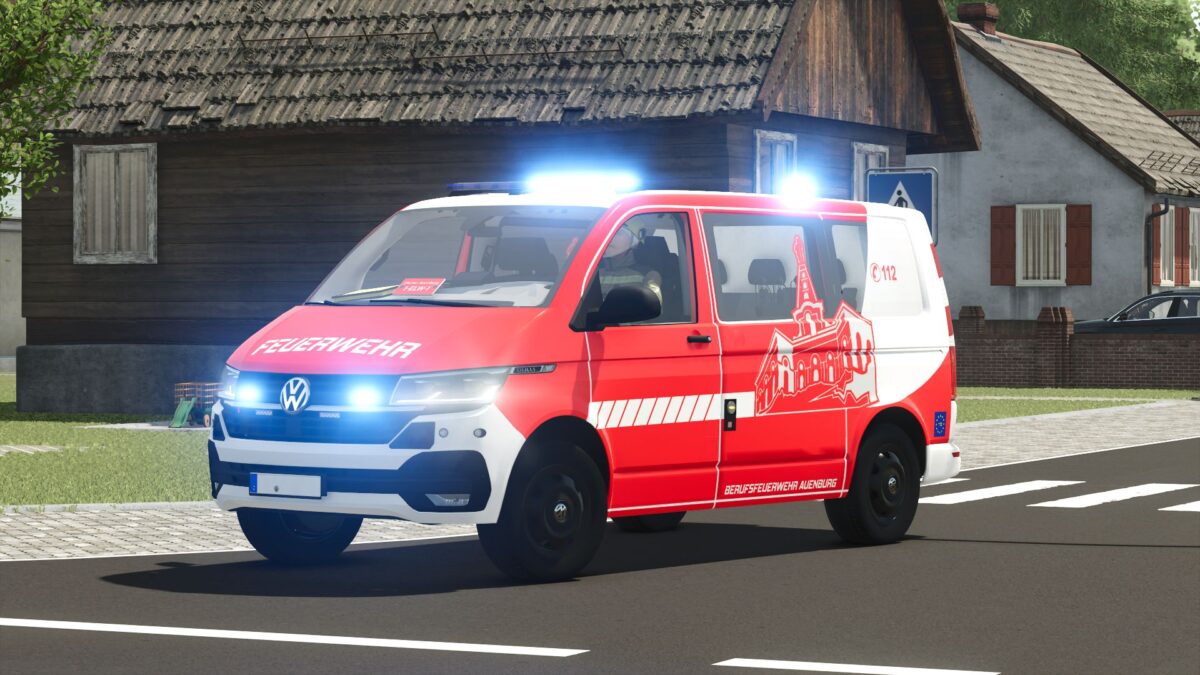
The Volkswagen T6 is a versatile and detailed vehicle that is perfect for use on any roleplay server.
Thanks to numerous configuration options, you can adapt the transporter individually to your requirements.
Configurations
14 different skins
Window panes
Bumpers
Blue lights
Expansion
Features
Animated doors
Fully functional speedometer
Animated windshield wipers
Animated door handles
Detailed dashboard
Animated expansion
With a total of 14 different skin configurations
as well as the numerous customization options, the Volkswagen T6 can be configured for a wide variety of purposes – whether as a civilian vehicle, Government vehicle or special vehicle.
The high quality animations and detailed interior ensure a realistic driving experience and make the T6 an ideal addition to any server.