

Maupu TDM 8632 Trailer v 1.0

Maupu TDM 8632 Trailer v 1.0
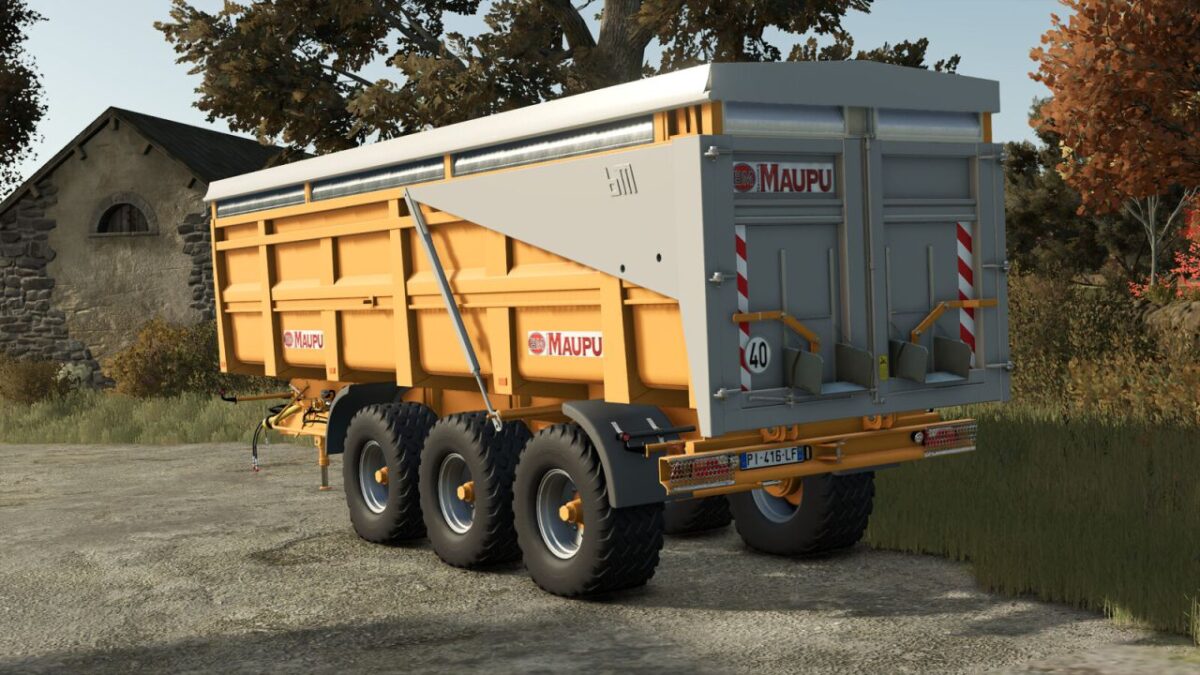
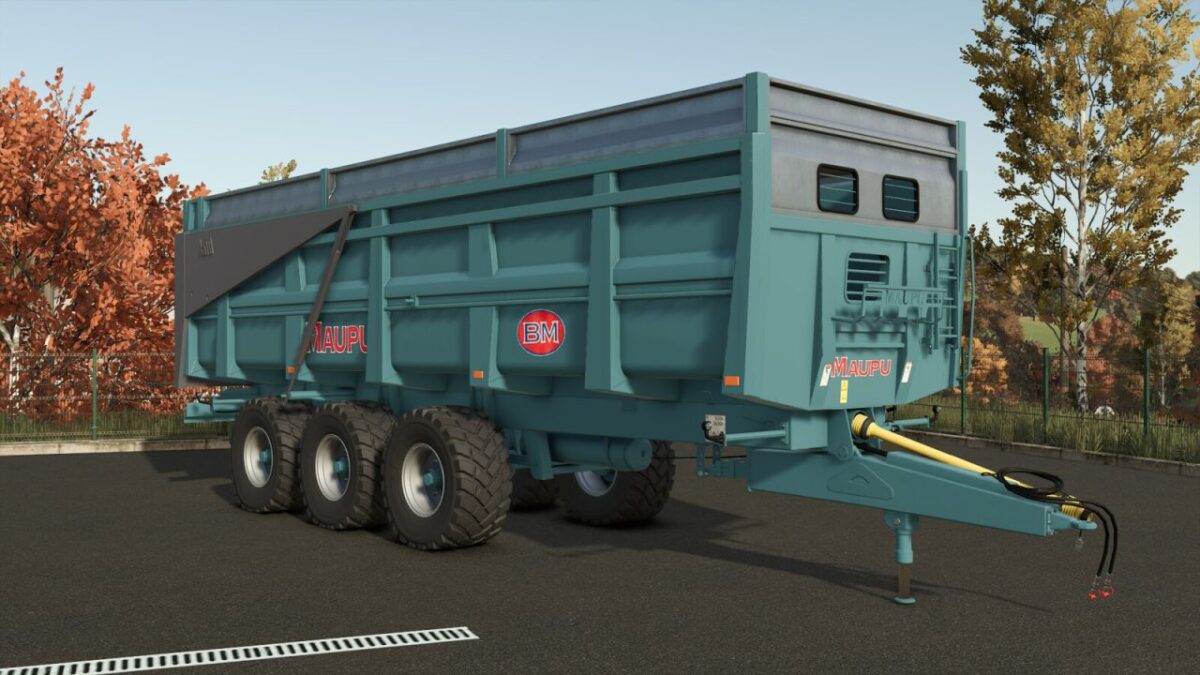
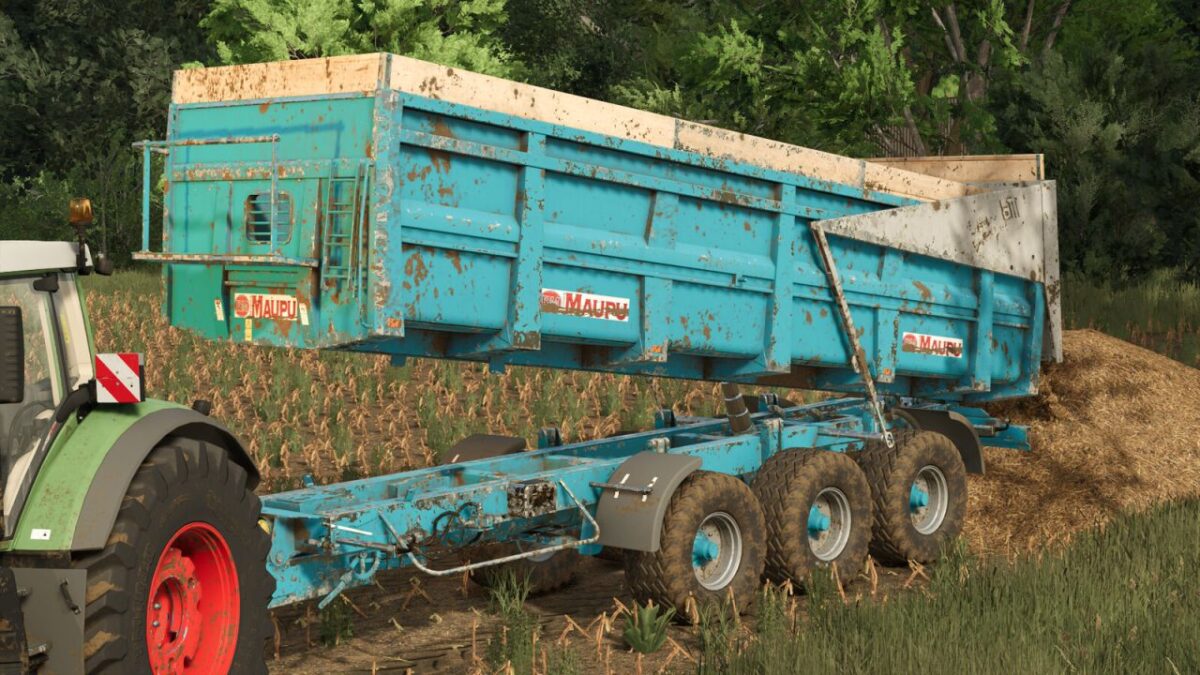
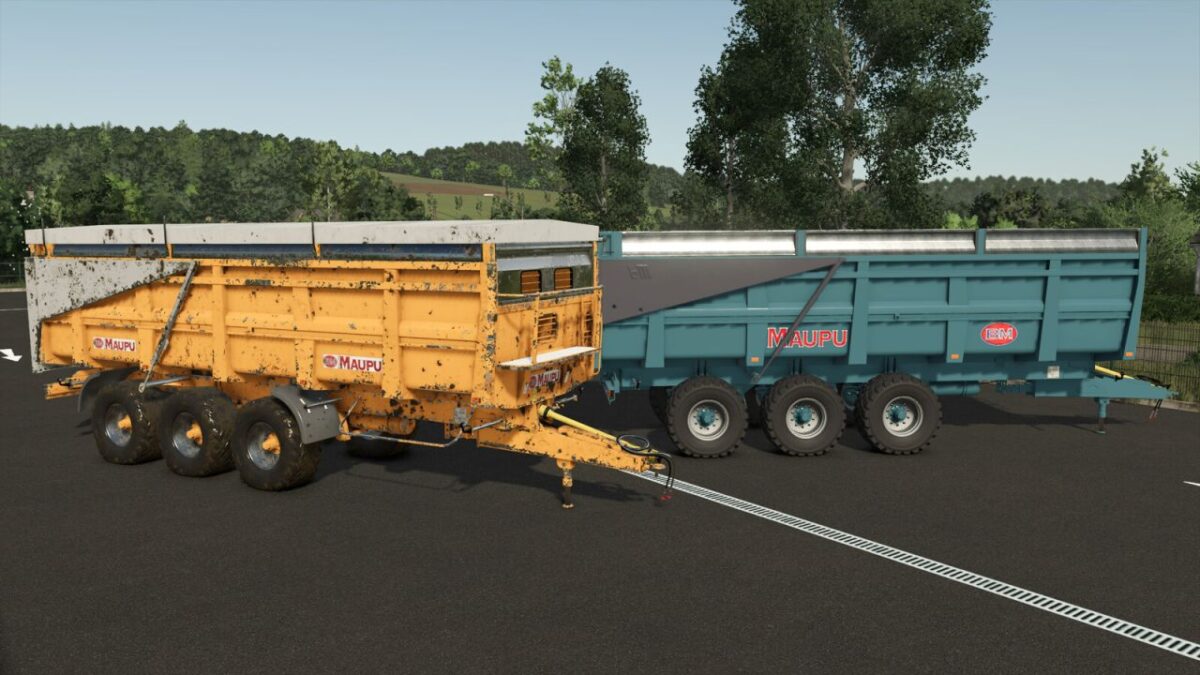
Discover the faithful replica of the famous Maupu TDM 86/32 OR tridem trailer, modeled for Farming Simulator 25.
Renowned for its robustness and massive capacity, this premium French made trailer is the ideal tool to secure your largest harvesting and silage operations.
Key Features:
Model: TDM 86/32 OR (Triple-axle / Tridem)
Unladen Weight: 9,500 kg, built to handle the heaviest loads
Purchase Price: €48,000
Color Configurations: Separate color options for the body and the tailgate in the shop
Capacity: 28–37 m³ (Note: changed m2 to m³ for accuracy)
Available Configurations:
7 Extension Configurations: None, Wood, Grain, Sugar beet, Upper Right, Upper Left, Silage
Body Options (Front wall): None, Cover support, Front platform
Chassis Options & Rear Grain Chute Choices
4 Decal Configurations: Old or recent Maupu logos
Safety: Optional “WARNING” stickers on the tailgate
Cover Option & Choice of 8 Agricultural Paint Colors: 3 Maupu blues, Maupu red, Maupu yellow, Maupu vert, Maupu black