

MAN TGS 18.500 Flatbed Truck v 1.0

MAN TGS 18.500 Flatbed Truck v 1.0
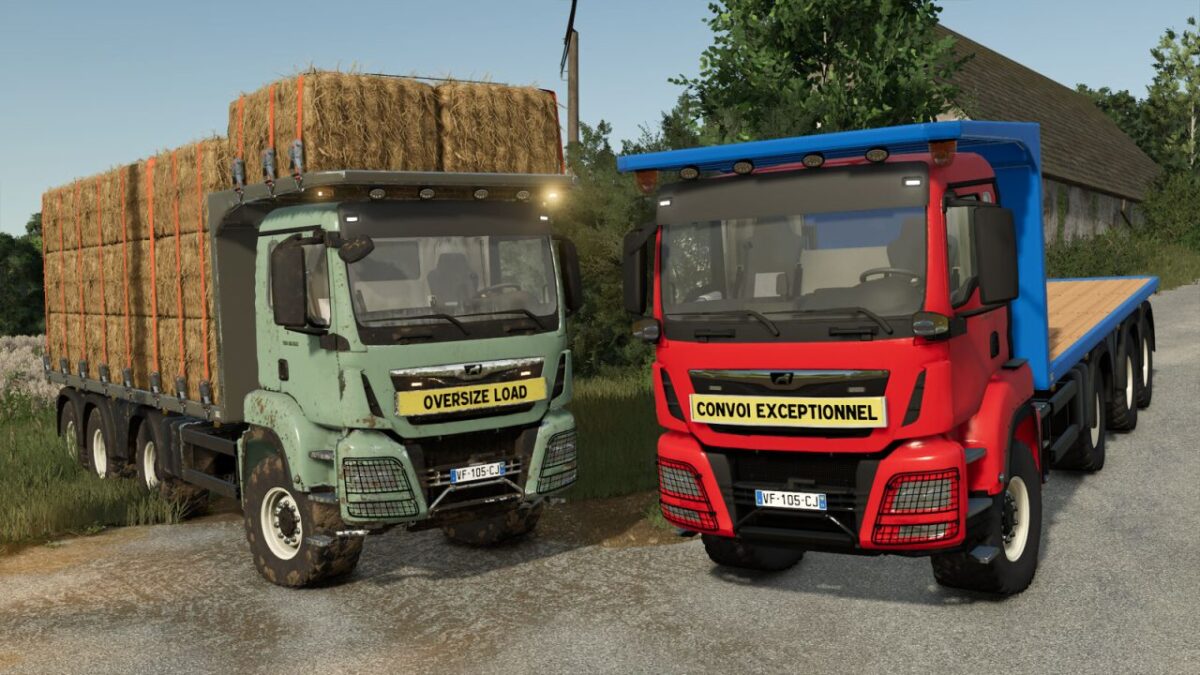
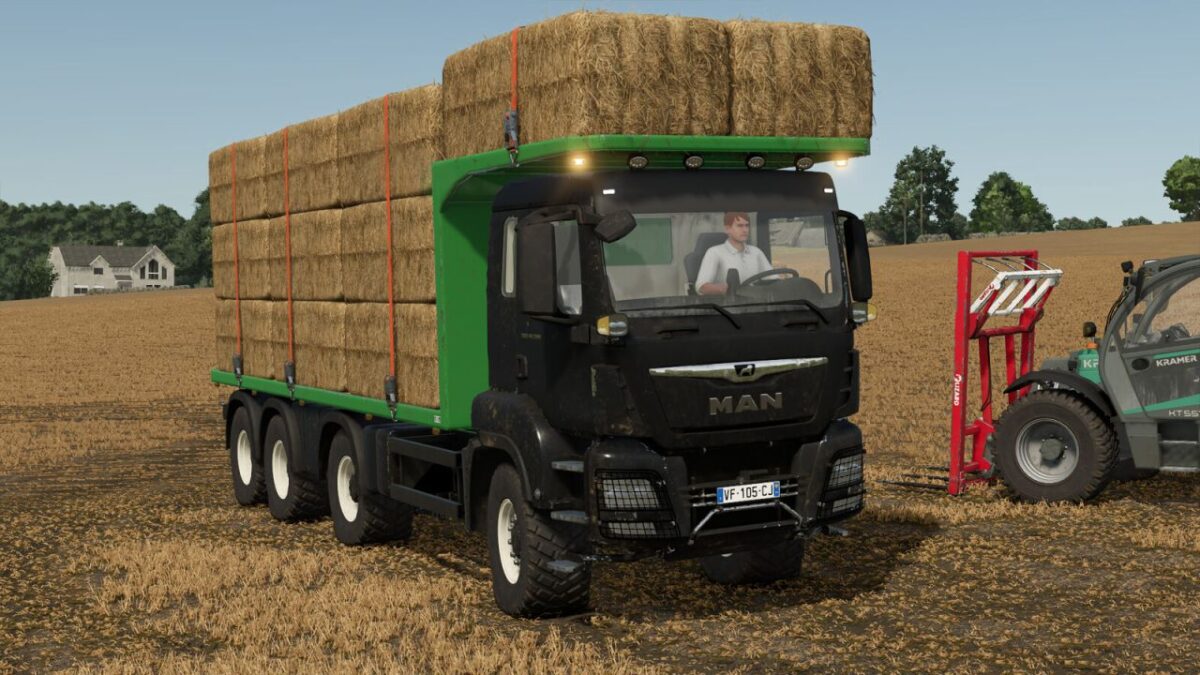
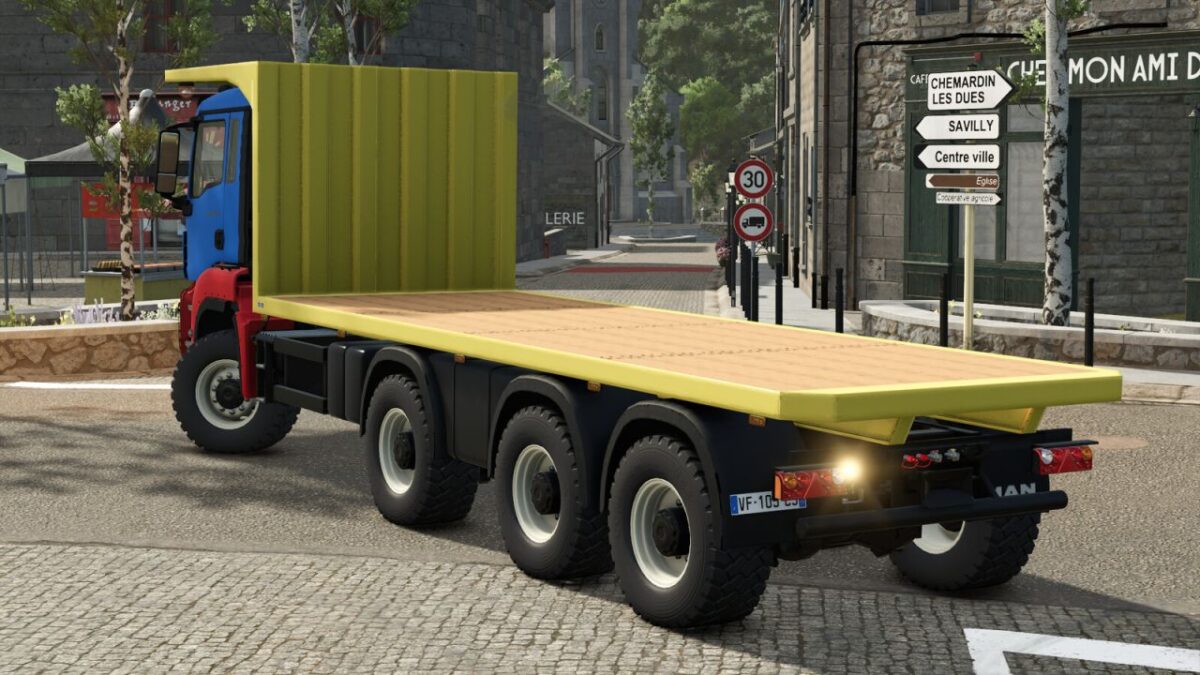
The MAN TGS 18.500 Flatbed Autoload is a robust and versatile truck designed for transporting heavy materials across your farms and construction sites.
Thanks to its powerful engine and large loading capacity, it allows you to carry out transport operations with efficiency, stability, and comfort.
Its flatbed is ideal for transporting large quantities of bales, pallets, or various materials while maintaining excellent maneuverability on roads and rough terrain.
Features:
– Name: MAN TGS 18.500 Flatbed Autoload
– Price: €279,500
– Power: 500 HP
– Usage: Agricultural transport, construction work
Available Configurations:
– Wheels (Trelleborg, BKT, and Continental)
– Beacon lights on top of the flatbed
– Rear beacon light
– Front LED flashlights
– Front plate (None, Oversized Load, Schwertransport, Exceptional Convoy)
– Additional front lights
– Custom colors (cab and flatbed)